 PluginStats
Salesforce Org Compare users statistics
By angelpicado · Chrome Web Store · Developer Tools
Compare Salesforce orgs using your browser session.
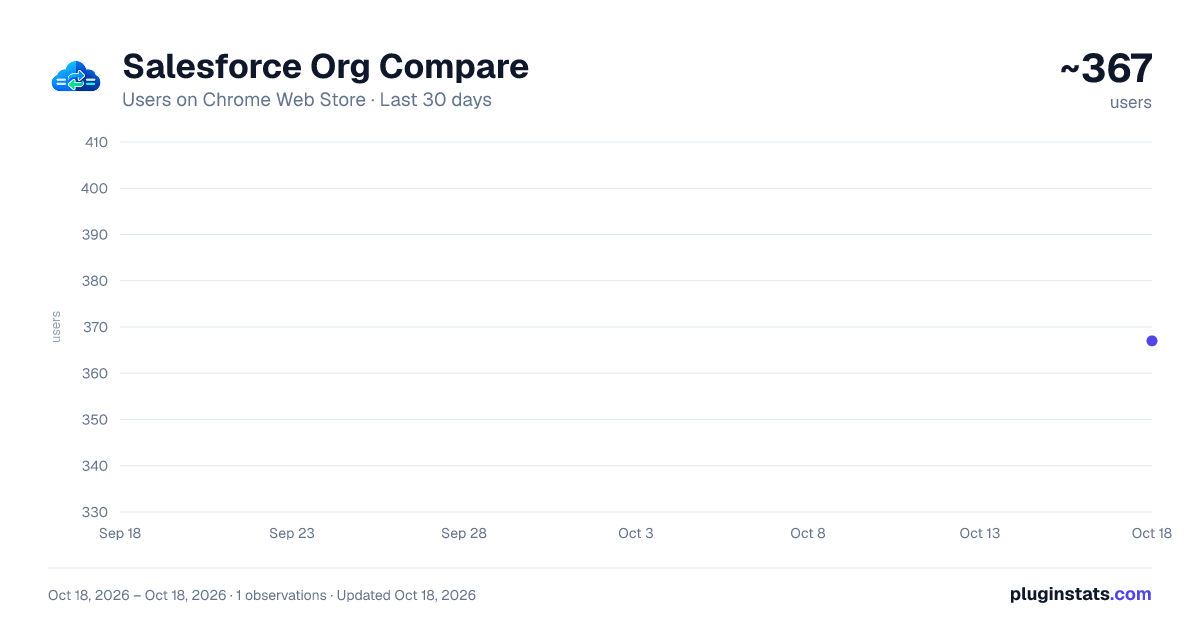
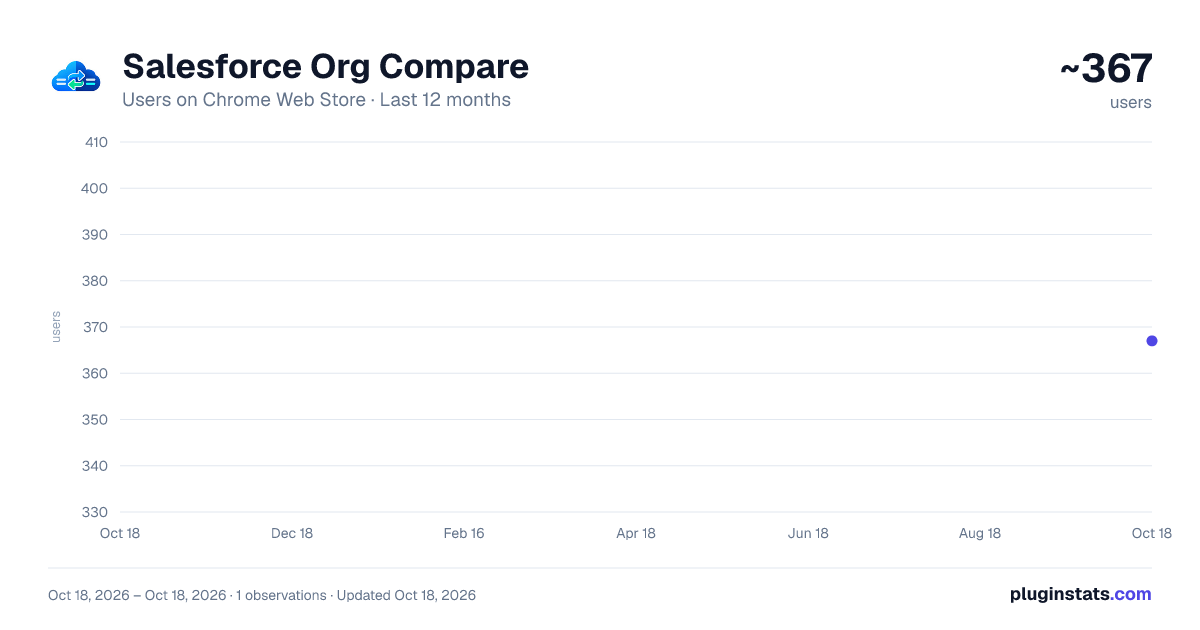
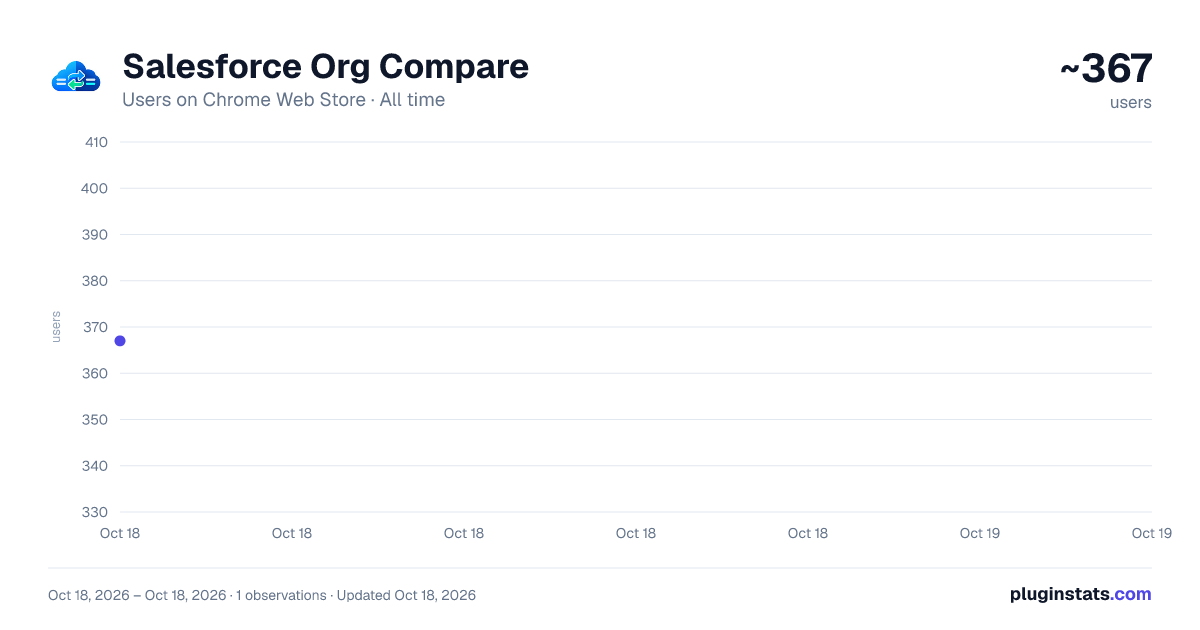
Salesforce Org Compare has approximately 367 recorded users on Chrome Web Store, ranking #1428 of 2,495 tracked listings.
Rating: 5.00 / 5 from 6 ratings
About Salesforce Org Compare
Compare Salesforce orgs using your browser session.
Salesforce Org Compare — What It Is and What It's For Salesforce Org Compare is a Chrome extension for teams working across multiple Salesforce organizations who need to inspect code and metadata differences quickly, without jumping between heavy tools or manually exporting and pasting files. It compares orgs using your existing browser session: the extension reuses cookies from tabs where you are already authenticated and calls Salesforce APIs from your machine, keeping your work in the same trust boundary as your day-to-day Salesforce activity.
It provides a focused comparison and analysis workspace: you can contrast Apex classes and triggers, LWC, Aura, Visualforce, and additional artifact families across environments, or switch to single-org workflows when you need to inspect, query, validate, or retrieve data and metadata. Large sources are handled safely with chunked viewing and performance protections, and you can tune diffs (for example, ignoring whitespace-only changes) and export results as HTML for sharing and audit trails.
Why install it Time savings — Stop exporting packages just to compare two classes or bundles. Choose the metadata type, select the item, and review the diff instantly. Use Quick Open (Ctrl+Shift+P) to jump to any metadata or tool without menu hunting. For manifests, compare two package.xml files side by side, generate a new manifest from the connected org, or run a bulk Metadata Type Compare to see all members of a type across two orgs at once.
Fewer mistakes — Side-by-side left/right comparison reduces version confusion and deployment oversights between sandboxes and production. Pin items, reorder your compare list with drag-and-drop, and share deep links so teammates open the same comparison context.
Real workflow navigation — App modes organize the extension by intent (compare, analysis, development, monitoring, manifests), with grouped submenus so teams move faster between tasks with less context switching. Manage multiple saved orgs from the popup with aliases, groups, and session status at a glance.
Built-in development tools — Beyond classic compare, it includes:
Anonymous Apex Executor with code editor, run feedback (compile/runtime), and direct log opening in the dedicated Apex Log Viewer. Query Explorer (SOQL/SOSL) with REST/Tooling options, compare mode between orgs, pagination, saved queries, and CSV/JSON export. REST Explorer to call Salesforce REST endpoints with your org session, auto-filled base URL and API version, and inspect JSON responses before wiring integrations in Apex or external tools. Quick Edit for focused Apex class editing and sandbox deploy. Lightning Quick Edit for LWC and Aura bundle editing and deploy. Apex testing productivity — Run tests with flexible class/method selection, track queue/job status, inspect failures, open debug logs, review coverage in the Apex Coverage Viewer, and re-run or reopen classes without leaving the tool. Event Monitor — Subscribe to Platform Events, Change Events, and real-time channels with configurable replay; filter payloads and inspect events as they arrive. Analysis across environments — Dedicated tools for:
Permission Diff for Permission Sets and Profiles. Field Dependency analysis for picklist rules. Dependency Explorer to inspect metadata dependency graphs (beta). Object Describe to explore object schemas (fields, types, relationships, create/update permissions) before building SOQL, imports, or cross-org structure reviews. Data Workbench — Edit individual records field-by-field or bulk-import data (CSV, Excel, JSON) via SOAP with column mapping and insert/update/upsert/delete operations. Custom Settings Compare and Custom Metadata Compare between orgs. Record Compare with SOQL-based record diff between environments (beta). Monitoring and diagnostics in-app — Dedicated tools for:
Environment Status dashboard (Salesforce trust/status API). Org Limits to track API/storage and key platform limits. Deploy Status to follow deploy/validate jobs in real time and cancel when needed. Bulk Job Monitor to track Bulk API v1/v2 jobs, inspect batch status, and download success/failure/query result files. Setup Audit Trail viewer for recent setup and metadata administration changes. Field History to review tracked field changes over time. Debug Log Browser with date/user/operation filters, open logs in viewer, and bulk log cleanup. Apex Coverage Compare between orgs, including class-level deltas and line-level coverage viewers. Broad coverage — Includes retrieval and comparison flows for Permission Sets, Profiles, and FlexiPages, plus flexible diff workflows for any metadata type supported by retrieve/package.xml.
UX and accessibility improvements — Light theme support, improved editor ergonomics, cleaner in-app navigation, and a Home dashboard as your starting point for daily use.
Transparency and trust — The extension uses your active Salesforce session (cookies) to call APIs from browser context. It does not replace Salesforce and does not introduce external processing of your org code as part of normal compare workflows.
Ideal for Apex/LWC developers, architects, admins moving changes across orgs, and teams doing cross-environment code reviews. If you compare orgs every day, Salesforce Org Compare removes friction and keeps focus on the change itself, not on extraction mechanics.
Salesforce Org Compare — qué es y para qué sirve Salesforce Org Compare es una extensión para Chrome pensada para equipos que trabajan con varias organizaciones Salesforce y necesitan revisar diferencias de código y metadatos de forma ágil, sin depender de herramientas pesadas ni de exportaciones manuales constantes. Compara orgs usando la sesión del navegador que ya tienes abierta: aprovecha las cookies de las pestañas donde ya estás autenticado y consume las APIs de Salesforce desde tu equipo, dentro del mismo marco de confianza de tu operativa diaria.…
Description from the Chrome Web Store listing.
README badge
Show your rank in a README or on your website. The badge updates automatically.
Charts
Images: 30d · 1y · all time · 1600×900 dark
Adoption over time
7/30/90-day growth
Ranking history
Ratings over time
Listing placement
Listing placement
Filled points are observed values; hollow points come from Internet Archive snapshots of the listing page. Dashed segments span periods with no observations — values between points are not interpolated.
Each band is one page of 20. Users on a linear scale. Placement is projected from users, so it can differ from the marketplace's own sort order. Hover a dot to see the listing.
Recent observations
Full history (1)Similar Chrome Web Store Developer Tools plugins
All 20 Salesforce Org Compare alternatives



Data source
Covers every Chrome Web Store extension with at least 100 users, found through the store's public sitemap. User counts are read from public listing pages. The 10% most-used extensions are refreshed daily, the next 40% weekly and the next 40% monthly; the least-used 10% are not refreshed. Google displays rounded user counts (and caps the display at 10,000,000+), so small changes may not be visible. Rating counts above 1,000 are rounded (e.g. 1.6K).
Listing: https://chromewebstore.google.com/detail/salesforce-org-compare/mpocihehhnklfhplkdlmahmopinjnpcg. First seen Oct 18, 2026; last successful collection Oct 18, 2026. See the methodology.