 PluginStats
Twitch DVR Player users statistics
By j54289418 · Chrome Web Store · Tools
Add DVR replay functionality to Twitch live streams, supporting pause, rewind, and playback of live content.
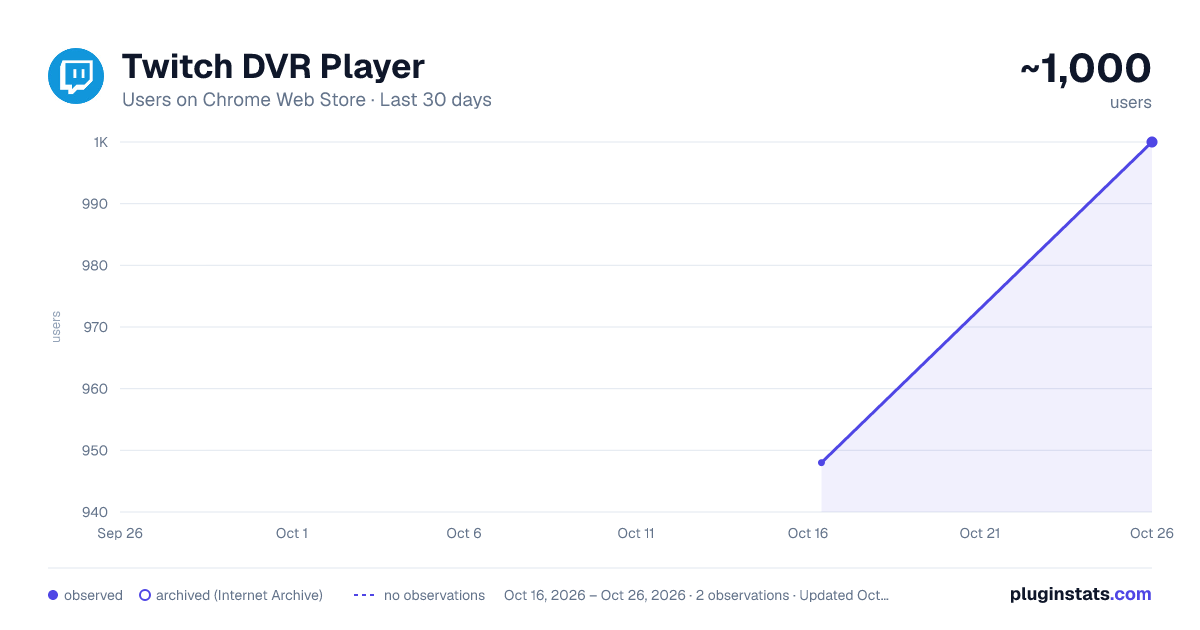
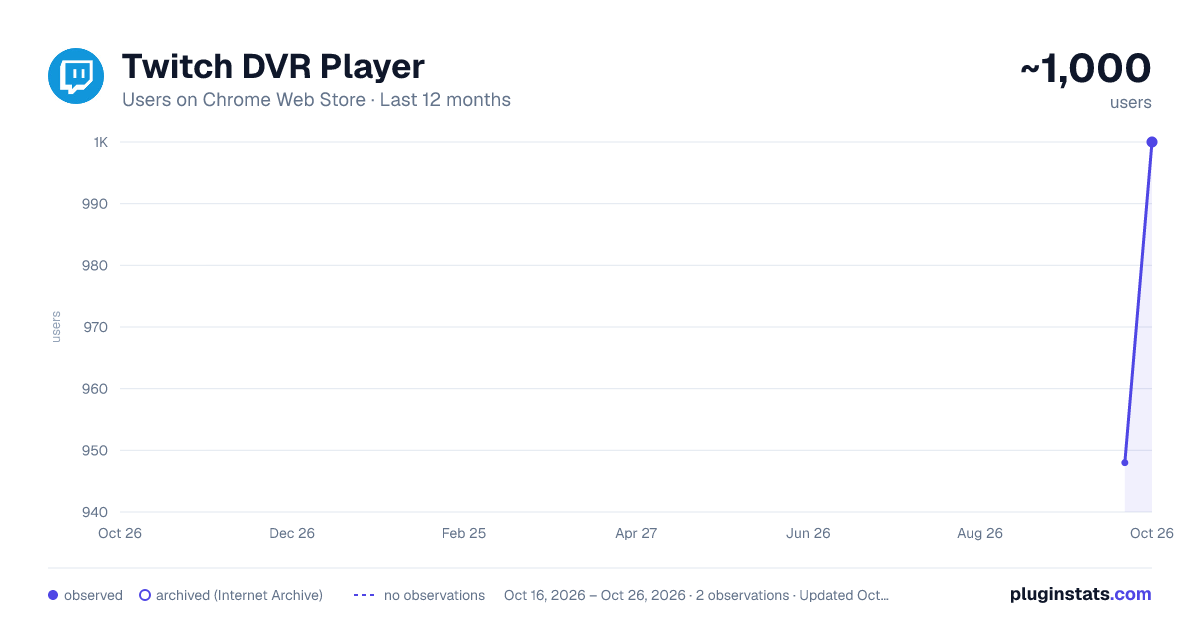
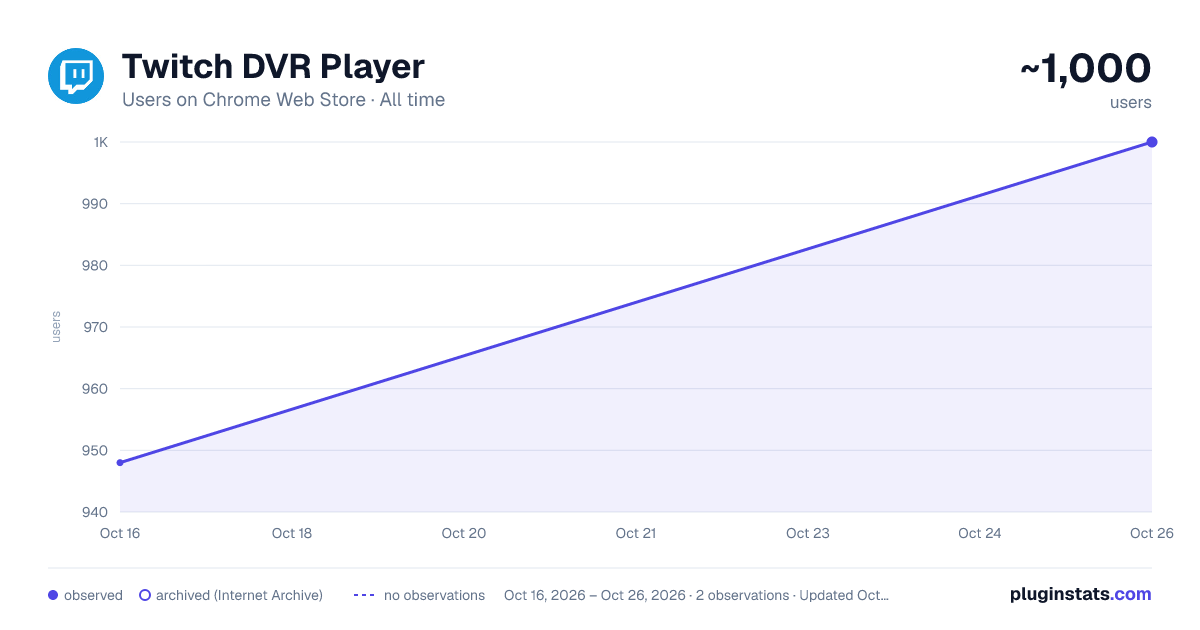
Twitch DVR Player has approximately 948 recorded users on Chrome Web Store.
It ranks #773 of 2,033 tracked Chrome Web Store listings by users.
It is rated 3.0 out of 5 from 2 ratings.
PluginStats has 1 daily observations since Oct 16, 2026; the latest is from Oct 16, 2026.
Rating: 3.00 / 5 from 2 ratings
About Twitch DVR Player
Add DVR replay functionality to Twitch live streams, supporting pause, rewind, and playback of live content.
Twitch DVR Player is a must-have Twitch DVR extension that lets you pause, rewind, and replay any Twitch live stream — never miss a moment just because you stepped away from your desk.
If you've ever wondered "how can I rewind a Twitch live stream?" or "can I pause Twitch and catch up later?", this extension is the answer. It replaces the default player with a full-featured live stream player that buffers the broadcast, so you can seek back to rewatch clutch plays, follow chat reactions, or simply pick up right where you left off.
- Rewind Twitch live streams — drag the timeline back to replay the last few minutes of any broadcast, even while it is still live. - Pause and catch up on Twitch live — pause the stream anytime and resume without losing your place; the buffer keeps filling, so you can fast-forward straight back to the live edge. - Custom Twitch live stream player — a clean, distraction-free playback interface with DVR controls built for watching live content on your own schedule. - One-click quality switching — choose your preferred resolution (source, 720p, 480p, and more) and the extension remembers it across sessions. - Clip key moments — capture highlights instantly with the built-in clip shortcut, without ever leaving the player. - Smooth low-latency playback — tuned settings keep you only seconds behind the live edge, so the action and chat stay in sync.
Install this Twitch replay extension, open any live channel on twitch.tv, and the DVR player loads automatically — just drag the progress bar to rewind.
📚 For the full usage guide and FAQs, visit: https://twitch-dvr-player-help.pages.dev/
Twitch DVR Player is an independent project and is not affiliated with, endorsed by, sponsored by, or otherwise associated with Twitch Interactive, Inc. or Amazon.com, Inc. Twitch and its associated trademarks are the property of their respective owners.
Description from the Chrome Web Store listing.
Where Twitch DVR Player sits in the listing
Each band is one page of 20. Users on a log scale. Placement is projected from users, so it can differ from the marketplace's own sort order. Hover a dot to see the listing.
Charts
Images: 30d · 1y · all time · 1600×900 dark
Adoption over time
7/30/90-day growth
Ranking history
Filled points are observed values; hollow points come from Internet Archive snapshots of the listing page. Dashed segments span periods with no observations — values between points are not interpolated.
Recent observations
Full history (1)Similar Chrome Web Store Tools plugins




Data source
User counts are read from public Chrome Web Store listing pages. Google displays rounded user counts (and caps the display at 10,000,000+), so small changes may not be visible. Rating counts above 1,000 are rounded (e.g. 1.6K).
Listing: https://chromewebstore.google.com/detail/twitch-dvr-player/mpjbpbebmngofamakhooojmnmepolphe. First seen Oct 16, 2026; last successful collection Oct 16, 2026. See the methodology.