 PluginStats
Shared Email Templates & Signatures for Gmail users statistics
Chrome Web Store · Communication
Boost Gmail: create, reuse, personalize templates & signatures with dynamic fields. Share with your team to stay on the same page!
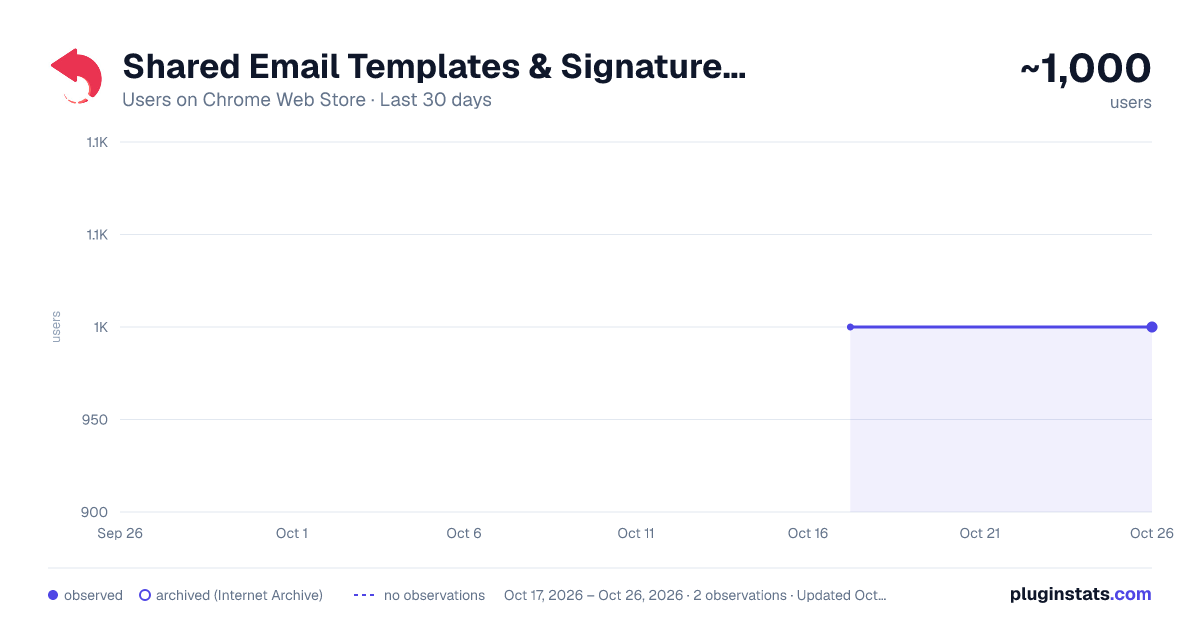
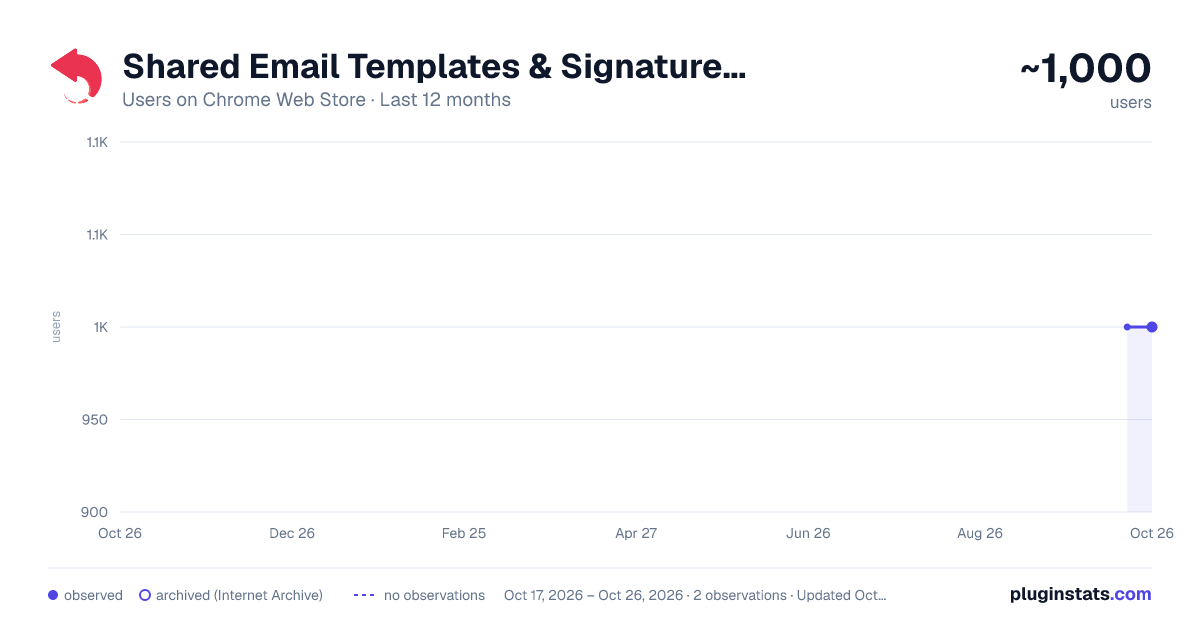
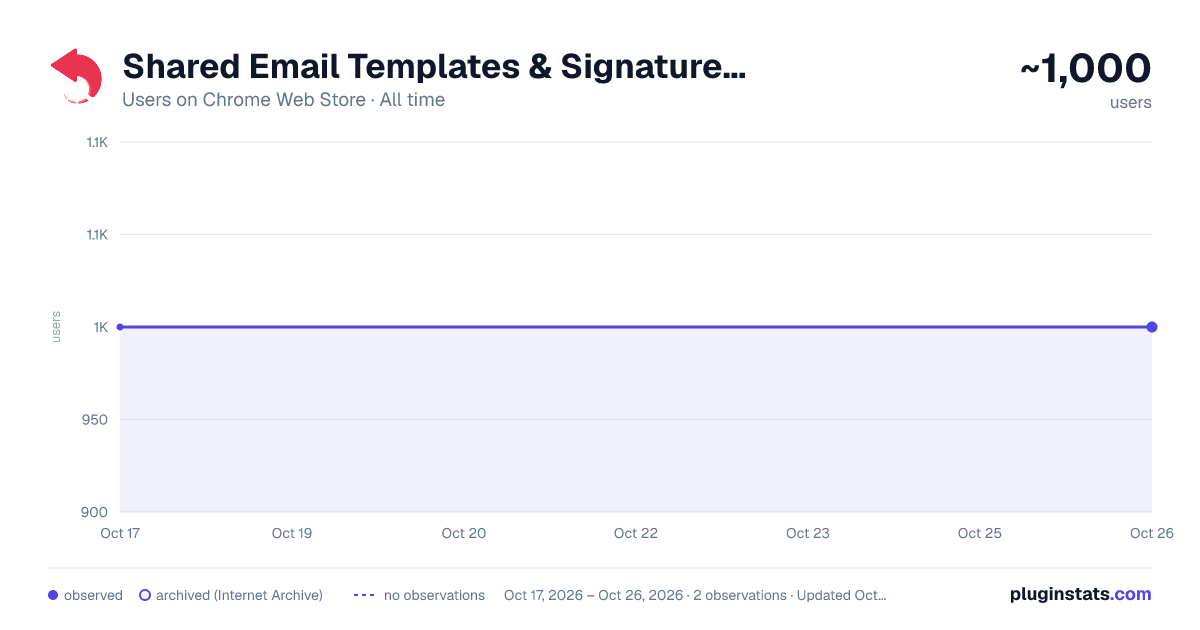
Shared Email Templates & Signatures for Gmail has approximately 1,000 recorded users on Chrome Web Store.
It ranks #627 of 2,033 tracked Chrome Web Store listings by users.
It is rated 4.8 out of 5 from 4 ratings.
PluginStats has 1 daily observations since Oct 17, 2026; the latest is from Oct 17, 2026.
Rating: 4.80 / 5 from 4 ratings
About Shared Email Templates & Signatures for Gmail
Boost Gmail: create, reuse, personalize templates & signatures with dynamic fields. Share with your team to stay on the same page!
📧 Shared Email Templates & Signatures is here to boost your Gmail™! Designed for seamless communication, it lets you create, customize, reuse email presets & signatures, and share them across your teams. No more repetitive typing or scattered drafts — only consistent, on-brand emails every time. Perfect for busy teams, customer support, sales, and anyone who sends a lot of emails!
KEY FEATURES - Instant replies, impeccable quality - Smart placeholders - Template shortcuts - Signature hub for personal & corporate emails - Macros & Automation - Dynamic attach files & folders - Pull live data from Google Sheets™ - Share email templates across team - Manage team access - Encrypted drafts
WHY YOU’LL LOVE IT ⚡ No more hunting through Gmail™ Drafts! Group related templates in folders making them easy to find from a special sidebar. You will quickly edit and use the presets without breaking your focus or sacrificing the email quality.
🎨 Fillable fields in Gmail™ templates Use interactive fillable fields for fast, dynamic personalization. Select dates, input names, or choose from lists — all with just a click reducing manual input and mistakes.
🖋️ Change your email signature with one click Create and apply professional company-wide, team-wide, or personal signatures to enhance consistency and brand identity across all communications.
⏱️ Template shortcuts to save even more time Create reusable shortcuts for commonly used phrases or sections, like greetings or sign-offs, and insert them into any email with just one button.
⚙️ Automate routine emails with powerful macros Attach files, include images, populate email fields, or add personalized details — either instantly or via interactive prompts when inserting a template. Focus on crafting meaningful emails while macros do the heavy lifting.
📎 Add the right files, every time Pull files and folders straight from Google Drive™ or URLs, and even set reminders to attach files when using email presets.
📊 Data integration with Google Sheets™ Pull live data like names, order numbers, or any custom fields directly from your tables into your email presets. With just a click, your Gmail™ templates are ready to go with the latest details — perfect for bulk emails or individual outreach.
👥 Share Gmail™ templates with your team Control access and editing permissions to keep all shared email templates secure. Keep your brand consistent and add a professional touch to every email — all without leaving your compose window.
🔐 Your templates are truly private Your data stays yours — fully encrypted and accessible only to your account or team. Privacy and control are guaranteed.
With Shared Email Templates & Signatures in Gmail™, you will: - communicate faster & more effectively - reduce errors with consistent, reusable templates - save time by automating emails & replies
Install Shared Email Templates & Signatures for Gmail™ today to start your free 60-day trial and see how much easier emails can be!
Description from the Chrome Web Store listing.
Where Shared Email Templates & Signatures for Gmail sits in the listing
Each band is one page of 20. Users on a log scale. Placement is projected from users, so it can differ from the marketplace's own sort order. Hover a dot to see the listing.
Charts
Images: 30d · 1y · all time · 1600×900 dark
Adoption over time
7/30/90-day growth
Ranking history
Filled points are observed values; hollow points come from Internet Archive snapshots of the listing page. Dashed segments span periods with no observations — values between points are not interpolated.
Recent observations
Full history (1)Similar Chrome Web Store Communication plugins




Data source
User counts are read from public Chrome Web Store listing pages. Google displays rounded user counts (and caps the display at 10,000,000+), so small changes may not be visible. Rating counts above 1,000 are rounded (e.g. 1.6K).
Listing: https://chromewebstore.google.com/detail/shared-email-templates-si/kkajpjibkjkiminiilbodneoamodbhin. First seen Oct 17, 2026; last successful collection Oct 17, 2026. See the methodology.