 PluginStats
leetcode-editor-pro downloads statistics
By shuzijun (4 listings) · JetBrains Marketplace · Code Tools
Solve LeetCode problems without leaving your IDE. LeetCode Editor supports leetcode.com and leetcode.cn for problem browsing, local debugging, and submissions. See the...
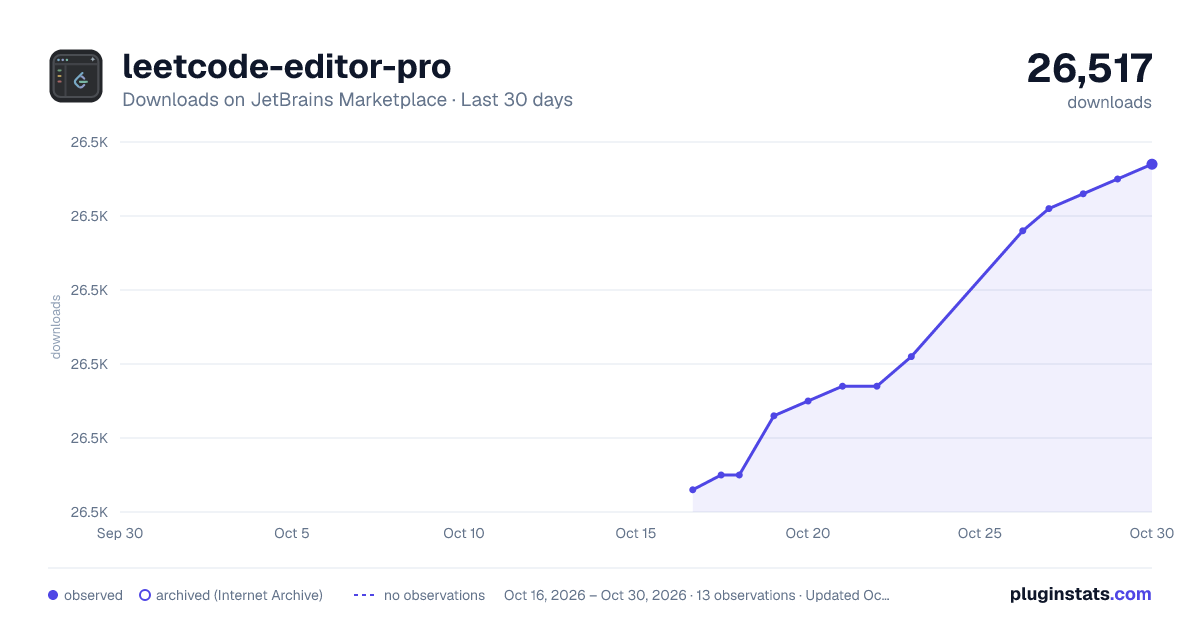
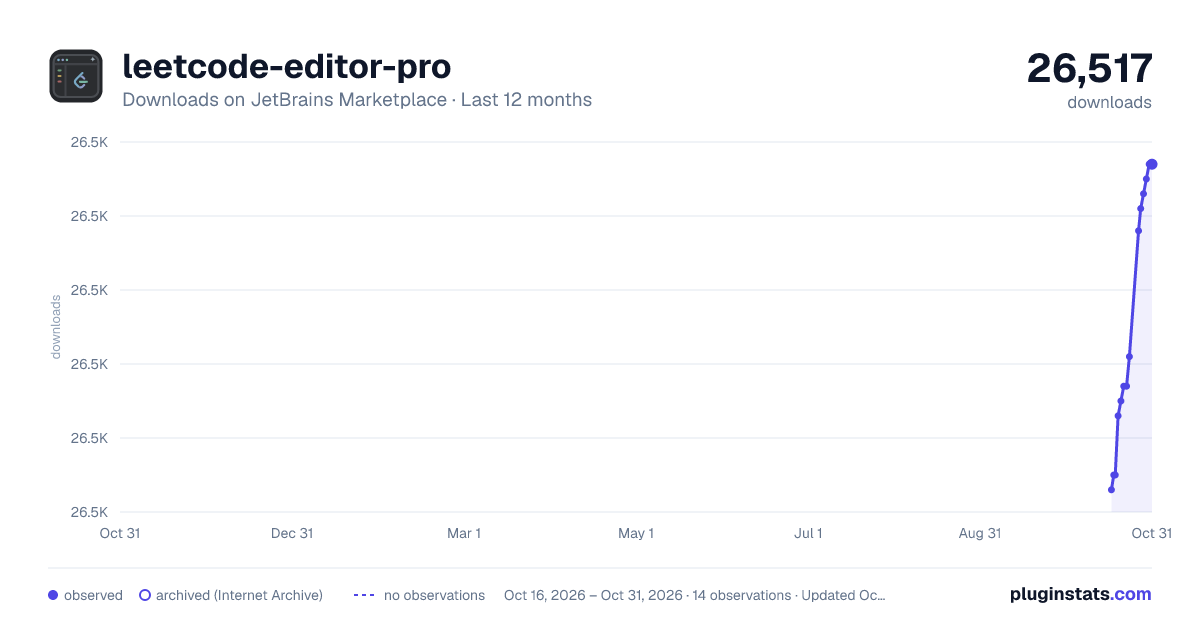
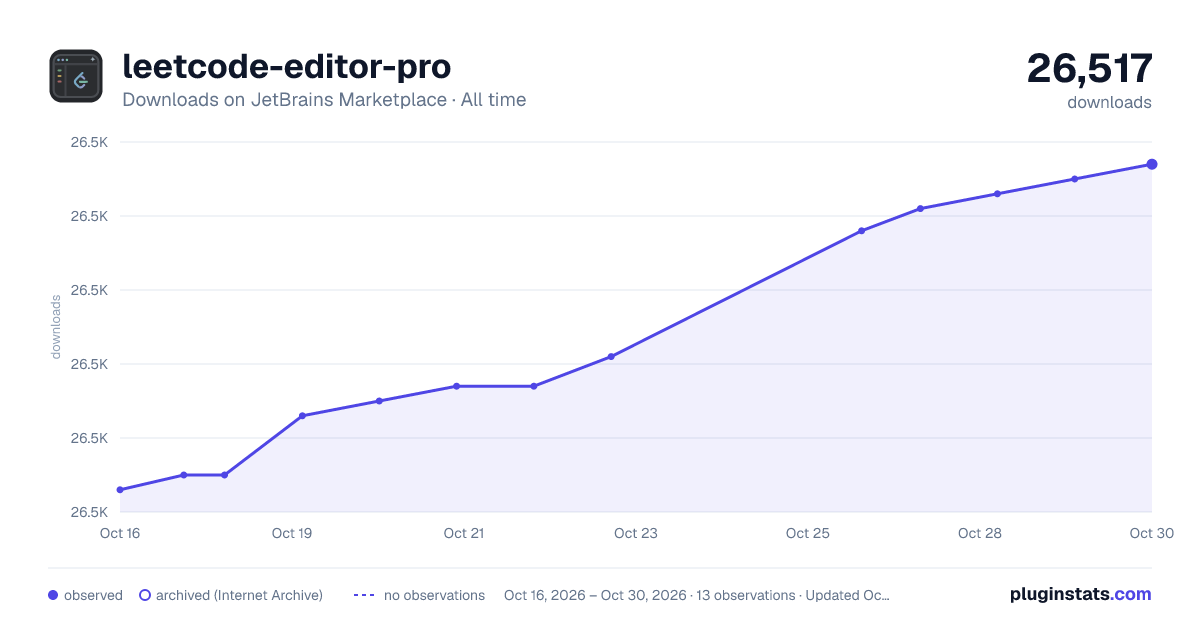
leetcode-editor-pro has 26,475 recorded downloads on JetBrains Marketplace.
It ranks #1889 of 2,500 tracked JetBrains Marketplace listings by downloads.
It is rated 4.3 out of 5 from 3 ratings.
PluginStats has 3 daily observations since Oct 16, 2026; the latest is from Oct 18, 2026.
Rating: 4.33 / 5 from 3 ratings
About leetcode-editor-pro
Solve LeetCode problems without leaving your IDE. LeetCode Editor supports leetcode.com and leetcode.cn for problem browsing, local debugging, and submissions. See the project documentation for the complete guide.
无需离开 IDE 即可完成 LeetCode 刷题。LeetCode Editor 支持 leetcode.com 与 leetcode.cn,覆盖题目浏览、 本地调试和提交等常用流程。 更多使用说明请查看 中文文档。
Getting Started
Local Debugging
Configuration
• Configuration path: File -> Settings -> Tools -> LeetCode Plugin
• URL options: Choose leetcode.com or leetcode.cn. • Code Type: Java, Python, C++, Python 3, C, C#, JavaScript, Ruby, Swift, Go, Scala, Kotlin, Rust, PHP, Bash, or SQL. • LoginName / Password: Credentials for the selected site. • Temp File Path: Directory for generated temporary files. • HTTP Proxy: Configure it in File -> Settings -> Appearance & Behavior -> System Settings -> HTTP Proxy. • Custom code template: Customize generated code (details, example). • LevelColour: Customize problem-difficulty colors; restart the IDE after changing it.
Problem Navigator
• Toolbar: • Sign in: Configure an account for the selected website. Accounts for the two sites are independent. • Sign out: Exit the current account. If sign-in fails, try signing out first. • Refresh: Load problems without signing in; submitting still requires an account. • Pick: Open a random problem. • Find: Open the panel for searching, filtering, and sorting. • Session: View or switch sessions. • Toggle List: Switch between All Problem List, Paginated Problem List, and CodeTop Problem List. • Settings: Open the configuration page. • Clear: Remove files from the cache directory for the current website. Use it carefully when work has not been submitted.
Context Menu
• Menu (right-click on the questions): • Open question: Open the problem; double-clicking a problem does the same. • Open content: Show the description and images (requires Markdown support). • Open solution: Show the official solution. • Open in web: Open the problem in a browser. • Submit: Submit the current solution. • Submissions: View submission records and select Show detail in the pop-up window. • Run Code: Run the default test case for the problem. • Testcase: Create custom test cases. • Favorite: Add or remove the problem from favorites. • Note: Open notes for the problem. • Timer: Track solving time in the status bar. • Clear cache: Remove cached files for the current problem.
Editor menu: Right-click in the editor to access the same actions.
Question editor tabs: Content shows the description and images, Solution shows the solution, Submissions shows submission records, and Note shows notes.
Description from the JetBrains Marketplace listing.
- Code Tools
Where leetcode-editor-pro sits in the listing
Each band is one page of 20. Downloads on a log scale. Placement is projected from downloads, so it can differ from the marketplace's own sort order. Hover a dot to see the listing.
Charts
Images: 30d · 1y · all time · 1600×900 dark
Adoption over time
7/30/90-day growth
Ranking history
Filled points are observed values; hollow points come from Internet Archive snapshots of the listing page. Dashed segments span periods with no observations — values between points are not interpolated.
Recent observations
Full history (3)Similar JetBrains Marketplace Code Tools plugins




Data source
Cumulative download counts come from the public JetBrains Marketplace API. JetBrains reports downloads, not active installs. Ratings are the mean of public votes.
Listing: https://plugins.jetbrains.com/plugin/17166-leetcode-editor-pro. First seen Oct 16, 2026; last successful collection Oct 18, 2026. See the methodology.