 PluginStats
vim-flash downloads statistics
By yelog · JetBrains Marketplace · Code Editing
Like flash.nvim on IdeaVim lets you navigate your code with search labels, enhanced character motions Usage Add the following code to your .ideavimrc file. nmap s...
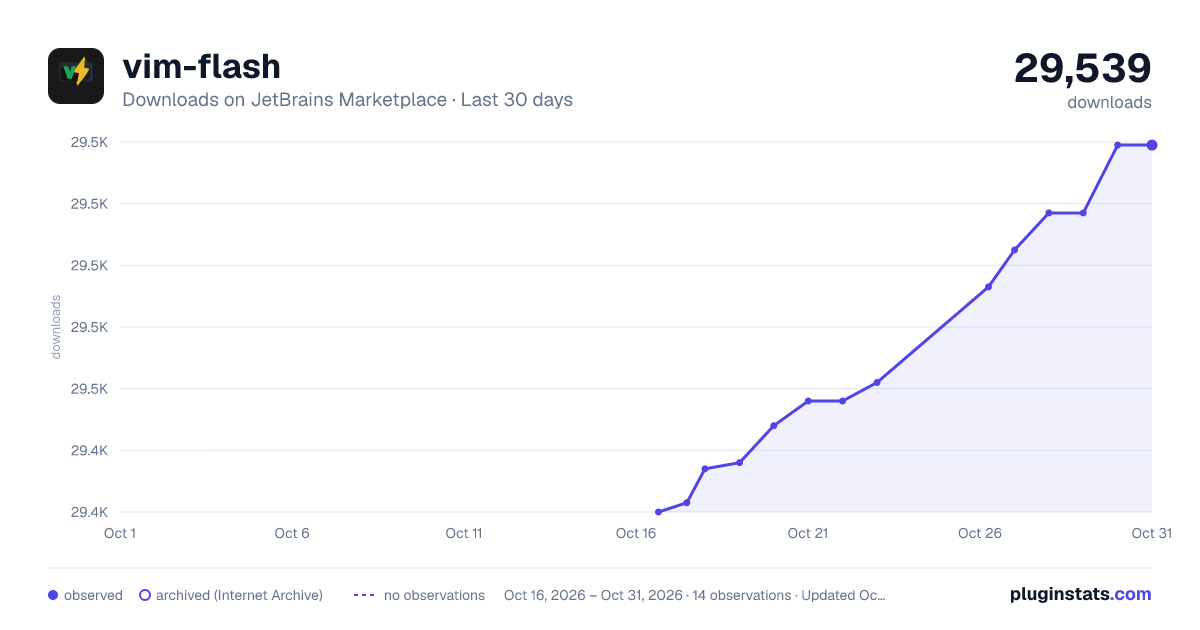
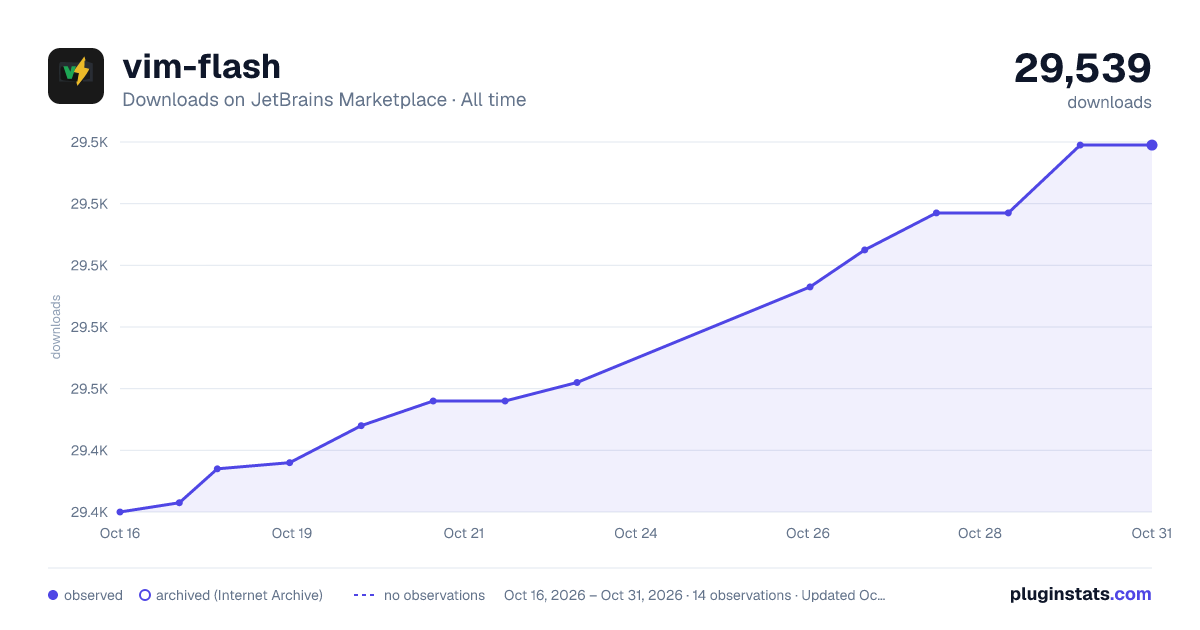
vim-flash has 29,436 recorded downloads on JetBrains Marketplace.
It ranks #1759 of 2,501 tracked JetBrains Marketplace listings by downloads.
It is rated 4.5 out of 5 from 11 ratings.
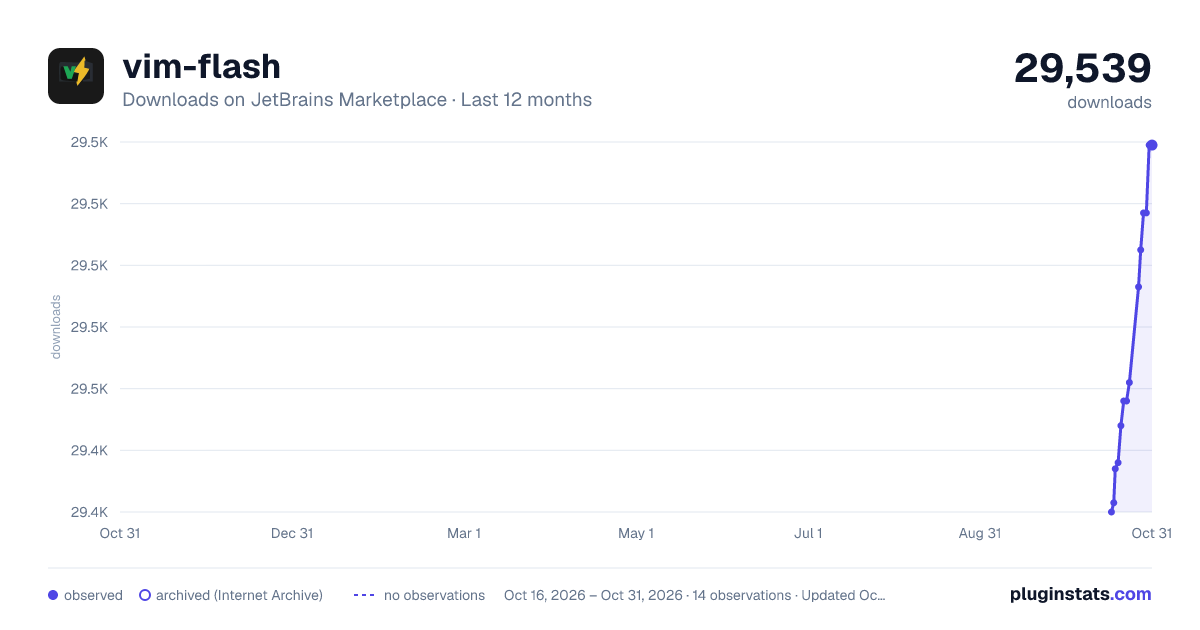
PluginStats has 4 daily observations since Oct 16, 2026; the latest is from Oct 19, 2026.
Rating: 4.55 / 5 from 11 ratings
About vim-flash
Like flash.nvim on IdeaVim
lets you navigate your code with search labels, enhanced character motions
Usage
Add the following code to your .ideavimrc file.
nmap s <Action>(flash.search) xmap s <Action>(flash.search)
Then you can use s and type the word you want to search for. The word will be highlighted in the editor.
Off course you can use other keybindings. for example map <leader>s <Action>(flash.search)
Enhanced Vim F/f/T/t/;/, Feature
New enhanced vim F/f/T/t/;/, functionality similar to classic vim f command:
" enhance vim f (find for char in characters to the right of the current cursor) nmap f <Action>(flash.find) xmap f <Action>(flash.find) " enhance vim F (find for char in characters to the left of the current cursor) nmap F <Action>(flash.find_backward) xmap F <Action>(flash.find_backward) " enhance vim t (till for char in characters to the right of the current cursor) nmap t <Action>(flash.till) xmap t <Action>(flash.till) " enhance vim T (till for char in characters to the left of the current cursor) nmap T <Action>(flash.till_backward) xmap T <Action>(flash.till_backward) " enhance vim ; (Repeat the last f/F/t/T search) nmap ; <Action>(flash.repeat) xmap ; <Action>(flash.repeat) " enhance vim , (Repeat the last f/F/t/T search backward) nmap , <Action>(flash.repeat_backward) xmap , <Action>(flash.repeat_backward)
This feature:
• Grays out text after cursor when activated • Highlights all matching characters after cursor with red background • Jumps to the nearest match automatically • Press 'f'/'t'/';' again to jump to next match • Press 'F'/'T'/',' again to jump to privious match • Press Esc or Backspace to exit search mode
Configuration
Find Settings -> Others Settings -> vim-flash to configure the plugin.
• 1. Characters: This This is the sequence of letters used in order of proximity from nearest to farthest between the match and the current cursor.
• 2. Label color: The first input box is the color of label text, and the second input box is the color of label background. • 3. Match color: The first input box is the color of match text, and the second input box is the color of match background. • 3. Match nearest color: The first input box is the color of match nearest text, and the second input box is the color of match nearest background. • 4. Enter confirms nearest: Pressing Enter during flash search jumps to the nearest match. Disable this if you bind flash.search itself to <cr>.
Issues
Please log any issues to vim-flash repo
Description from the JetBrains Marketplace listing.
- Code Editing
- Editor
Where vim-flash sits in the listing
Each band is one page of 20. Downloads on a log scale. Placement is projected from downloads, so it can differ from the marketplace's own sort order. Hover a dot to see the listing.
Charts
Images: 30d · 1y · all time · 1600×900 dark
Adoption over time
7/30/90-day growth
Ranking history
Filled points are observed values; hollow points come from Internet Archive snapshots of the listing page. Dashed segments span periods with no observations — values between points are not interpolated.
Recent observations
Full history (4)Similar JetBrains Marketplace Code Editing plugins




Data source
Cumulative download counts come from the public JetBrains Marketplace API. JetBrains reports downloads, not active installs. Ratings are the mean of public votes.
Listing: https://plugins.jetbrains.com/plugin/25101-vim-flash. First seen Oct 16, 2026; last successful collection Oct 19, 2026. See the methodology.