 PluginStats
Dangle: Interactive Web Charms users statistics
By Govindaapp · Chrome Web Store · Just for Fun
Ward off bad luck or evil eyes which are peeping onto your screen and bring good luck.
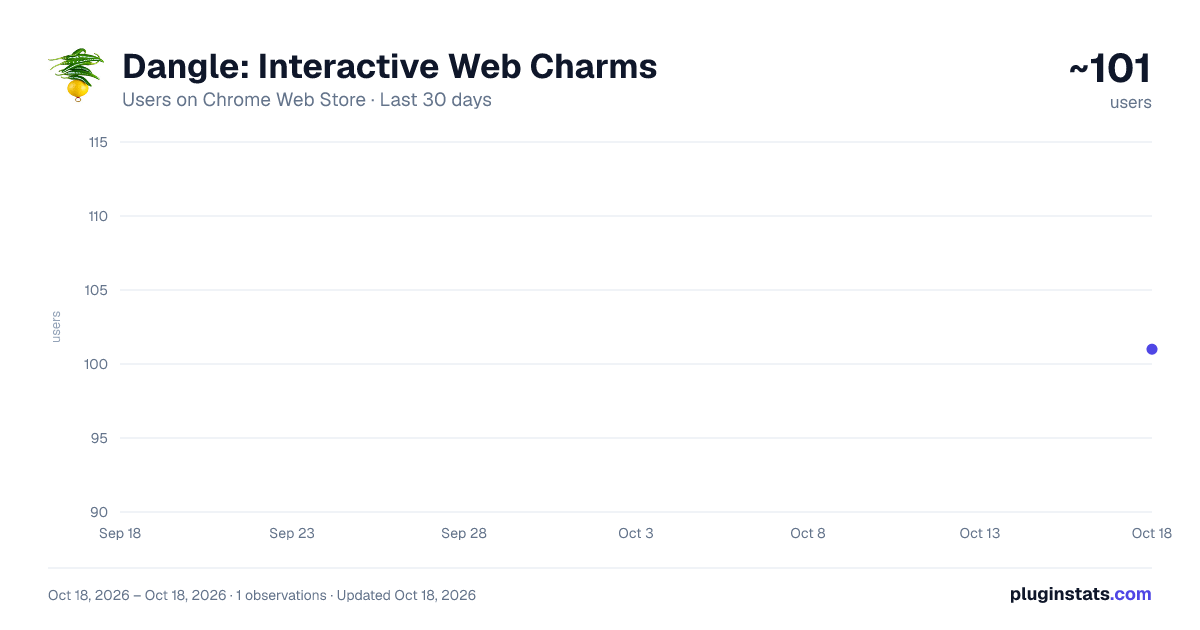
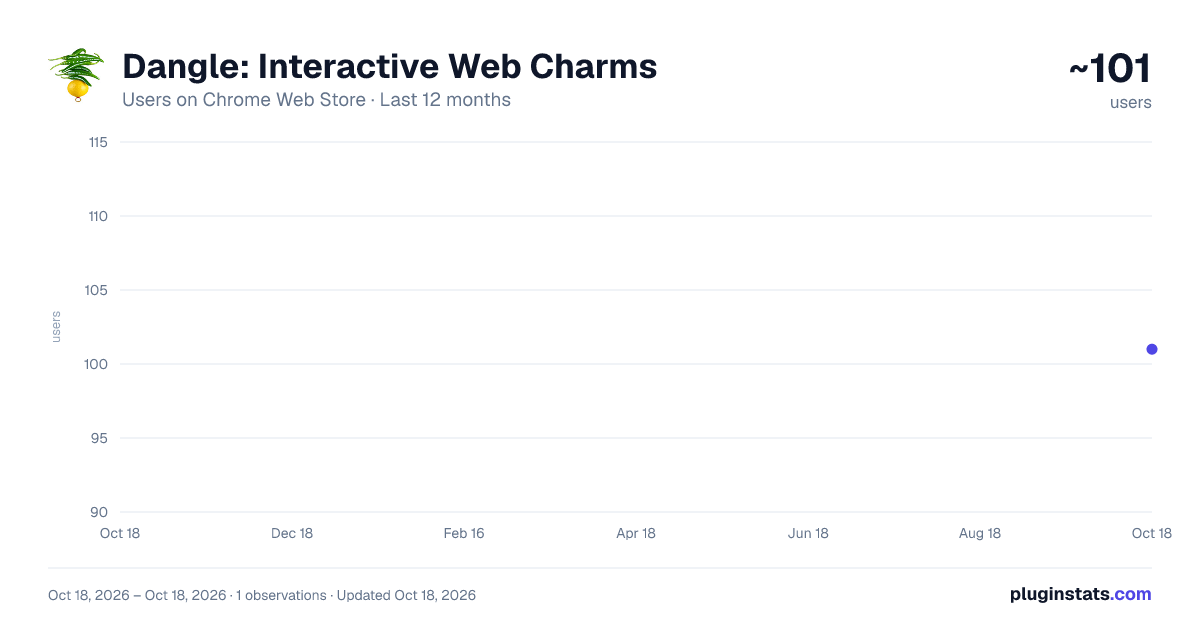
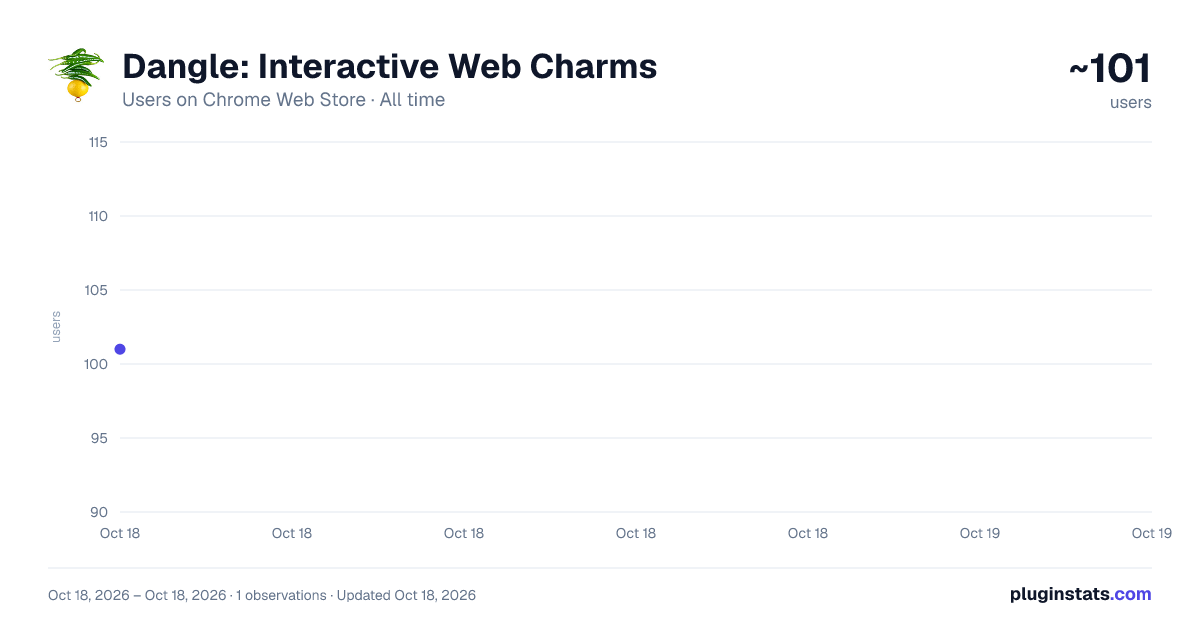
Dangle: Interactive Web Charms has approximately 101 recorded users on Chrome Web Store.
It ranks #2022 of 2,033 tracked Chrome Web Store listings by users.
PluginStats has 1 daily observations since Oct 18, 2026; the latest is from Oct 18, 2026.
About Dangle: Interactive Web Charms
Ward off bad luck or evil eyes which are peeping onto your screen and bring good luck.
Bring your browser to life with Dangle, a delightful interactive physics toy that lives right on your webpages!
Dangle adds a fully simulated, grab-and-drag physics rope to your browser. Pin it anywhere, swing it around, and watch it react in real-time as you browse. Customize your rope with beautifully designed cultural charms and amulets to bring good vibes to your web surfing.
Features: - 6 beautiful cultural themes including the Japanese Omamori, Turkish Nazar Eye, Chinese Mystic Knot, African Protection Bead, Indian Dishti Bomma and Indian Lemon & Chili. - Right-click the charm at any time to instantly swap themes. - Sits unobtrusively on top of your page—only interacts when you hover over it. - Remembers your favorite charm across all tabs.
How to use: 1. Click the extension icon to drop the rope onto your current page. 2. Grab the charm at the bottom to swing it around. 3. Grab the pin at the top to move the rope anywhere on your screen. 4. Right-click the charm to open the theme switcher and pick your favorite. 5. Click the red 'X' to close it when you're done.
Note: This extension requests permission to run on all URLs simply so you can drop your charm onto any website you are currently reading!
Description from the Chrome Web Store listing.
Charts
Images: 30d · 1y · all time · 1600×900 dark
Adoption over time
7/30/90-day growth
Ranking history
Listing placement
Filled points are observed values; hollow points come from Internet Archive snapshots of the listing page. Dashed segments span periods with no observations — values between points are not interpolated.
Each band is one page of 20. Users on a log scale. Placement is projected from users, so it can differ from the marketplace's own sort order. Hover a dot to see the listing.
Recent observations
Full history (1)Similar Chrome Web Store Just for Fun plugins
All 20 Dangle: Interactive Web Charms alternatives




Data source
Covers every Chrome Web Store extension with at least 100 users, found through the store's public sitemap. User counts are read from public listing pages. The 10% most-used extensions are refreshed daily, the next 40% weekly and the next 40% monthly; the least-used 10% are not refreshed. Google displays rounded user counts (and caps the display at 10,000,000+), so small changes may not be visible. Rating counts above 1,000 are rounded (e.g. 1.6K).
Listing: https://chromewebstore.google.com/detail/dangle-interactive-web-ch/oagdflgmlkfmknanhofiemeimhanieno. First seen Oct 18, 2026; last successful collection Oct 18, 2026. See the methodology.