 PluginStats
Ali Cart Export: Export your AliExpress cart to CSV users statistics
Export your AliExpress cart to a CSV spreadsheet, including the title, SKU, price, quantity and URL of all your cart items.
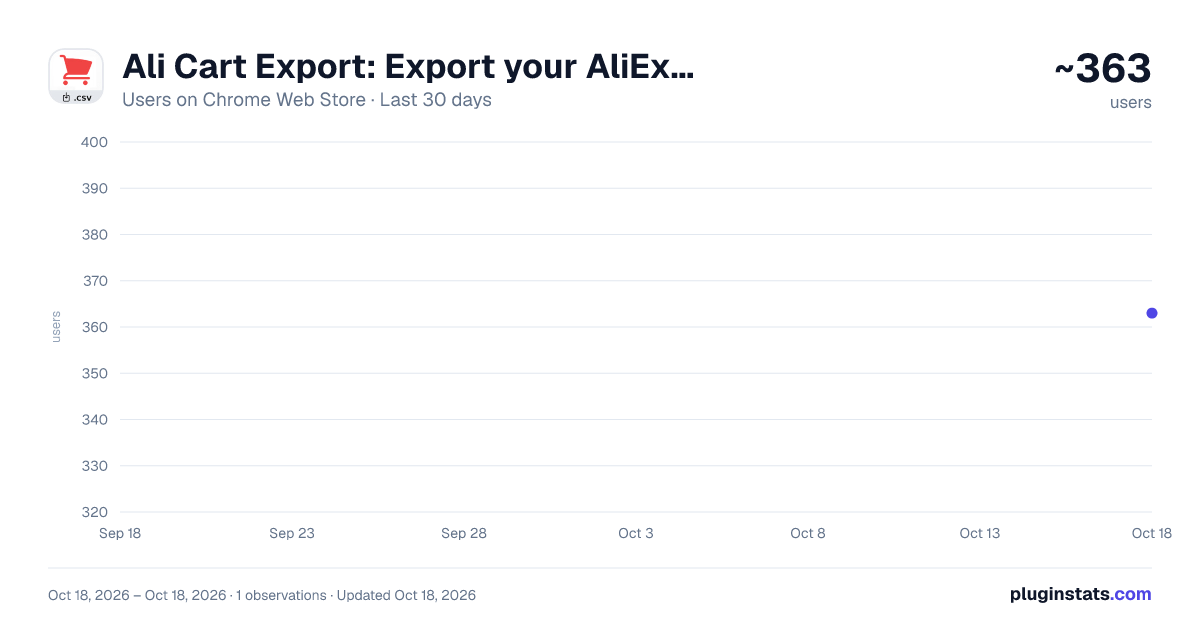
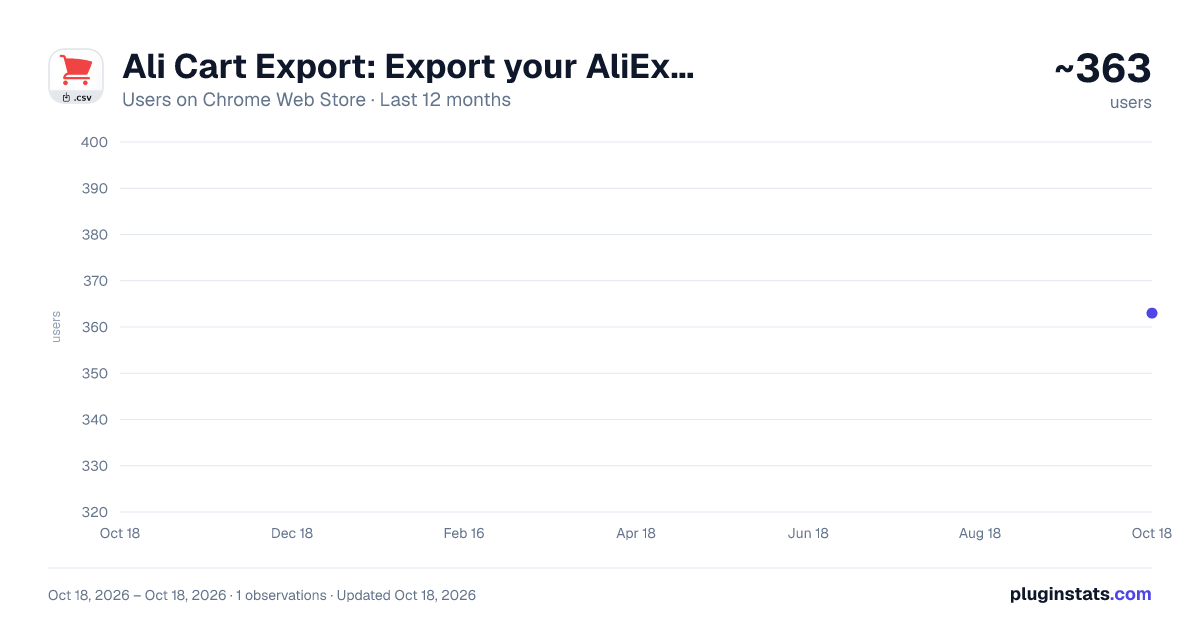
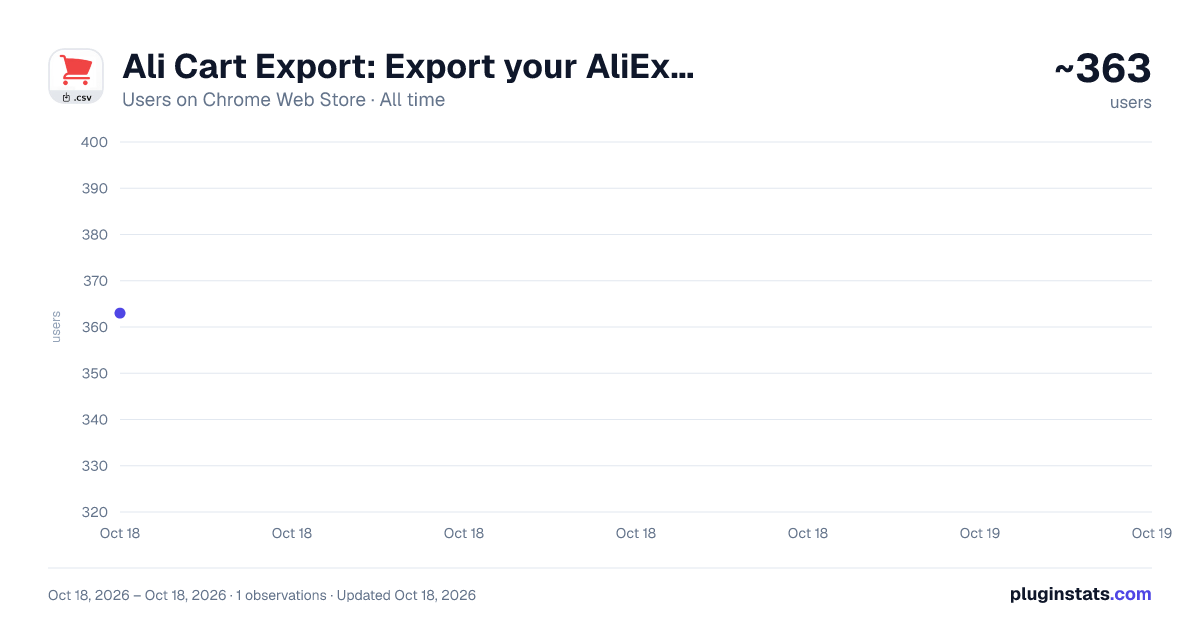
Ali Cart Export: Export your AliExpress cart to CSV has approximately 363 recorded users on Chrome Web Store, ranking #1184 of 2,033 tracked listings.
Rating: 4.50 / 5 from 11 ratings
About Ali Cart Export: Export your AliExpress cart to CSV
Export your AliExpress cart to a CSV spreadsheet, including the title, SKU, price, quantity and URL of all your cart items.
Export your entire AliExpress cart to a CSV spreadsheet with this extension.
Ali Cart Export is the easiest way to export your AliExpress cart to a CSV spreadsheet — this extension exports all the items in your AliExpress shopping cart to a CSV spreadsheet, including your items Title, SJU, Price, Quantity, Total Cost, Link and Store Name.
(Note: A CSV is a spreadsheet which you can import directly into Excel or Google Sheets.)
How It Works:
⬇️ Install the Chrome extension: Begin by installing the Ali Cart Export Chrome extension. Our lightweight extension lets you quickly export and download your AliExpress cart to a CSV/Excel spreadsheet.
💾 Export your AliExpress cart: Navigate to your AliExpress cart and click the Ali Cart Export extension icon. In one click, you can save a CSV/Excel spreadsheet of all the items in your AliExpress cart, including their Title, SKU, Price, Quantity, Link and Store Name.
💻 Open your spreadsheet: Open your spreadsheet in Excel or Google Sheets. Now you have all the items in your AliExpress cart in a handy spreadsheet format.
FAQ:
Q: How do I export my AliExpress cart? A: To export your AliExpress cart with Ali Cart Export, start by installing our Chrome extension. Then visit your AliExpress cart page, open our extension, and use it to export a CSV/Excel spreadsheet of your AliExpress cart items. Open this spreadsheet with Excel or Google Sheets to view all your cart items.
Q: What fields does the CSV spreadsheet include? A: When you export a CSV/Excel spreadsheet of your AliExpress cart items, it includes the following fields: Title, SKU, Quantity, Price, Total Cost, Product Link and Store Name.
Q: Does the CSV spreadsheet stay updated? A: No, the CSV spreadsheet of your AliExpress cart items generated with Ali Cart Export does not stay updated. If you change the items in your cart, you should use our extension to export a new spreadsheet. Our Chrome extension creates a spreadsheet of all the items in your cart at the current moment, and unfortunately it's impossible for us to update it.
Install our Chrome Extension to quickly export your AliExpress cart to a CSV/Excel spreadsheet. It's free, easy to use, and takes 1 minute to get started.
Being able to download and save your AliExpress cart items to a spreadsheet is a handy way to track your shopping and purchases, and the Ali Cart Export Chrome Extension makes that easy.
Note: Product links exported via the Ali Cart Export Chrome extension may include tag of affiliation.
Description from the Chrome Web Store listing.
README badge
Show your rank in a README or on your website. The badge updates automatically.
Charts
Images: 30d · 1y · all time · 1600×900 dark
Adoption over time
7/30/90-day growth
Ranking history
Ratings over time
Listing placement
Listing placement
Filled points are observed values; hollow points come from Internet Archive snapshots of the listing page. Dashed segments span periods with no observations — values between points are not interpolated.
Each band is one page of 20. Users on a linear scale. Placement is projected from users, so it can differ from the marketplace's own sort order. Hover a dot to see the listing.
Recent observations
Full history (1)Similar Chrome Web Store Shopping plugins
All 20 Ali Cart Export: Export your AliExpress cart to CSV alternatives



Data source
Covers every Chrome Web Store extension with at least 100 users, found through the store's public sitemap. User counts are read from public listing pages. The 10% most-used extensions are refreshed daily, the next 40% weekly and the next 40% monthly; the least-used 10% are not refreshed. Google displays rounded user counts (and caps the display at 10,000,000+), so small changes may not be visible. Rating counts above 1,000 are rounded (e.g. 1.6K).
Listing: https://chromewebstore.google.com/detail/ali-cart-export-export-yo/bfodegicemnemmhholabcgdocdiaiokk. First seen Oct 18, 2026; last successful collection Oct 18, 2026. See the methodology.