 PluginStats
Column Select — Rectangular / Block Selection users statistics
By 254-Japan · Chrome Web Store · Functionality & UI
Column mode / block selection for Gmail, Yahoo Mail & any webpage. Alt+Drag to select, then copy, cut, paste or replace.
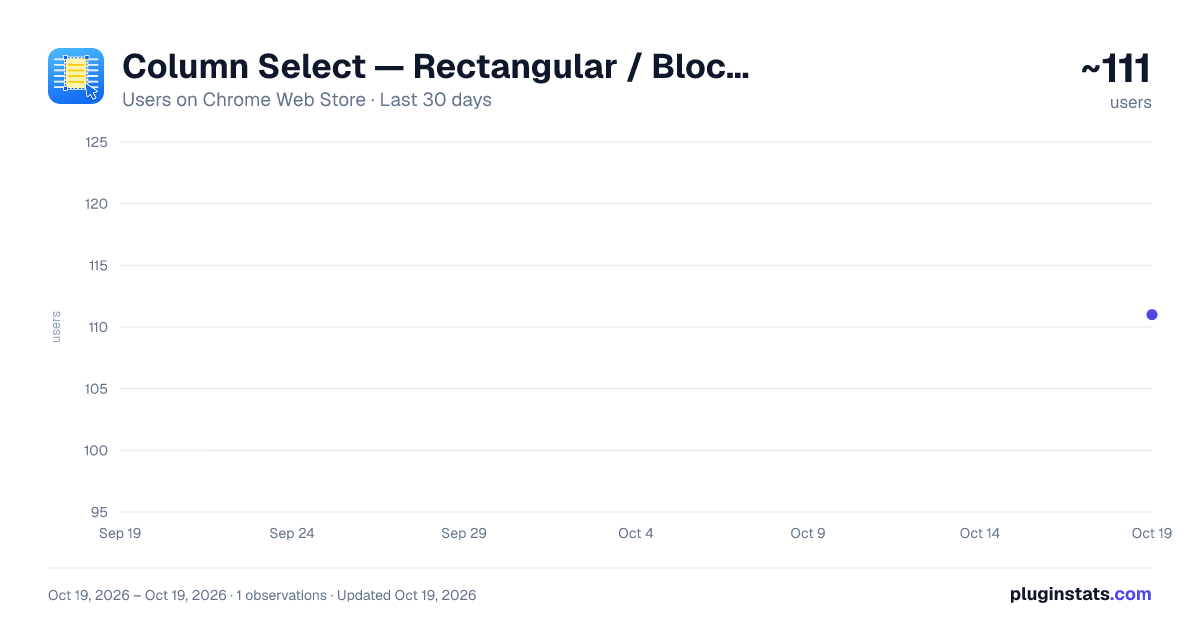
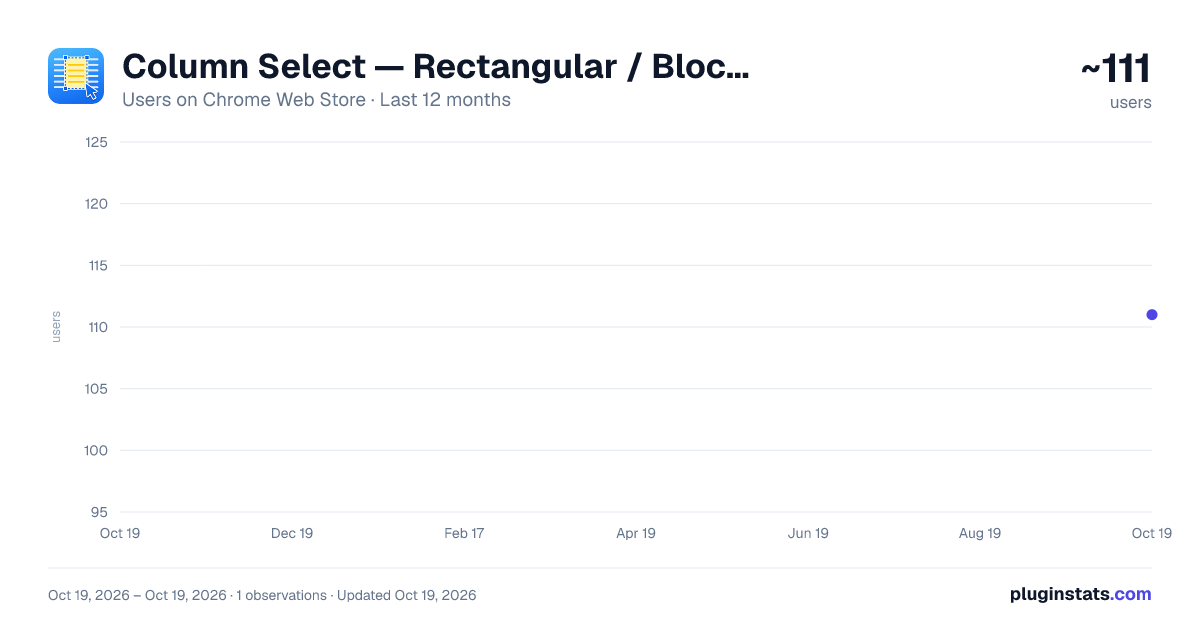
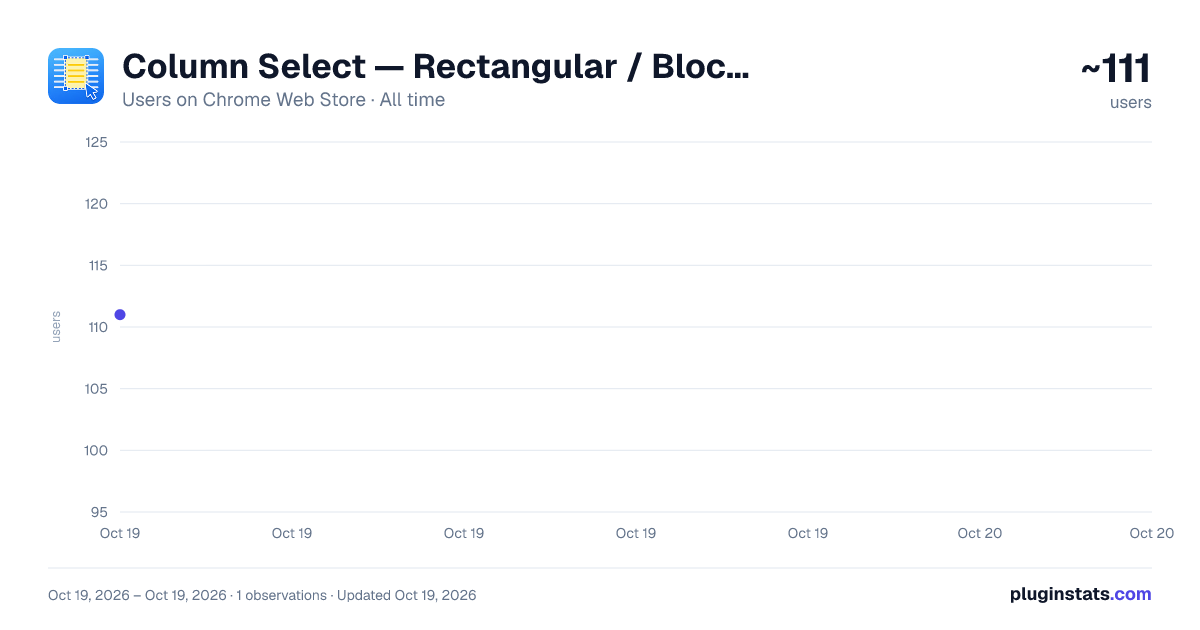
Column Select — Rectangular / Block Selection has approximately 111 recorded users on Chrome Web Store.
It ranks #1966 of 2,033 tracked Chrome Web Store listings by users.
It is rated 4.5 out of 5 from 2 ratings.
PluginStats has 1 daily observations since Oct 19, 2026; the latest is from Oct 19, 2026.
Rating: 4.50 / 5 from 2 ratings
About Column Select — Rectangular / Block Selection
Column mode / block selection for Gmail, Yahoo Mail & any webpage. Alt+Drag to select, then copy, cut, paste or replace.
Column Select brings column mode editing (also known as block selection, rectangular selection, box selection, or vertical selection) to your browser — the same feature you love in VS Code, Notepad++, Sublime Text, or Vim visual block mode, now available on any web page.
Perfect for cleaning up email quotes (>marks), editing columns of data, bulk-inserting text at the start of every line, and find & replace within a selected column only.
Works everywhere - Gmail compose window - Yahoo Mail - Any textarea (comment boxes, code editors, forms) - Any contenteditable area (rich text editors, web apps)
Features
Mouse selection Hold Alt and drag to draw a rectangle. A blue border and yellow highlight show the selected region.
Keyboard selection Alt+Shift+Arrow (or Ctrl+Alt+Arrow) extends the rectangle from your cursor — no mouse needed.
Copy / Cut / Paste / Delete - Ctrl+C — copy each selected row, joined by newline - Ctrl+X — cut - Ctrl+V — paste clipboard text into every selected row at once (multi-line paste) - Delete / Backspace — delete only - Ctrl+Z — full Undo support
Column insert (multi-cursor typing) While a rectangle is selected, type any character and it is inserted into every selected row simultaneously. Works with IME (Japanese, Chinese, Korean) input too.
Find & Replace (Ctrl+H) Replace text within the rectangle only, within a text selection, or across the entire field — the scope is highlighted so you always know what will change.
Keyboard shortcuts Alt + Drag — Rectangle selection Alt+Shift+Arrows — Extend selection Ctrl+Alt+Arrows — Extend selection (alt) Ctrl+C / X / V — Copy / Cut / Multi-paste Delete / Backspace — Delete Ctrl+H — Find & Replace in selection Ctrl+Z — Undo Esc — Clear selection
Privacy No data is collected or transmitted. Everything runs locally in your browser.
Description from the Chrome Web Store listing.
Charts
Images: 30d · 1y · all time · 1600×900 dark
Adoption over time
7/30/90-day growth
Ranking history
Ratings over time
Listing placement
Filled points are observed values; hollow points come from Internet Archive snapshots of the listing page. Dashed segments span periods with no observations — values between points are not interpolated.
Each band is one page of 20. Users on a log scale. Placement is projected from users, so it can differ from the marketplace's own sort order. Hover a dot to see the listing.
Recent observations
Full history (1)Similar Chrome Web Store Functionality & UI plugins
All 20 Column Select — Rectangular / Block Selection alternatives




Data source
Covers every Chrome Web Store extension with at least 100 users, found through the store's public sitemap. User counts are read from public listing pages. The 10% most-used extensions are refreshed daily, the next 40% weekly and the next 40% monthly; the least-used 10% are not refreshed. Google displays rounded user counts (and caps the display at 10,000,000+), so small changes may not be visible. Rating counts above 1,000 are rounded (e.g. 1.6K).
Listing: https://chromewebstore.google.com/detail/column-select-—-rectangul/fahifabcmjabapanodkjgdjegakpkico. First seen Oct 19, 2026; last successful collection Oct 19, 2026. See the methodology.