 PluginStats
Vertical Tabs - Tab Manager, Workspaces & Tab Scroll by SuperchargeBrowser users statistics
Chrome Web Store · Functionality & UI
Vertical Tabs & Tab Manager: synced workspaces, command bar, tab scroll, session restore. Arc replacement. Zero tracking.
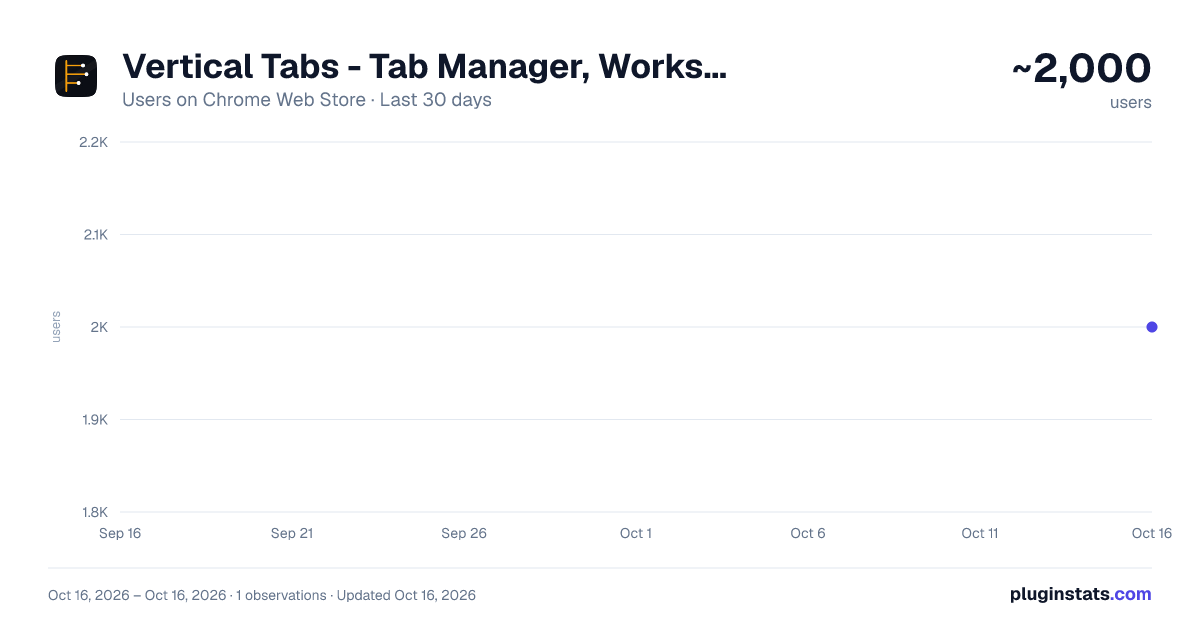
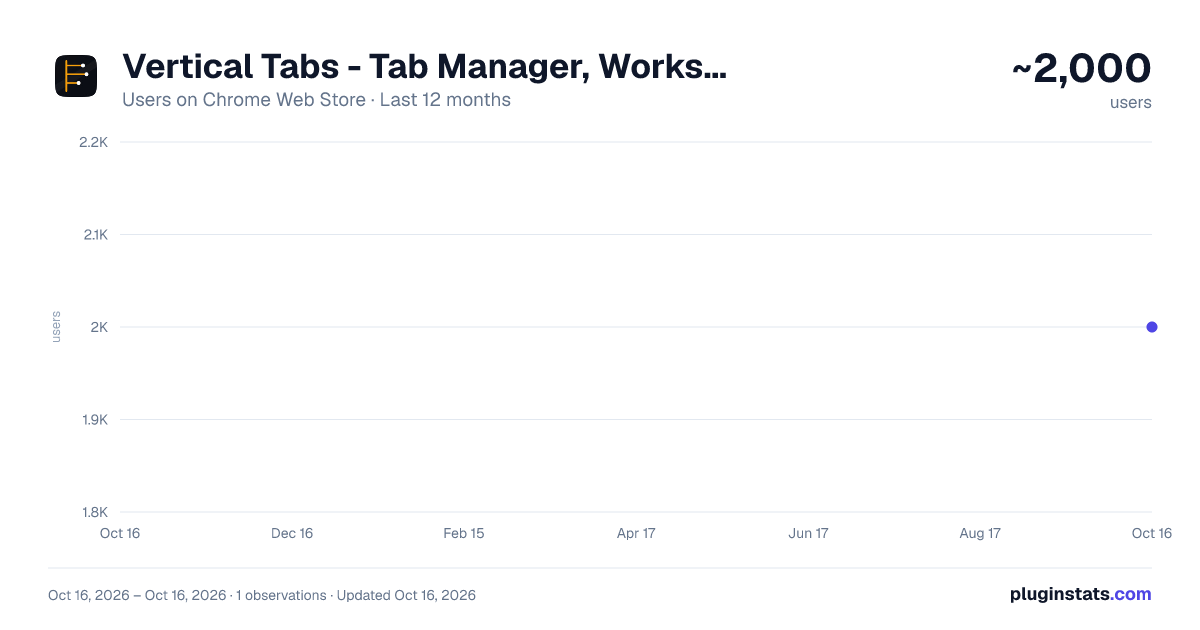
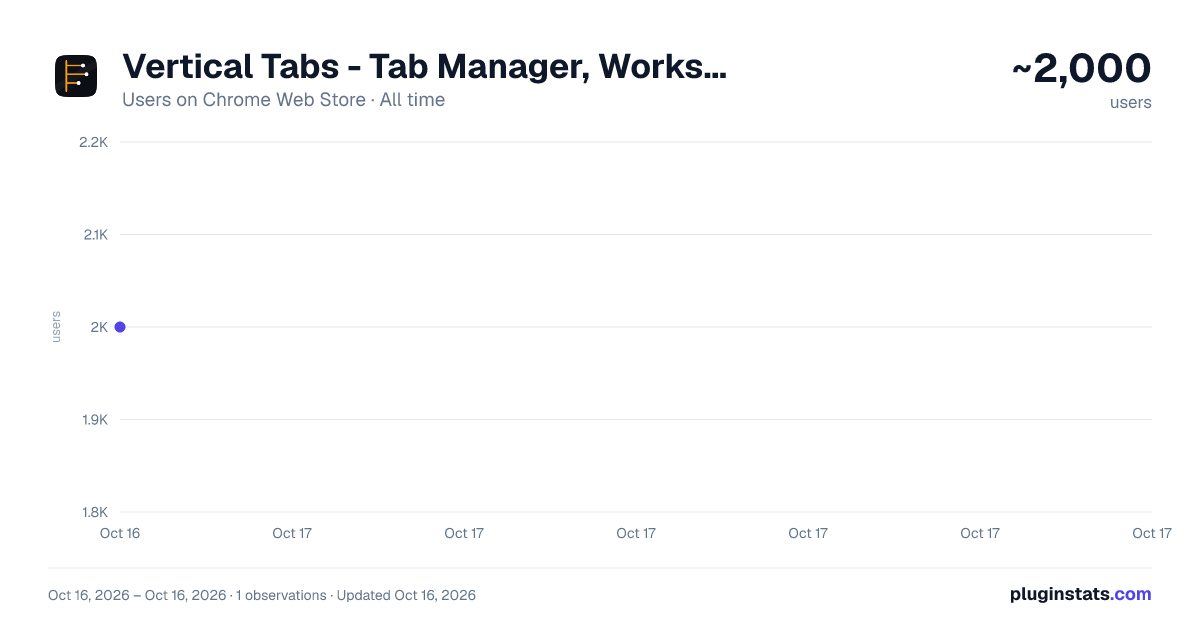
Vertical Tabs - Tab Manager, Workspaces & Tab Scroll by SuperchargeBrowser has approximately 2,000 recorded users on Chrome Web Store, ranking #575 of 2,495 tracked listings.
Rating: 3.90 / 5 from 11 ratings
About Vertical Tabs - Tab Manager, Workspaces & Tab Scroll by SuperchargeBrowser
Vertical Tabs & Tab Manager: synced workspaces, command bar, tab scroll, session restore. Arc replacement. Zero tracking.
Free vertical tabs, command bar, and workspaces for Chrome — plus session time-travel, cross-device sync, hint mode, and 18 features to organize messy tabs. Manage 100+ open tabs from a side panel tab manager with instant search. Works on every Chrome since the Side Panel API shipped — no experimental flags, no instability. No subscription, no sign-up, no third-party cloud.
SuperchargeNavigation manages your tabs with keyboard shortcuts, mouse gestures, and a persistent side panel. Alt+K opens a command bar to search tabs, bookmarks, history, or the web — a full-screen command palette. Shift+Click previews any link without opening a tab (Glance/Peek). Alt+Scroll restores the tab scrolling Chrome removed. Switch between named workspaces. Rewind your session to any point in the last 50 snapshots. By default, everything runs on your device. Optional Chrome sync keeps your workspaces consistent across every Chrome you're signed into — through Chrome's own profile sync, never through a SuperchargeBrowser server.
🔒 ABOUT PERMISSIONS Chrome requires "read and change data" permissions for tab management features that interact with web pages — link previews, scroll gestures, and drag-to-open. SuperchargeNavigation uses these permissions only to manage your tabs — we never track, collect, or transmit your browsing data. Zero telemetry. No browsing data ever reaches our servers.
⚠️ Chrome blocks all extensions from running on the Chrome Web Store, chrome:// pages (settings, extensions), and other extension pages. Tab scrolling, link previews, drag gestures, and mouse gestures will not work on these pages. The side panel, workspaces, keyboard shortcuts (Alt+K, Alt+G), and all tab management features work everywhere.
FEATURES
Tab, Bookmark & History Search — Alt+K Command Bar (instant search for Chrome) Open a full-page search modal from anywhere. Type to filter all open tabs by title or URL, search your bookmarks and browsing history, or keep typing to search the web in a new tab.
Hint Mode — Navigate by Keyboard Hold Shift and every clickable on the page picks up a single- or double-letter hint label. Type the letter while still holding Shift to click the link. Hold Shift+Alt for the final letter to peek the link in a Glance overlay. Hold Shift+Ctrl to open it in a background tab. Type-to-select with the CSS Custom Highlight API: bare letters (no Shift) highlight matching text on the page, then Enter activates the top match. Arrow-key page scroll with an adjustable speed setting (off, slow, default, fast). Install both side by side.
Vertical Tabs — Side Panel Tab Manager A persistent vertical tab list in Chrome's side panel. See all open tabs, groups, and pinned tabs at a glance. Drag to reorder, multi-select to bulk-manage. Filter by typing in the always-visible search bar. Updates live as you open, close, and move tabs. Works with Chrome's built-in tab and tab group sync.
Workspaces — Named Tab Sets Save named sets of tabs and switch between them instantly. Choose from 40+ icons to identify each workspace at a glance. Workspaces preserve tab groups, pinned tabs, mute states, and group colors — exactly as you left them. Export any workspace for backup or sharing. Right-click a tab to send it to another workspace. No subscription, no cloud account required.
Cross-Device Sync Keep your workspaces consistent across every Chrome you're signed into. Uses Chrome's built-in profile sync — your data lives with your Google account, never touches a SuperchargeBrowser server, and is never shared with third parties.
What syncs: workspace names, tab URLs, page titles (truncated to 200 characters), tab group labels, and your device name.
What doesn't sync: browsing history outside workspaces, cookies, form data, favicons, or page contents.
No workspace data is uploaded until you complete the one-time setup prompt in the extension. Until then, no tab URLs or titles leave your device. Disable anytime in settings — turning it off wipes synced data from Chrome's sync storage.
Multi-Window Workspaces Run a different workspace in each Chrome window — research on one monitor, work on another, personal on a third. Each window tracks its own active workspace; switching in one window never touches the others. Built to stay consistent no matter how many windows you open.
Session Time-Travel Auto-snapshots your tab state every 5 minutes (up to 50 snapshots). Accidentally closed tabs? Rewind to any point in your session and restore them as a new workspace. No other tab manager has this.
Tab Scroll — Alt+Scroll Chrome removed native tab scrolling. Alt+Scroll brings it back — scroll through tabs with your mouse wheel or trackpad. Shift+Scroll stays within the current tab group. Arrow keys scroll the page itself, with a configurable speed (off, slow, default, fast) — turn it off if your site already maps the arrow keys.
Smart Tab Grouping — Alt+G Automatically group all tabs by domain. Multiple Google Docs tabs become a "google.com" group. All grouped, collapsed, and out of the way. Inactive groups auto-collapse to reduce clutter. Alt+Shift+G to ungroup everything.
Glance / Peek — Preview Before Opening a Tab Shift+Click any link to preview it in an overlay — decide if it's worth a tab before opening one. Read the content, then close or promote to a full tab. Fewer unnecessary tabs.
Tab Deduplicator Navigate to a page that's already open? A prompt lets you switch to the existing tab instead of creating a duplicate. Keeps your tab bar clean automatically.
Super Drag — Open Tabs by Gesture Drag a link up to open in a background tab, down for foreground. Drag selected text to search in a new tab. Intelligently disabled on web apps like Google Docs and ChatGPT.…
Description from the Chrome Web Store listing.
README badge
Show your rank in a README or on your website. The badge updates automatically.
Charts
Images: 30d · 1y · all time · 1600×900 dark
Adoption over time
7/30/90-day growth
Ranking history
Ratings over time
Listing placement
Listing placement
Filled points are observed values; hollow points come from Internet Archive snapshots of the listing page. Dashed segments span periods with no observations — values between points are not interpolated.
Each band is one page of 20. Users on a linear scale. Placement is projected from users, so it can differ from the marketplace's own sort order. Hover a dot to see the listing.
Recent observations
Full history (1)Similar Chrome Web Store Functionality & UI plugins
All 20 Vertical Tabs - Tab Manager, Workspaces & Tab Scroll by SuperchargeBrowser alternatives



Data source
Covers every Chrome Web Store extension with at least 100 users, found through the store's public sitemap. User counts are read from public listing pages. The 10% most-used extensions are refreshed daily, the next 40% weekly and the next 40% monthly; the least-used 10% are not refreshed. Google displays rounded user counts (and caps the display at 10,000,000+), so small changes may not be visible. Rating counts above 1,000 are rounded (e.g. 1.6K).
Listing: https://chromewebstore.google.com/detail/vertical-tabs-tab-manager/mpkbppjbchjdohbjgeoamdehklmapgnl. First seen Oct 16, 2026; last successful collection Oct 16, 2026. See the methodology.