 PluginStats
Downloader for Instagram - MasterTool users statistics
By michaelmminutes · Chrome Web Store · Social Networking
Download and repost Instagram Reels, Stories, Highlights, photos and videos. Bulk download profiles with smart filters and AI tools
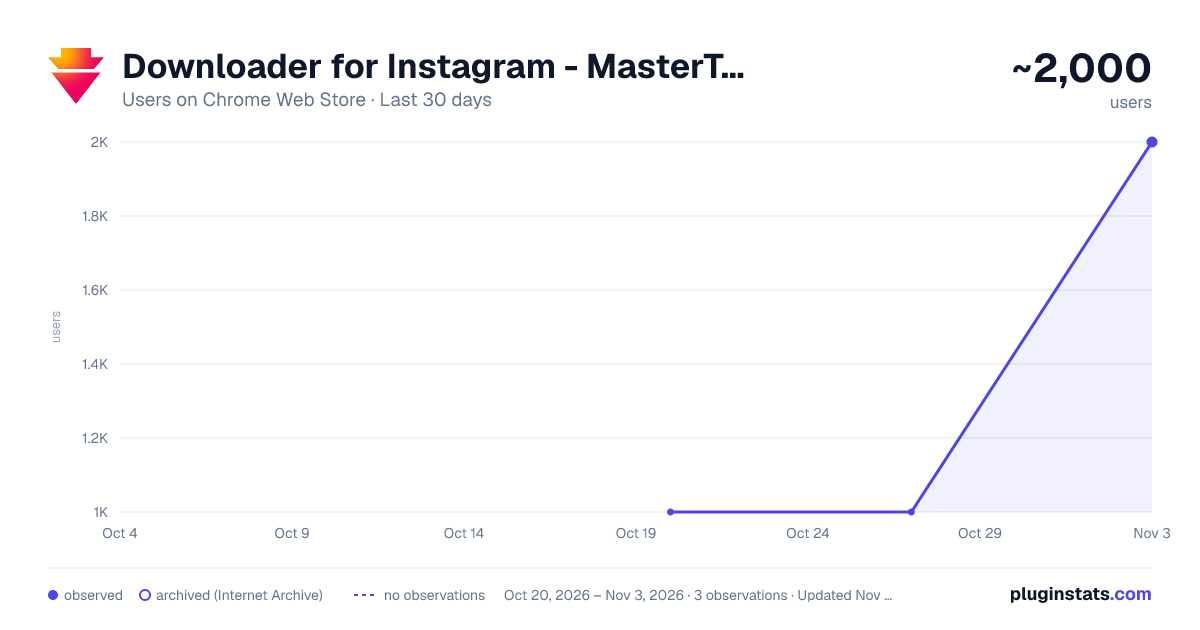
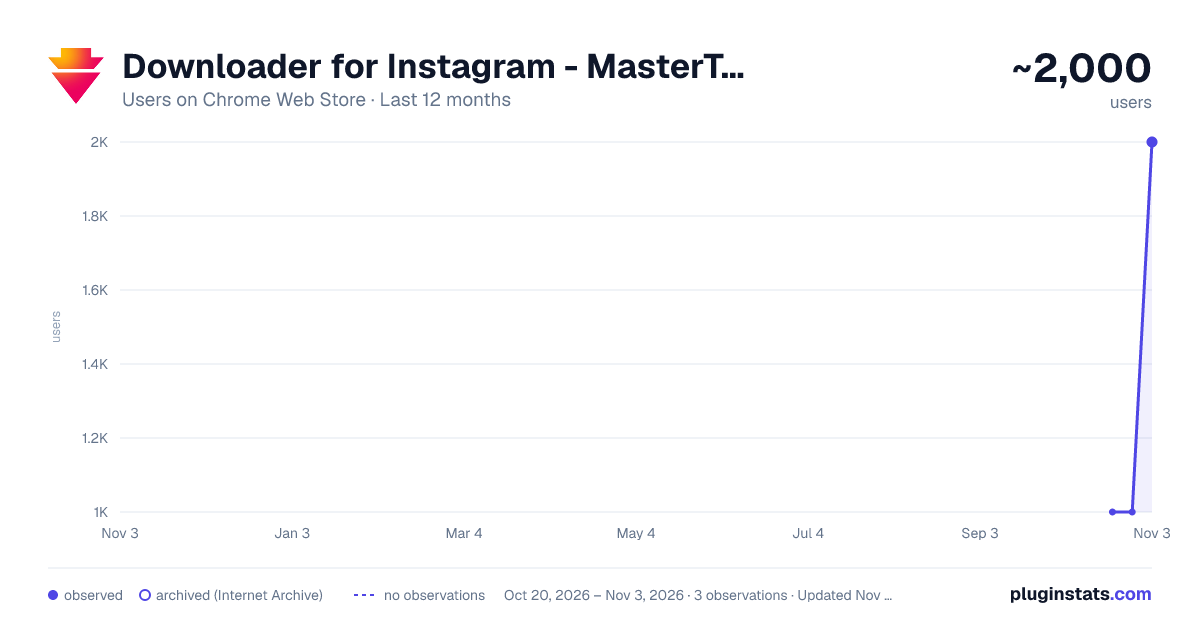
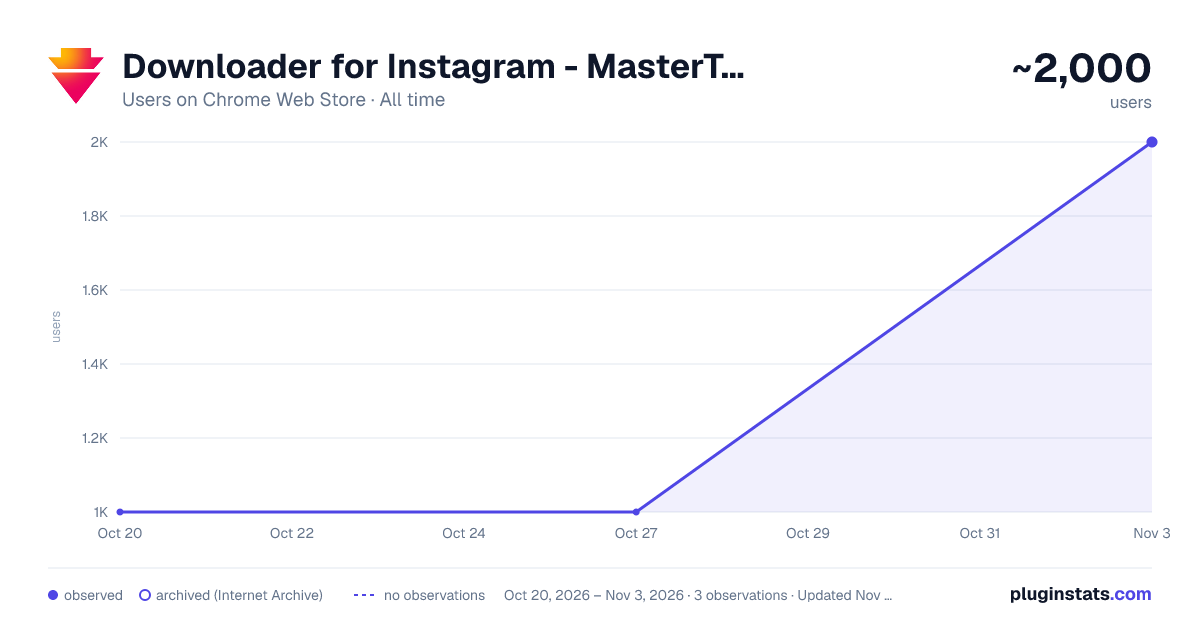
Downloader for Instagram - MasterTool has approximately 1,000 recorded users on Chrome Web Store, ranking #1180 of 3,404 tracked listings.
Rating: 4.40 / 5 from 10 ratings
About Downloader for Instagram - MasterTool
Download and repost Instagram Reels, Stories, Highlights, photos and videos. Bulk download profiles with smart filters and AI tools
🚀 Download and Repost Content from Instagram MasterTool is an Instagram downloader, bulk media saver, repost tool, and AI content assistant combined in one Chrome extension. Download Instagram photos and videos while browsing posts, profiles, Reels, Stories, Highlights, and carousel posts. You can also repost supported content, save multiple profile posts with smart filters, and use built-in AI tools to improve your content workflow. Everything works directly on Instagram, so there is no need to copy links, search for media files manually, or switch between external downloader websites.
📥 Instagram Downloader for Photos, Videos, Reels, and Stories MasterTool adds convenient controls to supported content, allowing you to save the media you need directly from the page. • Photos — save individual images in the best available quality. • Videos and Reels — download video content from posts and profiles for offline viewing without adding a watermark. • Stories — save available photo or video Stories before they disappear. • Highlights — download media available in profile Highlight collections. • Carousel posts — save photos and videos from multi-item posts. • Individual posts — choose a specific post without downloading other content from the profile.
🔄 Repost Instagram Content Use the integrated repost tools to share supported photo and video posts, carousel posts, Reels, Stories, and Highlights. Download and repost controls are added directly to the Instagram interface, helping content creators, social media managers, marketers, and regular users work with content more efficiently.
📦 Bulk Instagram Download with Smart Filters Need to save more than one post? MasterTool includes a bulk download feature for collecting selected media from an Instagram profile. Instead of providing only a basic "download all" option, it lets you choose exactly which content should be included: • Save only photos or only videos from a profile • Select a specific number of the newest posts • Find posts published on a particular date or during a selected period • Choose posts with the highest number of likes • Choose posts with the highest number of comments • Collect popular profile content based on your selected criteria Set the filters and start the process. MasterTool will automatically find profile content matching your choices. This is useful for creating backups, organizing your own media, reviewing content, or saving selected posts without processing an entire profile manually.
🤖 AI Tools for Instagram Content The built-in AI assistant helps you analyze existing content and develop ideas for future posts without constantly switching between different services. • Viral content analysis — review a post or Reel to understand why it may generate strong engagement. • Comment suggestions — create relevant comment ideas based on the selected content. • Caption rewriting — generate an improved or alternative version of an existing caption. • Content ideas — discover new concepts for posts, Stories, and Reels. • Hashtag research — find hashtags related to a selected topic or piece of content. These tools are designed for creators, influencers, brands, marketers, and social media managers who want a more convenient way to research and prepare content.
⚙️ How It Works
- Add Downloader for Instagram: MasterTool to Chrome and open Instagram.
- Use the integrated controls to download or repost individual content.
- Open the bulk download or AI tools when you need additional options.
✨ Download, Repost, and Create with One Extension MasterTool brings media downloads, reposting, profile filters, and AI-assisted content tools together in one extension. The extension works with content available in your current Instagram session. Private content can be accessed only when you already have permission to view it. Download or repost only content you own or have permission to use, and respect copyright and content creators' rights.
Downloader for Instagram: MasterTool is an independently developed browser extension and is not affiliated with, endorsed by, or sponsored by Instagram or Meta.
Description from the Chrome Web Store listing.
README badge
Show your rank in a README or on your website. The badge updates automatically.
Charts
Images: 30d · 1y · all time · 1600×900 dark
Adoption over time
7/30/90-day growth
Ranking history
Ratings over time
Listing placement
Listing placement
Filled points are observed values; hollow points come from Internet Archive snapshots of the listing page. Dashed segments span periods with no observations — values between points are not interpolated.
Each band is one page of 20. Users on a linear scale. Placement is projected from users, so it can differ from the marketplace's own sort order. Hover a dot to see the listing.
Recent observations
Full history (1)Similar Chrome Web Store Social Networking plugins
All 20 Downloader for Instagram - MasterTool alternatives



Data source
Covers every Chrome Web Store extension with at least 100 users, found through the store's public sitemap. User counts are read from public listing pages. The 10% most-used extensions are refreshed daily, the next 40% weekly and the next 40% monthly; the least-used 10% are not refreshed. Google displays rounded user counts (and caps the display at 10,000,000+), so small changes may not be visible. Rating counts above 1,000 are rounded (e.g. 1.6K).
Listing: https://chromewebstore.google.com/detail/downloader-for-instagram/epocgljljclegljpgjdefgeejhiobnda. First seen Oct 20, 2026; last successful collection Oct 20, 2026. See the methodology.