 PluginStats
Copy as Markdown users statistics
Chrome Web Store · Workflow & Planning
Convert and copy text as Markdown with formatting preserved
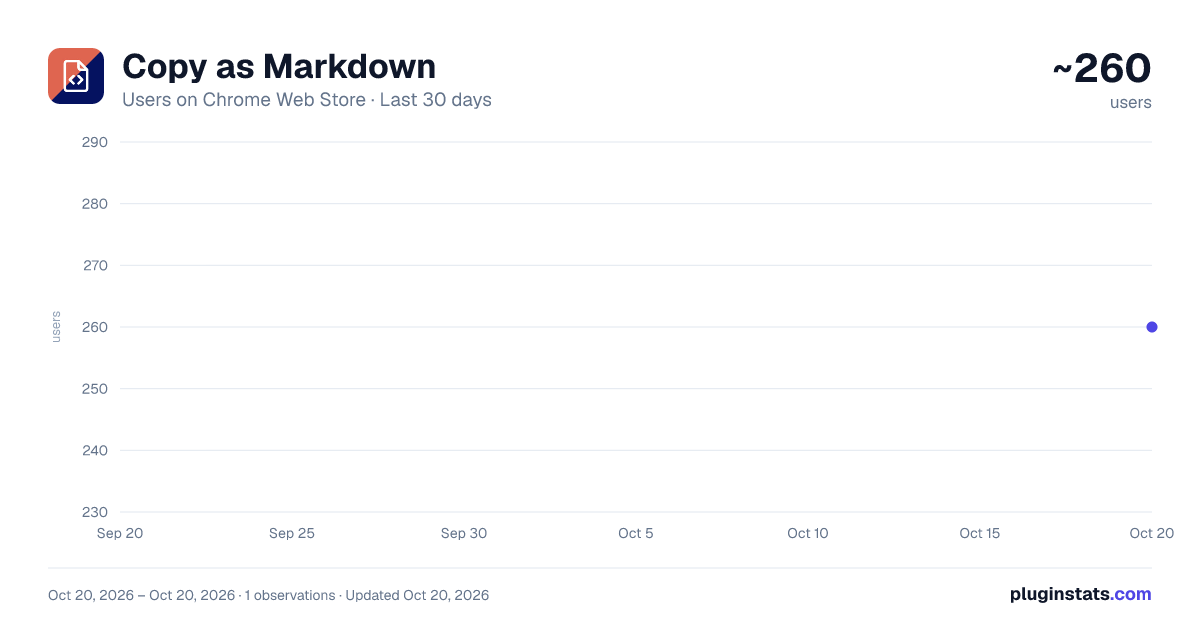
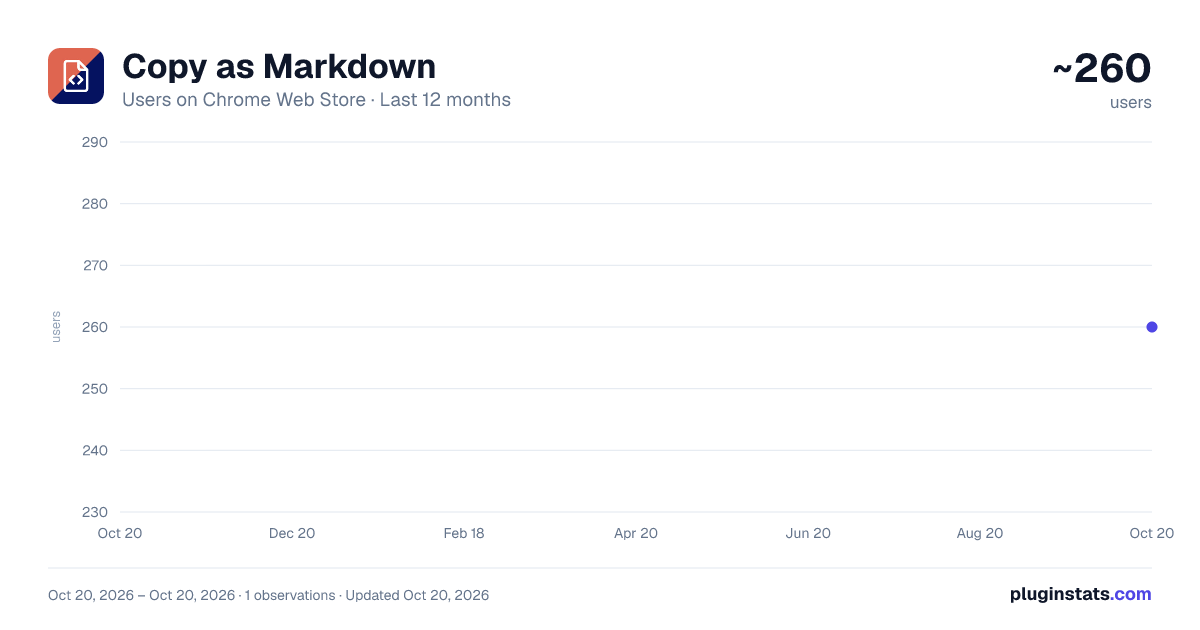
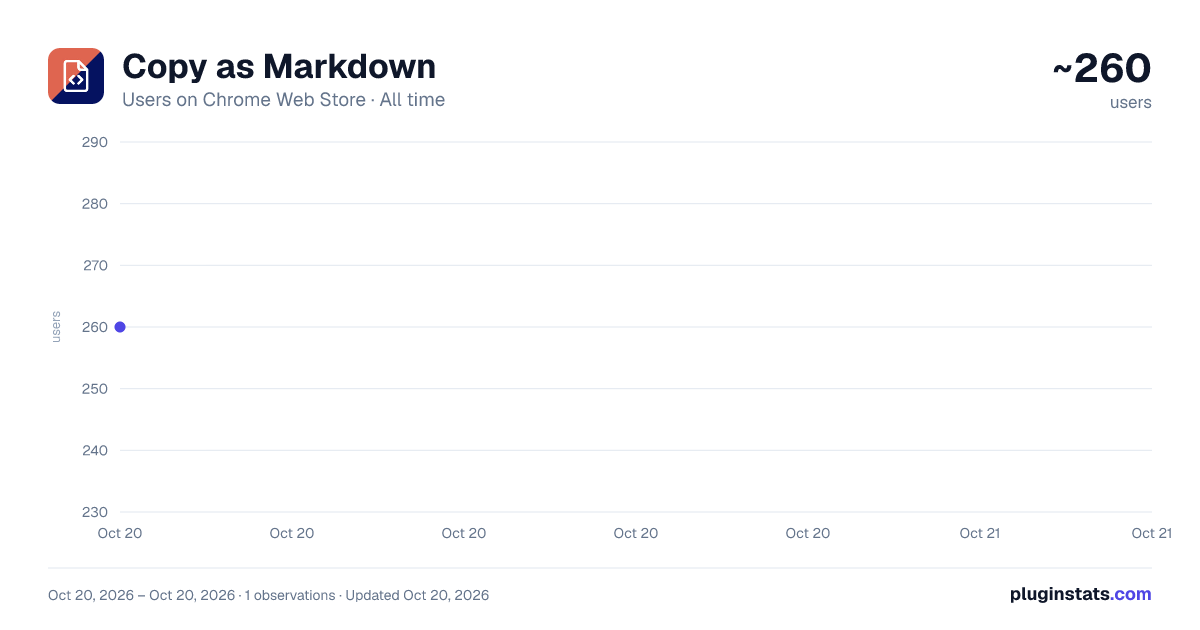
Copy as Markdown has approximately 260 recorded users on Chrome Web Store, ranking #1964 of 2,952 tracked listings.
Rating: 5.00 / 5 from 1 ratings
About Copy as Markdown
Convert and copy text as Markdown with formatting preserved
The ultimate tool to copy text, links, and images as clean Markdown format directly from your browser.
How it works:
- Right-click on any text, link, or image you see online
- Choose "Copy as Markdown" from the context menu
- Paste perfectly formatted Markdown anywhere you need it
Features:
- Intelligent conversion of HTML elements to Markdown (headings, lists, formatting, tables, code blocks)
- Preserves rich text formatting like bold, italic, and
strikethroughwhen copying - Transforms links into proper Markdown syntax: Link Text
- Converts images with complete attributes:
- Extract-only-URLs mode for gathering multiple links as a formatted list
- Available in 47 languages - use in your native language
- Works on any website with no configuration needed
- Fast and lightweight - designed for performance
- Privacy-focused - all conversion happens locally on your device
- Simple, intuitive popup interface with easy settings
- Compatible with both light and dark browser themes
Perfect for:
- Writers, bloggers, and researchers using Markdown editors
- Developers working with GitHub, GitLab, or documentation
- Note-takers using Obsidian, Notion, or any Markdown-based app
- Anyone who needs to quickly capture formatted web content
No account required, no complicated setup. Just install and start copying perfectly formatted Markdown with a single click.
Description from the Chrome Web Store listing.
README badge
Show your rank in a README or on your website. The badge updates automatically.
Charts
Images: 30d · 1y · all time · 1600×900 dark
Adoption over time
7/30/90-day growth
Ranking history
Ratings over time
Listing placement
Listing placement
Filled points are observed values; hollow points come from Internet Archive snapshots of the listing page. Dashed segments span periods with no observations — values between points are not interpolated.
Each band is one page of 20. Users on a linear scale. Placement is projected from users, so it can differ from the marketplace's own sort order. Hover a dot to see the listing.
Recent observations
Full history (1)Similar Chrome Web Store Workflow & Planning plugins
All 20 Copy as Markdown alternatives



Data source
Covers every Chrome Web Store extension with at least 100 users, found through the store's public sitemap. User counts are read from public listing pages. The 10% most-used extensions are refreshed daily, the next 40% weekly and the next 40% monthly; the least-used 10% are not refreshed. Google displays rounded user counts (and caps the display at 10,000,000+), so small changes may not be visible. Rating counts above 1,000 are rounded (e.g. 1.6K).
Listing: https://chromewebstore.google.com/detail/copy-as-markdown/eppomieoohpbefinmfbakcholapoambo. First seen Oct 20, 2026; last successful collection Oct 20, 2026. See the methodology.