 PluginStats
IG SaveSort users statistics
By cowe · Chrome Web Store · Tools
Compare and sort your Instagram saved collections side-by-side
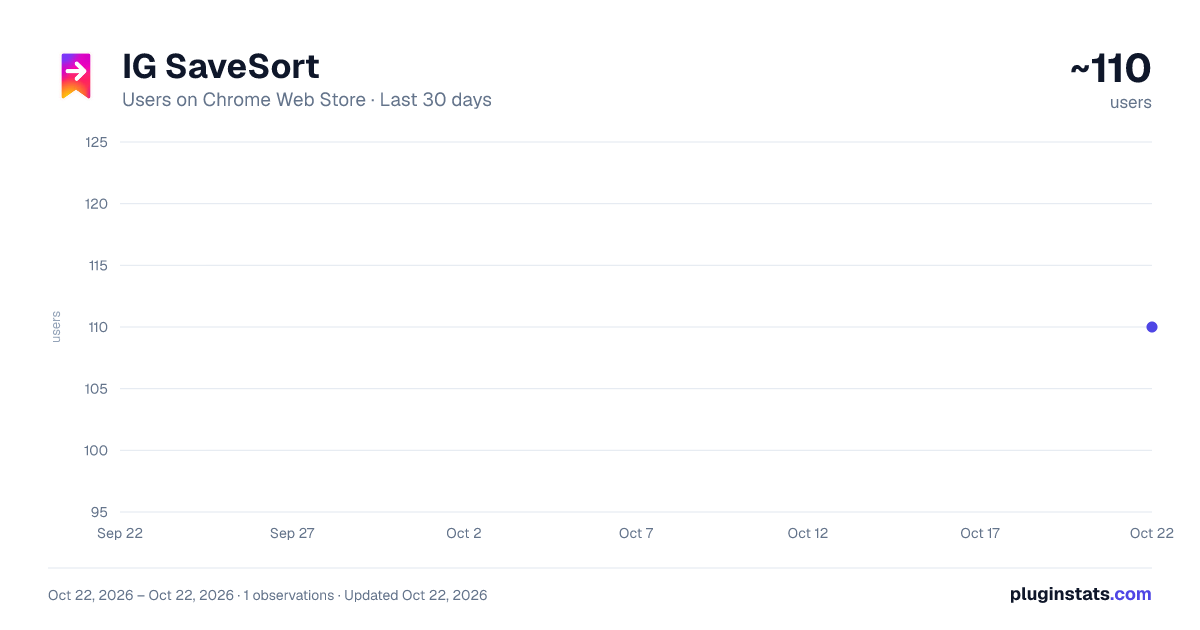
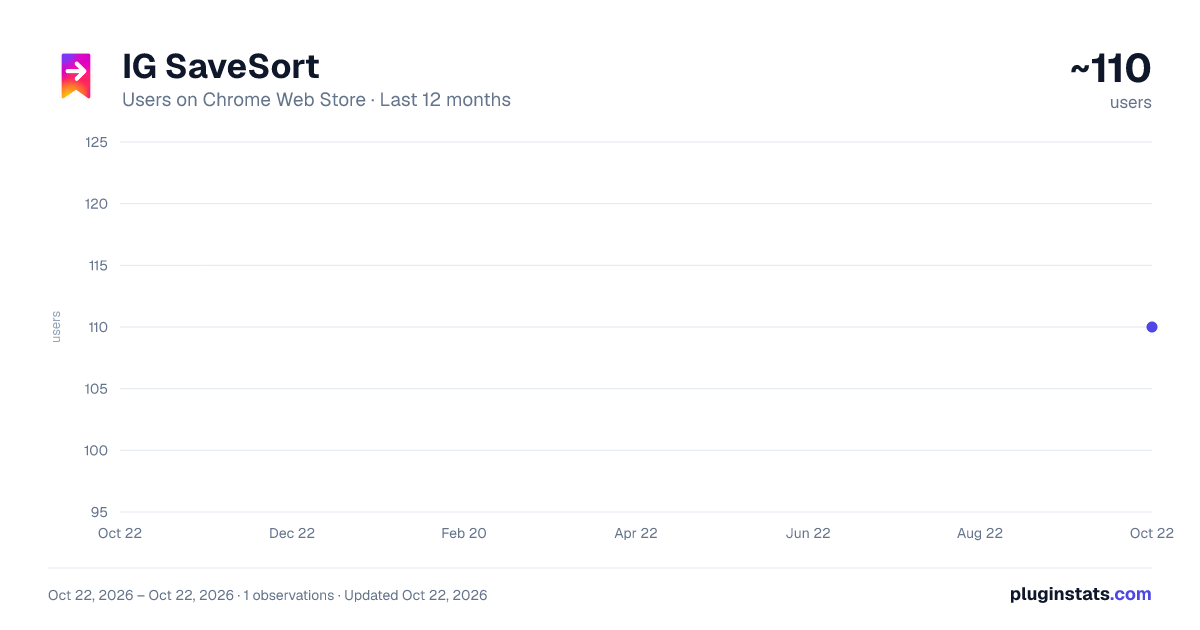
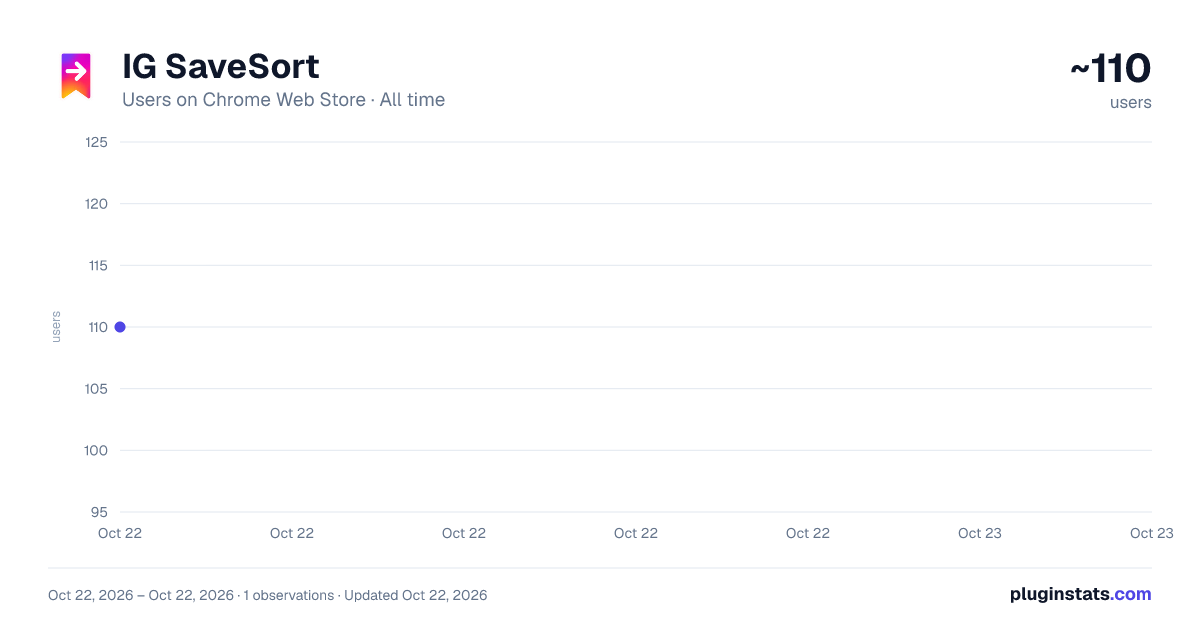
IG SaveSort has approximately 110 recorded users on Chrome Web Store, ranking #3280 of 3,404 tracked listings.
Rating: 5.00 / 5 from 1 ratings
About IG SaveSort
Compare and sort your Instagram saved collections side-by-side
If your Instagram saves have gotten out of hand, IG SaveSort was made for you!
Whether you're drowning in hundreds of saved posts across too many collections, or just need to move the right posts to the right places, IG SaveSort lets you compare two collections side by side and organize (drag and drop) posts between them, directly inside your Instagram web session.
How it works 🔖
View your "Saves" page, enable selection mode from the extension popup, click two collections on your Instagram saved page, and hit Compare! Your collections then load side by side in a clean two-column view. From there, drag any single post from one column into the other OR toggle Bulk Mode on to select multiple for relocation! Posts transfer & recategorizes instantly - no page refresh needed.
0.2.0 Update: Added Bulk selection moving mode 0.2.1 Update: Upped free moves to 25 0.2.2 Update: Resolved move "Try again" issue after an IG structure update 0.3.0 Update: Resolved session errors from inactive tabs. Unsupported collections now flagged clearly 0.3.2 Update: Clarified multiple browser error messages. Auto-recovers when IG Saved tab is asleep or not fully loaded.
Built for real use cases 🏗️
- Need to consolidate two overlapping collections into one? Done.
- Saved 200 posts into one giant collection and need to sort them out? Start moving.
- Trying to figure out which posts live in which collection without clicking back-and-forth a ton? Just compare them.
Features 📸
- Side-by-side collection comparison
- Drag and drop a single post (or multiple bulk selections) to move between collections
- Undo any single OR bulk move with a single click
- Loads all posts in a collection, even if very large
- Light/Dark mode
- Works entirely within your existing Instagram session: no login, no account, no data collected
Privacy first 🔒
IG SaveSort collects NO personal data. Everything happens locally in your browser. Your Instagram session is never shared with anyone.
Free to try 🔑
Get 25 free post moves to see if it's right for you! Unlock unlimited single and bulk sorting for a one-time fee of €7.99; NO subscription - YOURS forever.
Description from the Chrome Web Store listing.
README badge
Show your rank in a README or on your website. The badge updates automatically.
Charts
Images: 30d · 1y · all time · 1600×900 dark
Adoption over time
7/30/90-day growth
Ranking history
Ratings over time
Listing placement
Listing placement
Filled points are observed values; hollow points come from Internet Archive snapshots of the listing page. Dashed segments span periods with no observations — values between points are not interpolated.
Each band is one page of 20. Users on a linear scale. Placement is projected from users, so it can differ from the marketplace's own sort order. Hover a dot to see the listing.
Recent observations
Full history (1)Similar Chrome Web Store Tools plugins
All 20 IG SaveSort alternatives



Data source
Covers every Chrome Web Store extension with at least 100 users, found through the store's public sitemap. User counts are read from public listing pages. The 10% most-used extensions are refreshed daily, the next 40% weekly and the next 40% monthly; the least-used 10% are not refreshed. Google displays rounded user counts (and caps the display at 10,000,000+), so small changes may not be visible. Rating counts above 1,000 are rounded (e.g. 1.6K).
Listing: https://chromewebstore.google.com/detail/ig-savesort/gbpcoimjhhkmjblnlondfonkkjpcllmc. First seen Oct 22, 2026; last successful collection Oct 22, 2026. See the methodology.