 PluginStats
StreamShot: Screenshot for Youtube, Twitch, TikTok & Instagram users statistics
Chrome Web Store · Social Networking
Screenshot videos & streams on Youtube, Twitch, TikTok (Douyin) & Instagram. Cloud storage + AI editing features.
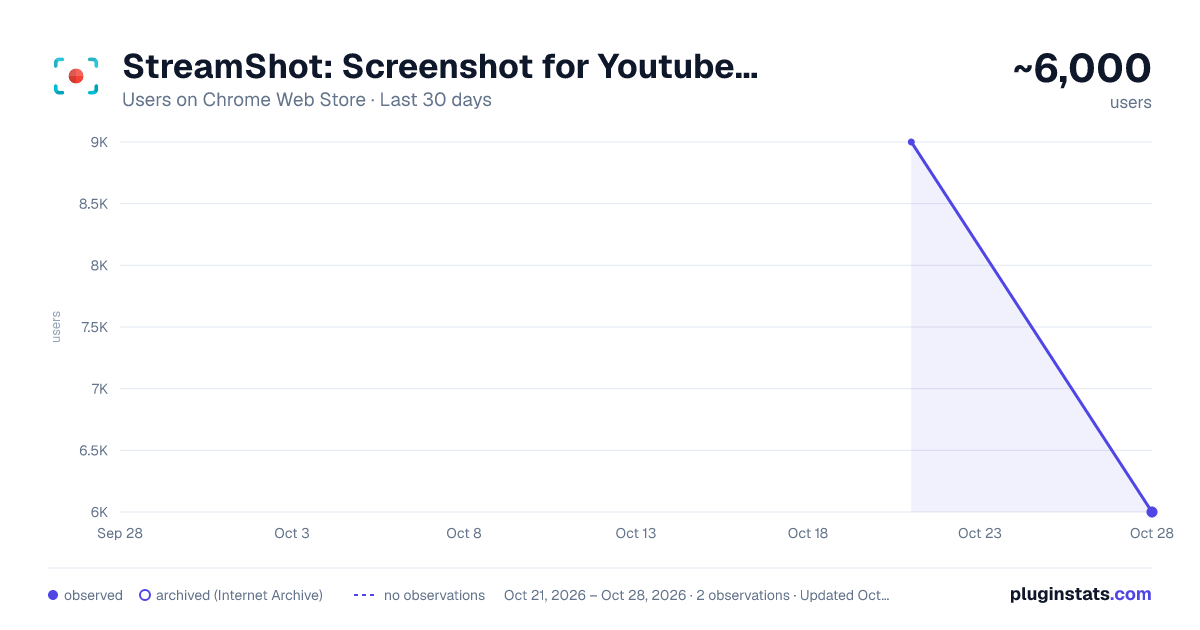
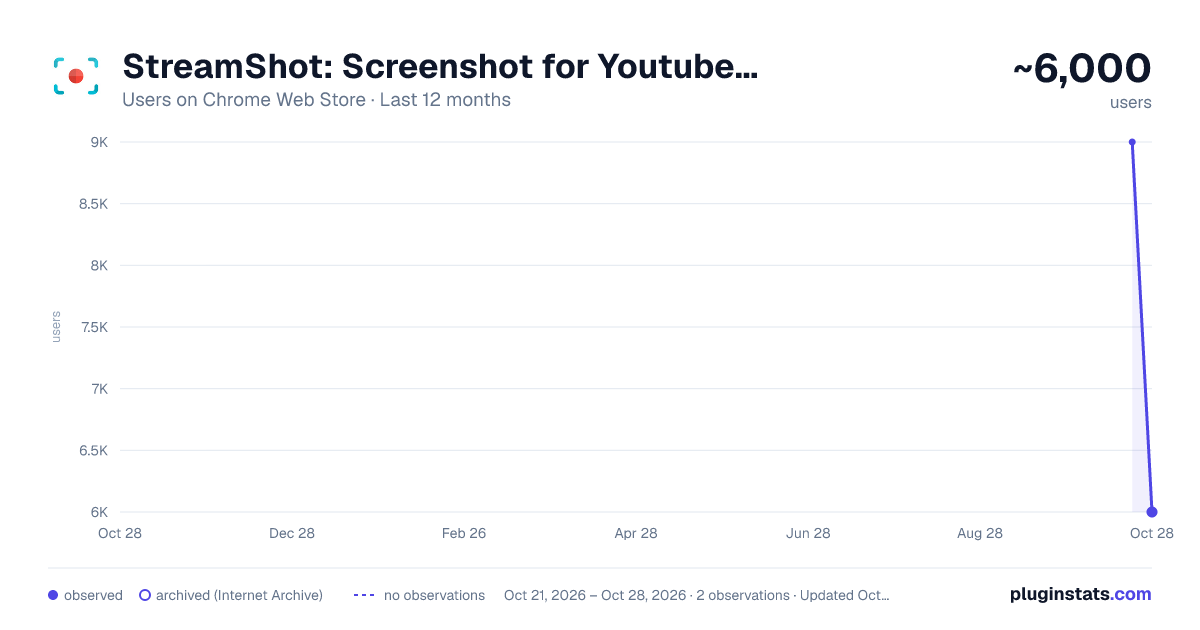
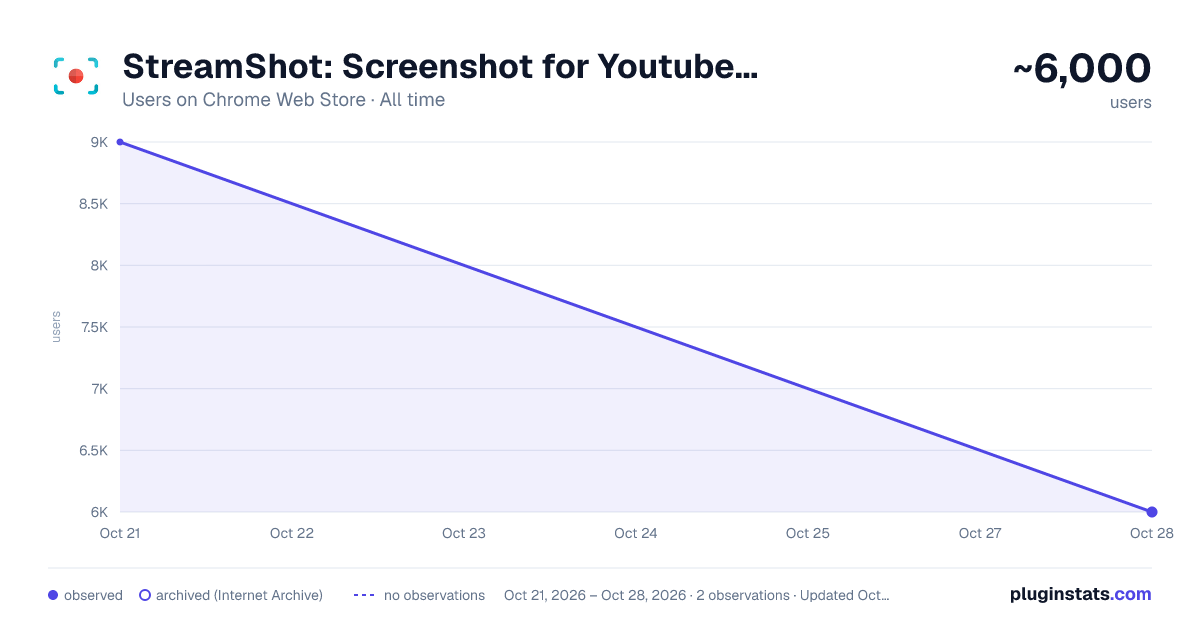
StreamShot: Screenshot for Youtube, Twitch, TikTok & Instagram has approximately 9,000 recorded users on Chrome Web Store, ranking #394 of 2,952 tracked listings.
Rating: 4.20 / 5 from 17 ratings
About StreamShot: Screenshot for Youtube, Twitch, TikTok & Instagram
Screenshot videos & streams on Youtube, Twitch, TikTok (Douyin) & Instagram. Cloud storage + AI editing features.
StreamShot helps you capture screenshots instantly from YouTube, Twitch, TikTok, Douyin & Instagram: videos, Shorts, Reels & live streams. Save, organize, and share your favorite moments in one click. Works in Google Chrome, Brave and Helium, in 20 languages.
KEY FEATURES • One-click screenshot capture from any video or live stream • Keyboard shortcut to capture even faster: Alt+Shift+S (or Option+Shift+S on Mac) • Burst mode (beta): one click grabs 5 frames, pick the perfect one or save them all • Source-quality capture, up to 4K & HDR with no downscaling (Pro) • Cloud storage - save and access your screenshots from anywhere (100MB free, 50GB with Pro) • Google Drive integration (Pro) - save your screenshots to your own Drive • Works on 5 platforms: videos, Shorts, Reels and live streams • Available in 20 languages: StreamShot follows your browser language • Works in Google Chrome, Brave and Helium
HOW IT WORKS
- Install the extension - it works immediately, no setup
- Open any YouTube, Twitch, TikTok, Douyin or Instagram video
- Click the floating screenshot button on the player, or press Alt+Shift+S
- Pick where to save: your computer, StreamShot Cloud, or Google Drive
SUPPORTED PLATFORMS
- YouTube (videos, Shorts, live streams)
- Twitch (videos, VODs, live streams)
- TikTok & Douyin (抖音) (videos, feed, live streams)
- Instagram (Reels, Posts, live streams)
📧 CONTACT Questions or feature requests? hello@streamshot.app or streamshot.app/contact
Enjoy!
CHANGELOG (What's New)
Oct 04, 2026: v0.2.0 - Sign in on Helium & Brave, now in 20 languages
🔓 SIGN IN ON HELIUM, BRAVE & OTHER CHROMIUM BROWSERS • On browsers without Google's built-in sign-in, the popup stayed on "Loading..." (Helium) or Google refused the sign-in with an error (Brave) • StreamShot now opens a regular Google sign-in window, so you can sign in and use your Pro features • Connecting Google Drive and saving to Drive work there too • Nothing changes on Google Chrome • Thanks to the users who reported it!
🌍 NOW IN 20 LANGUAGES • The popup, the capture button, the save window and every message follow your browser language • English, Spanish, Portuguese, German, French, Italian, Dutch, Polish, Japanese, Korean, Turkish, Indonesian, Vietnamese, Thai, Hindi, Arabic, Russian, Ukrainian, Chinese (Simplified and Traditional) • Arabic reads right to left • streamshot.app and your cloud gallery are translated too
Jul 05, 2026: v0.1.2 - Burst Mode, Shortcuts & Pro Quality
🎞️ BURST MODE (beta) • One click captures 5 frames around the moment (2 before, the current one, 2 after) • Pick the perfect frame in the save popup, or use "Save all" to download all 5 • 100% free to try during the beta (needs a free account)
⌨️ KEYBOARD SHORTCUT • Press Alt+Shift+S (Option+Shift+S on Mac) on any video to capture instantly • Pro members can set their own custom shortcut
💎 SOURCE QUALITY FOR PRO • Pro captures at full source resolution, including 4K and HDR, with no downscaling
🔁 EASIER GOOGLE ACCOUNT SWITCHING • After signing out, you can now pick a different Google account when signing back in
🧭 CLEANER POPUP • Sign Out moved into your account card, "View Screenshots" is now "Cloud gallery", tighter layout
Feb 17, 2026: v0.1.1 - Save Preferences
⚡ SAVE PREFERENCES • StreamShot remembers how you like to save, no more repeated choices • Check "Remember my choice" in the save popup to skip it on future captures • Works with all destinations: Local, Cloud, and Google Drive (Pro) • To reset and bring back the popup: click the StreamShot icon in your Chrome extension bar and click Reset
Feb 17, 2026: v0.1.0 - Major Update: Cloud & 4 Platforms!
🆕 PLATFORM EXPANSION • NEW: TikTok & Douyin (抖音) support - capture from videos, feed and live streams • NEW: Instagram support - Reels, Posts and live streams • Enhanced YouTube support, adding Shorts with a native-looking button • Smart floating button positioning across all platforms
☁️ CLOUD STORAGE • 100MB free cloud storage for all users • Access your screenshots from any device • 50GB for Pro users • Automatic metadata and organization
💾 GOOGLE DRIVE INTEGRATION (Pro) • Save screenshots directly to Google Drive • Copy screenshots to Drive from the dashboard • Automatic "StreamShot" folder creation
🎨 ENHANCED UI • Modern, intuitive interface • Improved performance and reliability
And we have a website!
Previous changes:
- March 01, 2023: Performance optimization and migration to Google's latest requirements (v3)
- June 07, 2022: Fixed the issue with the YouTube Studio Dashboard thanks to users' feedback
- February 24, 2021: Twitch VODs / recorded videos are now supported.
Description from the Chrome Web Store listing.
README badge
Show your rank in a README or on your website. The badge updates automatically.
Charts
Images: 30d · 1y · all time · 1600×900 dark
Adoption over time
7/30/90-day growth
Ranking history
Ratings over time
Listing placement
Listing placement
Filled points are observed values; hollow points come from Internet Archive snapshots of the listing page. Dashed segments span periods with no observations — values between points are not interpolated.
Each band is one page of 20. Users on a linear scale. Placement is projected from users, so it can differ from the marketplace's own sort order. Hover a dot to see the listing.
Recent observations
Full history (1)Similar Chrome Web Store Social Networking plugins
All 20 StreamShot: Screenshot for Youtube, Twitch, TikTok & Instagram alternatives



Data source
Covers every Chrome Web Store extension with at least 100 users, found through the store's public sitemap. User counts are read from public listing pages. The 10% most-used extensions are refreshed daily, the next 40% weekly and the next 40% monthly; the least-used 10% are not refreshed. Google displays rounded user counts (and caps the display at 10,000,000+), so small changes may not be visible. Rating counts above 1,000 are rounded (e.g. 1.6K).
Listing: https://chromewebstore.google.com/detail/streamshot-screenshot-for/dkgbndlihekhmkfpjaeffcolebphngli. First seen Oct 21, 2026; last successful collection Oct 21, 2026. See the methodology.