 PluginStats
Zendio-All in Obsidian users statistics
By shlefeaker · Chrome Web Store · Workflow & Planning
Web, video, and conversation clipper for saving structured notes into Obsidian.
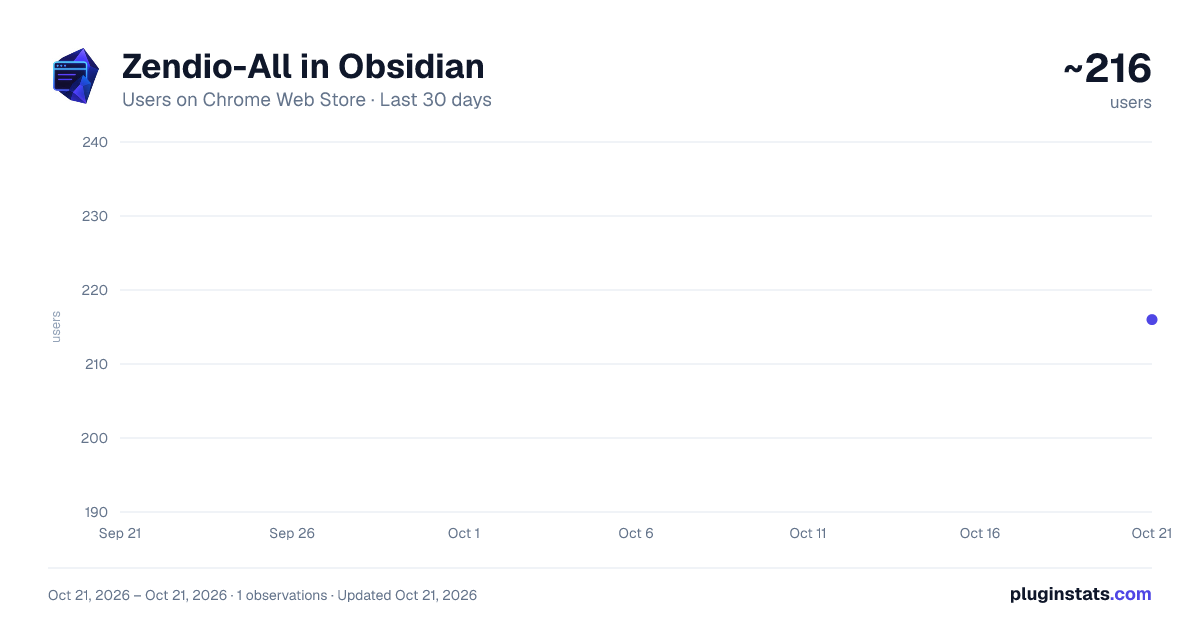
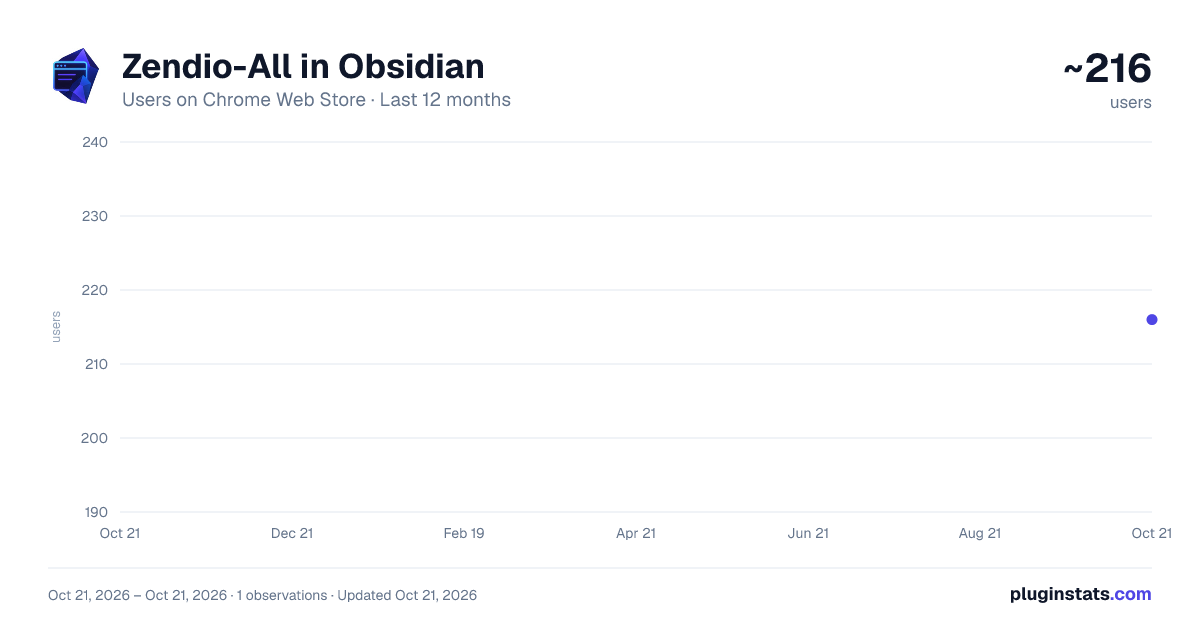
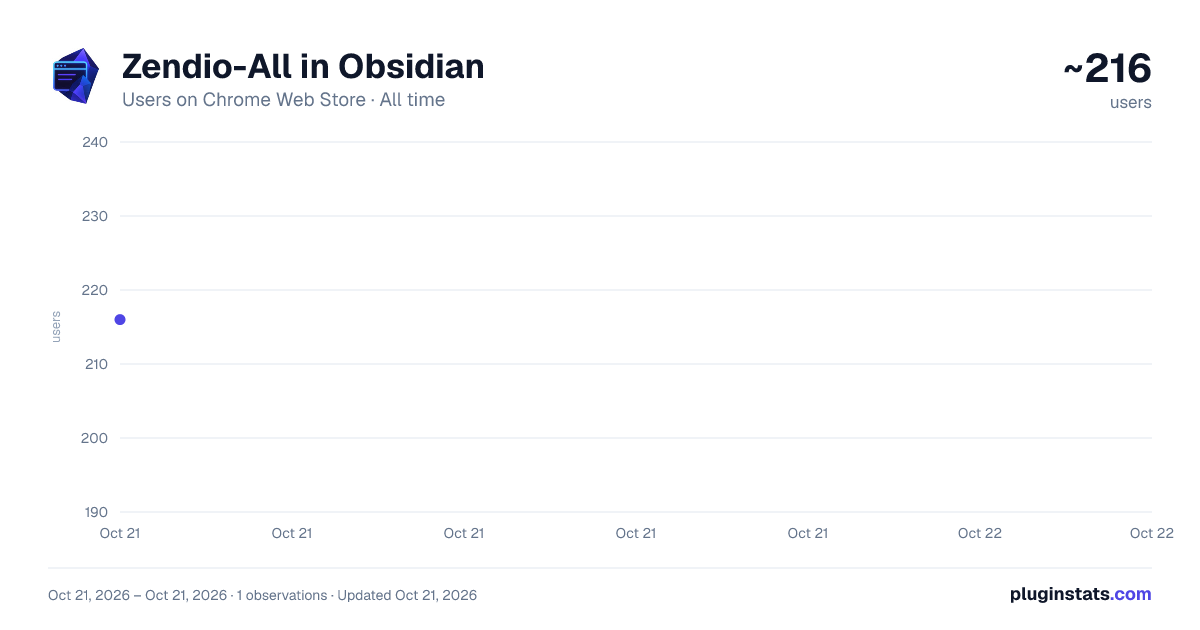
Zendio-All in Obsidian has approximately 216 recorded users on Chrome Web Store, ranking #2777 of 3,853 tracked listings.
Rating: 5.00 / 5 from 6 ratings
About Zendio-All in Obsidian
Web, video, and conversation clipper for saving structured notes into Obsidian.
Zendio-All in Obsidian is a Chrome extension for Obsidian workflows. It saves the web pages, fragments, reading annotations, video timestamps, and AI conversations that you actively choose as structured Markdown notes.
It is designed for people who want to turn reading, research, video learning, and conversation records in the browser into a systematic Obsidian knowledge base. Zendio focuses on saving, organizing, and returning to the original source, rather than generating summaries that are hard to review later.
In other words, it aims to be a good companion when you read articles, watch video podcasts, and take open courses: while you are learning from the material, it writes context, timestamps, annotations, and backlinks into local Markdown notes or Obsidian in a smooth, unobtrusive, and elegant way.
Key features
-
Web article clipping Save a full article from a web page through the context menu. The extension extracts metadata such as title, source URL, author, and clipping time, while preserving lists, code blocks, tables, mathematical content, and the structure of the article as much as possible.
-
Fragment excerpts and annotations Select a sentence or paragraph on a web page and save it as a fragment note. You can add comments in a floating window. Fragments keep the source link and support Text Fragment backlinks so you can jump back to the original position later.
-
Reading mode Start a reading session in the browser, highlight text and record thoughts as you read, then export everything to Obsidian at once. Recent unsaved reading drafts can be restored within 48 hours, with up to 5 recent pages and 20 recoverable records per page.
-
Video notes Supports video notes on YouTube and Bilibili pages. You can record timestamps, selected text, comments, and screenshot status, then export Markdown with jump links. Video screenshot attachments support custom save directories, filenames, and Markdown URL formats.
-
AI conversation archiving Conversations from supported AI chat platforms can be organized as Markdown. Zendio tries to preserve message structure, code blocks, tables, and important formatting so you can search and review them later in Obsidian.
-
Multiple vaults and routing Configure multiple Obsidian vault targets and automatically choose the save location by domain, keyword, URL rule, and priority. This is useful for routing research, work, writing, and video notes to different vaults or folders.
-
Path templates and YAML Articles, videos, fragments, reading sessions, and AI conversations can use independent path templates. YAML fields can be configured by content type, with previews for the export structure under the current rules. This makes Zendio easier to combine with Obsidian Bases, Dataview, Sidebar Highlights, and similar workflows.
Write methods
In Chrome and other Chromium browsers, local directory authorization is recommended. After you actively select an Obsidian Vault folder, Zendio writes only within the directory scope authorized by the browser.
If local directory access is unavailable, you can also configure Obsidian Local REST API and write to Obsidian through a local http or https endpoint. Local REST API is the fallback connection method, and the API key is stored only in the browser extension's local storage.
Privacy
Zendio is local-first by design. Core clipping, parsing, preview, draft recovery, and write flows run by default in the browser, authorized directory, local downloads directory, or local Obsidian environment.
The extension does not send page bodies, clipped content, AI conversation content, video notes, screenshots, exported Markdown, complete URLs, filenames, local paths, Obsidian API keys, cookies, or browser credentials through telemetry.
Anonymous usage statistics and error diagnostics are off by default. They are sent through the developer proxy to Google Analytics 4 only after you explicitly enable them, to help understand feature usage and locate extension errors. You can turn them off and clear related data at any time from onboarding or the Options privacy settings.
Who it is for
- Heavy Obsidian users
- People who often learn through video podcasts and open courses
- People who want to turn web materials and AI conversations into notes
- Researchers, engineers, writers, students, and knowledge workers
- Users who want to manage clipped content with controllable paths, YAML, and multi-vault rules
Project links
Official website: https://zendio.sxnian.com/en/ Feedback: https://github.com/Lefeaker/zendio/issues Source code: https://github.com/Lefeaker/zendio
Description from the Chrome Web Store listing.
README badge
Show your rank in a README or on your website. The badge updates automatically.
Charts
Images: 30d · 1y · all time · 1600×900 dark
Adoption over time
7/30/90-day growth
Ranking history
Ratings over time
Listing placement
Listing placement
Filled points are observed values; hollow points come from Internet Archive snapshots of the listing page. Dashed segments span periods with no observations — values between points are not interpolated.
Each band is one page of 20. Users on a linear scale. Placement is projected from users, so it can differ from the marketplace's own sort order. Hover a dot to see the listing.
Recent observations
Full history (1)Similar Chrome Web Store Workflow & Planning plugins
All 20 Zendio-All in Obsidian alternatives



Data source
Covers every Chrome Web Store extension with at least 100 users, found through the store's public sitemap. User counts are read from public listing pages. The 10% most-used extensions are refreshed daily, the next 40% weekly and the next 40% monthly; the least-used 10% are not refreshed. Google displays rounded user counts (and caps the display at 10,000,000+), so small changes may not be visible. Rating counts above 1,000 are rounded (e.g. 1.6K).
Listing: https://chromewebstore.google.com/detail/zendio-all-in-obsidian/eoohmbhdepgknfemajanfaejmonckgmo. First seen Oct 21, 2026; last successful collection Oct 21, 2026. See the methodology.