 PluginStats
WhatFont users statistics
Chrome Web Store · Developer Tools
The easiest way to identify fonts on web pages.
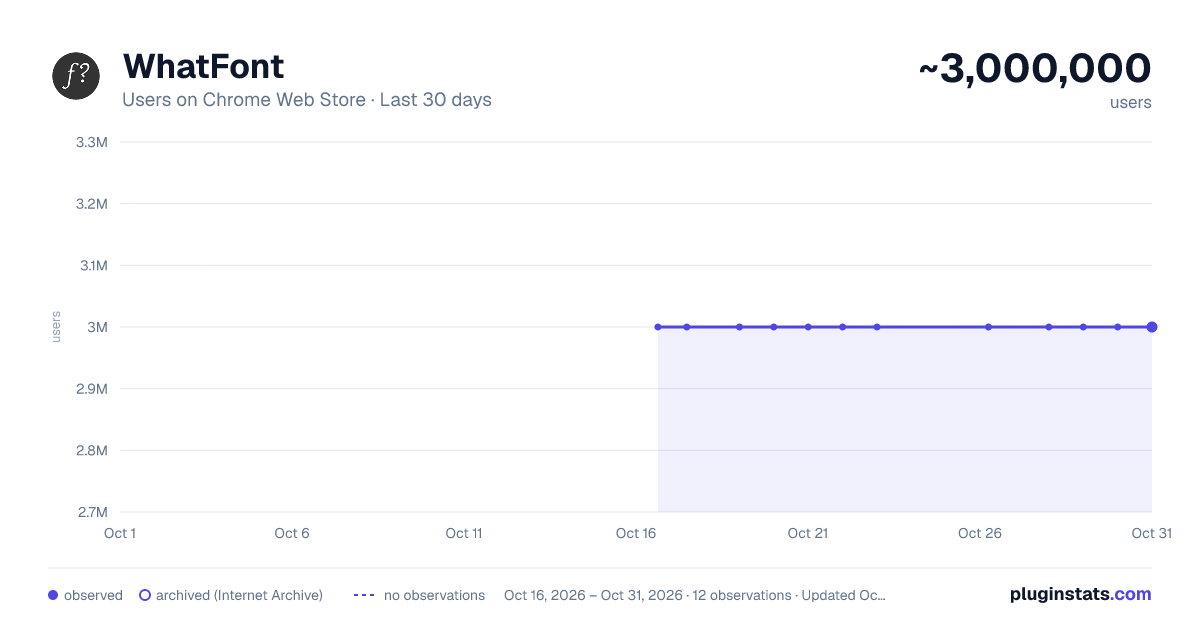
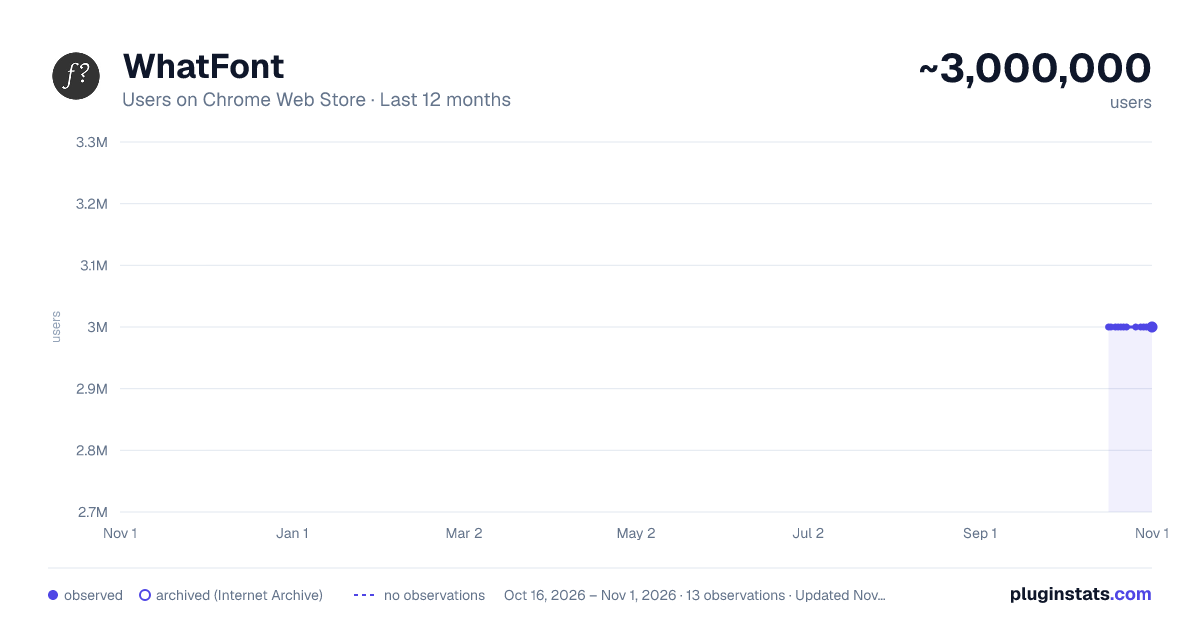
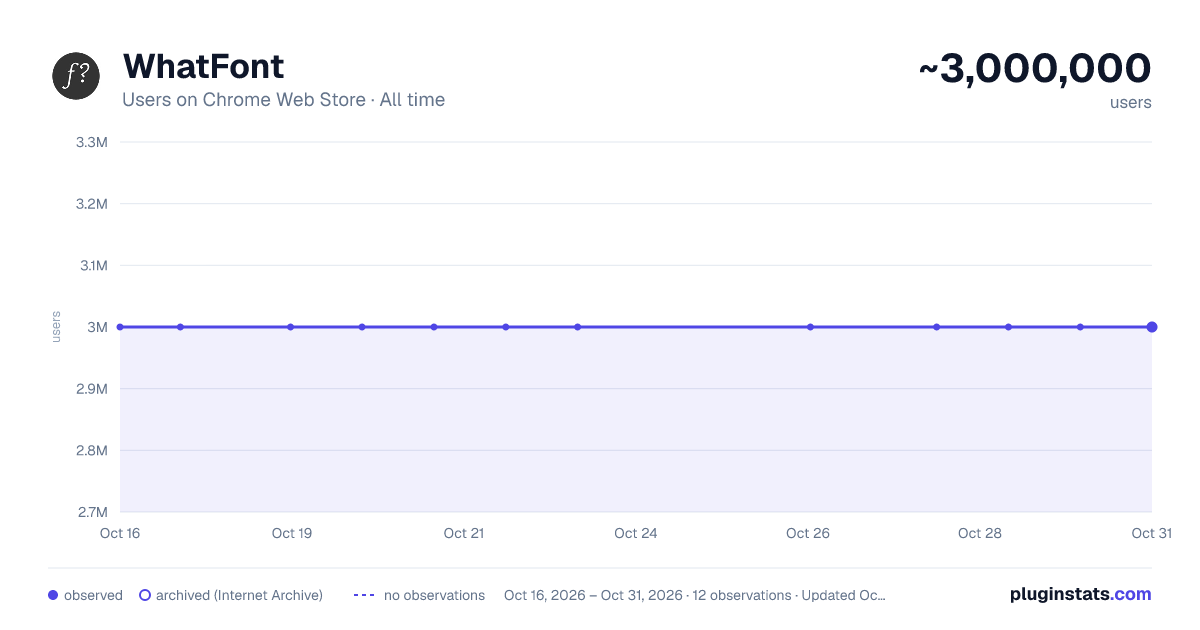
WhatFont has approximately 3,000,000 recorded users on Chrome Web Store.
It ranks #24 of 1,556 tracked Chrome Web Store listings by users.
It is rated 3.8 out of 5 from 2,100 ratings.
PluginStats has 2 daily observations since Oct 16, 2026; the latest is from Oct 17, 2026.
Rating: 3.80 / 5 from 2,100 ratings
About WhatFont
The easiest way to identify fonts on web pages.
Say goodbye to the complexity of developer tools for identifying fonts. With WhatFont, discovering the fonts used on websites becomes as effortless as hovering over text. Want more details? A simple click on any element reveals the styles applied, making it easier than ever to uncover the secrets behind beautiful typography.
Recommended by Wired WebMonkey, Lifehacker, and SwissMiss.
———————————————————————————
History: • 3.3.0 - Redesigned details panel: real font names, where the font comes from, letter spacing, line height in px and the HTML element - Click any value to copy it, or copy all the CSS at once - Explains when WhatFont can't run on a page - Works on local files when file access is allowed - Shows a one-time tip for new users • 3.2.0 - Improved toolbar icon compatibility • 3.1.1 - Removed unnecessary developer logging • 3.1.0 - Added multiple color format support • 3.0.1 - Restored escape key to exit • 3.0.0 - Completely Rewritten: The entire extension has been rebuilt for better performance and usability. - Updated Permission Model: We've revised permissions to better respect user privacy while maintaining functionalities. - Refreshed Appearance: The look has been updated for a more modern feel. - Isolation from Host Website Styling: Ensures WhatFont's appearance is unaffected by the website it's used on. - Adaptive Toolbar Icon: The toolbar icon now changes based on the system's appearance settings. - Support for New CSS Color Values: Enhanced support for the latest CSS color values. • 2.1.0 - A new design thanks to Siddharth Mate • 2.0.3 - Retina toolbar icon • 2.0.2 - Fix option page for button styles • 2.0.1 - Use native screen capturer • 2.0 - Improved sharing • 1.7 - Added font services detection for FontDeck (Thanks to Mark Perkins) - Improved font detecting algorithm - Improved overall performance • 1.6.1 - Added color detection for text • 1.6 - Added a tweet button for instant sharing through Twitter - Improved style reseting • 1.5 - Overall restyling • 1.4.4 - Supported light icon for dark themes • 1.4.3 - Fixed a bug related to Typekit service detection • 1.4.2 - Reduced loading time - Supported HTTPS protocol • 1.4.1 - Fixed stylesheet bug • 1.4 - Restructured source code - Supported font services detection for Typekit and Google Font API - Fixed toolbar button bug. Second click is now "Exit WhatFont"
Description from the Chrome Web Store listing.
Where WhatFont sits in the listing
Each band is one page of 20. Users on a log scale. Placement is projected from users, so it can differ from the marketplace's own sort order. Hover a dot to see the listing.
Charts
Images: 30d · 1y · all time · 1600×900 dark
Adoption over time
7/30/90-day growth
Filled points are observed values; hollow points come from Internet Archive snapshots of the listing page. Dashed segments span periods with no observations — values between points are not interpolated.
Recent observations
Full history (2)Similar Chrome Web Store Developer Tools plugins




Data source
User counts are read from public Chrome Web Store listing pages. Google displays rounded user counts (and caps the display at 10,000,000+), so small changes may not be visible. Rating counts above 1,000 are rounded (e.g. 1.6K).
Listing: https://chromewebstore.google.com/detail/whatfont/jabopobgcpjmedljpbcaablpmlmfcogm. First seen Oct 16, 2026; last successful collection Oct 17, 2026. See the methodology.