 PluginStats
Environment Marker users statistics
Chrome Web Store · Developer Tools
Use the Environment Marker extension and prevent screw-ups with the (programming) environments.
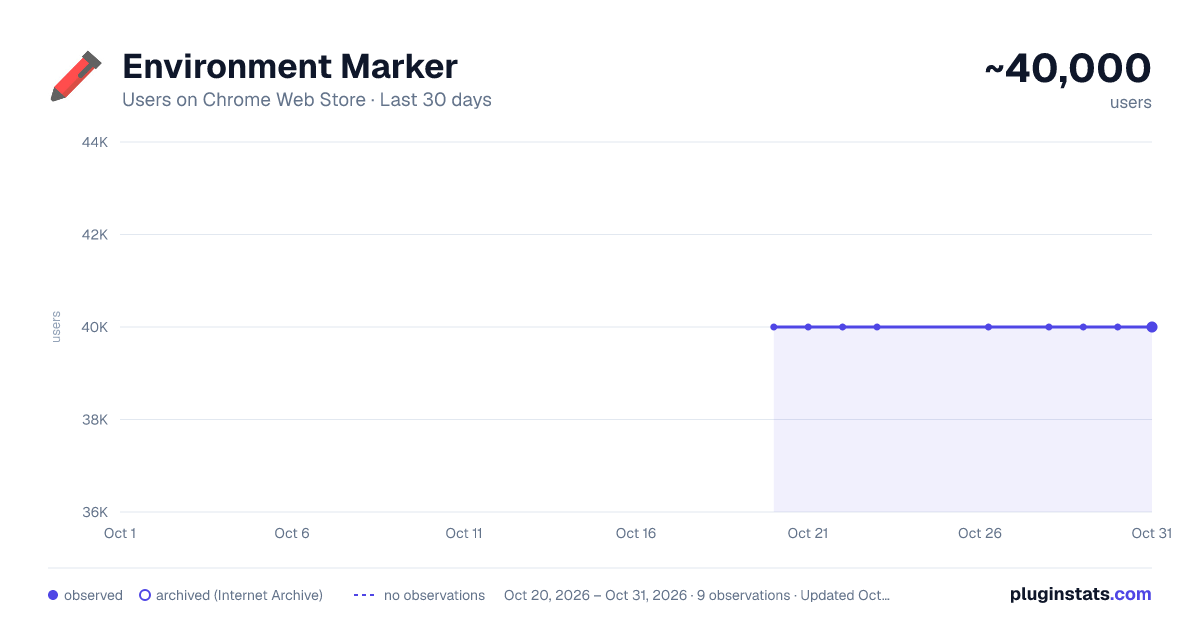
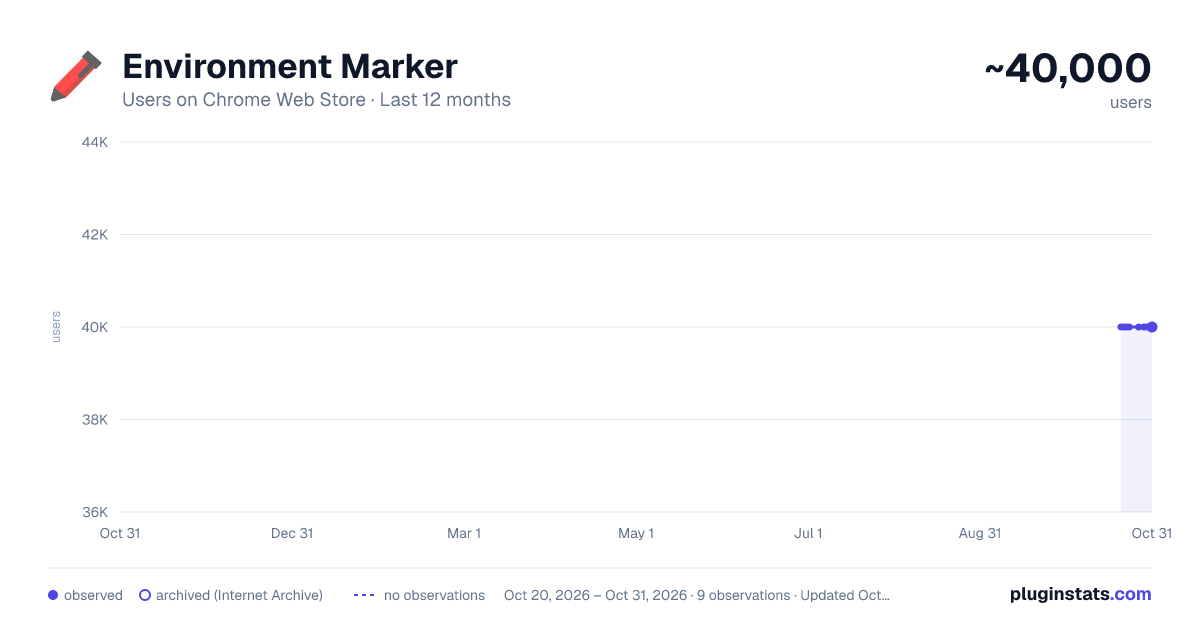
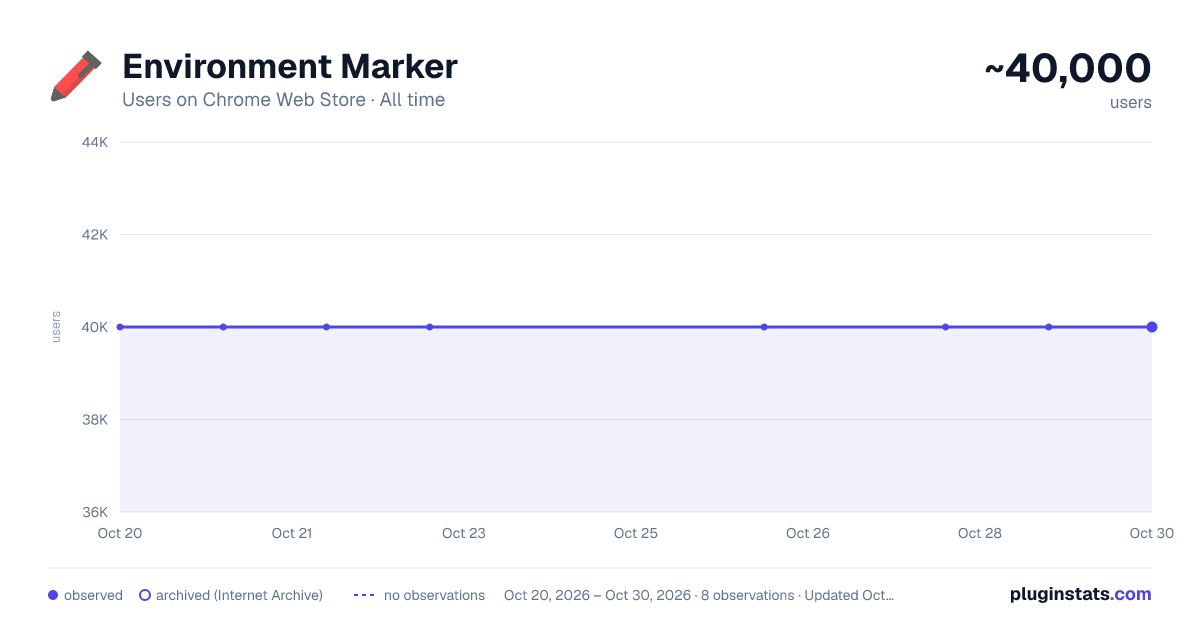
Environment Marker has approximately 40,000 recorded users on Chrome Web Store, ranking #161 of 2,495 tracked listings.
Rating: 4.80 / 5 from 57 ratings
About Environment Marker
Use the Environment Marker extension and prevent screw-ups with the (programming) environments.
This extension helps you visually distinguish between different environments by adding a colored label to specified websites based on URL configurations. It supports regular expressions (including wildcards), a color picker, and positioning preferences.
Why Use Environment Marker? In IT projects, working with multiple environments—such as development, QA, staging, and production—is common. However, since these environments often look identical, mistakes can happen.
Have you ever intended to run a "quick test" in the development environment, only to realize too late that you were actually in production? Misconfigurations and accidental changes can easily occur because the only visible difference is the discreet URL in the browser's address bar.
That is where Environment Marker comes in. This free and open-source Chrome extension lets you define your project’s environment URLs and assign a colored label in the browser window to identify them at a glance.
No more screw-ups in the production environment!
Features: ✅ Customizable labels – Choose label colors with a color picker. ✅ Regular expression support – Use regex patterns to match URLs dynamically. ✅ Flexible label positioning – Place the label in any corner: Top-right, Top-left, Bottom-right, Bottom-left or Moldure. ✅ Quick Config mode – A fast and easy setup option. ✅ Export & Import settings – Backup and restore configurations effortlessly.
How to Use:
- After installation, go to Chrome Settings > Extensions > Manage Extensions OR
- Click the red pencil icon next to the address bar.
- Open the Options menu under Environment Marker.
- Configure your environments and click Save.
Latest Release – v1.2.1 Important: Before updating, export your settings for backup. Go to Chrome Settings > Extensions > Manage Extensions, open the extension’s Options menu, and use the Export feature.
What’s New? ✔ Minor bug fixes. ✔ Added support for ribbon transparency.
Environment Marker is open-source, and contributions are welcome! GitHub: https://github.com/geovanneb/envmarker
Description from the Chrome Web Store listing.
README badge
Show your rank in a README or on your website. The badge updates automatically.
Charts
Images: 30d · 1y · all time · 1600×900 dark
Adoption over time
7/30/90-day growth
Ranking history
Ratings over time
Listing placement
Listing placement
Filled points are observed values; hollow points come from Internet Archive snapshots of the listing page. Dashed segments span periods with no observations — values between points are not interpolated.
Each band is one page of 20. Users on a linear scale. Placement is projected from users, so it can differ from the marketplace's own sort order. Hover a dot to see the listing.
Recent observations
Full history (1)Similar Chrome Web Store Developer Tools plugins
All 20 Environment Marker alternatives



Data source
Covers every Chrome Web Store extension with at least 100 users, found through the store's public sitemap. User counts are read from public listing pages. The 10% most-used extensions are refreshed daily, the next 40% weekly and the next 40% monthly; the least-used 10% are not refreshed. Google displays rounded user counts (and caps the display at 10,000,000+), so small changes may not be visible. Rating counts above 1,000 are rounded (e.g. 1.6K).
Listing: https://chromewebstore.google.com/detail/environment-marker/ahjhdebcnlgmojdmjnhikhakkghcchkk. First seen Oct 20, 2026; last successful collection Oct 20, 2026. See the methodology.