 PluginStats
Table to CSV Export — DataPick by S-Hub users statistics
Extract data from most websites without code. Click to select elements, then export to CSV or Excel (Google Sheets with Pro).
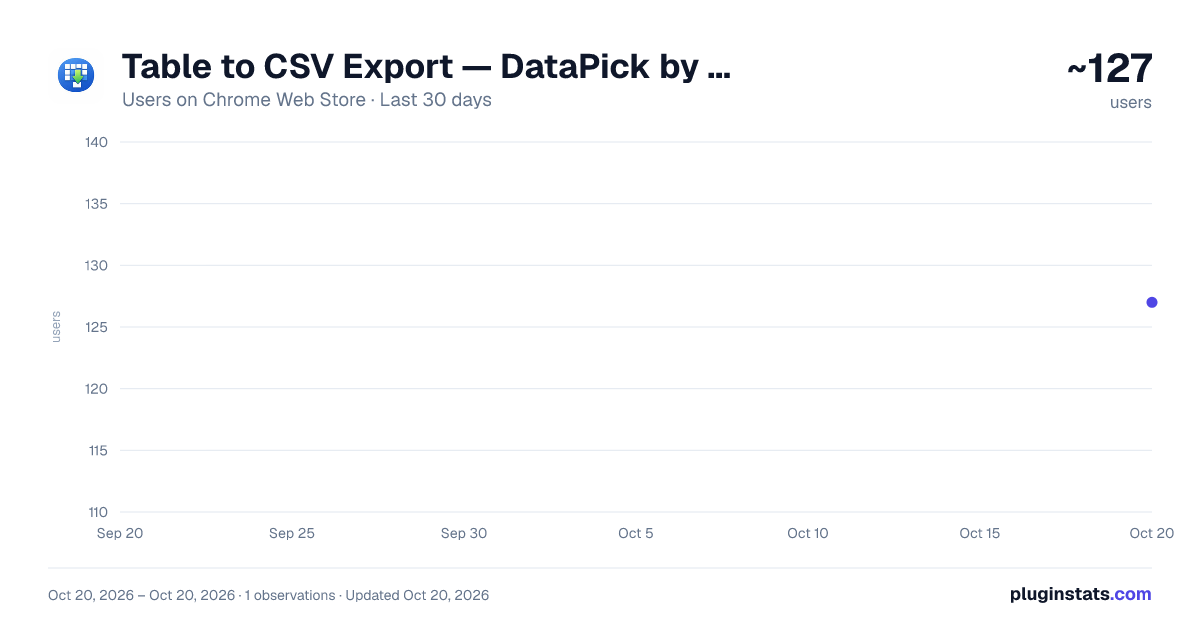
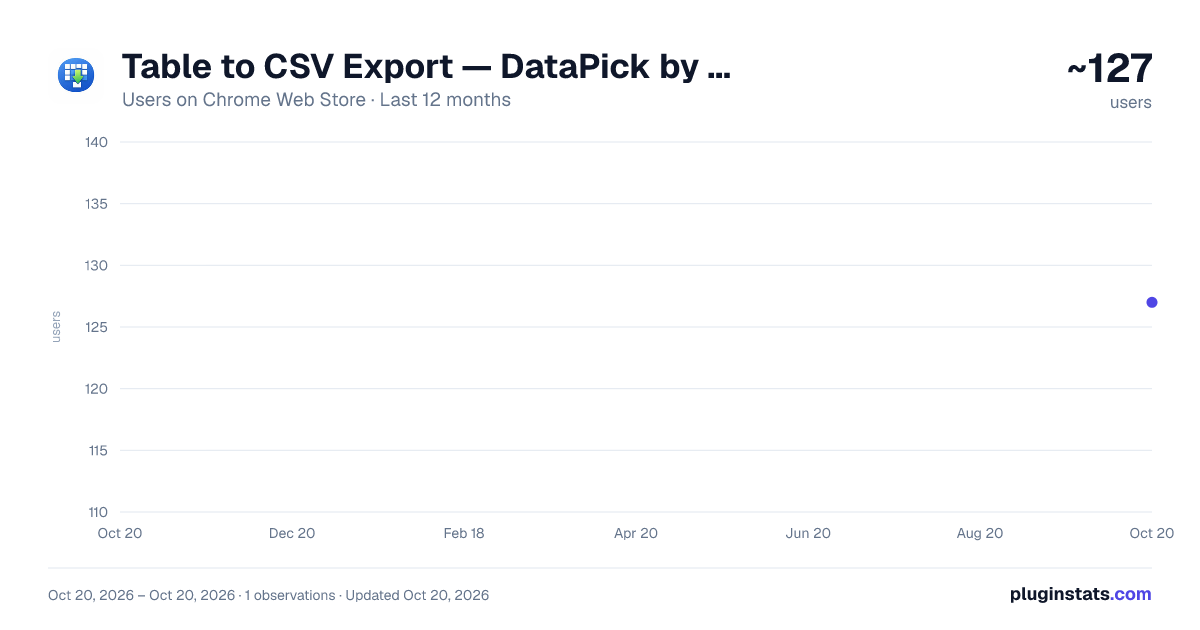
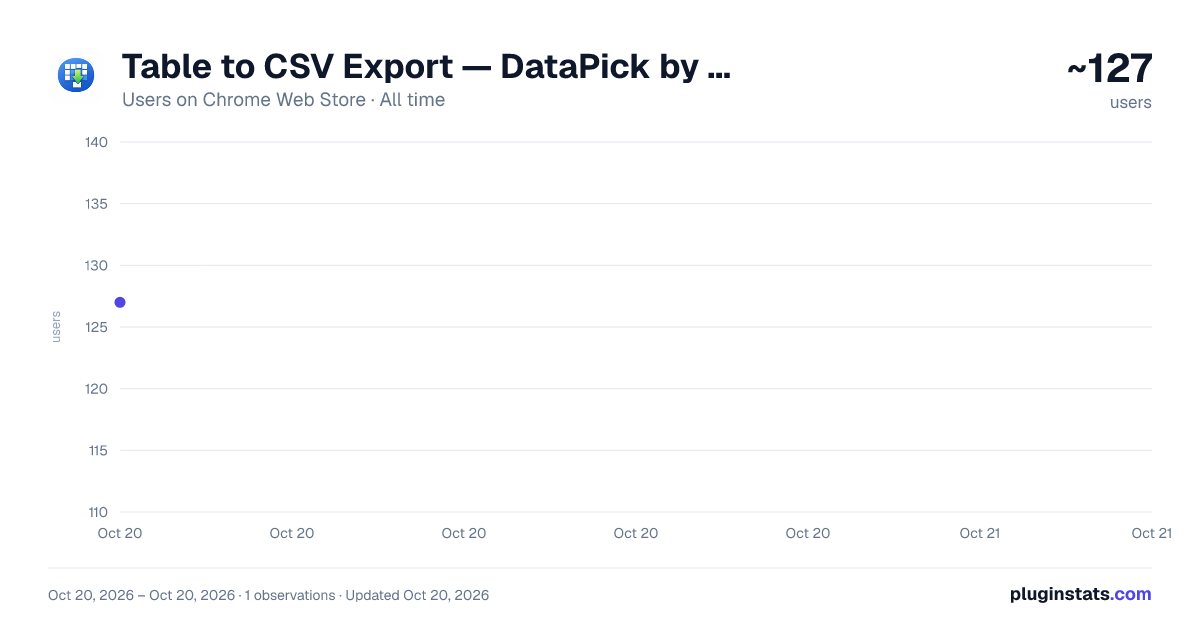
Table to CSV Export — DataPick by S-Hub has approximately 127 recorded users on Chrome Web Store, ranking #2277 of 2,495 tracked listings.
Rating: 3.00 / 5 from 2 ratings
About Table to CSV Export — DataPick by S-Hub
Extract data from most websites without code. Click to select elements, then export to CSV or Excel (Google Sheets with Pro).
🔍 Visual web scraper - no coding required
DataPick lets you pull data from most websites with a single click. No programming skills needed.
⭐ Key features
🖱️ Point & click selection
- Select any element just by clicking it
- Visual highlights show exactly what you picked
- Automatic pattern detection for lists and tables
📊 Smart data extraction
- Extract text, links, images and attributes
- Handle pagination automatically
- Scrape multiple pages in one run
📁 Export options
- Export to CSV
- Export to JSON
- Copy to clipboard
- Send straight to Google Sheets (Pro)
💎 Pricing ✅ Free: preview the first 10 rows · CSV / Excel / JSON exports are unlimited ⭐ Pro ($19 one-time, or $4.99/month): full row preview and direct Google Sheets export
🔒 Privacy first
- Extracted data stays on your device (unless you send it to your own Google Sheets)
- Anonymous usage statistics are sent via Google Analytics
- Error reports are sent to our servers
- License checks go through ExtensionPay
Extract data visually. No code. Zero complexity.
📧 Support: support@dev-tools-hub.xyz
Description from the Chrome Web Store listing.
README badge
Show your rank in a README or on your website. The badge updates automatically.
Charts
Images: 30d · 1y · all time · 1600×900 dark
Adoption over time
7/30/90-day growth
Ranking history
Ratings over time
Listing placement
Listing placement
Filled points are observed values; hollow points come from Internet Archive snapshots of the listing page. Dashed segments span periods with no observations — values between points are not interpolated.
Each band is one page of 20. Users on a linear scale. Placement is projected from users, so it can differ from the marketplace's own sort order. Hover a dot to see the listing.
Recent observations
Full history (1)Similar Chrome Web Store Tools plugins
All 20 Table to CSV Export — DataPick by S-Hub alternatives



Data source
Covers every Chrome Web Store extension with at least 100 users, found through the store's public sitemap. User counts are read from public listing pages. The 10% most-used extensions are refreshed daily, the next 40% weekly and the next 40% monthly; the least-used 10% are not refreshed. Google displays rounded user counts (and caps the display at 10,000,000+), so small changes may not be visible. Rating counts above 1,000 are rounded (e.g. 1.6K).
Listing: https://chromewebstore.google.com/detail/table-to-csv-export-—-dat/epoehadeccangbpjldlbkapnakndbpkf. First seen Oct 20, 2026; last successful collection Oct 20, 2026. See the methodology.