 PluginStats
Network Cleaner - Bulk Connection Removal users statistics
Bulk remove and export connections from your professional network. Plus an inbox that shows whose turn it is to reply.
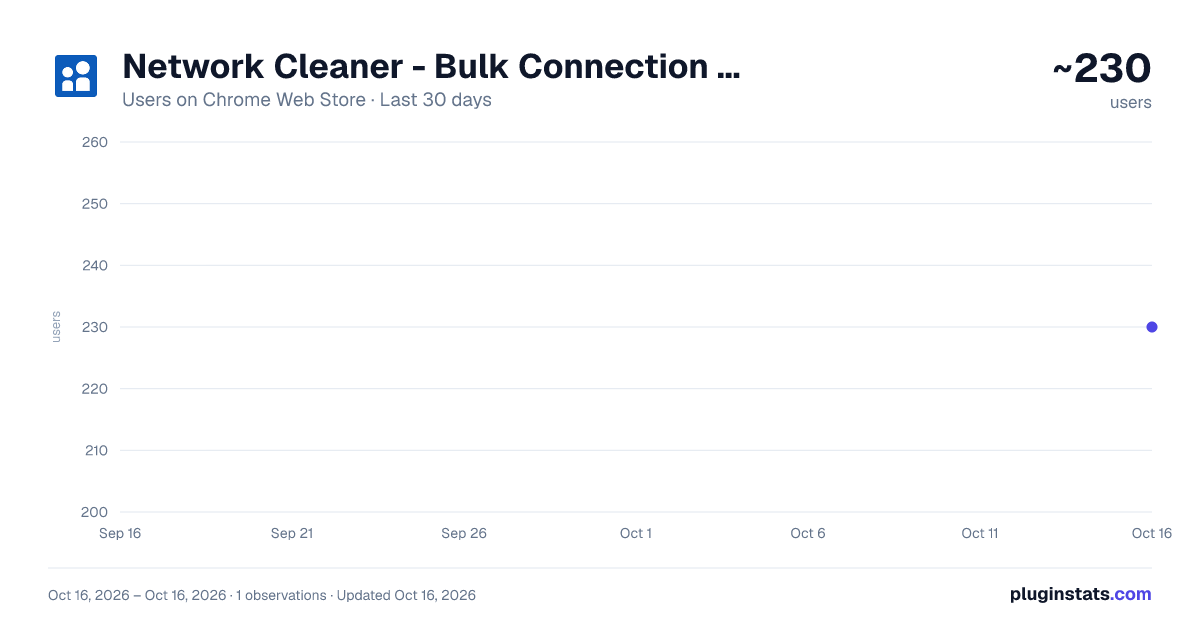
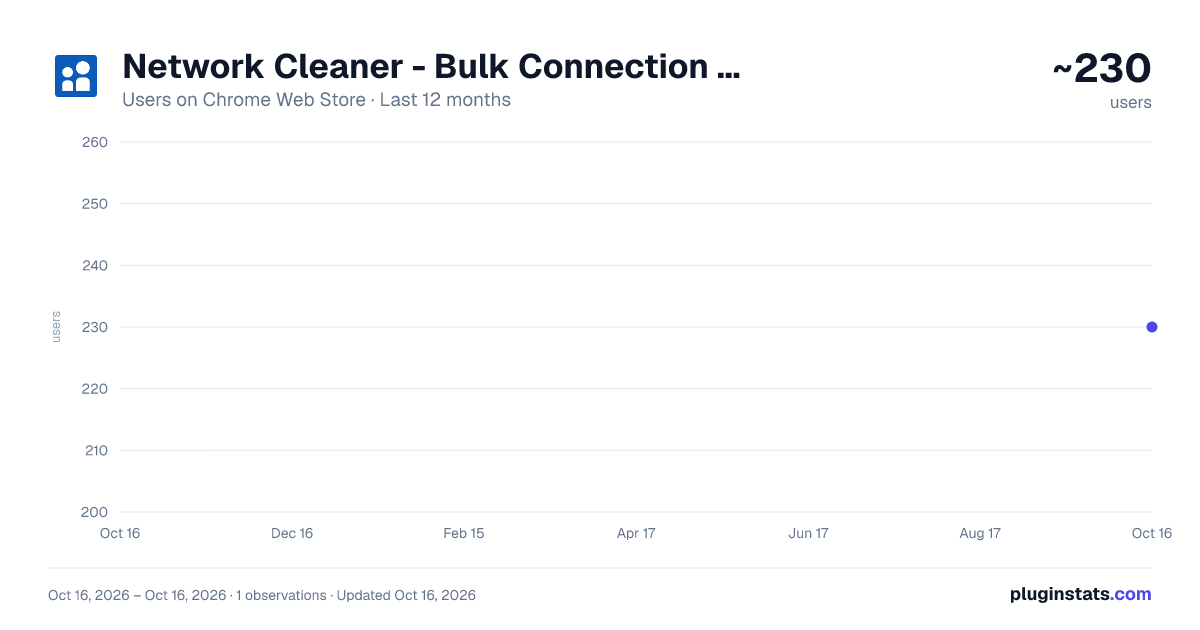
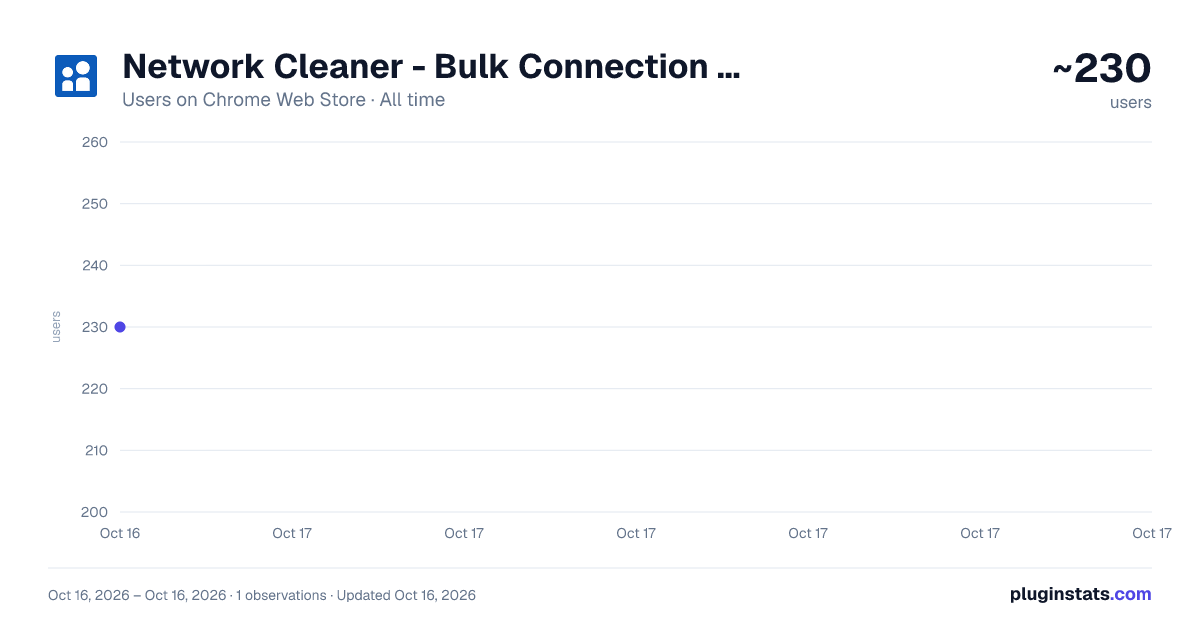
Network Cleaner - Bulk Connection Removal has approximately 230 recorded users on Chrome Web Store.
It ranks #1104 of 1,556 tracked Chrome Web Store listings by users.
It is rated 5.0 out of 5 from 9 ratings.
PluginStats has 1 daily observations since Oct 16, 2026; the latest is from Oct 16, 2026.
Rating: 5.00 / 5 from 9 ratings
About Network Cleaner - Bulk Connection Removal
Bulk remove and export connections from your professional network. Plus an inbox that shows whose turn it is to reply.
Sitting on thousands of connections you'll never talk to and messages still waiting on a reply?
Two tools in one extension: clean up your network, and take back your inbox.
Your professional network is full of thousands of people you'll never talk to again. Old recruiters. Past industries. Random salespeople. That person from a conference in 2019. And your inbox? Buried somewhere in it, someone is waiting on a reply you forgot about.
Network Cleaner handles both. Bulk remove the noise from your network. Sort your messages by who actually owes a reply.
CLEAN UP YOUR NETWORK
• Browse all your connections in a fast interface • Rich details on every connection, filled in automatically: follower count, company, school, location, and recent activity. Visit a connection's profile and their data refreshes on the spot. • Advanced search: name, company, school, headline with filters (OR, - for exclusion, "quotes" for exact match) • Filter by connection date (before, after, or between specific dates) • Filter by follower count (more than / less than) to find low-value or high-value connections • Filter by location (city, region, or country) with autocomplete • Special filters to surface the obvious noise in one click: restricted accounts, no profile picture, tiny networks, and profiles nobody ever filled in. Combine them, then bulk remove. • In remembrance: find the connections whose account has been memorialized. Keep them as a tribute, or remove them when you're ready. Probably the only tool that lets you find them. • Never messaged: every connection you have never exchanged a single message with, in one filter. Flip it to "Already messaged" to protect the people you actually talk to before you prune the rest. Free: it only needs your conversations synced. • Every row shows the conversations you already have with that person, and whether any is unread. Click through and you land in the thread. • Sort by name, headline, connection date, or follower count • Tag connections to organize before removing. Filter by tag (contains or does not contain) to find groups fast • Shift+click to select ranges of connections, like a file explorer • Select all connections matching your filters at once, across all pages, not just what's visible • Export selected connections to CSV with rich data: name, headline, company, school, location, follower count, connection count, profile URL, connection date, last activity, and tags. The activity columns show who still posts and who went quiet. • 📊 Network stats dashboard: total connections, growth over time, top countries, headline keywords, follower distribution, and tag breakdown • Bulk removal runs safely in the background. Close the tab, restart your browser, Network Cleaner picks up where it left off. • Every removal is one direct request. We never open the person's profile, so removing someone leaves no profile view behind for them to notice.
TAKE BACK YOUR INBOX
• See whose turn it is to reply. "Your turn" shows everyone waiting on you. "Their turn" is your follow-up list. We haven't found another tool that does this. • Engagement, detected automatically as you open conversations: "back & forth" when both sides exchanged messages, "only you", or "only them". Filter by it to focus on the people you've actually talked to. Detect engagement automatically on 40 conversations in one click, without opening each one. • Filter unread and starred conversations, instantly • Tag any conversation right from your list: clients, candidates, partners. They're the same tags as your network, so a person tagged in one place is tagged everywhere. • Filter your inbox by tag and turn your tags into folders • Your whole conversation list loads at once. No scrolling to load more. • Reply, react, and switch conversations in the real message thread, embedded right next to your list. New messages show up live. • Captures InMail, Sponsored, and organization conversations, with attachments and message status
PRIVACY-FIRST
Your connections and your conversations stay on your computer. We never upload them anywhere. There is no server holding them.
HOW IT WORKS
1. Install the extension 2. Open the extension and follow the tutorial to sync your connections and / or your conversations 3. For your network: search, select, hit "Remove," and let it run. Come back later. Your network is cleaner. 4. For your inbox: filter by whose turn it is, engagement, or tag, and reply right there. Nobody's left waiting
PRICING
Free to browse, search, filter, organize with tags, see your network stats, sort your inbox by unread and starred, tag your conversations, and see the engagement badge on each one.
Network cleanup is a one-time payment. Pay once to unlock unlimited bulk removal and CSV export for that account, forever.
The Inbox "Your turn / Their turn", engagement and tag filters, plus automatic engagement detection on 40 conversations in one click, are a separate subscription at $14/month, cancel anytime. Tell us what you need next, we ship fast.
More than one account to cover, for clients or for a team? We issue license keys: one key, one bill, and each account unlocks itself with it. Write to team@networkcleaner.com and we'll set it up.
STOP THE BUSYWORK
Removing connections by hand means loading hundreds of profiles and clicking the same buttons over and over. Finding the message you forgot to answer means scrolling forever. Both are hours of tedious, zero-value work.
Time to try Network Cleaner.
---
Network Cleaner is an independent productivity tool.
Need help? Contact team@networkcleaner.com
Description from the Chrome Web Store listing.
Where Network Cleaner - Bulk Connection Removal sits in the listing
Each band is one page of 20. Users on a log scale. Placement is projected from users, so it can differ from the marketplace's own sort order. Hover a dot to see the listing.
Charts
Images: 30d · 1y · all time · 1600×900 dark
Adoption over time
7/30/90-day growth
Ranking history
Filled points are observed values; hollow points come from Internet Archive snapshots of the listing page. Dashed segments span periods with no observations — values between points are not interpolated.
Recent observations
Full history (1)Similar Chrome Web Store Tools plugins




Data source
User counts are read from public Chrome Web Store listing pages. Google displays rounded user counts (and caps the display at 10,000,000+), so small changes may not be visible. Rating counts above 1,000 are rounded (e.g. 1.6K).
Listing: https://chromewebstore.google.com/detail/network-cleaner-bulk-conn/mblgahhfnmihnmcmonfdlfickogakbgf. First seen Oct 16, 2026; last successful collection Oct 16, 2026. See the methodology.