 PluginStats
FluentTyper: Autocomplete and Spell Checker users statistics
By Bartosz Tomczyk · Chrome Web Store · Tools
Type less, do more. Get smart autocomplete, spell check, and text expansion to boost your productivity on any website.
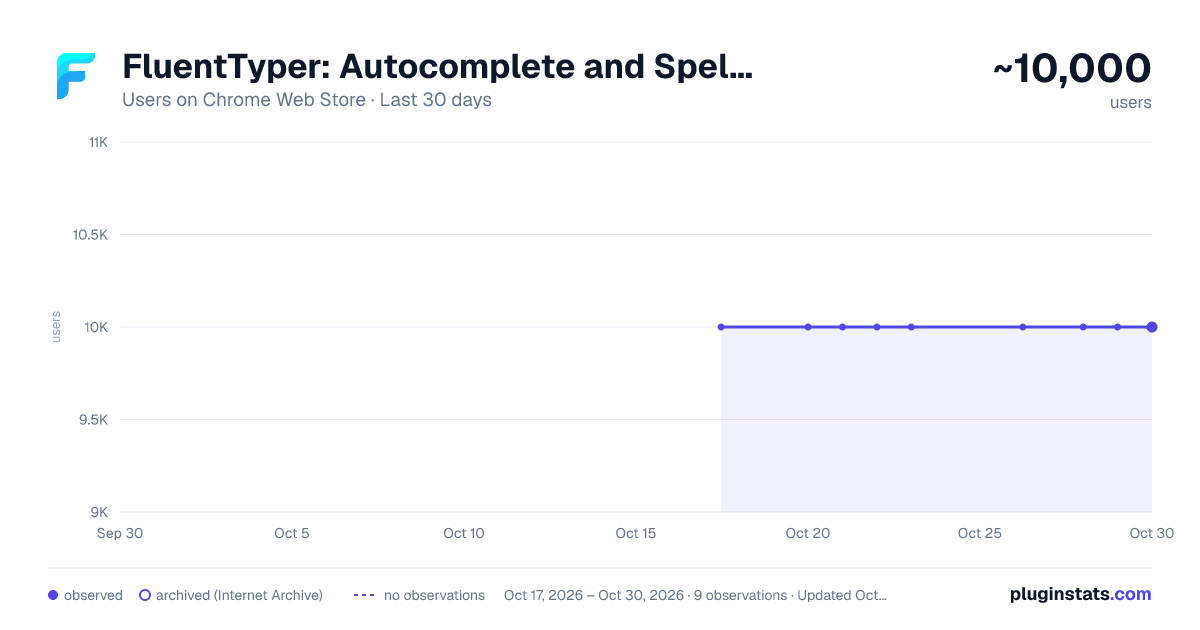
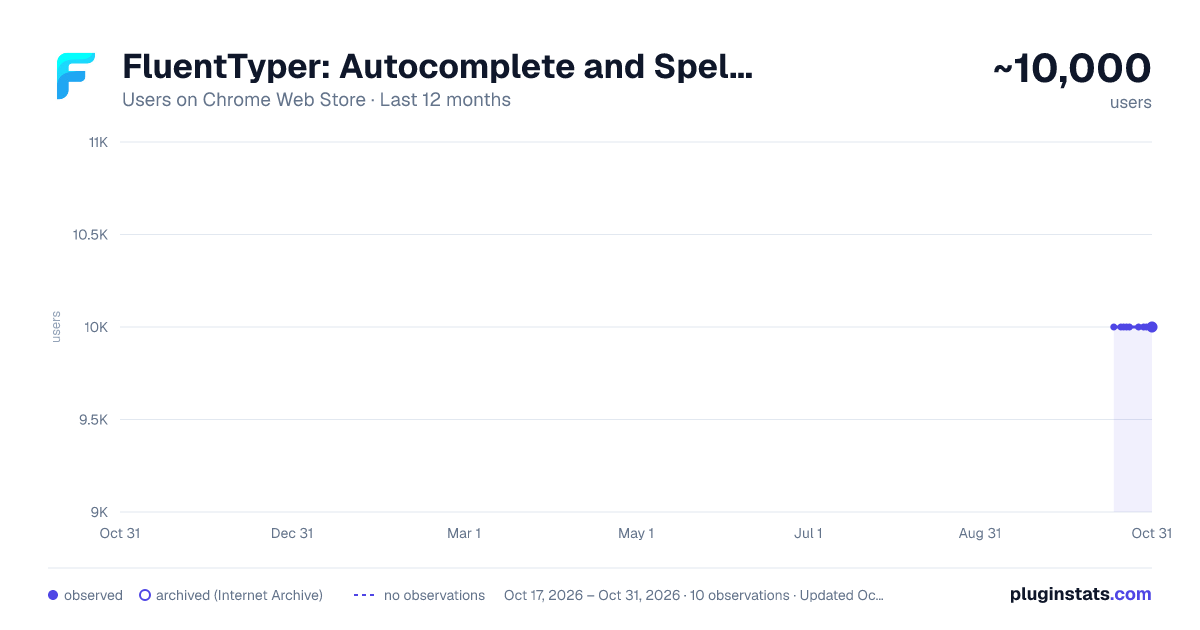
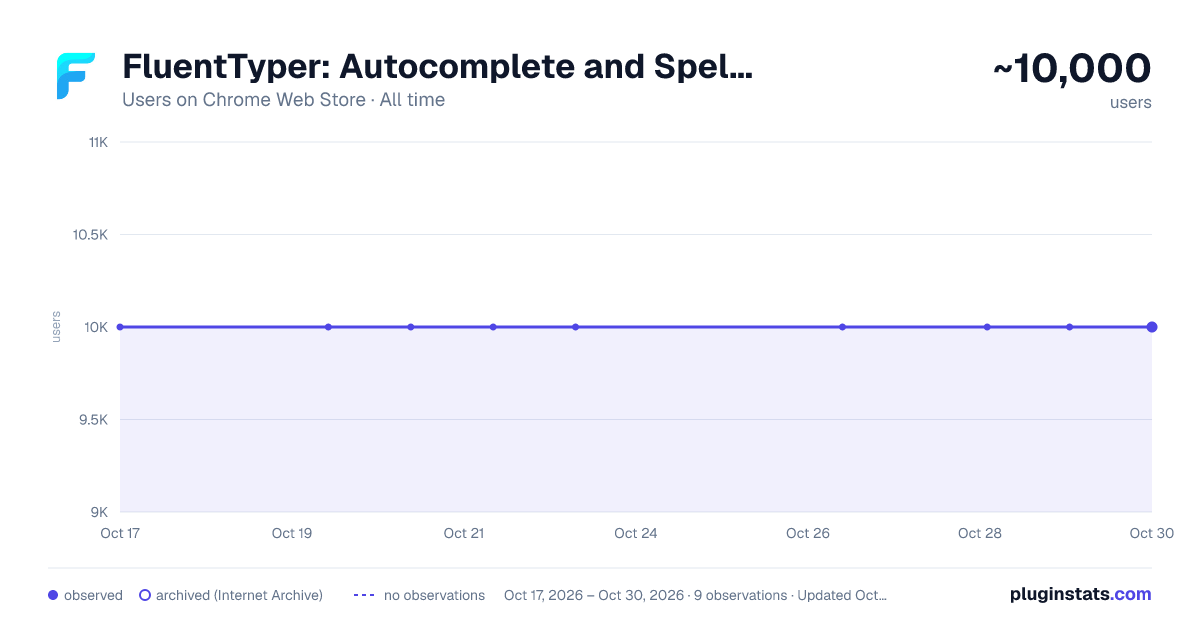
FluentTyper: Autocomplete and Spell Checker has approximately 10,000 recorded users on Chrome Web Store.
It ranks #196 of 1,556 tracked Chrome Web Store listings by users.
It is rated 4.5 out of 5 from 54 ratings.
PluginStats has 1 daily observations since Oct 17, 2026; the latest is from Oct 17, 2026.
Rating: 4.50 / 5 from 54 ratings
About FluentTyper: Autocomplete and Spell Checker
Type less, do more. Get smart autocomplete, spell check, and text expansion to boost your productivity on any website.
Write faster. Make fewer mistakes. Keep your words private.
FluentTyper brings autocomplete, spelling and grammar help, text expansion, and on-demand proofreading to your browser. Finish everyday writing with fewer keystrokes, catch mistakes before you send, and use optional on-device AI to improve English text—without uploading your writing to a cloud service.
NEW: REVIEW BEFORE YOU SEND
Already written your message? Give it a second look without leaving the page.
Review a selected passage or the text field you are working in. Color-coded highlights distinguish spelling, grammar, punctuation and spacing, and capitalization and typography. Each finding includes an explanation and a suggested change, so you can see what needs attention and why.
Apply a fix, ignore a suggestion, or add a word to your personal dictionary. Filter findings by category and use “Fix all safe” for eligible corrections, while ambiguous spelling choices and AI suggestions remain under your control. Undo supported edits with your editor's usual undo command.
Start with Alt+Shift+R, the Review button in your text box, or “Review text” in the extension popup.
OPTIONAL PRIVATE AI REVIEW — FOR ENGLISH
Get an extra, context-aware check from an AI model running on your own device.
Correct mode focuses on clear mistakes—not unnecessary rewriting. It adds suggestions for issues such as grammar, spelling, missing apostrophes, verb forms, articles, and incorrect word choices while aiming to preserve your meaning and voice.
Need a different tone? Switch to Rewrite and choose Keep my voice, Professional, Friendly, Concise, Clearer, or Context-aware. Preview the before-and-after changes and decide what to apply. Rewriting happens only when you request it.
AI corrections are not silently applied or included in “Fix all safe.” Apply them individually, or preview and approve selected AI corrections where your editor supports it.
Local AI is optional and currently supports English only. It requires compatible WebGPU hardware and a one-time, multi-gigabyte model download. After setup, it runs offline. Autocomplete and basic Review work without AI; the optional AI model is used only in Review, not for live autocomplete.
YOUR WORDS STAY YOURS
FluentTyper processes your writing on your device. Your typed text is not uploaded for predictions, proofreading, or AI rewriting. Review text, AI prompts, and results are not saved as a review history or logged by the extension.
No account is required. Core writing tools work offline, and optional AI also works offline after its model is downloaded.
AI setup downloads model files from Hugging Face. The download provider receives ordinary connection information, such as your IP address and requested files—not your writing. You can disable local AI or delete its downloaded model in Settings.
SMART AUTOCOMPLETE: FEWER KEYSTROKES, LESS EFFORT
Get word suggestions as you type in supported text fields. Choose a suggestion list or inline completions, navigate with the arrow keys, press Tab to accept, or Esc to dismiss.
Use your own dictionary for names, specialist vocabulary, and words you do not want flagged. Optional prediction personalization lets you tailor suggestions, with controls to turn it off or clear its data.
SPELLING, GRAMMAR, AND THE SMALL DETAILS
Get spelling suggestions while typing and choose which automatic correction rules to enable. Supported checks cover common English typos and grammar mistakes, contractions, capitalization, punctuation, repeated spaces, currency spacing, and measurement-unit formatting.
Examples include “teh” → “the,” “could of” → “could have,” and “10kg” → “10 kg” in supported prose contexts. English rules also cover details such as the pronoun “I,” days and months, and ordinal suffixes.
Optional typing helpers include smart quotes, dashes, ellipses, bracket helpers, and French punctuation spacing. Prefer to make changes yourself? Keep automatic rules off and run Review when you are ready.
TEXT EXPANSION: STOP TYPING THE SAME THINGS
Turn short custom shortcuts into reusable replies, email templates, signatures, addresses, links, or snippets. Create a shortcut such as “callMe” to insert “Call me back once you're free.”
Make templates more useful with dynamic dates and times, future or past dates, the current page's title, URL or domain, generated IDs, and randomized text choices. A dedicated text-expander-only mode is available too.
10 SUPPORTED WRITING LANGUAGES
English (US), Spanish, French, Croatian, Greek, Swedish, Polish, German, Brazilian Portuguese, and Arabic.
Choose your writing language, enable automatic language detection, or set a preferred language for individual websites.
Feature coverage varies by language. English-specific grammar rules and optional local AI are for English; other languages use their available dictionary checks and shared rules.
MAKE FLUENTTYPER FIT YOUR WORKFLOW
Choose where the extension runs with site allow/block controls and per-site language and suggestion settings. Adjust suggestion count, when suggestions appear, acceptance keys, and horizontal or vertical list layout.
Customize colors, font size, and spacing for light and dark appearances. Import or export settings, manage your dictionary and snippets, view productivity statistics, and reset statistics or personalization data.
WRITE WHERE YOU ALREADY WORK
Use FluentTyper across many websites, including Google Docs. Recognized code contexts receive protection from prose corrections, and Review skips protected code, technical tokens, and sensitive fields.
Editor support varies. Some rich-text editors provide review-only suggestions. Google Docs supports individual Review fixes, but not “Fix all.”
Free and open source. No account required.…
Description from the Chrome Web Store listing.
Where FluentTyper: Autocomplete and Spell Checker sits in the listing
Each band is one page of 20. Users on a log scale. Placement is projected from users, so it can differ from the marketplace's own sort order. Hover a dot to see the listing.
Charts
Images: 30d · 1y · all time · 1600×900 dark
Adoption over time
7/30/90-day growth
Ranking history
Filled points are observed values; hollow points come from Internet Archive snapshots of the listing page. Dashed segments span periods with no observations — values between points are not interpolated.
Recent observations
Full history (1)Similar Chrome Web Store Tools plugins




Data source
User counts are read from public Chrome Web Store listing pages. Google displays rounded user counts (and caps the display at 10,000,000+), so small changes may not be visible. Rating counts above 1,000 are rounded (e.g. 1.6K).
Listing: https://chromewebstore.google.com/detail/fluenttyper-autocomplete/mbjlobpodpimgbkmlmjiblnmfgajmebm. First seen Oct 17, 2026; last successful collection Oct 17, 2026. See the methodology.