 PluginStats
NoNextShort – Stop Endless Scrolling in YouTube Shorts users statistics
Chrome Web Store · Workflow & Planning
Enjoy shorts. Avoid infinite scroll trap
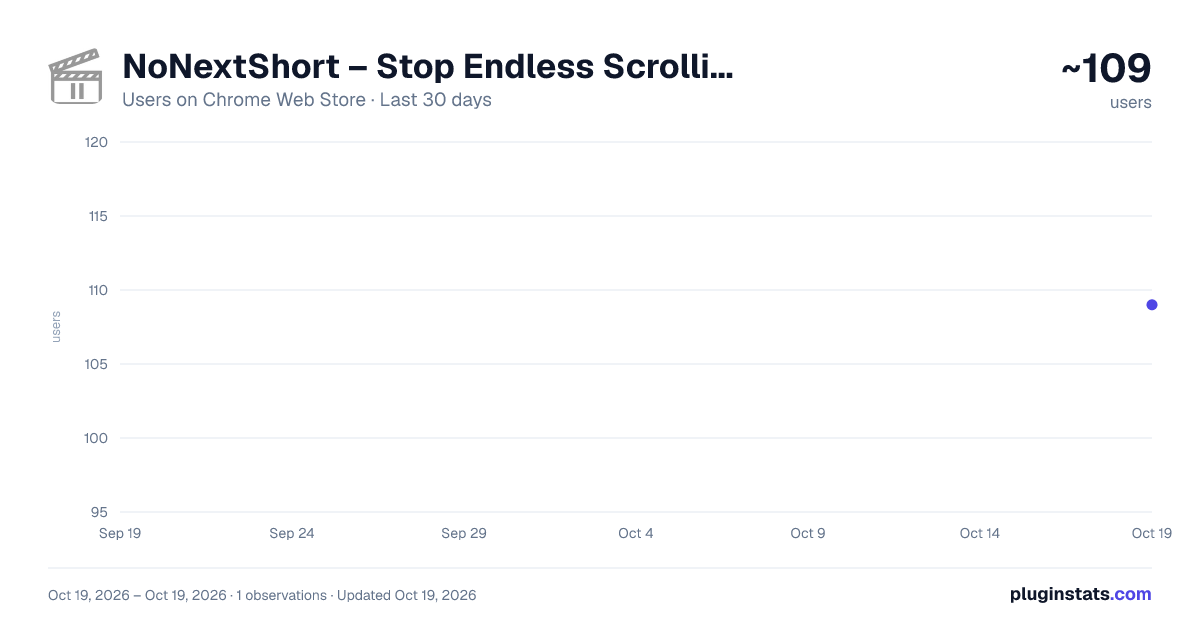
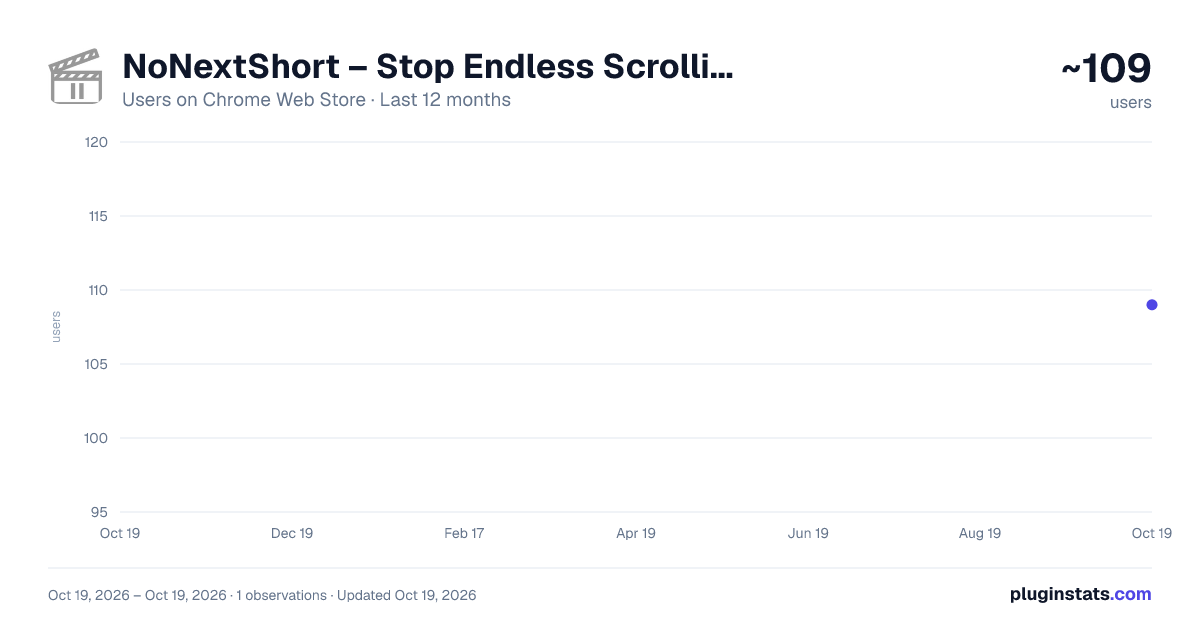
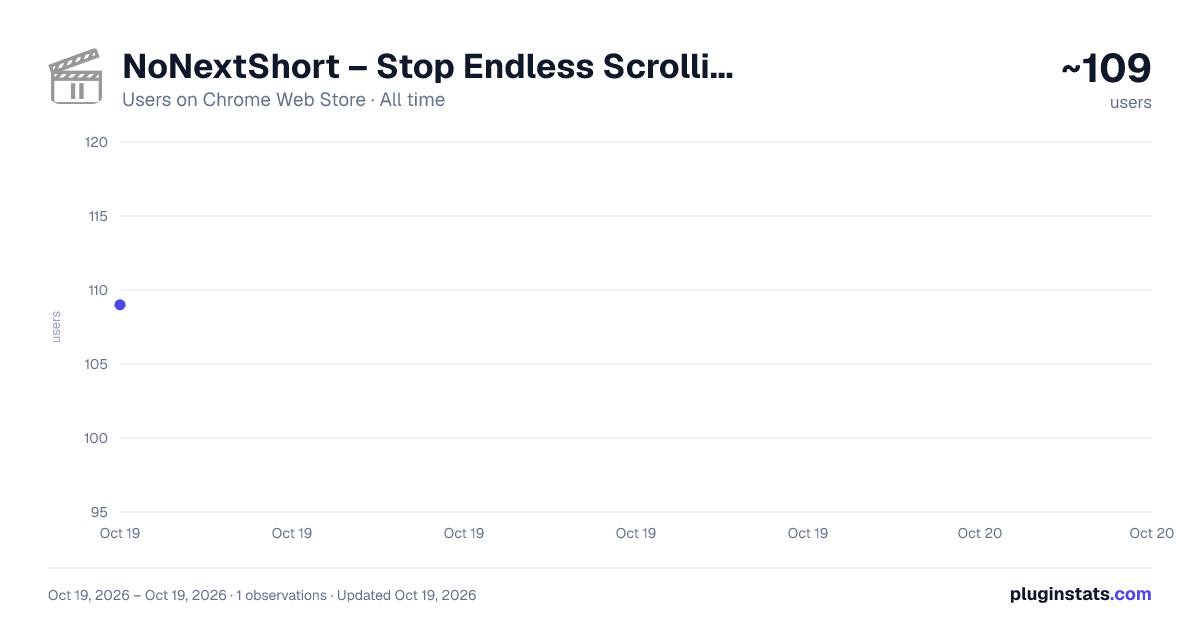
NoNextShort – Stop Endless Scrolling in YouTube Shorts has approximately 109 recorded users on Chrome Web Store, ranking #2421 of 2,495 tracked listings.
Rating: 5.00 / 5 from 3 ratings
About NoNextShort – Stop Endless Scrolling in YouTube Shorts
Enjoy shorts. Avoid infinite scroll trap
Stop the Shorts Spiral — Watch what you want, and nothing more.
YouTube Shorts can be incredibly useful — quick lessons, inspiration, or hacks — but they’re also dangerously addictive. One short leads to another, then another... before you know it, 30 minutes are gone.
This extension does one thing well: It plays the Short you clicked — and stops. No infinite autoplay. No swipe-to-next. Just one video, then peace.
🔍 How is NoNextShort different from other tools? Most extensions either block YouTube Shorts completely or remove them from your feed. While that can work, it also cuts off access to genuinely useful content.
NoNextShort takes a more mindful approach:
- It doesn’t block Shorts entirely.
- It lets you watch a Short you choose, but stops autoplay and swipe, so you don’t fall into an endless loop.
- It’s minimal, with a single toggle — no complex settings.
Perfect for:
- Staying productive while using YouTube
- Avoiding endless Shorts binges
- Keeping useful content, while cutting off the rabbit hole
✅ Features:
- Stops autoplay and swipe for Shorts
- Keeps Shorts accessible — just one at a time
- Enable/disable anytime
- Lightweight, private, and fast
🔒 Privacy-Friendly: 1.No user tracking 2. No data collection 3. No analytics. Just works locally on your browser.
Description from the Chrome Web Store listing.
README badge
Show your rank in a README or on your website. The badge updates automatically.
Charts
Images: 30d · 1y · all time · 1600×900 dark
Adoption over time
7/30/90-day growth
Ranking history
Ratings over time
Listing placement
Listing placement
Filled points are observed values; hollow points come from Internet Archive snapshots of the listing page. Dashed segments span periods with no observations — values between points are not interpolated.
Each band is one page of 20. Users on a linear scale. Placement is projected from users, so it can differ from the marketplace's own sort order. Hover a dot to see the listing.
Recent observations
Full history (1)Similar Chrome Web Store Workflow & Planning plugins
All 20 NoNextShort – Stop Endless Scrolling in YouTube Shorts alternatives



Data source
Covers every Chrome Web Store extension with at least 100 users, found through the store's public sitemap. User counts are read from public listing pages. The 10% most-used extensions are refreshed daily, the next 40% weekly and the next 40% monthly; the least-used 10% are not refreshed. Google displays rounded user counts (and caps the display at 10,000,000+), so small changes may not be visible. Rating counts above 1,000 are rounded (e.g. 1.6K).
Listing: https://chromewebstore.google.com/detail/nonextshort-–-stop-endles/faedocbkbgjgfidemaondenlimbedaif. First seen Oct 19, 2026; last successful collection Oct 19, 2026. See the methodology.