 PluginStats
Tab Modifier users statistics
Started as a Tab Modifier. Evolved into a ConnectWise tool powerhouse. Automate naming tabs, search tickets, schedule reminders,…
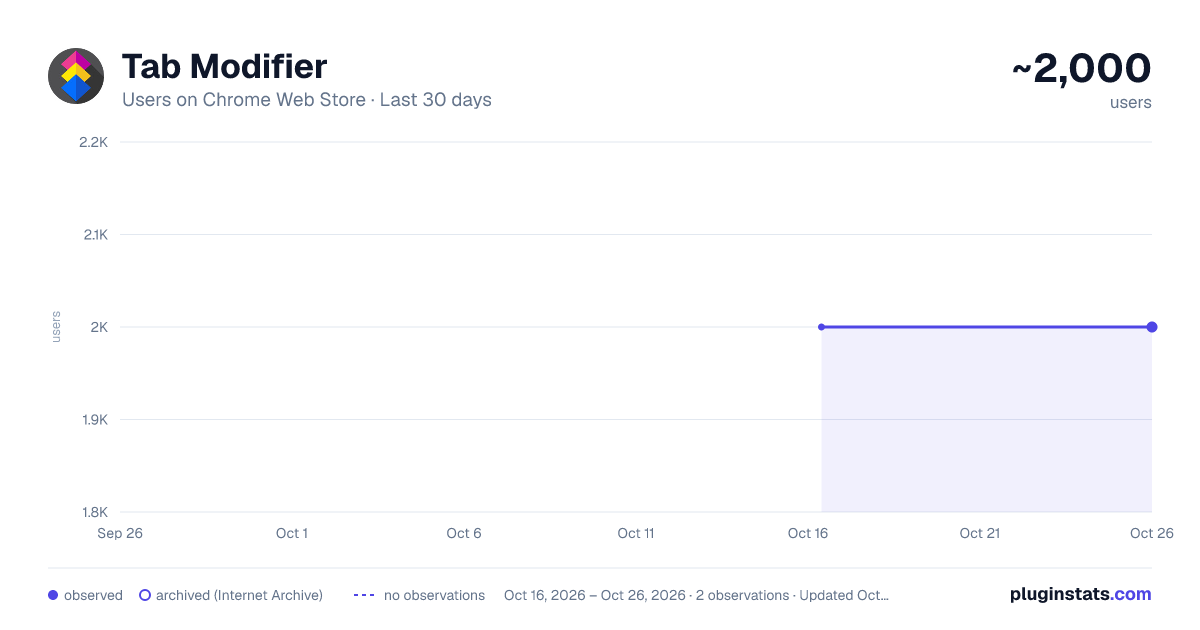
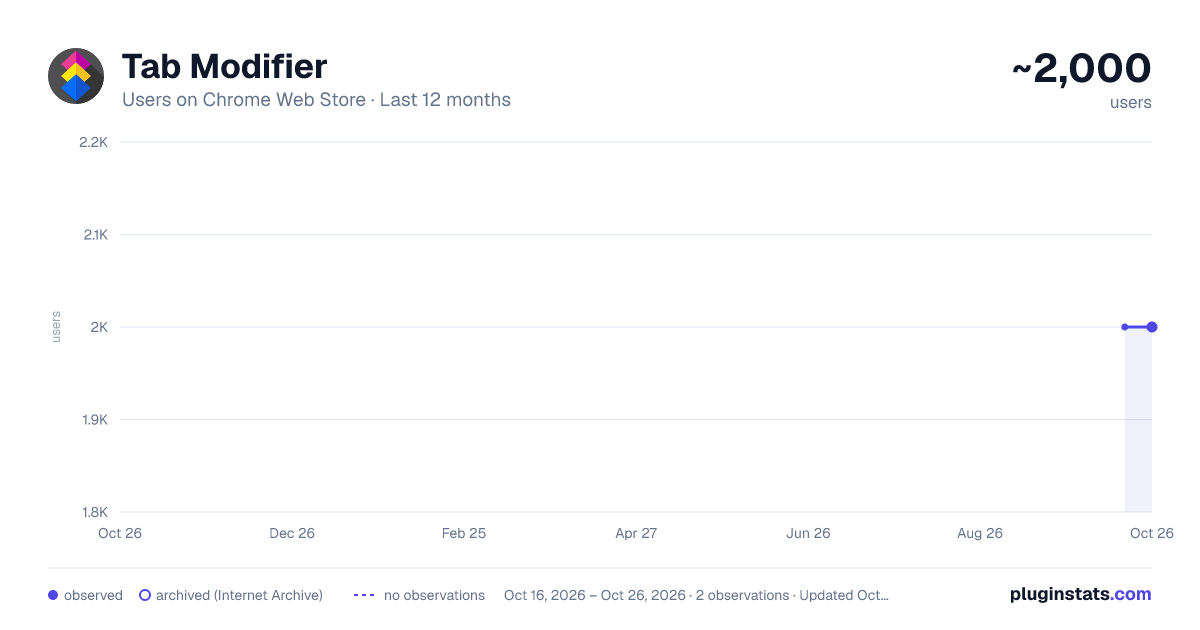
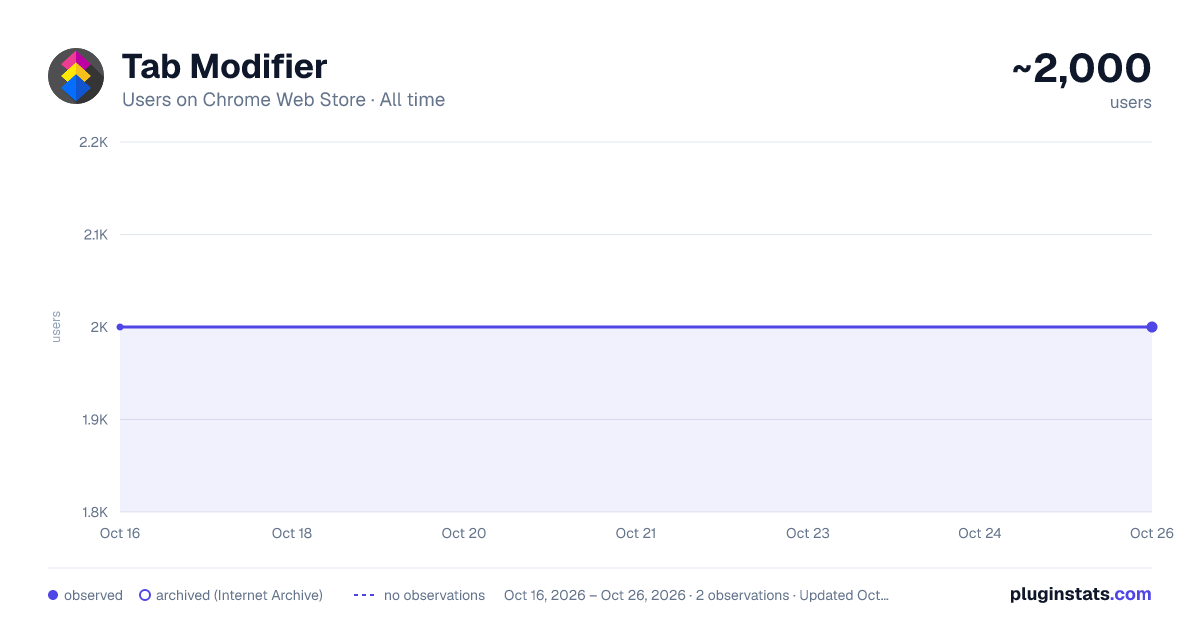
Tab Modifier has approximately 2,000 recorded users on Chrome Web Store.
It ranks #371 of 1,556 tracked Chrome Web Store listings by users.
It is rated 4.4 out of 5 from 7 ratings.
PluginStats has 1 daily observations since Oct 16, 2026; the latest is from Oct 16, 2026.
Rating: 4.40 / 5 from 7 ratings
About Tab Modifier
Started as a Tab Modifier. Evolved into a ConnectWise tool powerhouse. Automate naming tabs, search tickets, schedule reminders,…
Started as a Tab Modifier. Evolved into a ConnectWise tool powerhouse. Automate naming tabs, search tickets, schedule reminders, launch tickets, and more.
UPDATED: 06/30/2026
Features: - Custom Tab Titles - Rename your tabs for better organization.
- Tab Protection - Prevent accidental tab closures.
- Auto-Name (ConnectWise) - Automatically rename ConnectWise tabs. Whenever this checkbox is toggled, it will automatically rename the tab to the ticket name.
- Automatic Schedule Renaming (ConnectWise) - Adds a schedule prefix like [03/03 4:30P] when a scheduled time exists.
- Meeting Alert (ConnectWise) - The extension reads schedule/date-time fields from the currently open ticket and calculates when your configured alert window starts (for example, 10 minutes before). You must have the ticket with the scheduled event opened for this to work; it is not integrated with your calendar and only uses ticket scheduled events.
- Launch Ticket List (ConnectWise) - Open all tickets in a list in new tabs. Instead of opening each ticket from the list view; open them all. You have to be in your ticket List view for it to work.
- Ticket Search (ConnectWise) - Press your Ticket Search hotkey (default Alt+Q) to open a quick ticket number prompt and launch that ticket in a new tab. Add Note (ConnectWise) - Instantly add a note to a ticket in ConnectWise.
- Send Pause (ConnectWise) - If Contact or Cc is selected, Alt+S or Ctrl+S is delayed by 5 seconds with a cancel button. Only works if you send internal note/external discussion via Alt+S or Ctrl+S hotkeys in ConnectWise.
- Automatically populate ticket #s.
Supports American, European, Australian, and more ConnectWise systems!
Default Hotkeys: Alt+T - Open the Tab Modifier popup Alt+R - Rename tab (ConnectWise only) Alt+C - Apply random favicon color Alt+V - Open current page in new tab Alt+B - Click New Note button (ConnectWise only) Alt+Q - Open ticket search box
Description from the Chrome Web Store listing.
Where Tab Modifier sits in the listing
Each band is one page of 20. Users on a log scale. Placement is projected from users, so it can differ from the marketplace's own sort order. Hover a dot to see the listing.
Charts
Images: 30d · 1y · all time · 1600×900 dark
Adoption over time
7/30/90-day growth
Filled points are observed values; hollow points come from Internet Archive snapshots of the listing page. Dashed segments span periods with no observations — values between points are not interpolated.
Recent observations
Full history (1)Similar Chrome Web Store Tools plugins




Data source
User counts are read from public Chrome Web Store listing pages. Google displays rounded user counts (and caps the display at 10,000,000+), so small changes may not be visible. Rating counts above 1,000 are rounded (e.g. 1.6K).
Listing: https://chromewebstore.google.com/detail/tab-modifier/jciclpfeihkmjkcncncjchibjhbadedp. First seen Oct 16, 2026; last successful collection Oct 16, 2026. See the methodology.