 PluginStats
Volume Up Plus users statistics
By Vitalii Vasianovych · Chrome Web Store · Accessibility
The extension allows you to control volume and amplify sound in the browser up to 600%.
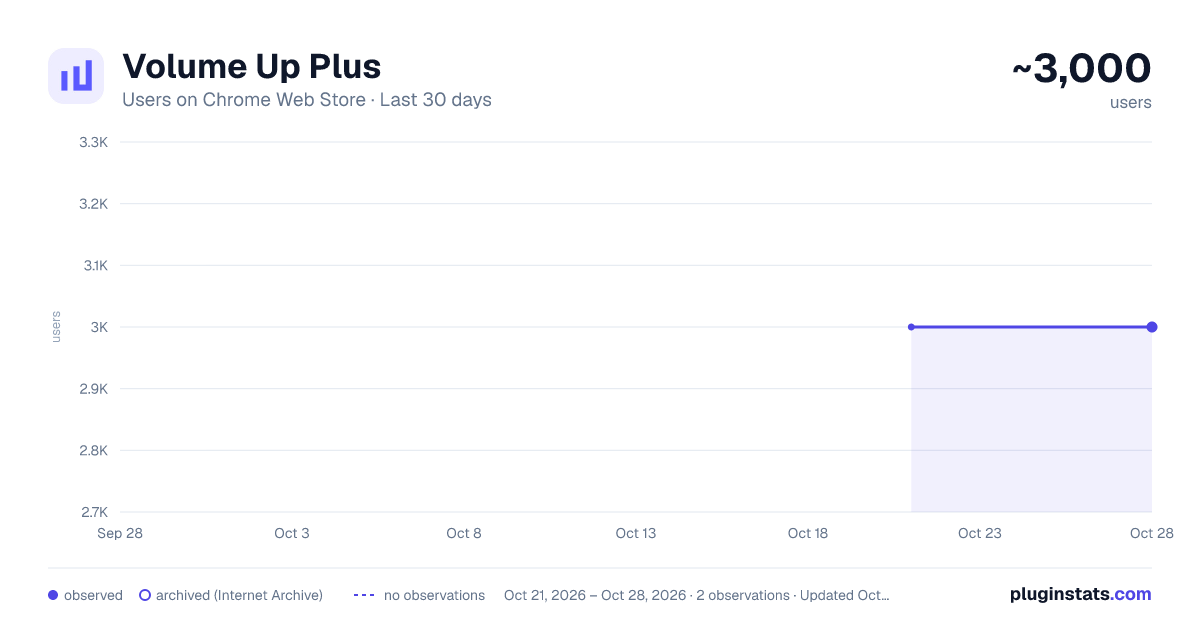
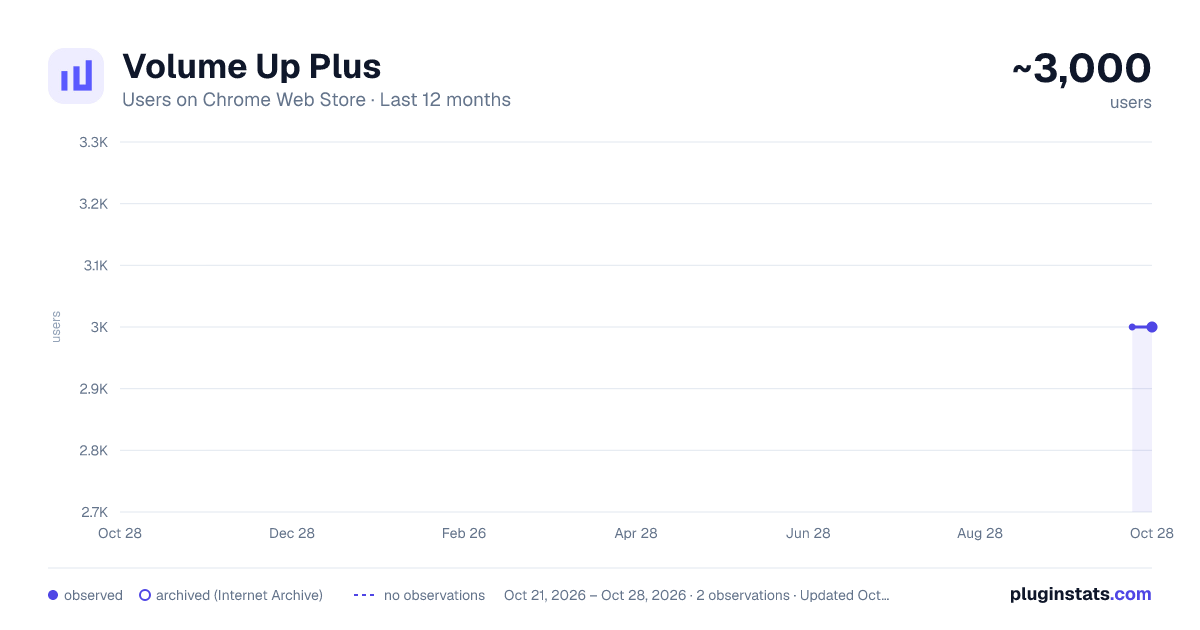
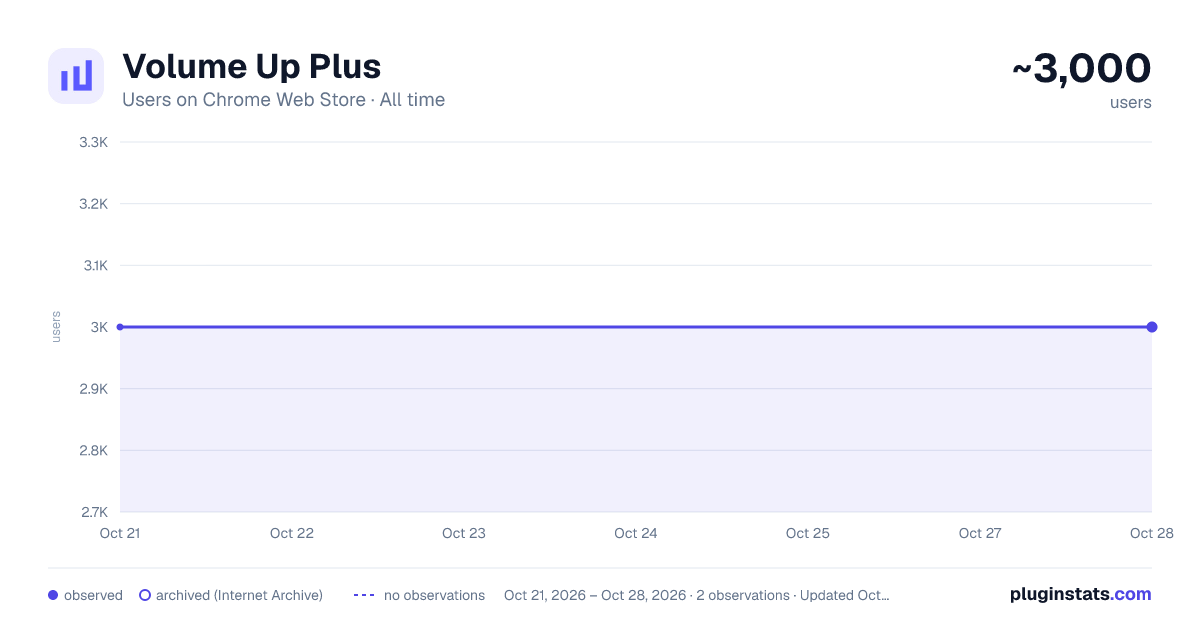
Volume Up Plus has approximately 3,000 recorded users on Chrome Web Store, ranking #641 of 2,952 tracked listings.
Rating: 4.50 / 5 from 36 ratings
About Volume Up Plus
The extension allows you to control volume and amplify sound in the browser up to 600%.
The simplest and most reliable way to increase volume in your browser.
Volume Up Plus is a powerful and easy-to-use extension that allows you to increase sound volume up to 600% on any tab. Enhance the audio quality of music and videos on YT, Vimeo, Dailymotion, and other platforms.
Key Features:
✔ Boost volume up to 600% – customize the sound to your preference ✔ Tab-specific volume control – adjust sound separately for each tab ✔ Fine-tuned adjustment – volume range from 0% to 600% ✔ Bass Booster – rich low frequencies for deep sound ✔ Quick access – switch to any audio-playing tab with one click ✔ Simple and convenient – minimalist design and intuitive interface
Shortcuts:
When the popup is open (only when it is active), the following hotkeys are available for volume control:
• Left Arrow / Down Arrow – decrease volume by 10% • Right Arrow / Up Arrow – increase volume by 10% • Space – instantly boost volume by 100% • M – mute/unmute
These keyboard shortcuts provide quick and convenient volume adjustments directly from the popup, ensuring maximum control with just a single keystroke.
Full-Screen Mode:
Browser does not allow full-screen mode when using extensions that modify sound. That’s why you will always see a blue indicator on the tab bar, signaling that audio is being processed. This is a built-in security measure.
Tip: To hide the browser interface, press F11 (Windows) or Ctrl + Cmd + F (Mac).
Permissions Explained: “Read and change all your data on the websites you visit” – required to connect to AudioContext, manage sound, and display a list of audio-playing tabs.
Completely free and ad-free! Install Volume Up Plus and enjoy powerful sound without limits!
Privacy Assurance: Your privacy is our priority. We do not collect, store, or share personal data. Volume Up Plus operates entirely on your device, ensuring complete security and confidentiality. Our extension strictly follows extension store privacy policies to guarantee a safe and secure browsing experience.
Description from the Chrome Web Store listing.
README badge
Show your rank in a README or on your website. The badge updates automatically.
Charts
Images: 30d · 1y · all time · 1600×900 dark
Adoption over time
7/30/90-day growth
Ranking history
Ratings over time
Listing placement
Listing placement
Filled points are observed values; hollow points come from Internet Archive snapshots of the listing page. Dashed segments span periods with no observations — values between points are not interpolated.
Each band is one page of 20. Users on a linear scale. Placement is projected from users, so it can differ from the marketplace's own sort order. Hover a dot to see the listing.
Recent observations
Full history (1)Similar Chrome Web Store Accessibility plugins
All 20 Volume Up Plus alternatives



Data source
Covers every Chrome Web Store extension with at least 100 users, found through the store's public sitemap. User counts are read from public listing pages. The 10% most-used extensions are refreshed daily, the next 40% weekly and the next 40% monthly; the least-used 10% are not refreshed. Google displays rounded user counts (and caps the display at 10,000,000+), so small changes may not be visible. Rating counts above 1,000 are rounded (e.g. 1.6K).
Listing: https://chromewebstore.google.com/detail/volume-up-plus/oajkjlibcgpgkfmaolaadfnncndfjoko. First seen Oct 21, 2026; last successful collection Oct 21, 2026. See the methodology.