 PluginStats
WhatsApp Batch Chat Backup & Contact Exporter - SaveMyChat users statistics
Batch export WhatsApp chats and media to HTML, Excel or JSON. Save contacts and group member phone numbers to Excel, CSV or VCF.
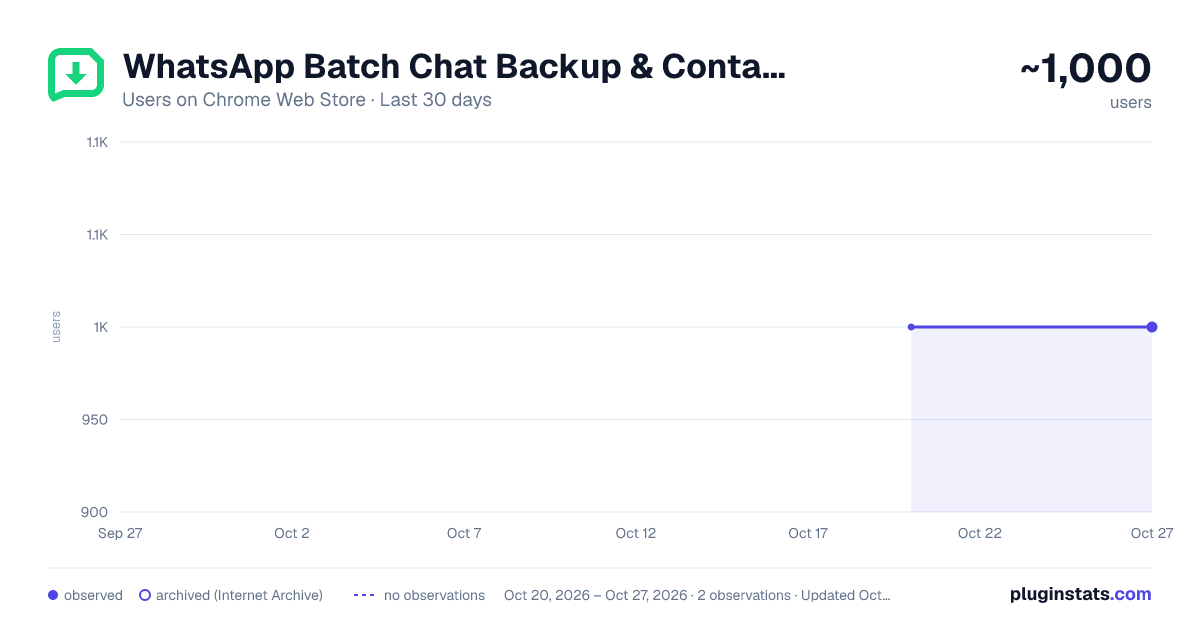
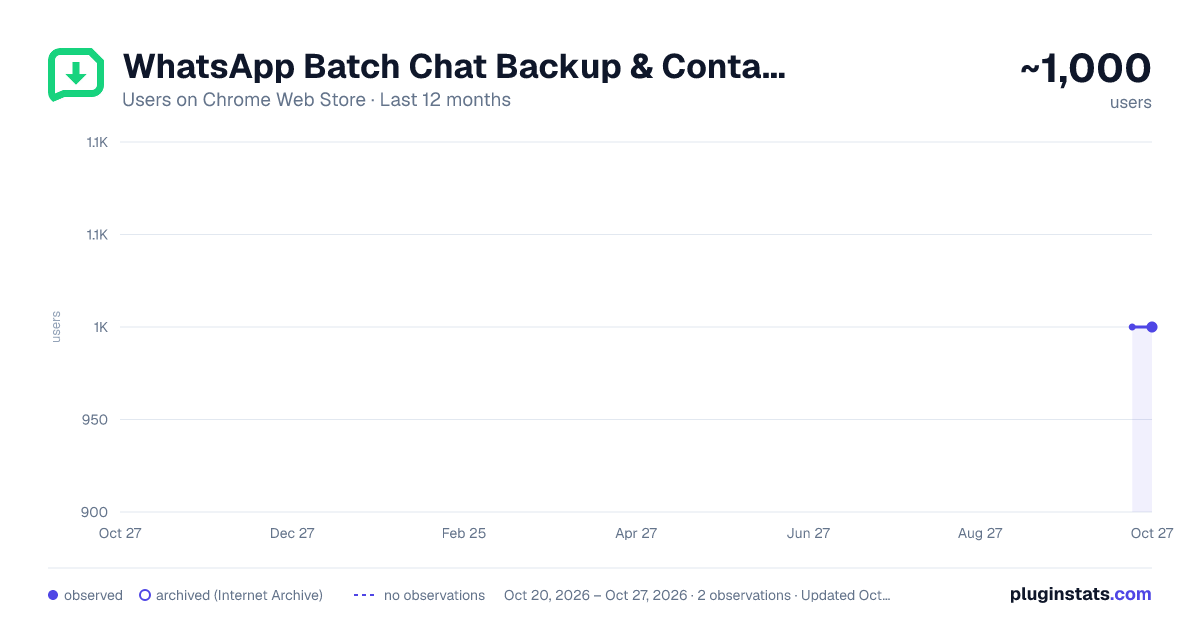
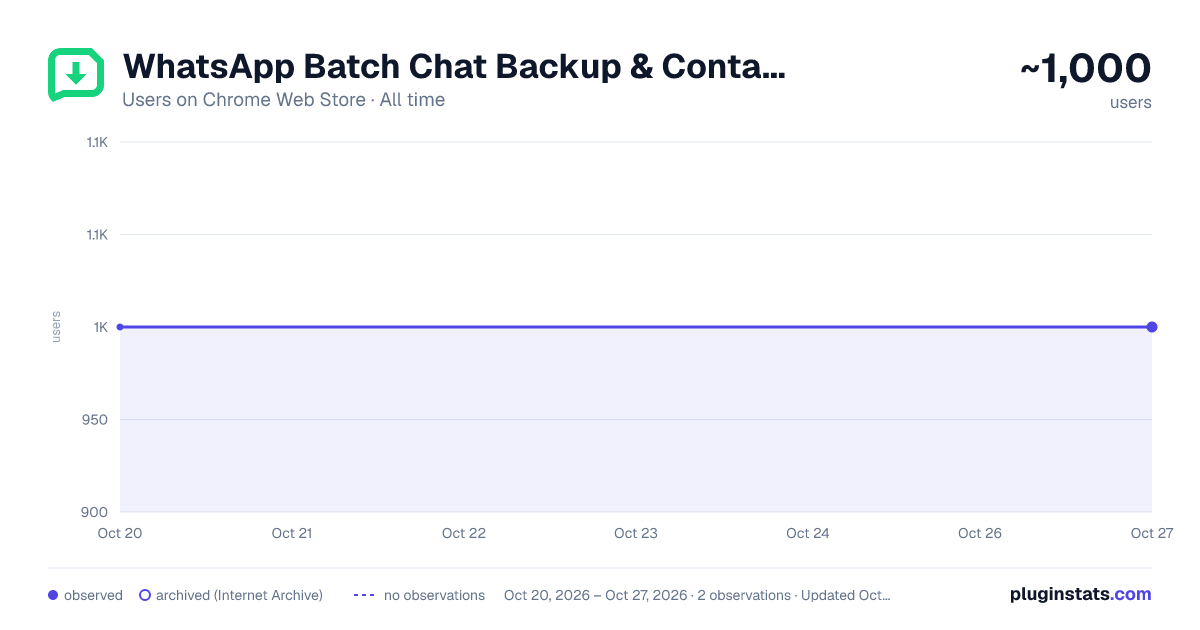
WhatsApp Batch Chat Backup & Contact Exporter - SaveMyChat has approximately 1,000 recorded users on Chrome Web Store, ranking #875 of 2,495 tracked listings.
Rating: 4.80 / 5 from 15 ratings
About WhatsApp Batch Chat Backup & Contact Exporter - SaveMyChat
Batch export WhatsApp chats and media to HTML, Excel or JSON. Save contacts and group member phone numbers to Excel, CSV or VCF.
Batch export WhatsApp conversations to PC. Download photos, videos, and files in HTML, JSON, or XLSX. The ultimate chat backup tool.
🌟 With the update on October 5, 2026, SaveMyChat is fully compatible with the current version of WhatsApp Web.
🌟 SaveMyChat now supports exporting phone numbers from individual conversations or WhatsApp groups.
Don't let your memories vanish. Reclaim your digital assets today.
SaveMyChat is a batch WhatsApp chat backup and contact exporter for WhatsApp Web. Export multiple personal chats and group conversations, download supported media, or save contact phone numbers directly to your computer.
Keep an organized offline copy of important conversations, family memories, customer communications, group contacts, photos, videos, voice messages, stickers, and documents.
📦 BATCH CHAT BACKUP
Select multiple personal chats or groups and export them together. Save time without downloading conversations one by one.
📄 CHAT EXPORT FORMATS
Choose the format that fits your needs:
• HTML — Read conversations offline in a familiar, browser-friendly layout with supported media previews • Excel (XLSX) — Organize, search, filter, and analyze message history • JSON — Use structured chat data for development or further processing • Media folder — Keep downloaded photos, videos, audio, stickers, and documents organized alongside the exported chat
👥 CONTACT AND GROUP MEMBER EXPORT
Export phone numbers from individual conversations or WhatsApp groups. Save contacts and group members in any of these formats:
• Excel (XLSX) • CSV • JSON • VCard (VCF)
Contact records can include the available name, phone number, source conversation, source type, group role, and WhatsApp ID. Duplicate phone numbers are automatically merged, making the exported contact list cleaner and easier to manage.
🖼️ DOWNLOAD CHAT MEDIA
Save supported photos, videos, voice messages, stickers, and documents from selected conversations. Exported HTML files use local media paths, allowing supported content to remain accessible in your offline backup.
📊 REAL-TIME EXPORT PROGRESS
Follow the export process from start to finish. The progress view shows which conversation is being processed and when the export is complete.
🛡️ PRIVACY-FIRST PROCESSING
Your chat content, contact information, and exported files are processed locally in your browser. They are not uploaded to SaveMyChat servers. Exported data is saved directly to your computer.
✨ COMPLETELY FREE
Use the available chat backup, media download, and contact export features at no cost.
🎯 USE SAVEMYCHAT FOR
• Backing up personal or group conversations • Archiving customer and project communications • Exporting WhatsApp group contacts and member phone numbers • Saving family photos, videos, and voice messages • Creating searchable Excel records • Moving contacts into address books with VCF files • Keeping a permanent offline copy of important chat history • Preparing structured JSON or CSV data for further processing
🚀 HOW TO USE
- Open WhatsApp Web and sign in.
- Click the SaveMyChat extension icon.
- Choose Chat export or Contact export.
- Select the personal chats or groups you need.
- Choose an export format.
- Start the export and save the generated file to your computer.
SaveMyChat is designed for exporting data available to your own WhatsApp Web account. Please respect other people’s privacy and follow applicable laws when storing or using exported conversations and contact information.
ℹ️ DISCLAIMER
WhatsApp is a trademark of WhatsApp LLC. SaveMyChat is an independent browser extension and is not affiliated with, endorsed by, sponsored by, or officially connected to WhatsApp or Meta.
Description from the Chrome Web Store listing.
README badge
Show your rank in a README or on your website. The badge updates automatically.
Charts
Images: 30d · 1y · all time · 1600×900 dark
Adoption over time
7/30/90-day growth
Ranking history
Ratings over time
Listing placement
Listing placement
Filled points are observed values; hollow points come from Internet Archive snapshots of the listing page. Dashed segments span periods with no observations — values between points are not interpolated.
Each band is one page of 20. Users on a linear scale. Placement is projected from users, so it can differ from the marketplace's own sort order. Hover a dot to see the listing.
Recent observations
Full history (1)Similar Chrome Web Store Tools plugins
All 20 WhatsApp Batch Chat Backup & Contact Exporter - SaveMyChat alternatives



Data source
Covers every Chrome Web Store extension with at least 100 users, found through the store's public sitemap. User counts are read from public listing pages. The 10% most-used extensions are refreshed daily, the next 40% weekly and the next 40% monthly; the least-used 10% are not refreshed. Google displays rounded user counts (and caps the display at 10,000,000+), so small changes may not be visible. Rating counts above 1,000 are rounded (e.g. 1.6K).
Listing: https://chromewebstore.google.com/detail/whatsapp-batch-chat-backu/hjkdmjinbgdpiggpplgjoohokccfhjmb. First seen Oct 20, 2026; last successful collection Oct 20, 2026. See the methodology.