 PluginStats
Easy Screenshot Tool users statistics
By Mozamik Dev · Chrome Web Store · Tools
Capture, edit, and save web screenshots effortlessly. Easy Screenshot Tool makes it simple to grab exactly what you need.
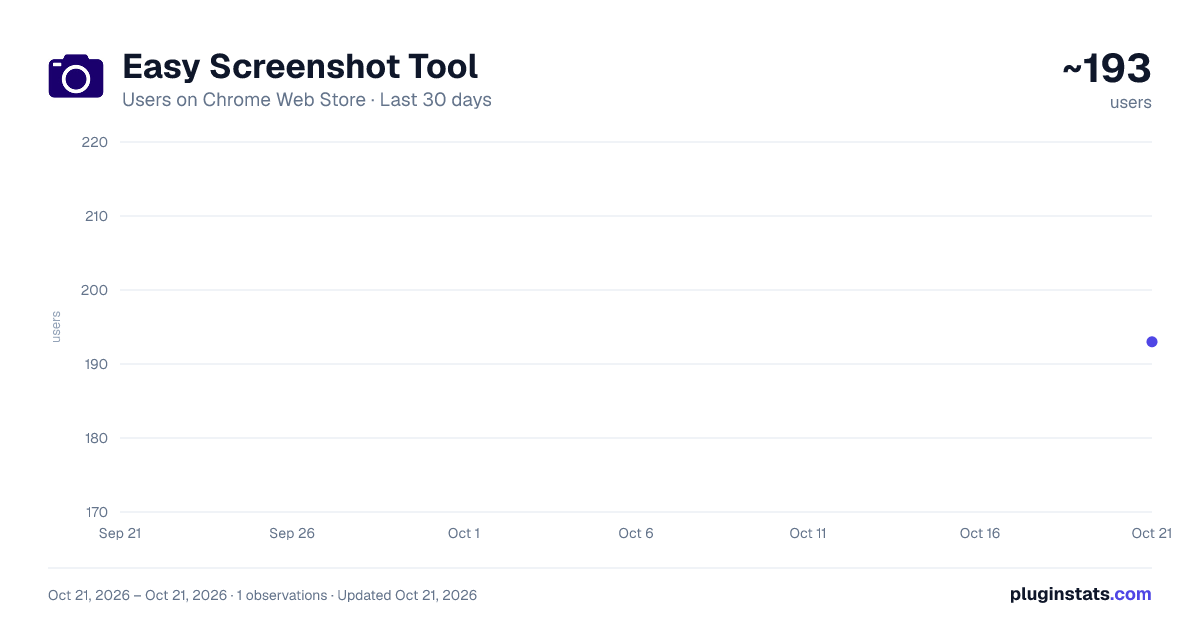
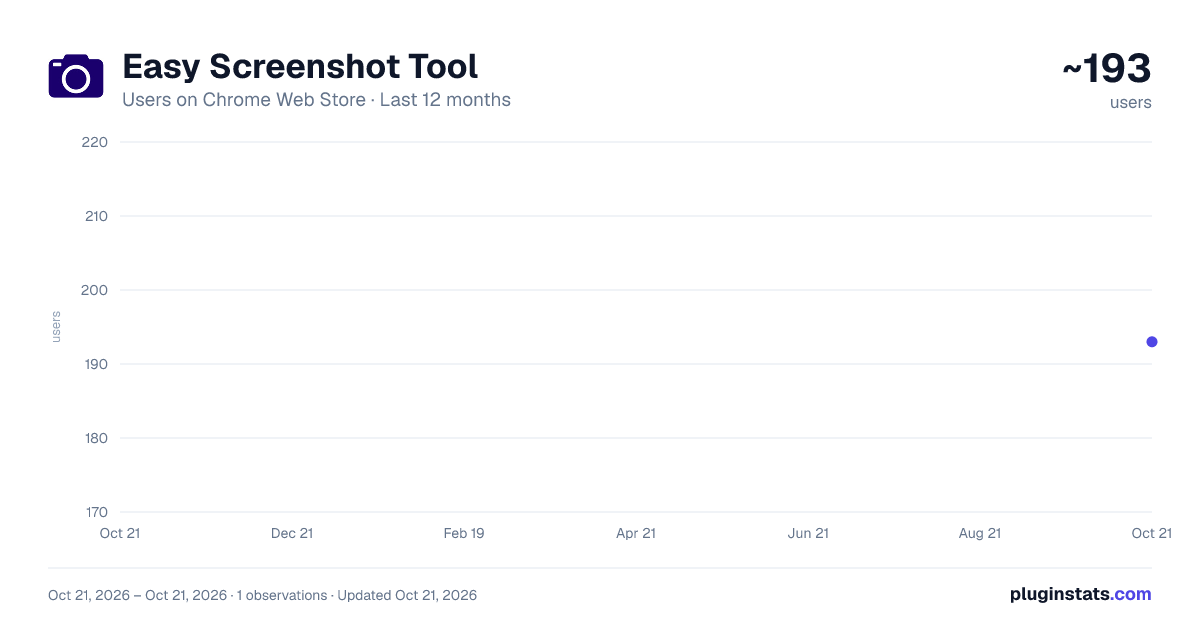
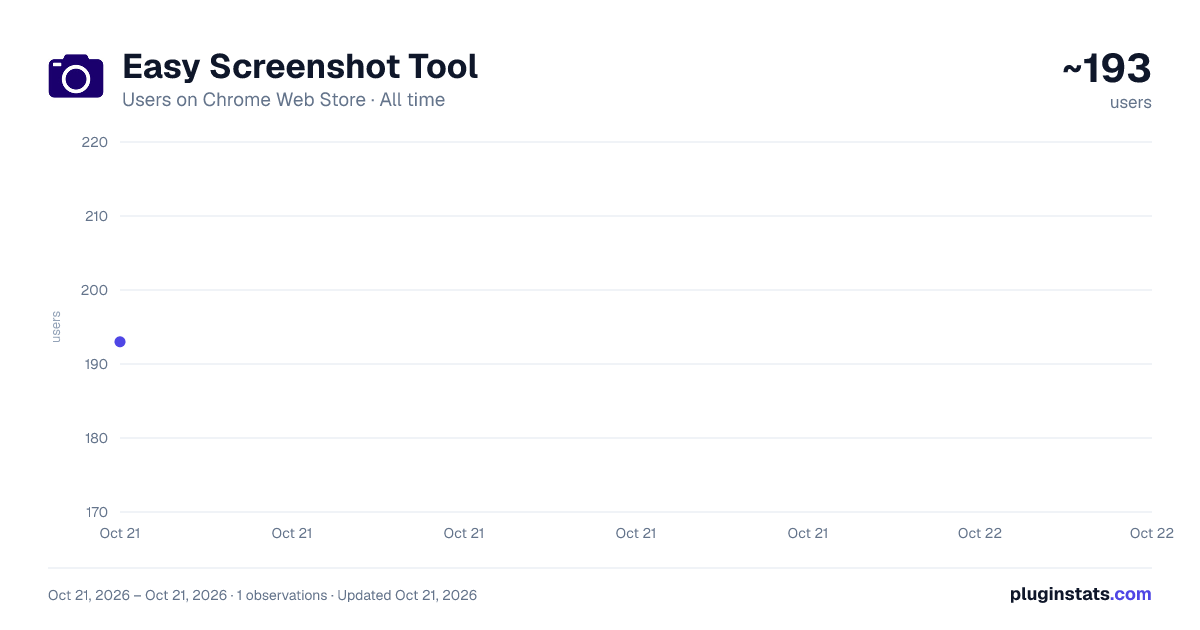
Easy Screenshot Tool has approximately 193 recorded users on Chrome Web Store, ranking #2231 of 2,952 tracked listings.
About Easy Screenshot Tool
Capture, edit, and save web screenshots effortlessly. Easy Screenshot Tool makes it simple to grab exactly what you need.
Capture entire websites or specific page elements effortlessly with our offline "Easy Screenshot Tool" extension – no registration required. Quickly edit your screenshots by cropping, adding arrows, text, or captions.
Our "Easy Screenshot Tool" extension allows you to make full-page or partial captures with options for further editing, downloading, or adding text. Launch the app directly from your browser by clicking the extension icon, saving you valuable time. Choose between capturing the entire page or a selected portion without dealing with additional windows.
No need to waste time navigating through unnecessary pages – simply click the extension icon to select your capture preferences.
Whether you're reporting technical issues, creating product demos, or crafting how-to tutorials, here are reasons to opt for our "Easy Screenshot Tool" extension: ✔️ Capture the entire page, not just the visible or selected area. ✔️ One-click screenshot functionality. ✔️ Storage and processing without the need for a server. ✔️ Save PNG files or copy to the clipboard with a single click. ✔️ No login or registration required. ✔️ No restrictions on file size. ✔️ Edit and undo changes to your screenshot. ✔️ Add graphic and text elements, such as pointers, arrows, squares, and more.
To use the "Easy Screenshot Tool," click on the extension icon in the upper right corner of your browser. Choose your capture option, and watch as the tool captures each part of the page, transferring the finished screenshot to a new tab. Here, you can edit the image and download it to your PC.
Please note: Reload the page after installing the extension before attempting to take a screenshot (Chrome should initialize the extension for each page).
Our "Easy Screenshot Tool" extension is free and user-friendly. If you find it useful, please consider giving us a 5-star rating!
Description from the Chrome Web Store listing.
README badge
Show your rank in a README or on your website. The badge updates automatically.
Charts
Images: 30d · 1y · all time · 1600×900 dark
Adoption over time
7/30/90-day growth
Ranking history
Ratings over time
Listing placement
Listing placement
Filled points are observed values; hollow points come from Internet Archive snapshots of the listing page. Dashed segments span periods with no observations — values between points are not interpolated.
Each band is one page of 20. Users on a linear scale. Placement is projected from users, so it can differ from the marketplace's own sort order. Hover a dot to see the listing.
Recent observations
Full history (1)Similar Chrome Web Store Tools plugins
All 20 Easy Screenshot Tool alternatives



Data source
Covers every Chrome Web Store extension with at least 100 users, found through the store's public sitemap. User counts are read from public listing pages. The 10% most-used extensions are refreshed daily, the next 40% weekly and the next 40% monthly; the least-used 10% are not refreshed. Google displays rounded user counts (and caps the display at 10,000,000+), so small changes may not be visible. Rating counts above 1,000 are rounded (e.g. 1.6K).
Listing: https://chromewebstore.google.com/detail/easy-screenshot-tool/gapabieidifhgbkbelkkjinnemdihbck. First seen Oct 21, 2026; last successful collection Oct 21, 2026. See the methodology.