 PluginStats
Fonternate users statistics
Chrome Web Store · Developer Tools
Toolbar: Activate. Pin the full panel for fonts, weights, OpenType, specific styles, sliders—optionally keep site metrics.
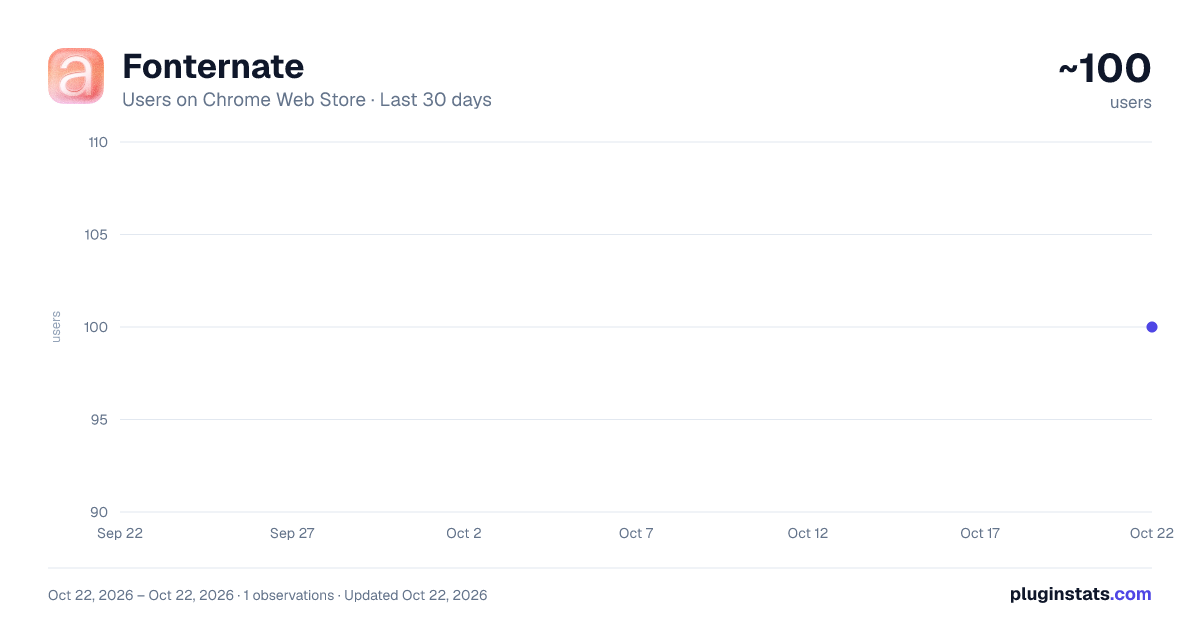
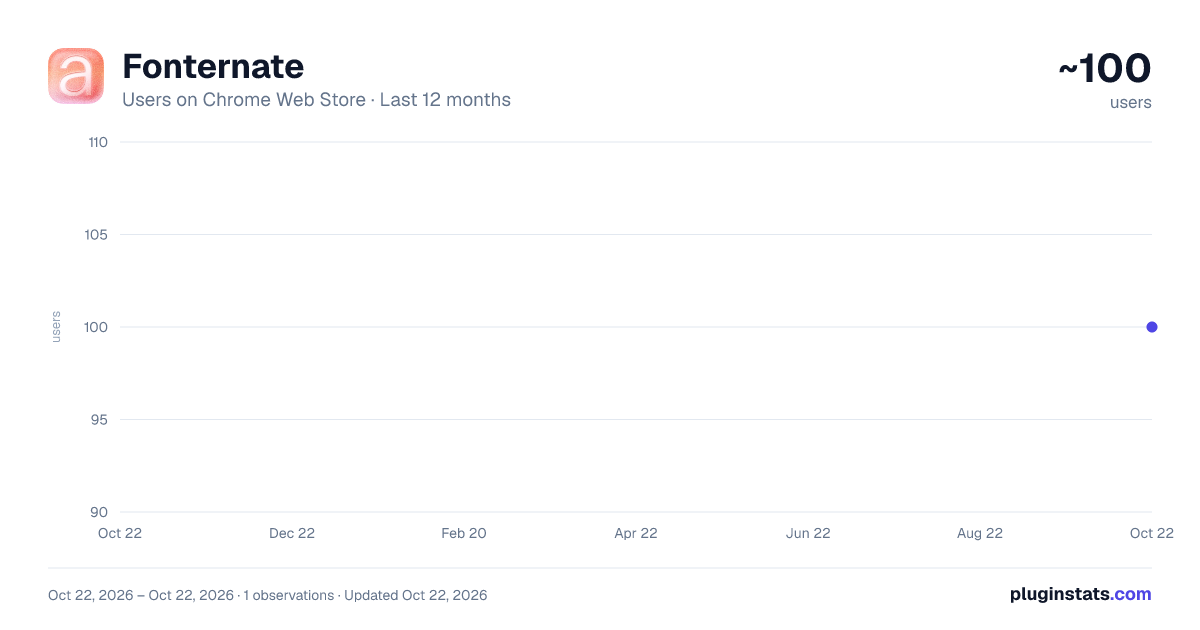
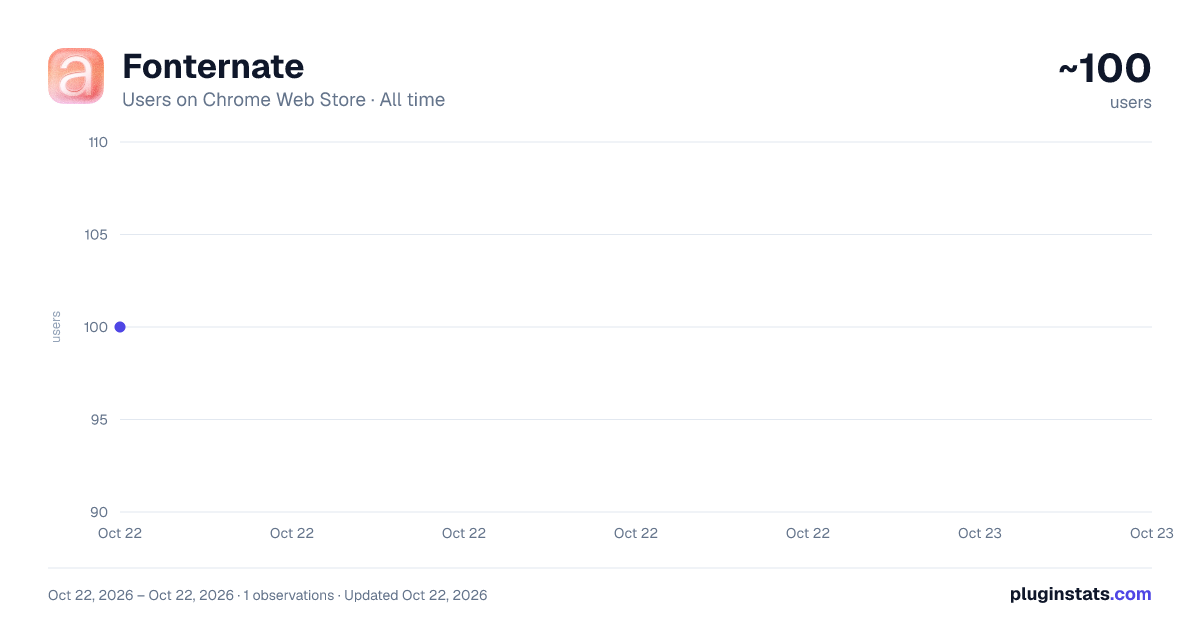
Fonternate has approximately 100 recorded users on Chrome Web Store, ranking #3403 of 3,404 tracked listings.
Rating: 5.00 / 5 from 2 ratings
About Fonternate
Toolbar: Activate. Pin the full panel for fonts, weights, OpenType, specific styles, sliders—optionally keep site metrics.
Fonternate
A designer-friendly Chrome extension that gives you real-time control over typography on any website.
The toolbar is intentionally minimal: click Activate once to open the full experience. Your controls live in a pinned on-page panel (bottom-left) so you can tweak type while you scroll. Collapse it to a small button when you need it out of the way, expand it again when you don't, or press Escape to tuck it away.
- Key Features
Activate / Disable from the toolbar — One click turns the in-page panel on or off. No cramped popup workflow.
Pinned panel UI — Full font controls right in the page context, resize-friendly, with an optional Pin to page toggle that locks the layout while you work.
Font family and weight — Use any installed font by name. Pick weights from 100 to 900, with detection-aware options when the font supports them.
Preserve typesettings — Optionally keep the site's existing letter-spacing, size, and line-height so only the typeface (and mapped weights) changes.
Advanced OpenType — Ligatures (standard and discretionary), stylistic sets, swash levels, contextual alternates, and more — scoped to what the active font actually supports.
Specific styles — Target headings, paragraphs, or other elements so overrides apply exactly where you need them.
Typography sliders — When not preserving typesettings, adjust tracking, size, and leading in real time.
Live preview and local memory — Changes appear immediately. Settings persist locally — no analytics, no cloud sync.
- Who It's For
Designers, typographers, and developers who want to audition fonts and OpenType features on real pages — not in a mockup — without touching site code.
- Getting Started
a. Click the Fonternate icon and choose Activate (or Disable to turn it off). b. Use the pinned panel to enter a font name, set weight, and toggle features. c. Turn on Preserve typesettings if you only want to swap the face while keeping the site's spacing and sizing intact. d. Use Specific styles to limit changes to certain tags, and the sliders to fine-tune metrics. e. Use Previous / Reset in the panel to revert or clear overrides as needed.
- Technical Highlights
Manifest V3. Built with TypeScript, React, and Tailwind. Fully non-destructive — overrides are applied as layered styles. Collapse the panel or disable the extension to stop.
- Notes and Support
Font names must match how they're installed on your system. If a font doesn't apply, check the spelling and confirm it's available to the browser.
For updates, feature requests, or bug reports: https://github.com/yellow-type-foundry/fonternate
Proudly made in Vietnam!
Description from the Chrome Web Store listing.
README badge
Show your rank in a README or on your website. The badge updates automatically.
Charts
Images: 30d · 1y · all time · 1600×900 dark
Adoption over time
7/30/90-day growth
Ranking history
Ratings over time
Listing placement
Listing placement
Filled points are observed values; hollow points come from Internet Archive snapshots of the listing page. Dashed segments span periods with no observations — values between points are not interpolated.
Each band is one page of 20. Users on a linear scale. Placement is projected from users, so it can differ from the marketplace's own sort order. Hover a dot to see the listing.
Recent observations
Full history (1)Similar Chrome Web Store Developer Tools plugins
All 20 Fonternate alternatives



Data source
Covers every Chrome Web Store extension with at least 100 users, found through the store's public sitemap. User counts are read from public listing pages. The 10% most-used extensions are refreshed daily, the next 40% weekly and the next 40% monthly; the least-used 10% are not refreshed. Google displays rounded user counts (and caps the display at 10,000,000+), so small changes may not be visible. Rating counts above 1,000 are rounded (e.g. 1.6K).
Listing: https://chromewebstore.google.com/detail/fonternate/ahojgjkdcmdhdhalcohgoejamcgoenda. First seen Oct 22, 2026; last successful collection Oct 22, 2026. See the methodology.