 PluginStats
WholePage Shot - Full Page Screenshot to PNG & PDF users statistics
By Joichi Abe · Chrome Web Store · Workflow & Planning
Save the page you are viewing, from top to bottom, as a single image or PDF.
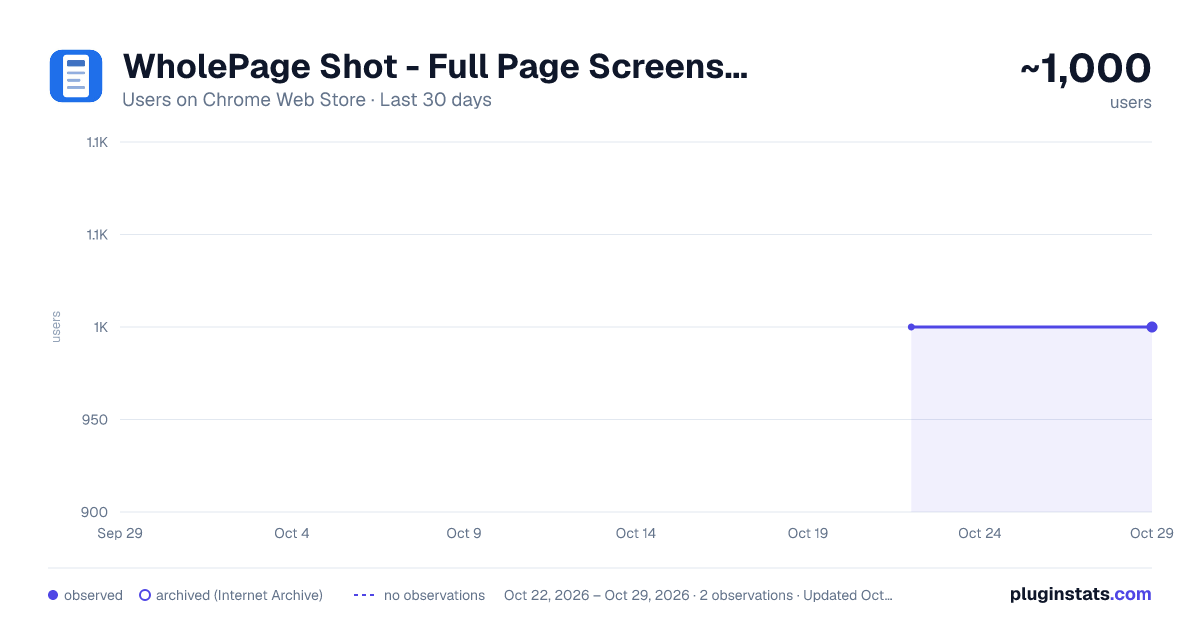
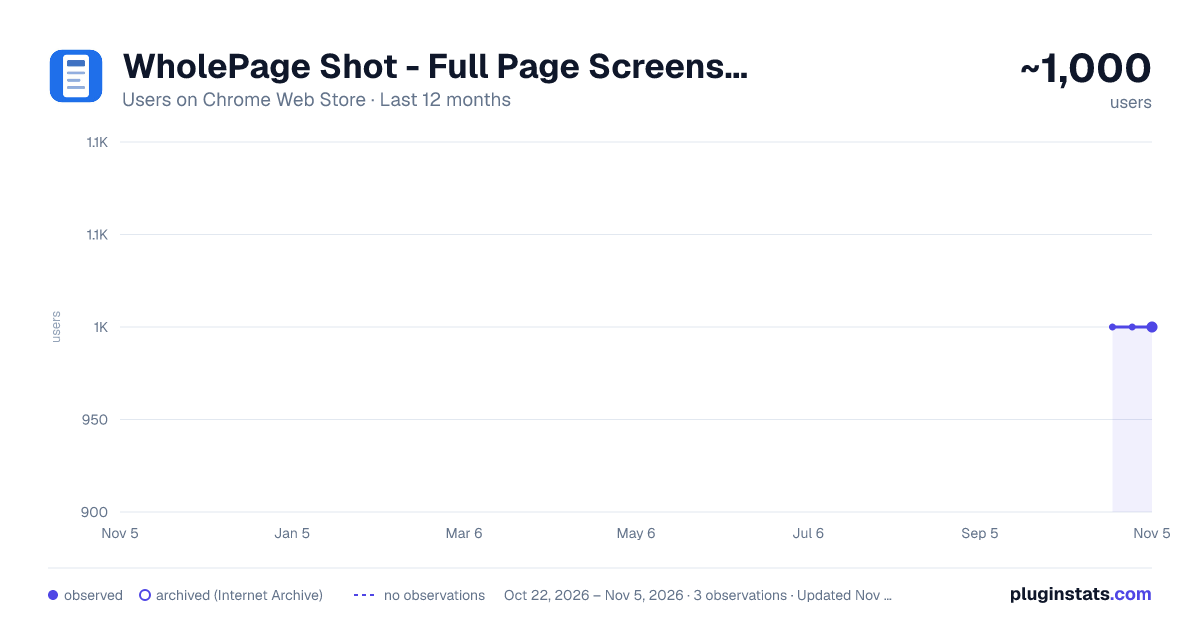
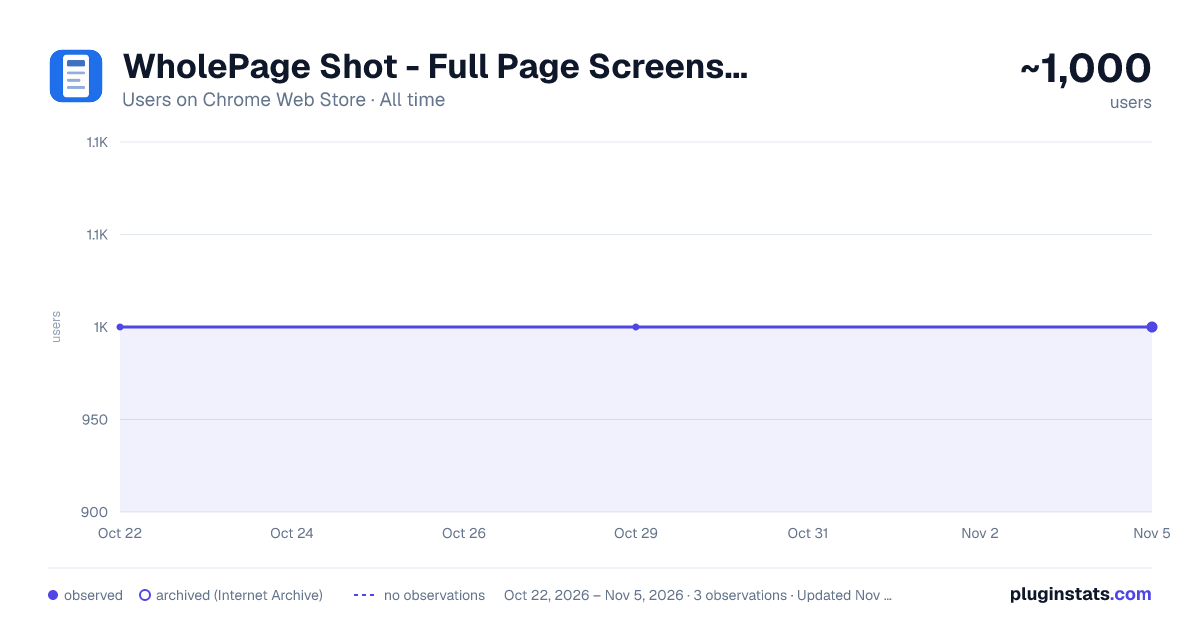
WholePage Shot - Full Page Screenshot to PNG & PDF has approximately 1,000 recorded users on Chrome Web Store, ranking #1360 of 3,853 tracked listings.
About WholePage Shot - Full Page Screenshot to PNG & PDF
Save the page you are viewing, from top to bottom, as a single image or PDF.
One click captures the page you are viewing, from the very top to the very bottom, and stitches it into a single seamless image.
WHAT IT DOES
- Turns a long page into one continuous image with no visible seams
- Saves as PNG, JPEG, or a PDF split into printable A4 pages
- Copies straight to the clipboard so you can paste into a document
- Hides menus that stay stuck to the screen from the second slice onward, so they do not repeat
- Loads lazy images before capturing, so blank gaps are rare
- Works on sites where an inner frame scrolls instead of the page itself
SETTINGS
- Scroll to the bottom once before capturing (on by default)
- Hide menus that stay stuck to the screen, from the second slice onward (on by default)
- Wait between captures (450 ms by default)
YOUR DATA This extension asks for three permissions and nothing more: activeTab (works only on the tab you were on when you clicked), scripting (scrolls that tab for the capture), and storage (remembers your three settings). It does not collect your browsing history. Captured images are never sent anywhere. Everything happens on your computer, and no third-party libraries are included.
PAGES THAT CANNOT BE CAPTURED Chrome itself blocks captures on chrome:// settings pages, the extensions manager and the Chrome Web Store.
Free, no ads, no account. The source code is public.
Description from the Chrome Web Store listing.
README badge
Show your rank in a README or on your website. The badge updates automatically.
Charts
Images: 30d · 1y · all time · 1600×900 dark
Adoption over time
7/30/90-day growth
Ranking history
Ratings over time
Listing placement
Listing placement
Filled points are observed values; hollow points come from Internet Archive snapshots of the listing page. Dashed segments span periods with no observations — values between points are not interpolated.
Each band is one page of 20. Users on a linear scale. Placement is projected from users, so it can differ from the marketplace's own sort order. Hover a dot to see the listing.
Recent observations
Full history (1)Similar Chrome Web Store Workflow & Planning plugins
All 20 WholePage Shot - Full Page Screenshot to PNG & PDF alternatives



Data source
Covers every Chrome Web Store extension with at least 100 users, found through the store's public sitemap. User counts are read from public listing pages. The 10% most-used extensions are refreshed daily, the next 40% weekly and the next 40% monthly; the least-used 10% are not refreshed. Google displays rounded user counts (and caps the display at 10,000,000+), so small changes may not be visible. Rating counts above 1,000 are rounded (e.g. 1.6K).
Listing: https://chromewebstore.google.com/detail/wholepage-shot-full-page/gcbbmhgdggfcigmkhdjecdhikmaekpdl. First seen Oct 22, 2026; last successful collection Oct 22, 2026. See the methodology.