 PluginStats
Local File Compressor users statistics
By baadsavaar · Chrome Web Store · Workflow & Planning
Compress PDF, DOCX, XLSX, PPTX, PPSX locally (no uploads).
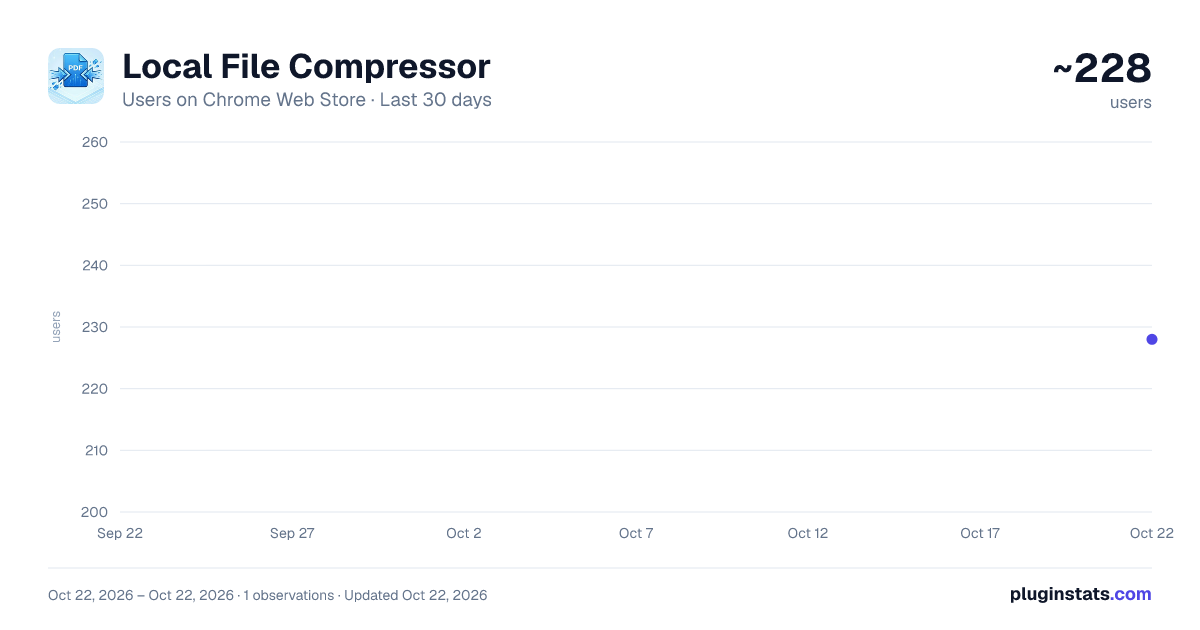
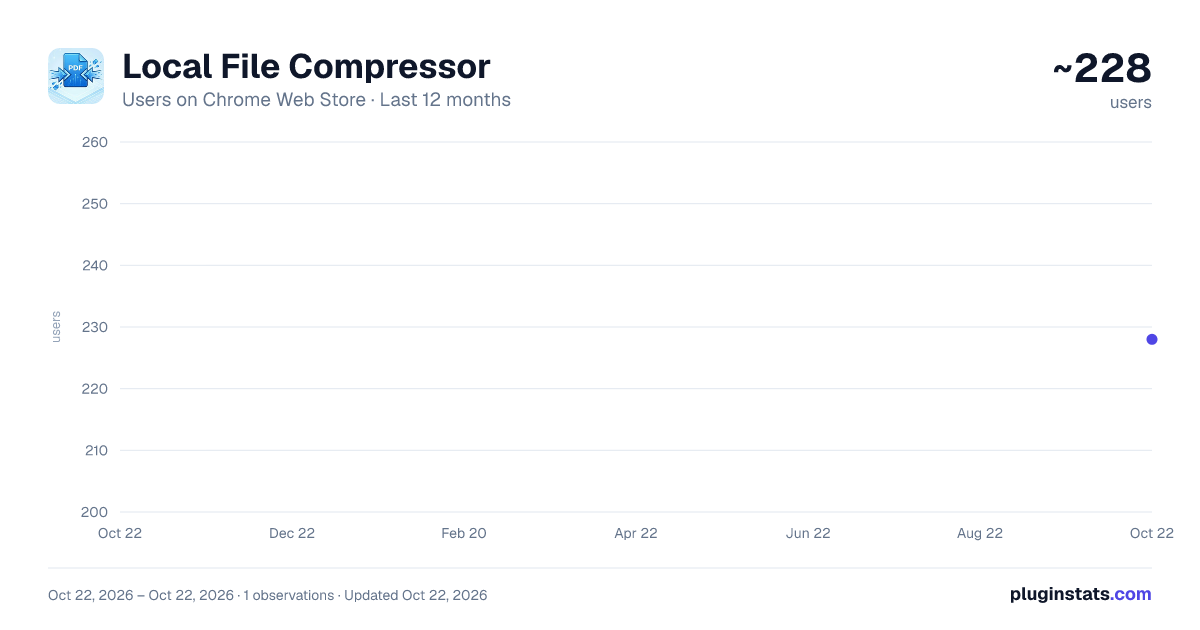
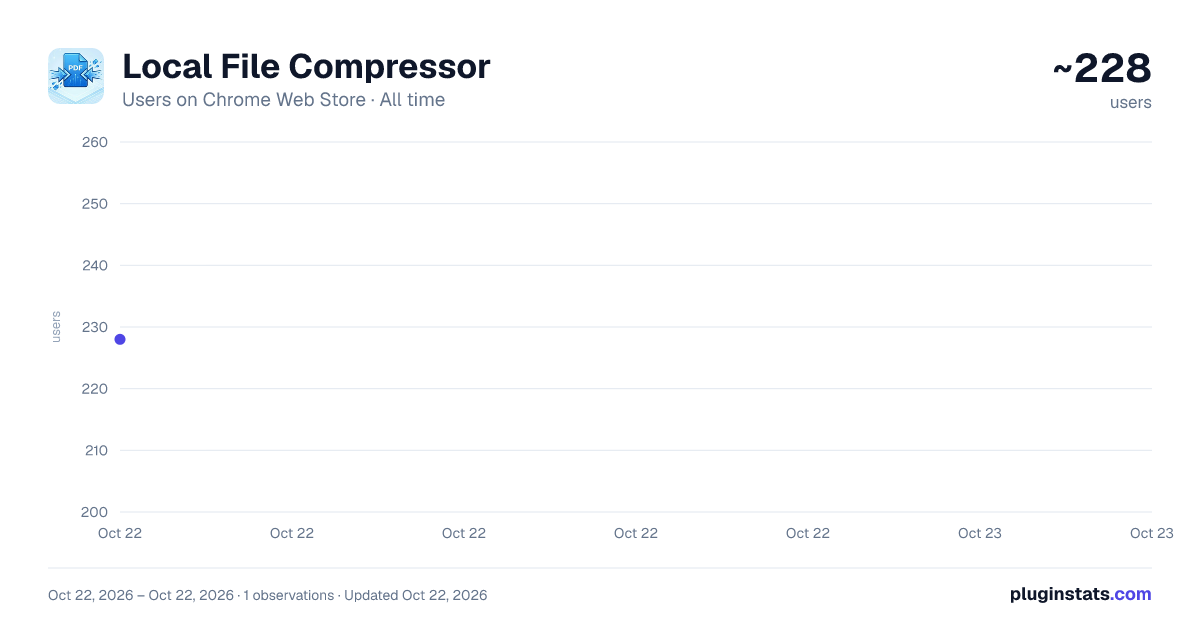
Local File Compressor has approximately 228 recorded users on Chrome Web Store, ranking #2410 of 3,404 tracked listings.
About Local File Compressor
Compress PDF, DOCX, XLSX, PPTX, PPSX locally (no uploads).
Name: Local PDF Compressor: Reduce Size (Till 500MB) Summary: Intelligently compress PDF, DOCX, PPTX, and XLSX files locally. Reduce file size without losing quality. Privacy-first.
Description: The Local PDF Compressor is a smart, privacy-focused tool designed to reduce the file size of your documents directly in your browser. Unlike other tools, your files are processed locally on your device—they are never uploaded to a server.
KEY FEATURES:
- Intelligent PDF Compression Smart scaling engine that balances quality and file size. Detects if a file is already optimized to prevent accidental size increases.
Supports files up to 500MB. 2. Multi-Format Support Compress not just PDFs, but also Office documents. Supports: PDF, PPTX (PowerPoint), DOCX (Word), and XLSX (Excel).
-
Batch Processing Select multiple files at once. The tool processes them individually and downloads them automatically.
-
App Mode (Window View) Click the "Detach" icon to open the compressor in its own dedicated window. Works like a standalone desktop application.
-
Privacy First 100% Local Processing. No cloud uploads, no API keys, no data collection. Powered by advanced local libraries (PDF-Lib, JSZip). PRIVACY & SECURITY:
This extension operates entirely offline. It uses your browser's resources to compress files. We do not view, store, or transmit your documents.
In each option of compression, if it can not compress more, it will show 0 compress and doesn't change. If it can compress, it shows the original name of the file and _compressed at the end of the name of the file.
Note: This extension is free to use and supported by optional donations.
Description from the Chrome Web Store listing.
README badge
Show your rank in a README or on your website. The badge updates automatically.
Charts
Images: 30d · 1y · all time · 1600×900 dark
Adoption over time
7/30/90-day growth
Ranking history
Ratings over time
Listing placement
Listing placement
Filled points are observed values; hollow points come from Internet Archive snapshots of the listing page. Dashed segments span periods with no observations — values between points are not interpolated.
Each band is one page of 20. Users on a linear scale. Placement is projected from users, so it can differ from the marketplace's own sort order. Hover a dot to see the listing.
Recent observations
Full history (1)Similar Chrome Web Store Workflow & Planning plugins
All 20 Local File Compressor alternatives



Data source
Covers every Chrome Web Store extension with at least 100 users, found through the store's public sitemap. User counts are read from public listing pages. The 10% most-used extensions are refreshed daily, the next 40% weekly and the next 40% monthly; the least-used 10% are not refreshed. Google displays rounded user counts (and caps the display at 10,000,000+), so small changes may not be visible. Rating counts above 1,000 are rounded (e.g. 1.6K).
Listing: https://chromewebstore.google.com/detail/local-file-compressor/ahnaeafnnbhbacdnjcknmpgojfnkkcpn. First seen Oct 22, 2026; last successful collection Oct 22, 2026. See the methodology.