 PluginStats
Video Dominator users statistics
Chrome Web Store · Workflow & Planning
Hover over any video, hold the right mouse button down, and use mouse wheels or buttons to seek, adjust volume, speed, and more.
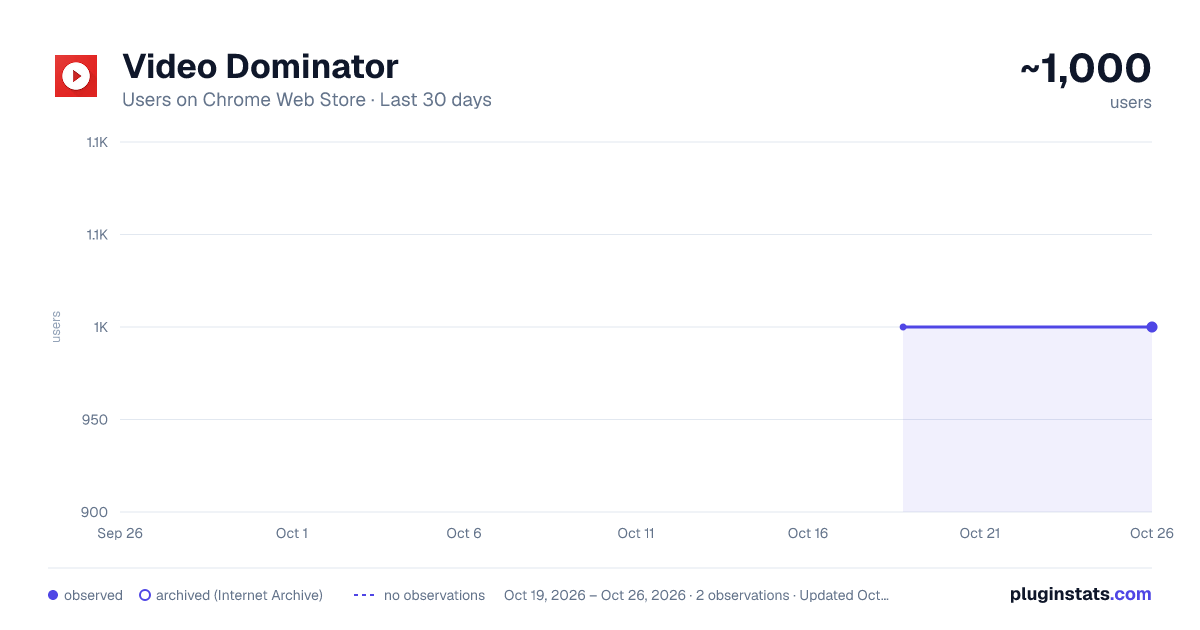
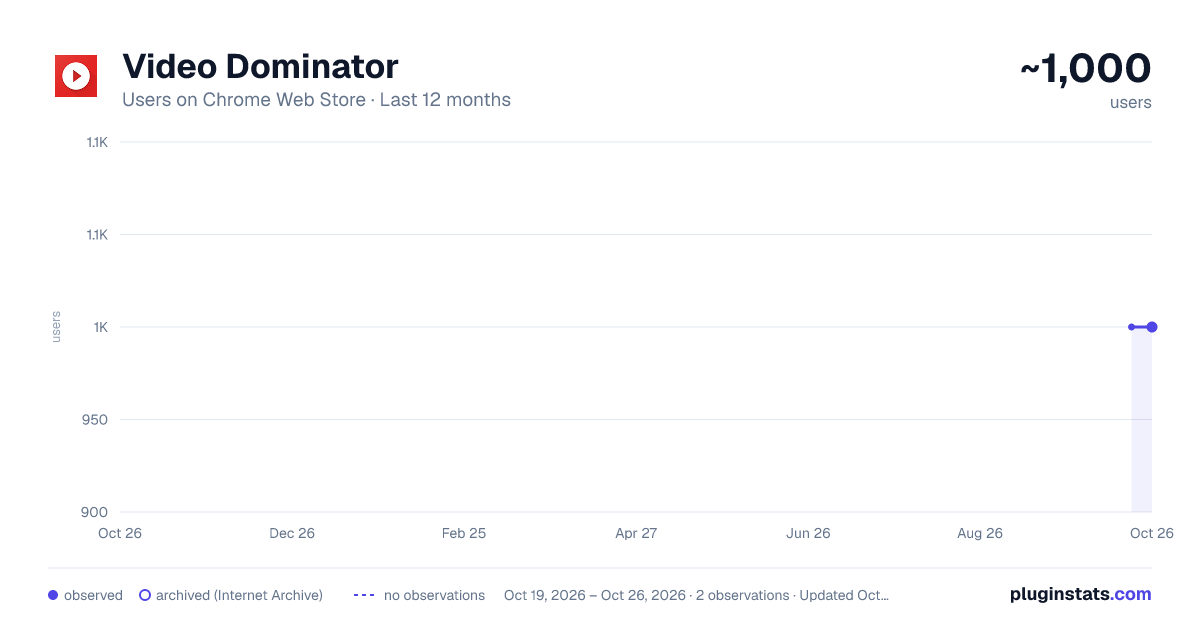
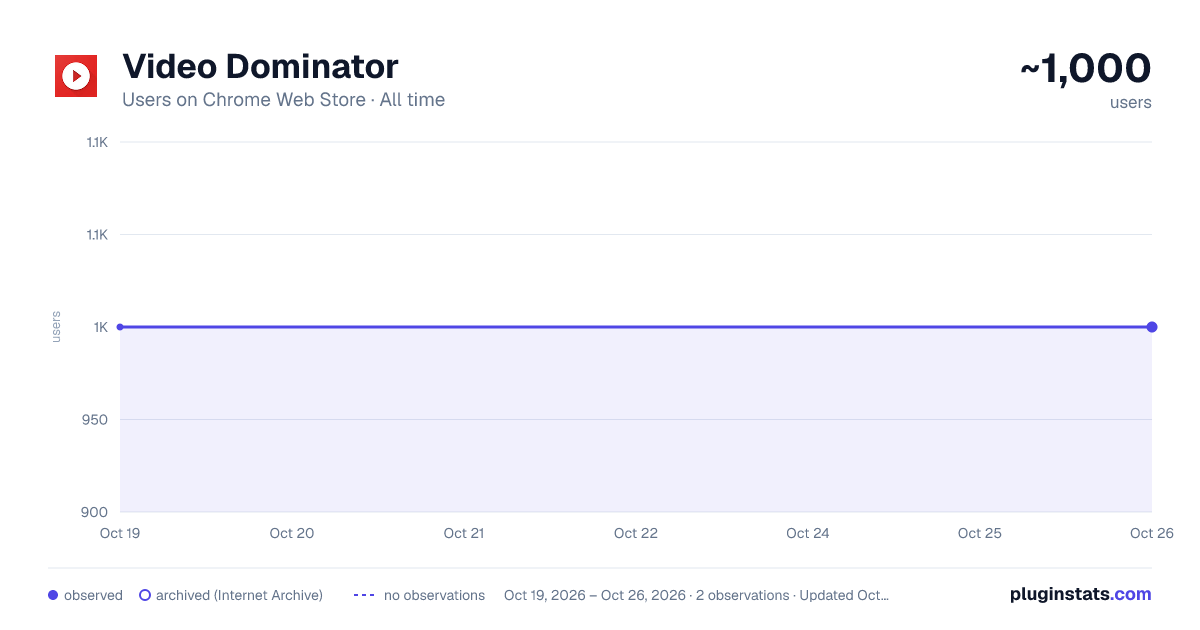
Video Dominator has approximately 1,000 recorded users on Chrome Web Store.
It ranks #712 of 2,033 tracked Chrome Web Store listings by users.
It is rated 4.7 out of 5 from 44 ratings.
PluginStats has 1 daily observations since Oct 19, 2026; the latest is from Oct 19, 2026.
Rating: 4.70 / 5 from 44 ratings
About Video Dominator
Hover over any video, hold the right mouse button down, and use mouse wheels or buttons to seek, adjust volume, speed, and more.
Hover over different areas of any video, hold the activation key down (right mouse button by default), and use mouse wheels or buttons to perform an unlimited number of custom actions such as:
- play/pause the video - seek by, seek to (units available: second, frame, %) - adjust or set playback rate (0x to 16x) - adjust or set volume - toggle mute - toggle picture-in-picture mode - toggle custom player
On some websites, you can also:
- take a video snapshot (save or copy to clipboard) - open video in new tab - download video (requires "Downloads" permission)
------------------------------------------------ Control Modes ------------------------------------------------
Overlay Element - hover over a video, hold the activation key down and use mouse wheels or buttons - activation key can be the Right Mouse Button, Ctrl, Alt, or Shift - available on almost any website
Video Element - hover over a video and use mouse wheels or buttons - works only when the video is a top-most element (on websites such as YouTube, Odysee, Nebula, CuriosityStream)
------------------------------------------------ Action Info Overlay ------------------------------------------------
- customizable overlay temporarily shows you info depending on the last action, such as: - volume - playback rate - current time, current time / duration, remaining time - time can be based on the current playback rate
------------------------------------------------ Custom Player ------------------------------------------------
- a full window or full screen player with minimalist UI and no popups or any other distractions - you don't need to hold the activation key down while using mouse controls - unlimited number of custom keyboard shortcuts - customizable progress bar
------------------------------------------------ Filters ------------------------------------------------
- none - the extension will run on all domains - blacklist - the extension will not run on listed domains - whitelist - the extension will run only on listed domains
------------------------------------------------ Permissions ------------------------------------------------
Storage - for storing extension settings Downloads (optional) - for downloading media files
------------------------------------------------ Privacy Policy ------------------------------------------------
This extension does not collect personal data from users, and it does not send any user data to a remote server. The only data it collects are extension settings, and this is stored locally on your PC.
Description from the Chrome Web Store listing.
Where Video Dominator sits in the listing
Each band is one page of 20. Users on a log scale. Placement is projected from users, so it can differ from the marketplace's own sort order. Hover a dot to see the listing.
Charts
Images: 30d · 1y · all time · 1600×900 dark
Adoption over time
7/30/90-day growth
Filled points are observed values; hollow points come from Internet Archive snapshots of the listing page. Dashed segments span periods with no observations — values between points are not interpolated.
Recent observations
Full history (1)Similar Chrome Web Store Workflow & Planning plugins




Data source
User counts are read from public Chrome Web Store listing pages. Google displays rounded user counts (and caps the display at 10,000,000+), so small changes may not be visible. Rating counts above 1,000 are rounded (e.g. 1.6K).
Listing: https://chromewebstore.google.com/detail/video-dominator/npmegcnbapicebebajligpkjdjjbempo. First seen Oct 19, 2026; last successful collection Oct 19, 2026. See the methodology.