 PluginStats
Time Keeper users statistics
Chrome Web Store · Workflow & Planning
A simple time logger for work. Track tasks, boost productivity, and stay organized with this Chrome extension.
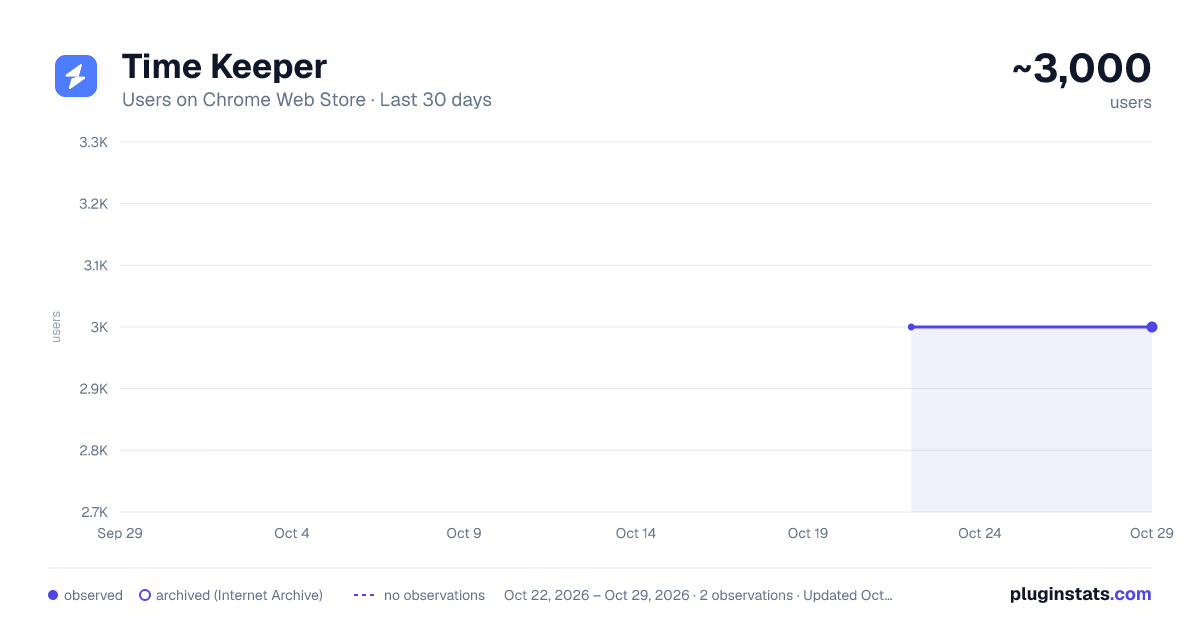
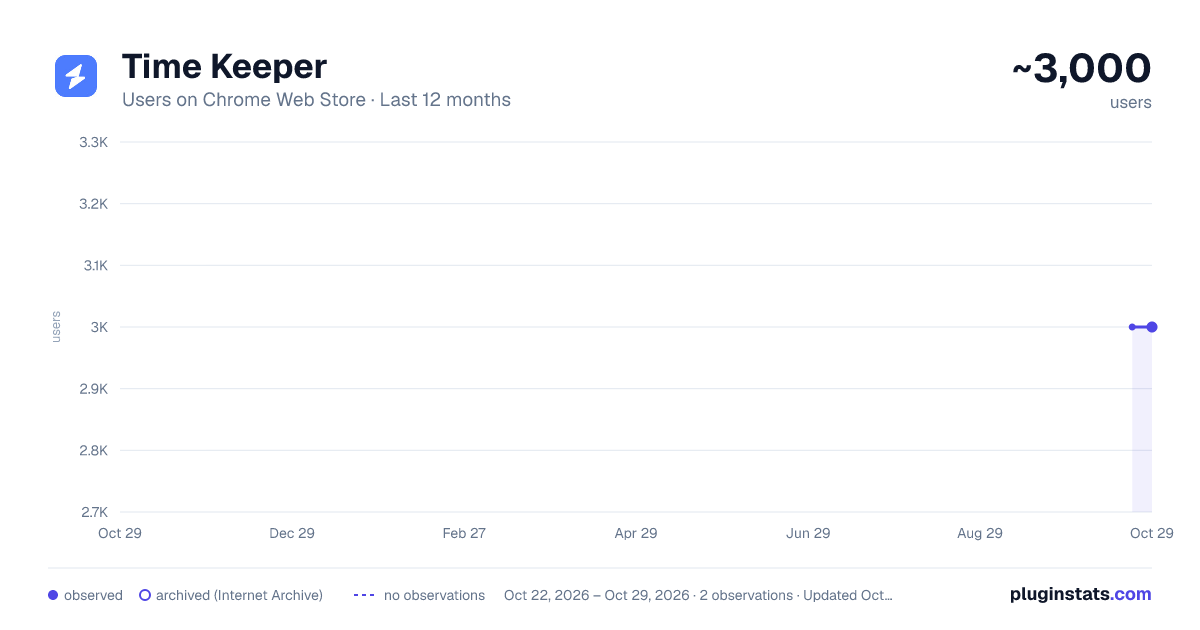
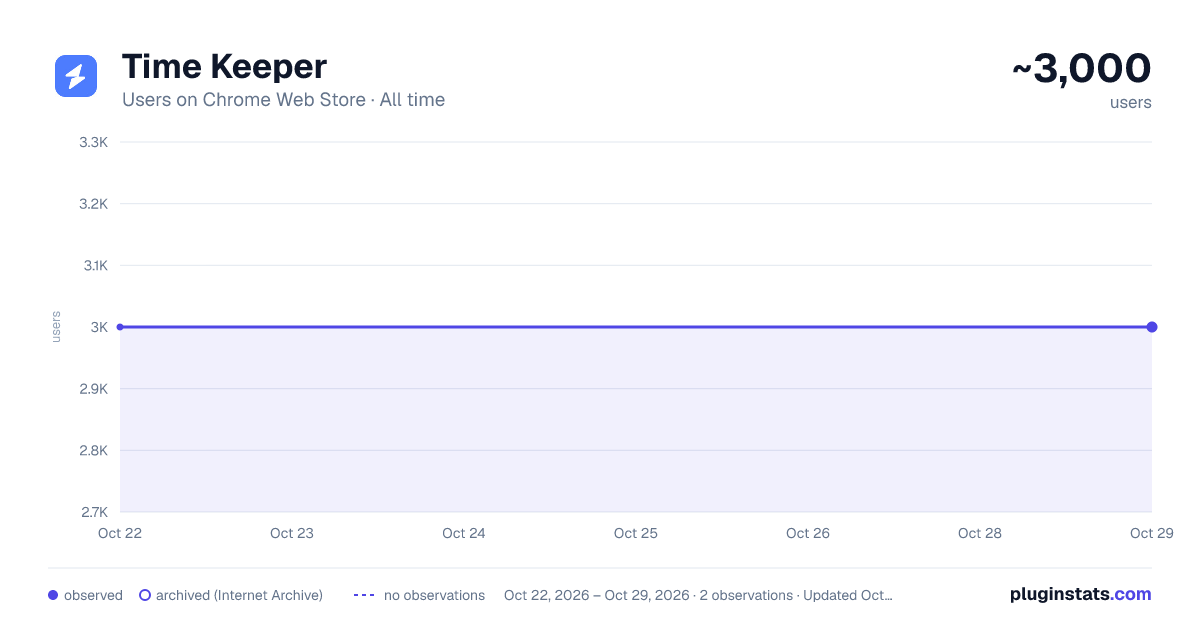
Time Keeper has approximately 3,000 recorded users on Chrome Web Store, ranking #772 of 3,404 tracked listings.
Rating: 4.80 / 5 from 56 ratings
About Time Keeper
A simple time logger for work. Track tasks, boost productivity, and stay organized with this Chrome extension.
💪 Time Keeper is your all-in-one solution for tracking work hours, managing tasks, and boosting productivity! Whether you're working remotely, freelancing, or managing a busy schedule, Time Keeper helps you keep everything on track. With our intuitive work hour tracker and progress timer, staying on top of your projects has never been easier.
🤔 Why Choose Time Keeper? 🕒 Time Keeper is more than just an activity timer; it's a complete time logger for work that empowers you to:
📝 Stay organized with a task list with time estimate free feature. ⏱️ Track your productivity with a work hour tracker. 📈 Monitor your progress effortlessly using the progress timer. ⚖️ Balance your workload and maximize efficiency with a workload tracker.
🌱 With Time Keeper, you can say goodbye to missed deadlines and chaotic schedules, and hello to a more organized workday.
❤️ Features You'll Love
- Task List with Time Estimate Free
- Create a detailed task list with date estimates for each activity.
- Easily organize tasks by priority and manage them at your own pace.
- Get a clear overview of your workload and ensure nothing falls through the cracks.
- Activity Timer and Progress Tracker
- Start the activity date for any task and see how much effort you've spent on it.
- Track your progress with a visual progress timer that keeps you motivated.
- Comprehensive Work Hour Tracker
- Log work hours seamlessly and understand how much hours you're dedicating to different projects.
- Use the work hour tracker to stay compliant with your working schedules and achieve your schedule management goals.
- Detailed Analytics and Insights
- Gain insight into your productivity trends with time logger for work statistics.
- View detailed charts showing how your moment is distributed across different activities.
🌍 Stay Productive Anytime, Anywhere 🏡 Whether you're at home or on the go, Time Keeper is your perfect companion for effective activity management. Keep track of your tasks, manage your workload, and make each workday count with features like:
⌛ Customizable Activity Timer 🔄 Automatic Logging and Syncing 🗂️ Detailed Task List with Time Estimate Free 👥 User-Friendly Workload Tracker
🎁 Benefits of Using Time Keeper 📊 Better Schedule Management: Use our activity timer and work hour tracker to better allocate activity to important tasks.
⚙️ Effortless Planning: Create a task list with date estimate free to plan your day, week, or month in minutes.
🛠 Optimize Productivity:The workload tracker helps you analyze and manage how much attention you're spending on each project, so you can optimize your efforts and stay focused on the right activities.
📝 How Does Time Keeper Work?
- Add Your Tasks: Start by adding all the tasks you need to work on. The task list with time estimate free feature will help you visualize your workload.
- Set the Timer: Use the activity timer to begin tracking the work you spend on each task. It's simple and precise!
- Track Your Hours: The work hour tracker automatically logs all the activity you put into work, giving you accurate data for review.
- Analyze and Adjust: Use the workload tracker and progress timer to understand where your work is going and make adjustments to boost efficiency.
🗝️ Key Advantages of Time Keeper 🔍 Precision Tracking: Whether you're using the activity timer or the work hour tracker, you’ll get precise activity logs to analyze how your workday is spent. 💸 Boost Productivity: By utilizing the progress timer, you can visualize your achievements and set clear targets to accomplish your tasks. 🌐 User-Friendly Interface: Navigate easily between features like time logger for work, workload tracker, and task list with time estimate free. 🤖 Automation and Notifications: Get notified when it's moment to switch tasks or when you're nearing your effort limit for an activity, thanks to Time Keeper’s smart reminders.
🌟 Get the Most Out of Time Keeper 🎯 Stay Focused: Avoid distractions by setting goals and estimate limits for each task using the activity timer. ⚡ Measure Efficiency: Use the work hour tracker and see which tasks are eating up most of your effort, allowing you to adapt and become more efficient. 📅 Plan Your Workday: With the task list with time estimate free feature, plan and estimate the required effort for each task to help distribute your workload effectively.
🤔 Who Can Benefit from Time Keeper? 1️⃣ Freelancers: Keep track of billable hours with the logger for work and maintain client transparency. 2️⃣ Remote Workers: Use the work hour tracker to ensure you're hitting your targets and maintaining productivity. 3️⃣ Project Managers: Monitor your team’s progress using the progress timer and ensure everything stays on schedule. 4️⃣ Students: Track study hours and manage your academic workload with ease.
⏳ Seamless Time Management 🏆 The key to productivity is effective schedule management. Time Keeper brings you everything you need, from a task list with time estimate free to an activity timer that keeps you accountable. You'll enjoy:
✉️ Email Reports: Receive detailed weekly summaries of your work. 🌟 Goal Achievement: Set milestones and celebrate when your progress timer reaches 100%. 🧠 Smart Scheduling: Let Time Keeper automatically suggest date blocks based on your work patterns.
🎨 Intuitive Design and Flexible Functionality 🖥️ With Time Keeper, you don’t need to be a tech expert to manage your work hours effectively. Simply start the activity timer, input tasks into your task list with time estimate free, and watch as Time Keeper does the rest.…
Description from the Chrome Web Store listing.
README badge
Show your rank in a README or on your website. The badge updates automatically.
Charts
Images: 30d · 1y · all time · 1600×900 dark
Adoption over time
7/30/90-day growth
Ranking history
Ratings over time
Listing placement
Listing placement
Filled points are observed values; hollow points come from Internet Archive snapshots of the listing page. Dashed segments span periods with no observations — values between points are not interpolated.
Each band is one page of 20. Users on a linear scale. Placement is projected from users, so it can differ from the marketplace's own sort order. Hover a dot to see the listing.
Recent observations
Full history (1)Similar Chrome Web Store Workflow & Planning plugins
All 20 Time Keeper alternatives



Data source
Covers every Chrome Web Store extension with at least 100 users, found through the store's public sitemap. User counts are read from public listing pages. The 10% most-used extensions are refreshed daily, the next 40% weekly and the next 40% monthly; the least-used 10% are not refreshed. Google displays rounded user counts (and caps the display at 10,000,000+), so small changes may not be visible. Rating counts above 1,000 are rounded (e.g. 1.6K).
Listing: https://chromewebstore.google.com/detail/time-keeper/gbgjpgnbbphobklfohnoghjmfmolikcb. First seen Oct 22, 2026; last successful collection Oct 22, 2026. See the methodology.