 PluginStats
Get Image Info users statistics
Get detailed information about any image on the web. View dimensions, file size, type, and more with a single click.
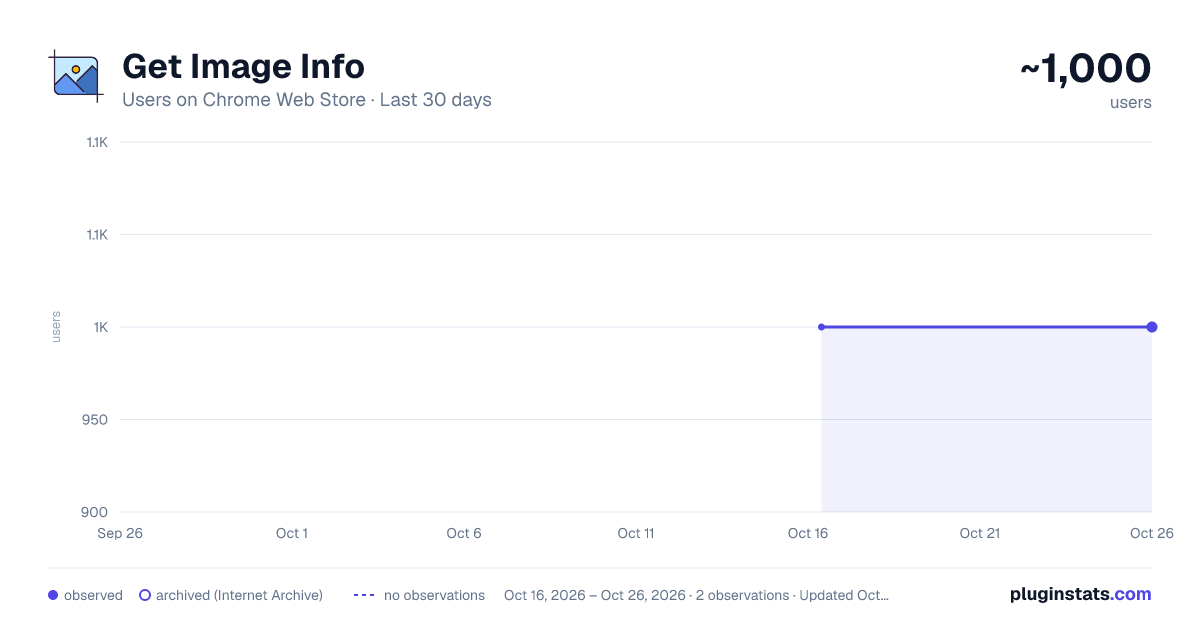
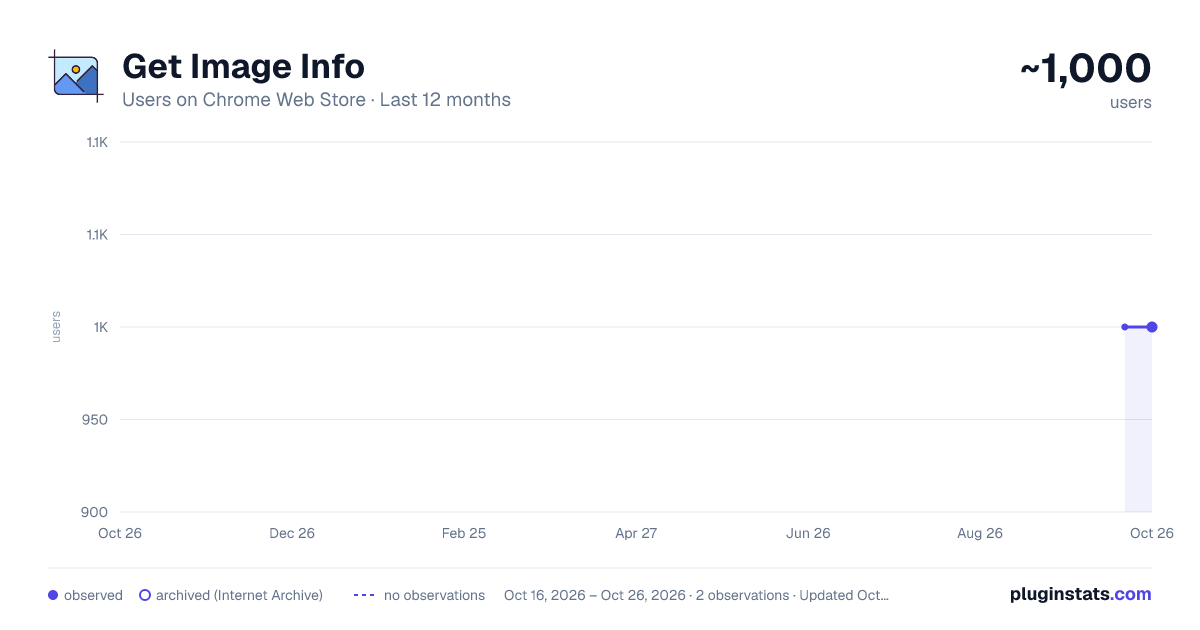
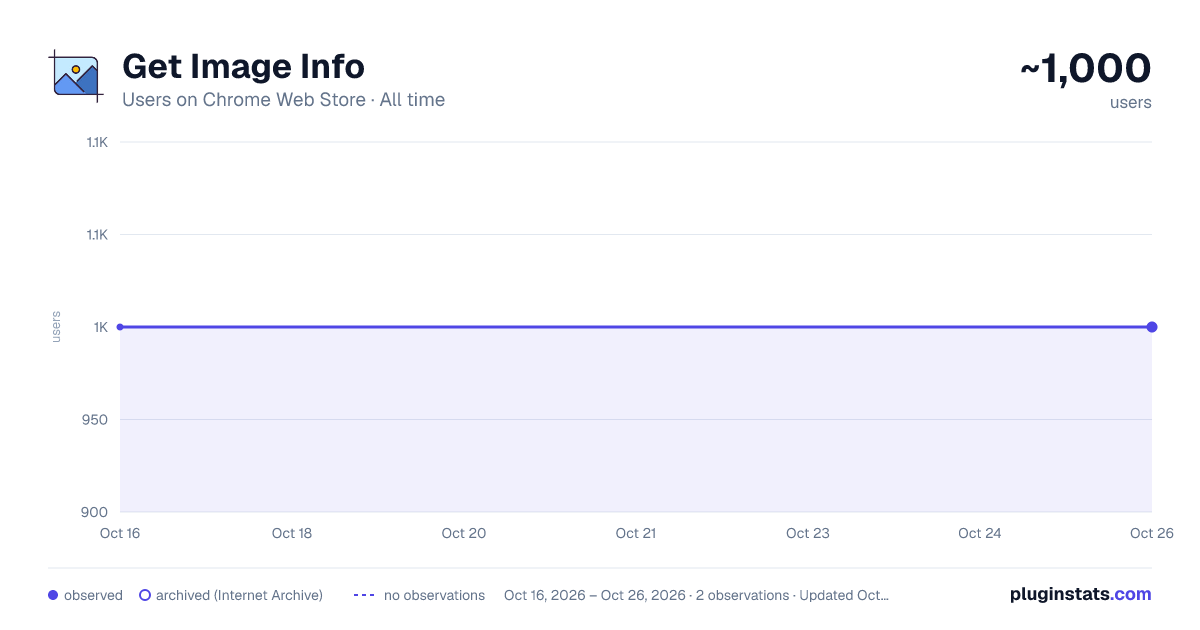
Get Image Info has approximately 1,000 recorded users on Chrome Web Store, ranking #574 of 2,033 tracked listings.
Rating: 4.20 / 5 from 4 ratings
About Get Image Info
Get detailed information about any image on the web. View dimensions, file size, type, and more with a single click.
The extension displays the webpage image information on mouse hover with to possibility to pin and copy image information. You can also open any image in a new tab and download them.
Image information are:
- Image type: embedded, background, base64
- Image rendered size
- Image original size
- Image aspect ratio
- Image weight
- Image URL and download
- Image information caching
- Detect IMG and PICTURE tags
- Handles all image formats: JPG, PNG, GIF, WebP, AVIF
How to use it? Install the extension and pin it (recommended for a quick access). Click on activate and make mouse hover or click on images to pin the image info. The extension is only active in a single tab, to use in several, just activate it on different tabs. The extension has no impact on browser performance if it's not activated by using the "activate" button in the popup.
Perfect for: ✓ Web developers ✓ Designers ✓ Content creators ✓ SEO specialists ✓ Anyone working with online images
Streamline your workflow and gain valuable insights into web images effortlessly. Download Get Image Info now and transform how you interact with online visuals!
Description from the Chrome Web Store listing.
README badge
Show your rank in a README or on your website. The badge updates automatically.
Charts
Images: 30d · 1y · all time · 1600×900 dark
Adoption over time
7/30/90-day growth
Ranking history
Ratings over time
Listing placement
Listing placement
Filled points are observed values; hollow points come from Internet Archive snapshots of the listing page. Dashed segments span periods with no observations — values between points are not interpolated.
Each band is one page of 20. Users on a linear scale. Placement is projected from users, so it can differ from the marketplace's own sort order. Hover a dot to see the listing.
Recent observations
Full history (1)Similar Chrome Web Store Tools plugins
All 20 Get Image Info alternatives



Data source
Covers every Chrome Web Store extension with at least 100 users, found through the store's public sitemap. User counts are read from public listing pages. The 10% most-used extensions are refreshed daily, the next 40% weekly and the next 40% monthly; the least-used 10% are not refreshed. Google displays rounded user counts (and caps the display at 10,000,000+), so small changes may not be visible. Rating counts above 1,000 are rounded (e.g. 1.6K).
Listing: https://chromewebstore.google.com/detail/get-image-info/jclaaifancfpocjhadhbnlladjibpnba. First seen Oct 16, 2026; last successful collection Oct 16, 2026. See the methodology.