 PluginStats
GridMaster with Pixel Ruler and Crop users statistics
By Alex Carr · Chrome Web Store · Developer Tools
Measure any webpage with rulers, guides, custom grids, snapping, element inspection, and precise PNG crops.
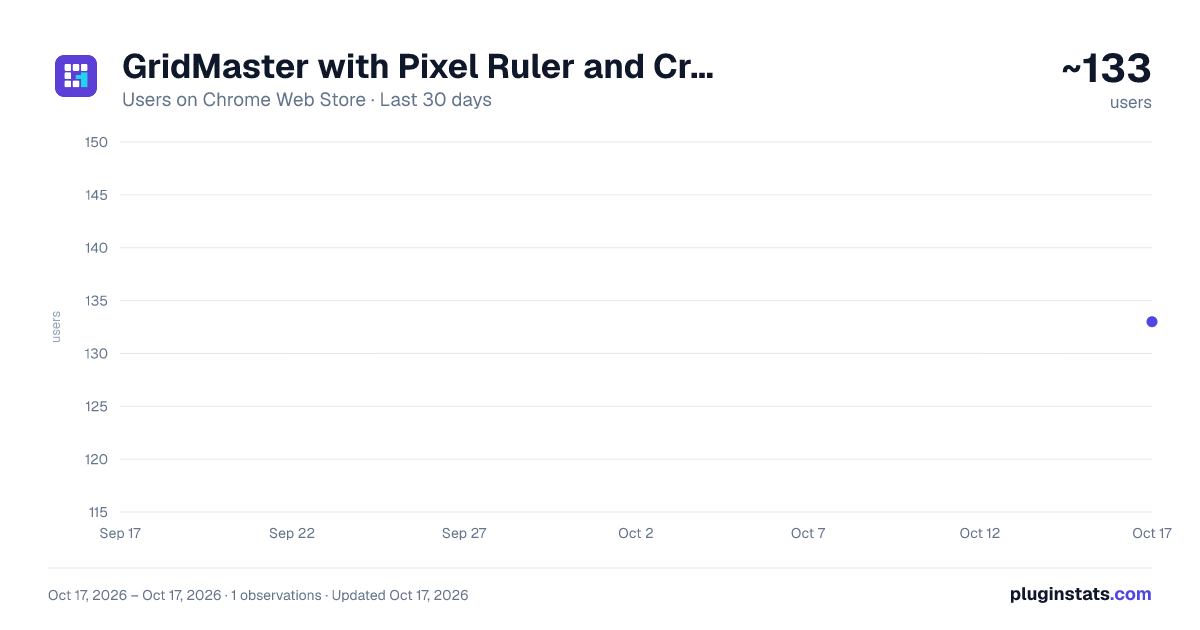
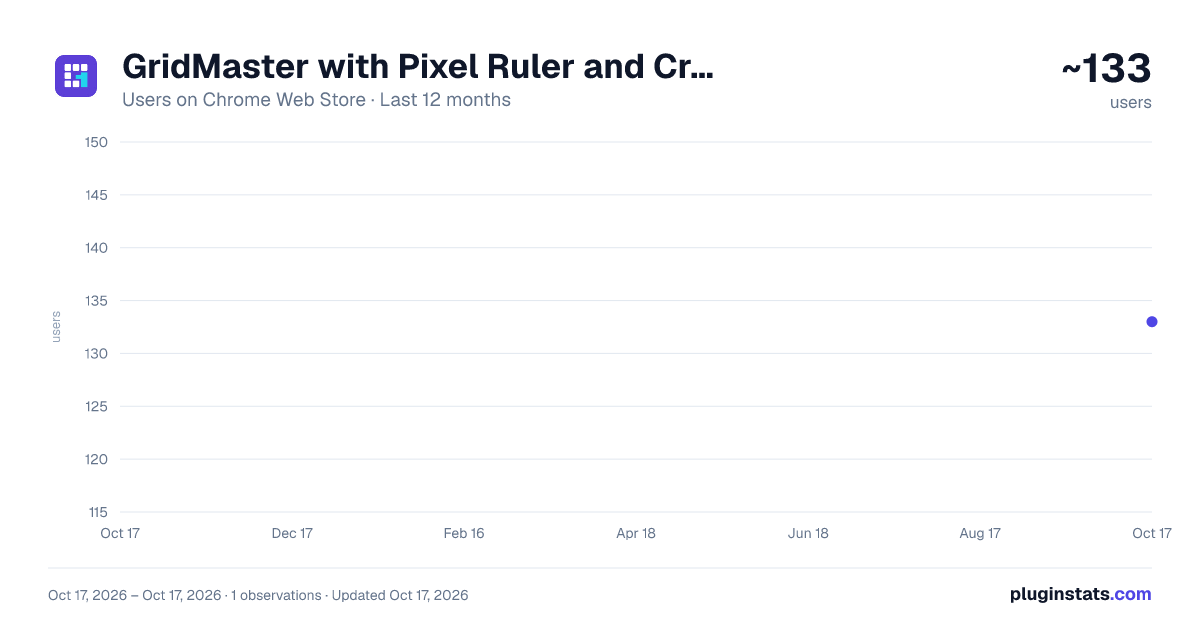
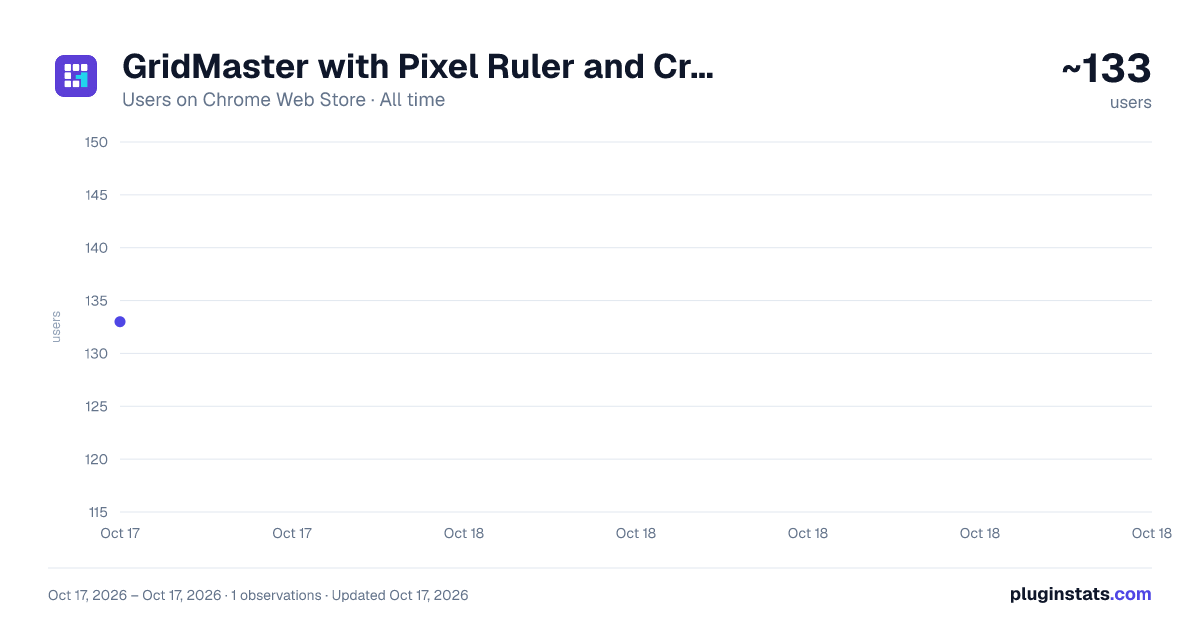
GridMaster with Pixel Ruler and Crop has approximately 133 recorded users on Chrome Web Store.
It ranks #1392 of 1,556 tracked Chrome Web Store listings by users.
It is rated 4.5 out of 5 from 2 ratings.
PluginStats has 1 daily observations since Oct 17, 2026; the latest is from Oct 17, 2026.
Rating: 4.50 / 5 from 2 ratings
About GridMaster with Pixel Ruler and Crop
Measure any webpage with rulers, guides, custom grids, snapping, element inspection, and precise PNG crops.
I built GridMaster for those moments when a page looks slightly off and you need a real answer instead of another guess. It puts practical layout tools directly on the page, so you can check spacing, alignment, and dimensions without jumping between apps.
Drag guides from the top or side ruler, place them at an exact position, and adjust their color or thickness. Turn on a square grid or build a column layout with your own spacing and gutters. When you need more than pixels, switch the rulers and measurements to inches, centimeters, millimeters, or points.
It also handles the parts that usually slow the job down: snapping a guide to a real page edge, checking an element's exact size and position, and capturing one specific area as a PNG.
What you can do:
* Drag horizontal and vertical guides from the rulers * Enter exact guide positions and adjust line thickness * Lock, duplicate, recolor, or remove individual guides * Switch between px, in, cm, mm, and pt * Use square grids or custom column grids * Snap guides and measurements to page elements * Inspect element dimensions and position * Draw measurement areas and copy their dimensions * Download or copy a selected area as a PNG * Hide the toolbar or rulers while leaving your guides in place * Undo changes and use keyboard shortcuts for common actions
I use it for quick layout checks, but it is just as useful for designers, front-end developers, QA testers, marketers, and anyone who needs a reliable measurement or a clean crop from a webpage.
Privacy is straightforward: your settings stay in Chrome, and GridMaster does not send your page data, screenshots, or browsing history to an outside service.
Click the GridMaster icon whenever you need the tools. Click it again when you are done.
Description from the Chrome Web Store listing.
Where GridMaster with Pixel Ruler and Crop sits in the listing
Each band is one page of 20. Users on a log scale. Placement is projected from users, so it can differ from the marketplace's own sort order. Hover a dot to see the listing.
Charts
Images: 30d · 1y · all time · 1600×900 dark
Adoption over time
7/30/90-day growth
Ranking history
Filled points are observed values; hollow points come from Internet Archive snapshots of the listing page. Dashed segments span periods with no observations — values between points are not interpolated.
Recent observations
Full history (1)Similar Chrome Web Store Developer Tools plugins




Data source
User counts are read from public Chrome Web Store listing pages. Google displays rounded user counts (and caps the display at 10,000,000+), so small changes may not be visible. Rating counts above 1,000 are rounded (e.g. 1.6K).
Listing: https://chromewebstore.google.com/detail/gridmaster-with-pixel-rul/mbjlgkpffbdnpihkhcghdaoanhbjfllk. First seen Oct 17, 2026; last successful collection Oct 17, 2026. See the methodology.