 PluginStats
PROANALYTICS users statistics
By m · Chrome Web Store · Tools
Productivity toolkit for web analysts — CSS selector tools, GA4 & Google Ads reporting enhancements
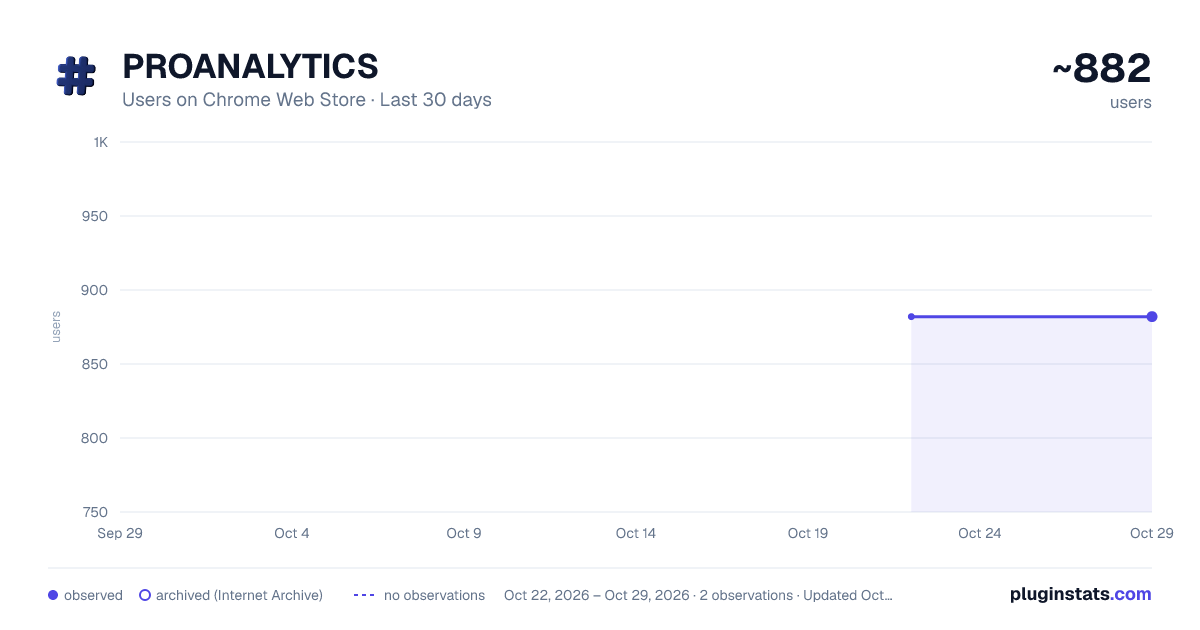
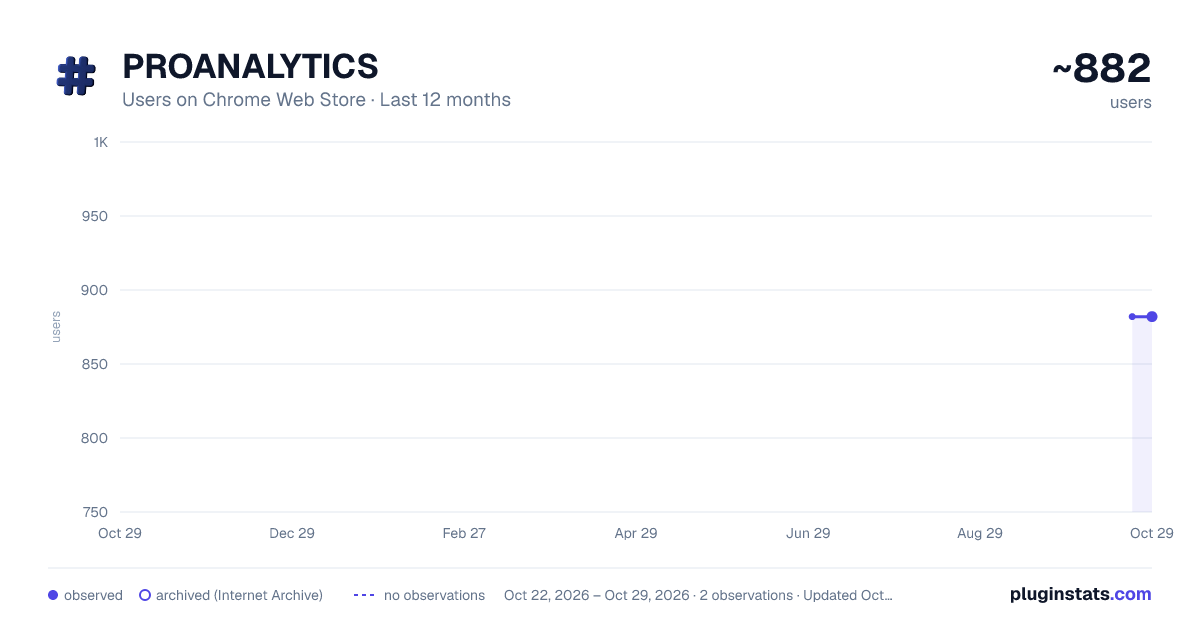
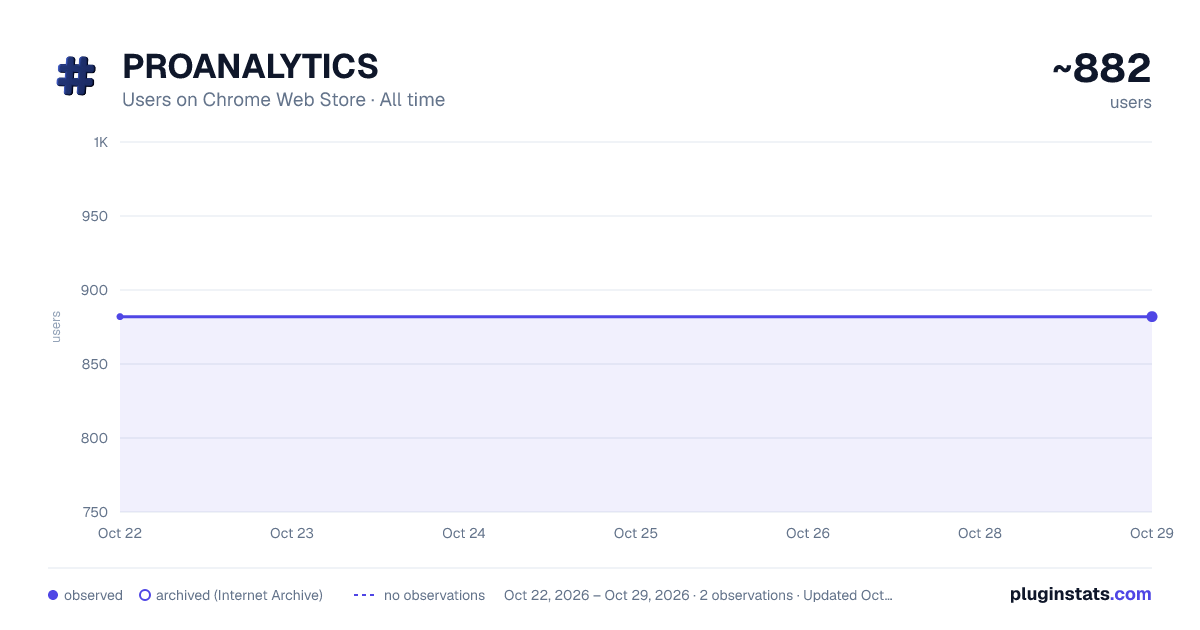
PROANALYTICS has approximately 882 recorded users on Chrome Web Store, ranking #1339 of 3,404 tracked listings.
Rating: 5.00 / 5 from 31 ratings
About PROANALYTICS
Productivity toolkit for web analysts — CSS selector tools, GA4 & Google Ads reporting enhancements
PROANALYTICS is a powerful toolkit designed to streamline the daily workflow of web analysts, PPC specialists and marketers. The extension keeps growing — here's the full current feature set:
-
Instantly highlight all elements on any website that match a given CSS selector, with visual overlays and status labels for full or partial matches.
-
Enable copying of data from standard Google Analytics 4 (GA4) reports, bypassing copy restrictions.
-
Conditional formatting for GA4 tables: visualize deviations and averages with color backgrounds and bar charts for better data insights.
-
Conditional formatting for Google Ads tables: visualize deviations and averages with color backgrounds and bar charts for better data insights.
-
Quick date selection and comparison mode: on the panel or using hotkeys.
-
PROANALYTICS Magic Mode — turns a standard GA4 report into a full analytics dashboard:
-
Up to 10 dimensions in a single report — changing the primary one won't reset the rest
-
Sort by percentage change (Δ%) or by absolute change (Δ), so a "-50%" doesn't fool you when it's really just 2 conversions dropping to 1
-
Pick one key event and its conversion rate for every metric at once
-
Build your own calculated columns (AOV, funnel step %, anything) — saved with the report
-
Excel-style per-column filtering, including advanced conditions
-
Reorder, hide and resize columns with simple drag-and-drop
-
Save your perfect report setup as a reusable template — works across other properties and accounts too
-
View up to 5,000 rows per report instead of the standard 250
-
And more features being added continuously
-
NEW: Event Debugger — plenty of tools show you the requests; this one tells you what's wrong with them. Every GA4, Google Ads, Meta and TikTok event leaving the page, plus every dataLayer push and gtag() call, checked against 100+ rules: a mistyped ecommerce key, a product renamed between add_to_cart and purchase, revenue that disagrees between GA4 and Meta for the same order, a conversion with a value and no currency. Works on any site, in your own DevTools console or in a side panel — whichever you prefer.
-
NEW: Tagging audit — switch collection on and walk the site. Every problem is gathered and grouped with the pages it happened on, plus your own notes for what a tool can't see, then copied out as Markdown, as a table for Sheets, or printed straight to PDF.
-
GTM Solutions Library — 15+ ready-made tracking recipes (forms, video, clicks & engagement, ecommerce, utilities) that create the exact tags, triggers and variables you need in one click, right inside the GTM UI. No OAuth, no API keys, no extra access needed. Save your own templates too.
-
GTM Inspector — see exactly what any site tracks through GTM, even without access to that container. Highlights every element caught by click, form and visibility triggers, and shows the trigger type, selector and resulting GA4 event (with parameters) on hover. Also flags selectors that only partially cover their target element.
-
User-friendly interface with quick toggles for every feature and settings that persist across sessions.
PROANALYTICS helps you analyze, debug, and present web data more efficiently — directly in your browser.
And this is just the beginning. I still have a big backlog of ideas :)
Description from the Chrome Web Store listing.
README badge
Show your rank in a README or on your website. The badge updates automatically.
Charts
Images: 30d · 1y · all time · 1600×900 dark
Adoption over time
7/30/90-day growth
Ranking history
Ratings over time
Listing placement
Listing placement
Filled points are observed values; hollow points come from Internet Archive snapshots of the listing page. Dashed segments span periods with no observations — values between points are not interpolated.
Each band is one page of 20. Users on a linear scale. Placement is projected from users, so it can differ from the marketplace's own sort order. Hover a dot to see the listing.
Recent observations
Full history (1)Similar Chrome Web Store Tools plugins
All 20 PROANALYTICS alternatives



Data source
Covers every Chrome Web Store extension with at least 100 users, found through the store's public sitemap. User counts are read from public listing pages. The 10% most-used extensions are refreshed daily, the next 40% weekly and the next 40% monthly; the least-used 10% are not refreshed. Google displays rounded user counts (and caps the display at 10,000,000+), so small changes may not be visible. Rating counts above 1,000 are rounded (e.g. 1.6K).
Listing: https://chromewebstore.google.com/detail/proanalytics/gakppipmnglpdnnignlaglnbldkkioak. First seen Oct 22, 2026; last successful collection Oct 22, 2026. See the methodology.