 PluginStats
SelectorsHub users statistics
Chrome Web Store · Developer Tools
Locators Plugin to Auto Generate and Verify Playwright Locators, XPath & CSS Selectors.
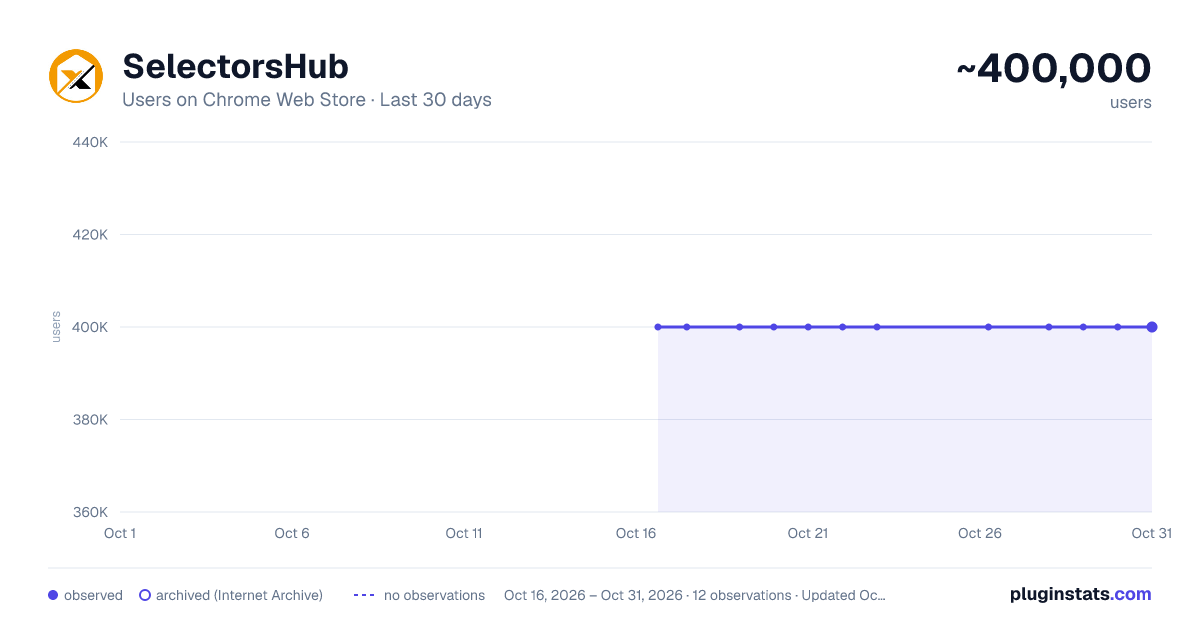
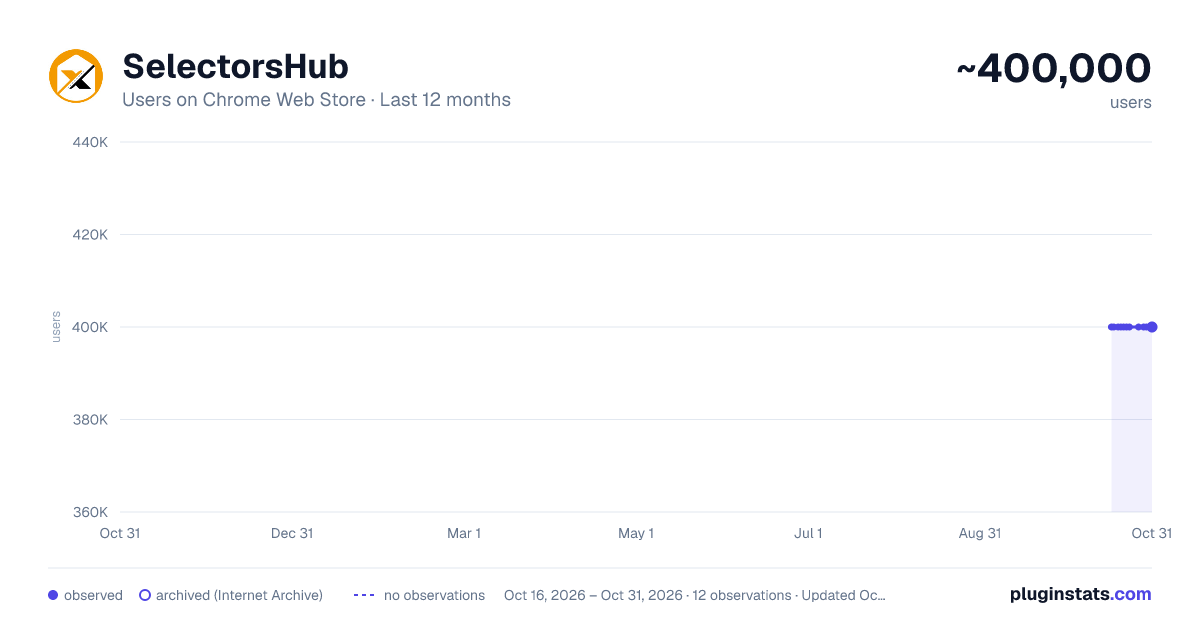
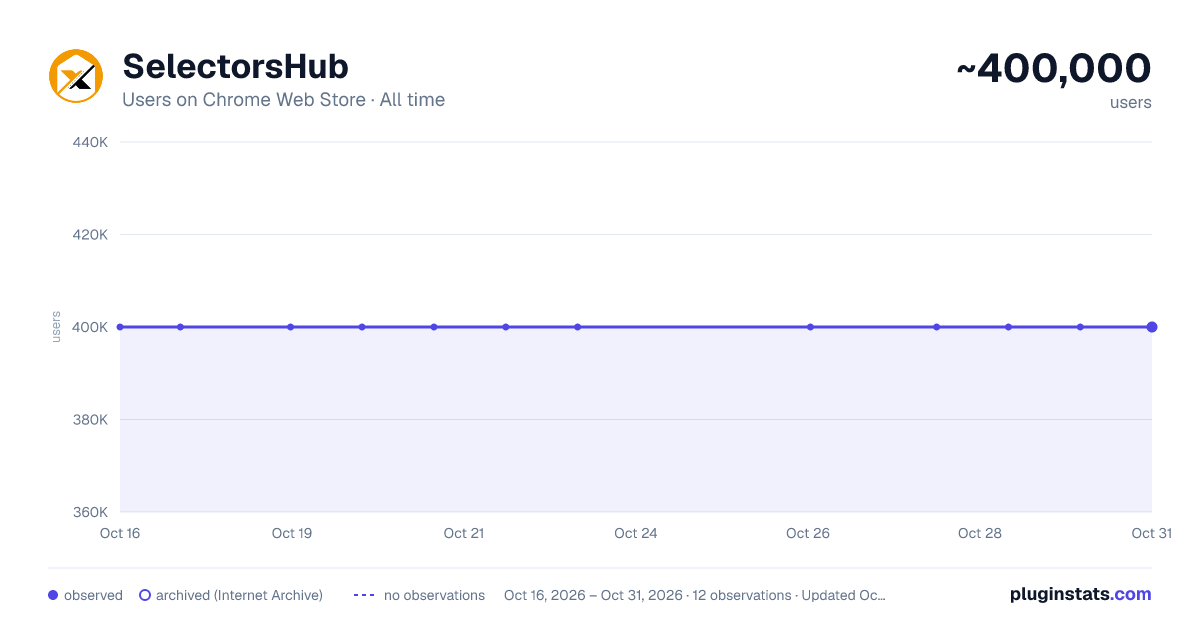
SelectorsHub has approximately 400,000 recorded users on Chrome Web Store, ranking #52 of 2,033 tracked listings.
Rating: 4.40 / 5 from 1,500 ratings
About SelectorsHub
Locators Plugin to Auto Generate and Verify Playwright Locators, XPath & CSS Selectors.
SelectorsHub - Auto-generate Playwright Locators, XPath & CSS Selectors SelectorsHub is a powerful developer tool that automatically generates and verifies Playwright locators, XPath, and CSS selectors for web automation testing.
Key Features:
- Auto-generation: Instantly generates multiple selector types including native Playwright locators, XPath, CSS selectors, IDs, names, and more.
- Advanced element support: Works seamlessly with iframes, Shadow DOM, SVG elements, dynamic elements, dropdowns, and complex UI components.
- Smart suggestions: Auto-suggests attributes, text values, and occurrences to help you build selectors faster—no more copying and pasting from the DOM.
- Error detection: Provides clear error messages indicating what's wrong with your XPath or CSS selectors.
- Element highlighting: Automatically highlights matching elements and scrolls them into view for easy verification.
- XPath Healing: Verify all the xpath in one shot.
- Locators Page: Generate Locator Page in one go.
How to Use:
- Open Chrome DevTools (F12 or right-click > Inspect)
- Navigate to the SelectorsHub tab in the DevTools sidebar, or click the SelectorsHub icon in your browser toolbar
- Inspect any element to automatically generate all selector types
- For Playwright locators, click the "Playwright Selectors" button, then inspect the element
- Type or edit selectors in the input box—smart suggestions will help you complete them quickly
- Press Enter to verify and highlight all matching elements on the page
Perfect for: a) QA Engineers and Test Automation professionals, b) Web developers working with Playwright, Selenium, Cypress, or other testing frameworks c) Anyone who needs reliable, maintainable element selectors
Support: Questions or feedback? Contact us at support@selectorshub.com
Description from the Chrome Web Store listing.
README badge
Show your rank in a README or on your website. The badge updates automatically.
Charts
Images: 30d · 1y · all time · 1600×900 dark
Adoption over time
7/30/90-day growth
Ranking history
Ratings over time
Listing placement
Listing placement
Filled points are observed values; hollow points come from Internet Archive snapshots of the listing page. Dashed segments span periods with no observations — values between points are not interpolated.
Each band is one page of 20. Users on a linear scale. Placement is projected from users, so it can differ from the marketplace's own sort order. Hover a dot to see the listing.
Recent observations
Full history (3)Similar Chrome Web Store Developer Tools plugins
All 20 SelectorsHub alternatives



Data source
Covers every Chrome Web Store extension with at least 100 users, found through the store's public sitemap. User counts are read from public listing pages. The 10% most-used extensions are refreshed daily, the next 40% weekly and the next 40% monthly; the least-used 10% are not refreshed. Google displays rounded user counts (and caps the display at 10,000,000+), so small changes may not be visible. Rating counts above 1,000 are rounded (e.g. 1.6K).
Listing: https://chromewebstore.google.com/detail/selectorshub/ndgimibanhlabgdgjcpbbndiehljcpfh. First seen Oct 16, 2026; last successful collection Oct 19, 2026. See the methodology.