 PluginStats
Markdown Viewer Enhanced users statistics
By crayonchen310 · Chrome Web Store · Tools
Render Markdown in your browser with Mermaid diagrams, syntax highlighting, TOC navigation, multiple themes, and more.
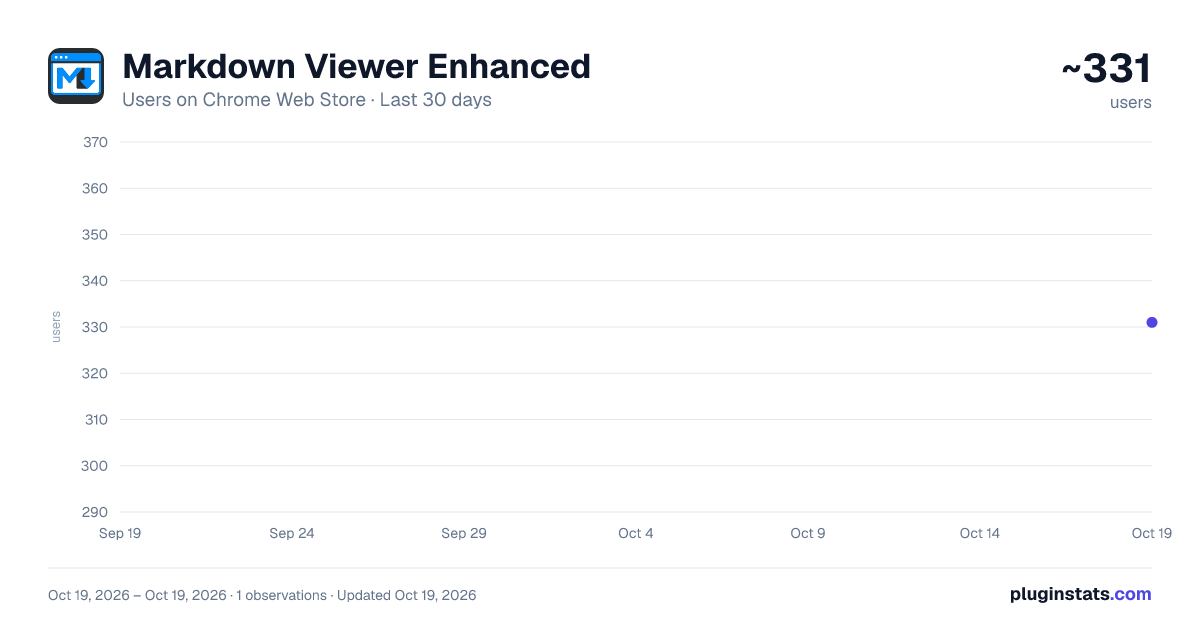
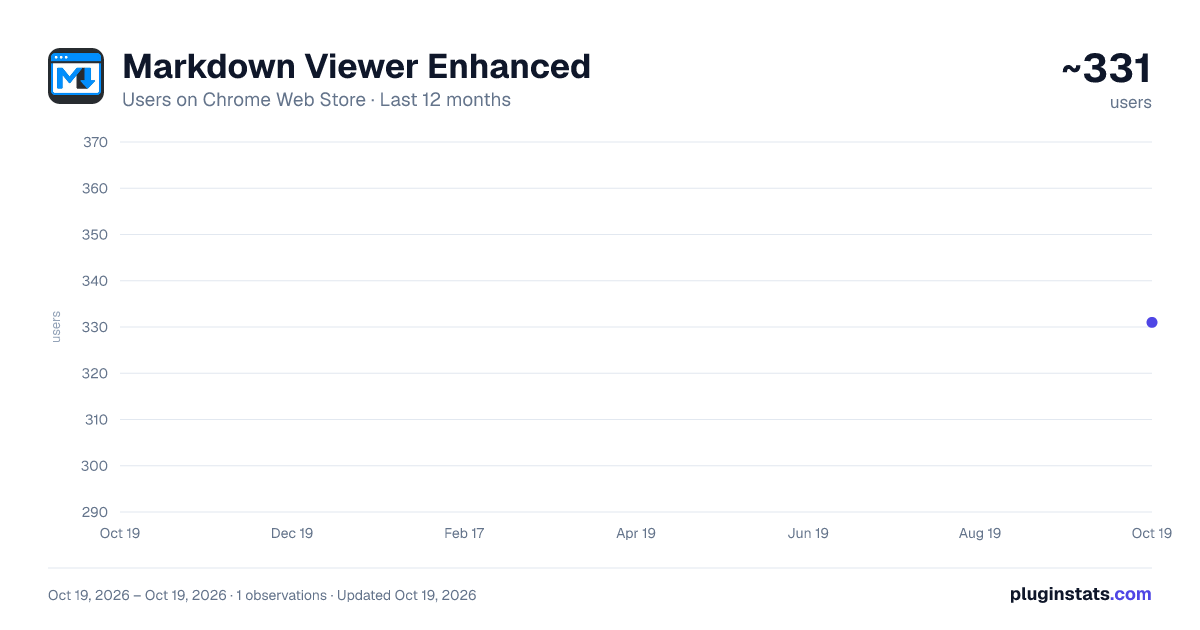
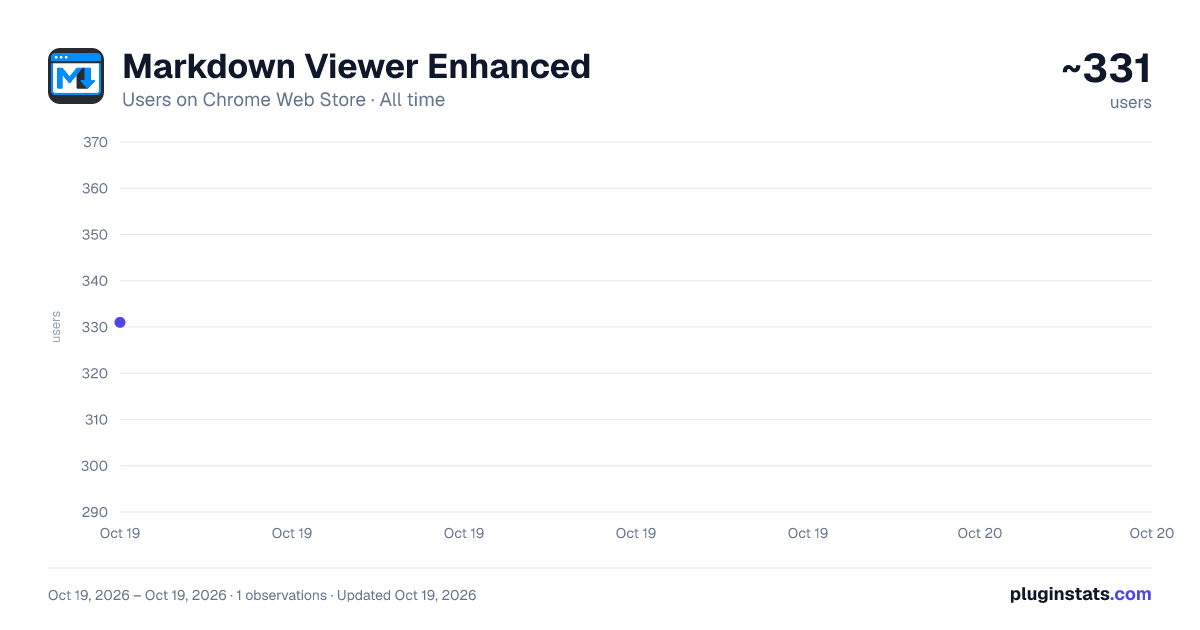
Markdown Viewer Enhanced has approximately 331 recorded users on Chrome Web Store.
It ranks #1230 of 2,033 tracked Chrome Web Store listings by users.
PluginStats has 1 daily observations since Oct 19, 2026; the latest is from Oct 19, 2026.
About Markdown Viewer Enhanced
Render Markdown in your browser with Mermaid diagrams, syntax highlighting, TOC navigation, multiple themes, and more.
# Markdown Viewer Enhanced
> This document contains the English copy for the Chrome Web Store / Edge Add-ons listing page.
---
## Short Description (132 chars max)
``` Render Markdown beautifully in your browser — with diagrams, code highlighting, math, TOC, themes, file browser, and more. ```
---
## Detailed Description
**Markdown Viewer Enhanced** turns your browser into a powerful, beautiful Markdown reader. Open any `.md` file — local or remote — and it's instantly rendered with rich formatting, diagrams, syntax highlighting, and a full table of contents.
### 🎯 Why This Extension?
Most Markdown viewers only handle basic formatting. **Markdown Viewer Enhanced** goes further — it supports Mermaid flowcharts, PlantUML diagrams, Graphviz graphs, KaTeX math formulas, 15+ code themes, and a built-in file browser for navigating local directories. All in a clean, customizable interface with light and dark themes.
---
### ✨ Features
**📁 File Browser Sidebar** Browse your local file system with a directory tree. Expand/collapse folders, open files in new tabs, and navigate with breadcrumbs — all without leaving the browser.
**🎨 Multiple Themes** Choose from Light, Dark, or Auto (follows your system). Pick from 15 code highlighting themes including popular choices like GitHub, Monokai, Dracula, and more.
**📊 Mermaid Diagrams** Render flowcharts, sequence diagrams, Gantt charts, pie charts, and more. Click any diagram to zoom in with drag & pan support and keyboard shortcuts.
**🌱 PlantUML Diagrams** Render UML class diagrams, sequence diagrams, activity diagrams, and more via the PlantUML online server. Click to zoom in a lightbox.
**🔗 Graphviz (DOT) Graphs** Render DOT language graphs locally using the built-in Viz.js WASM engine. Click to zoom with a scale control bar — no external server needed.
**💻 Syntax Highlighting** Powered by highlight.js with support for 180+ programming languages. Includes line numbers, one-click copy, and diff syntax highlighting.
**🔢 Math Formulas (KaTeX)** Write inline math with `$...$` and display math with `$$...$$`. Full LaTeX formula rendering powered by KaTeX.
**📑 Table of Contents (TOC)** Auto-generated heading tree with fold/expand support. Place it on the left or right sidebar. Scroll tracking highlights the current section, and URL hash navigation lets you link directly to any heading.
**📐 Typography Controls** Fine-tune your reading experience: adjust font size, line height, content width, and font family. Drag to resize the sidebar to your preferred width.
**🖼️ Image Lightbox** Click any image to zoom in. Scroll-wheel zoom (0.1x–20x), drag to pan, double-click to reset. Keyboard shortcuts: `+`/`-` to zoom, `0` to fit, `R` to reset, `Esc` to close. Zoom percentage indicator included.
**📝 Extended Markdown Syntax** - GitHub-style alerts (`NOTE`, `TIP`, `IMPORTANT`, `WARNING`, `CAUTION`) - Task lists / checkboxes - Footnotes - Definition lists - Enhanced tables - `==highlight==`, `^superscript^`, `~subscript~`, `++underline++` - `:emoji:` GitHub-style emoji shortcodes
**🔄 File Change Detection** Working on a Markdown file? The extension auto-detects when the source file changes and shows a pulsing "File updated" badge. Click to reload instantly.
**⚙️ Flexible Settings** Quick-access popup panel for common settings, plus a full Options page for advanced customization. Changes push to all open tabs in real time.
**🌐 Multi-Language Interface** Switch between English and Chinese (中文) in settings. The entire UI — popup, settings panel, options page — adapts to your language choice.
---
### 📋 Supported File Formats
| Extension | Description | |-------------|--------------------------| | `.md` | Markdown | | `.mdc` | Markdown Component | | `.markdown` | Markdown | | `.mkd` | Markdown | | `.mdown` | Markdown | | `.mdtxt` | Markdown Text | | `.mdtext` | Markdown Text |
Local files (`file://`) support all extensions above. Remote files (`http://` / `https://`) support `.md`, `.mdc`, and `.markdown`.
---
### 🚀 Getting Started
1. **Install** the extension from the Web Store 2. **Open** any `.md` file in your browser 3. **Enjoy** — the extension detects and renders Markdown automatically 4. **Customize** — click the extension icon to adjust themes, fonts, and more
#### 📂 Local File Access
To render local Markdown files, enable file access:
1. Go to `chrome://extensions/` (or `edge://extensions/`) 2. Find **Markdown Viewer Enhanced** → click **Details** 3. Enable **"Allow access to file URLs"**
> 💡 **Tip**: The latest version is always available on [GitHub](https://github.com/LetitiaChan/markdown_viewer_enhanced). Web Store reviews may take time, so for the newest features, you can install via Developer Mode — download the source and load it as an unpacked extension.
---
### 🔒 Privacy & Permissions
- **Does NOT collect** any user data - **Does NOT track** browsing activity - **Does NOT send** information to external servers (except PlantUML diagram rendering via plantuml.com and KaTeX font loading via CDN) - All settings are stored locally in your browser (`chrome.storage.sync`) - **Permissions used**: - `activeTab` — to detect and render Markdown on the current tab - `storage` — to save your preferences - `scripting` — to support the local file browser feature
---
### 🛠️ Powered By
- [Marked.js](https://github.com/markedjs/marked) — Markdown parsing - [Mermaid](https://github.com/mermaid-js/mermaid) — Diagram rendering - [highlight.js](https://github.com/highlightjs/highlight.js) — Syntax highlighting - [KaTeX](https://github.com/KaTeX/KaTeX) — Math formula rendering - [Viz.js](https://github.com/nicknisi/viz.js) — Graphviz rendering (local WASM) - [DOMPurify](https://github.com/cure53/DOMPurify) — HTML sanitization for security
---
### 📬 Feedback & Support…
Description from the Chrome Web Store listing.
Where Markdown Viewer Enhanced sits in the listing
Each band is one page of 20. Users on a log scale. Placement is projected from users, so it can differ from the marketplace's own sort order. Hover a dot to see the listing.
Charts
Images: 30d · 1y · all time · 1600×900 dark
Adoption over time
7/30/90-day growth
Ranking history
Filled points are observed values; hollow points come from Internet Archive snapshots of the listing page. Dashed segments span periods with no observations — values between points are not interpolated.
Recent observations
Full history (1)Similar Chrome Web Store Tools plugins




Data source
User counts are read from public Chrome Web Store listing pages. Google displays rounded user counts (and caps the display at 10,000,000+), so small changes may not be visible. Rating counts above 1,000 are rounded (e.g. 1.6K).
Listing: https://chromewebstore.google.com/detail/markdown-viewer-enhanced/npkdnfckfojepijghokdpeegnpebenem. First seen Oct 19, 2026; last successful collection Oct 19, 2026. See the methodology.