 PluginStats
WAExport: WA Chat Export Tool - Download Chats with Media to HTML/Excel users statistics
Export WhatsApp chat history with media to HTML/Excel, save contact and download group number to Excel/CSV/VCard.Local processing.
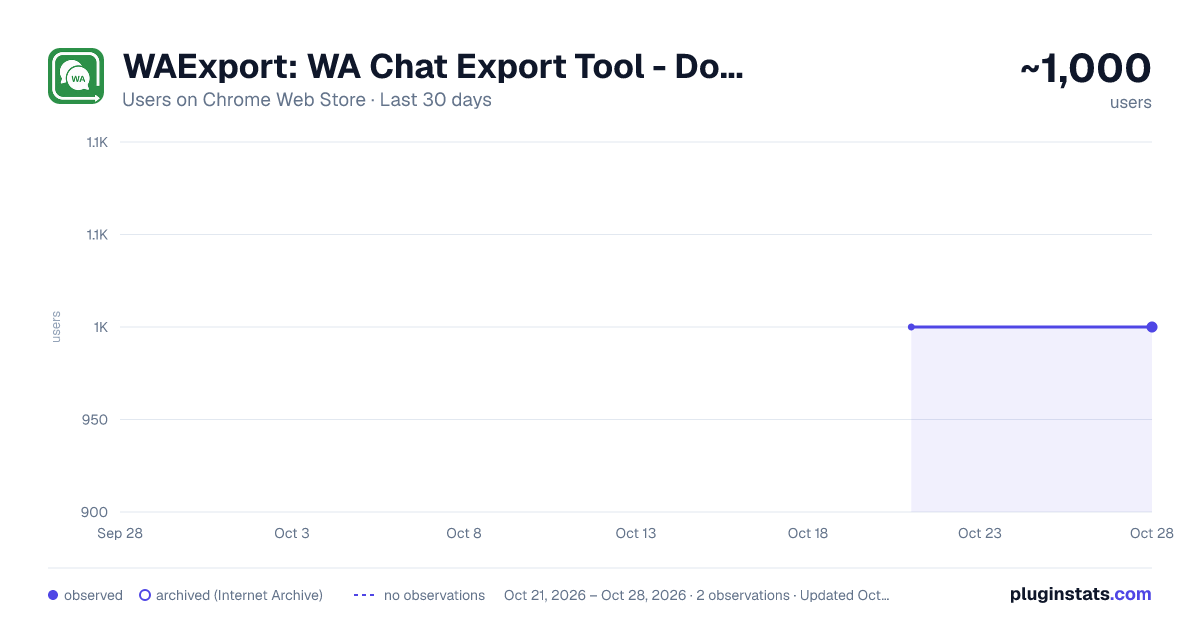
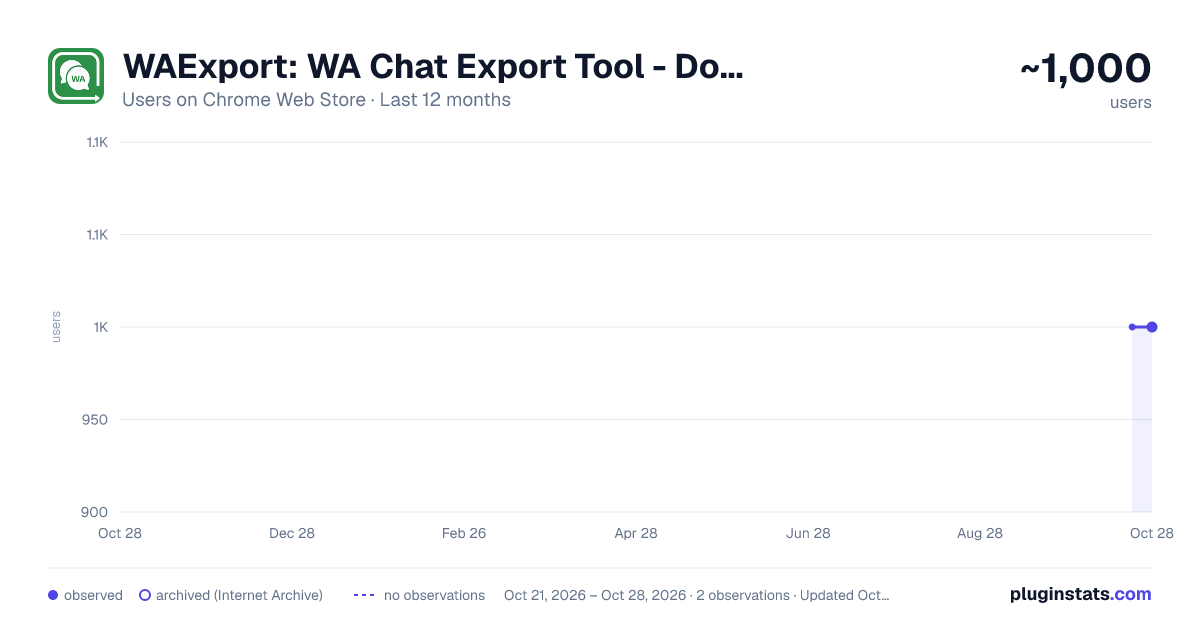
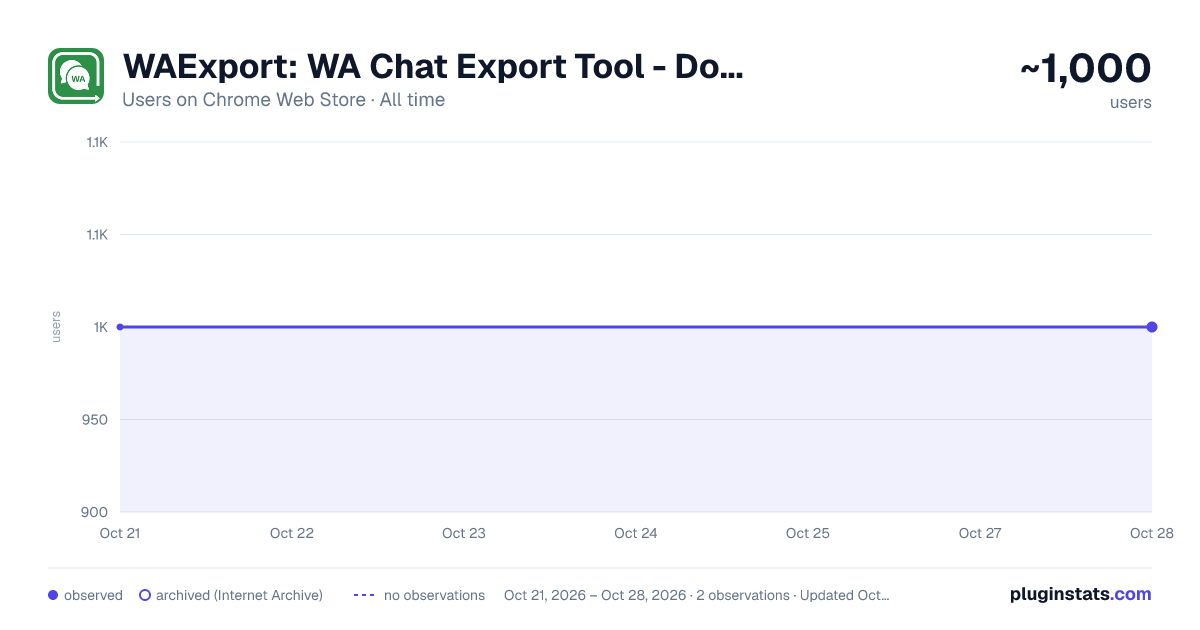
WAExport: WA Chat Export Tool - Download Chats with Media to HTML/Excel has approximately 1,000 recorded users on Chrome Web Store, ranking #1065 of 2,952 tracked listings.
Rating: 4.20 / 5 from 12 ratings
About WAExport: WA Chat Export Tool - Download Chats with Media to HTML/Excel
Export WhatsApp chat history with media to HTML/Excel, save contact and download group number to Excel/CSV/VCard.Local processing.
🌟 WAExport: export WhatsApp Chat History with Media to Html/Excel
WAExport is a WhatsApp Chat Export tool for saving selected conversations as readable HTML or structured Excel and CSV files. Choose the chats, dates and available attachments you need, with additional tools to save contacts and extract group-member phone numbers.
✨ Key Features
💬 Chat History and Media
Use the WhatsApp Chat Export workflow to turn private and group conversations into local records:
• Select one or multiple chats and filter messages by start and end date. • Download WhatsApp chat history as HTML for chronological reading, or Excel and CSV for sorting and analysis. • Save WhatsApp conversations with available photos, videos and documents. Media export requires an active Max plan and accessible source files. • Use this WhatsApp chat extractor to narrow your export to a relevant period instead of processing every available message. • Save WhatsApp chat history to your chosen destination and keep exported attachments alongside the generated files.
📒 Contact and Phone Number Export
Save WA contact information in Excel, CSV or VCard/VCF for use in compatible spreadsheets and address books:
• Choose All Contacts or contacts represented in the Chat List. • Filter by business-account status, international calling code and available account labels. • Remove duplicate phone numbers and export available fields such as names, saved-contact status, business status and blocked status.
Calling-code filters classify phone numbers by prefix, not a person's current location.
👥 Group Number and Member Export
Download WA group numbers as organized member lists:
• Select one group, multiple groups or all available groups. • Extract all available group members or focus on numbers not saved as contacts. • Include or exclude administrators, then save the results in Excel, CSV or VCard.
🎯 Use Cases
• Keep selected customer conversations for support handovers or internal records. • Use the WhatsApp chat exporter to review project discussions from a particular date range. • Organize authorized contact and group-member lists for spreadsheet review or address-book import.
💡 Why Choose WAExport?
Control the scope before exporting, choose a readable archive or structured data, and generate files locally without uploading their contents.
For anyone seeking a WhatsApp chat backup, WAExport creates local archive copies for reading or analysis only. It does not restore conversations, reimport messages, provide cloud backup or synchronize chats in the background.
📋 How to Use
- Open Whatsapp Web and wait for the required conversations to load.
- Open WAExport and choose Chat, Contacts or Groups.
- Select the data, filters and file format. For chats, choose the processing mode and optional media.
- Start exporting, choose the destination when prompted, and keep the chat page open until completion.
🚀 Start Exporting
Install WAExport for WhatsApp Chat Export with flexible filters, local files and contact and group-member tools in one place.
🔒 Privacy Notice and Disclaimer
Exported content is processed locally and is not uploaded by WAExport. Current-account information is used for account-scoped licensing and quota features.
Optional analytics is off by default. With your consent, limited usage and diagnostic data is sent to Alibaba Cloud Log Service: your current account phone number, random installation identifier, version and language, plan and quota status, feature actions, export types and aggregate counts, results and error codes. It supports product improvements and troubleshooting and is retained for no more than 30 days. You can decline or withdraw consent without losing features.
Analytics excludes message text, media contents, exported files, contact and group-member details, group names, full activation codes, payment data, passwords, cookies and login credentials.
WAExport is independent and is not affiliated with or endorsed by Meta. WhatsApp is a trademark of its respective owner, used to describe compatibility. Export and use data only with the necessary authorization.
Description from the Chrome Web Store listing.
README badge
Show your rank in a README or on your website. The badge updates automatically.
Charts
Images: 30d · 1y · all time · 1600×900 dark
Adoption over time
7/30/90-day growth
Ranking history
Ratings over time
Listing placement
Listing placement
Filled points are observed values; hollow points come from Internet Archive snapshots of the listing page. Dashed segments span periods with no observations — values between points are not interpolated.
Each band is one page of 20. Users on a linear scale. Placement is projected from users, so it can differ from the marketplace's own sort order. Hover a dot to see the listing.
Recent observations
Full history (1)Similar Chrome Web Store Tools plugins
All 20 WAExport: WA Chat Export Tool - Download Chats with Media to HTML/Excel alternatives



Data source
Covers every Chrome Web Store extension with at least 100 users, found through the store's public sitemap. User counts are read from public listing pages. The 10% most-used extensions are refreshed daily, the next 40% weekly and the next 40% monthly; the least-used 10% are not refreshed. Google displays rounded user counts (and caps the display at 10,000,000+), so small changes may not be visible. Rating counts above 1,000 are rounded (e.g. 1.6K).
Listing: https://chromewebstore.google.com/detail/waexport-wa-chat-export-t/dkjeihokhpllijnlmeoicnmaipohmjmi. First seen Oct 21, 2026; last successful collection Oct 21, 2026. See the methodology.