 PluginStats
Hide Google AI - Bye Bye Gemini users statistics
By Jerry Feng · Chrome Web Store · Tools
Hide AI Overviews from Google Search. Remove Gemini from Docs, Gmail, Drive, YouTube. Block AI summaries automatically.
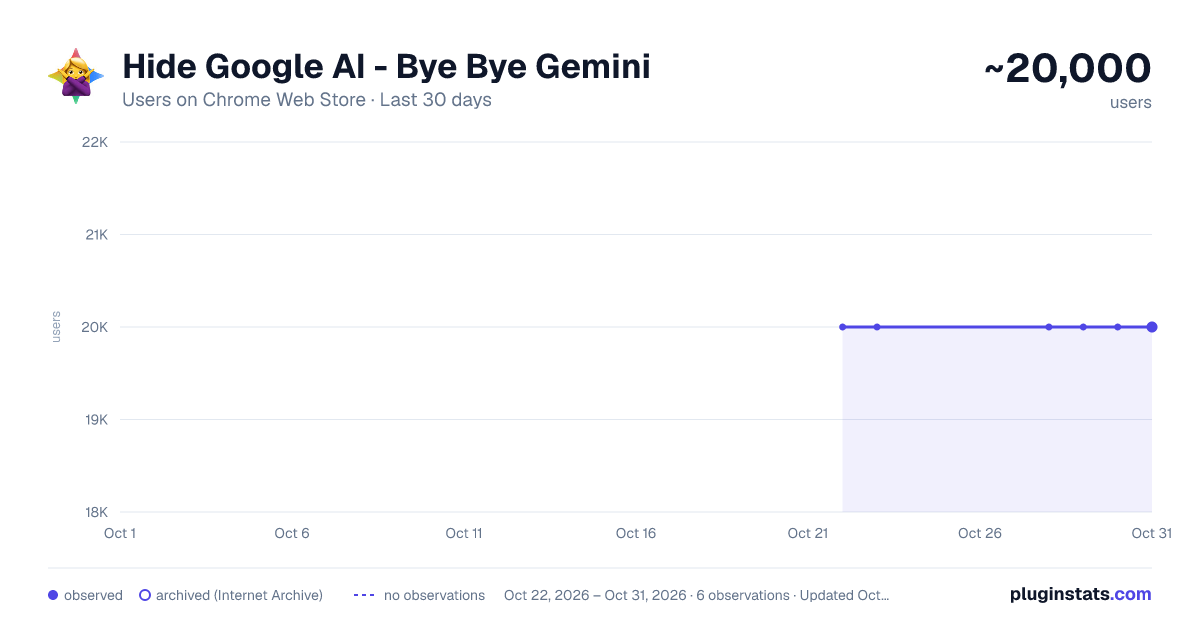
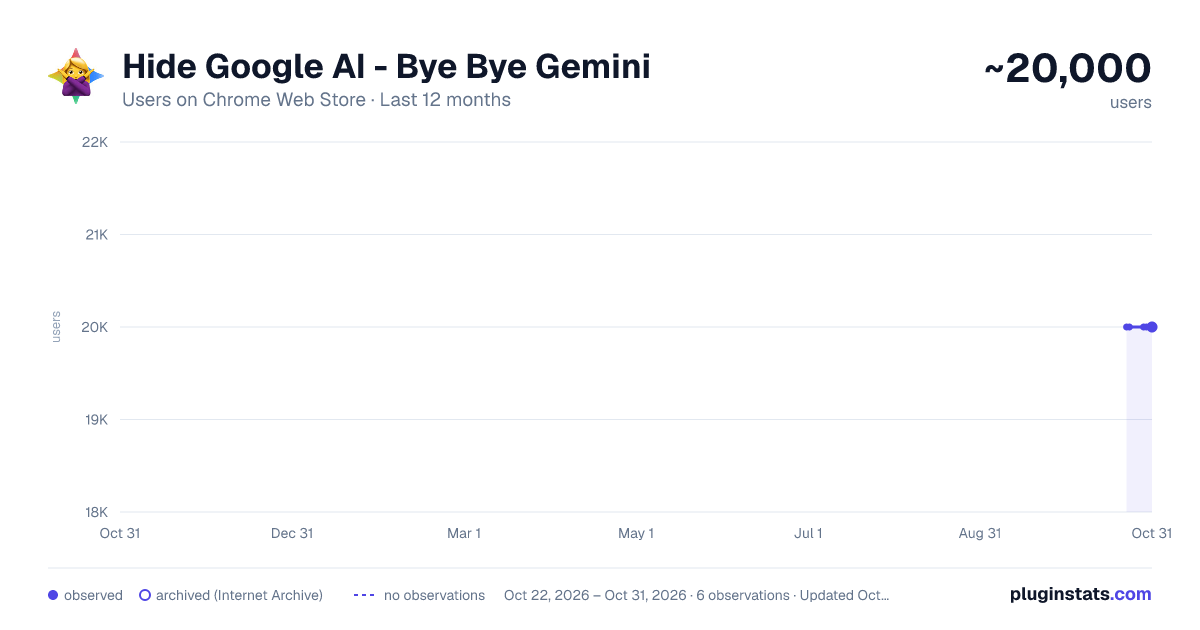
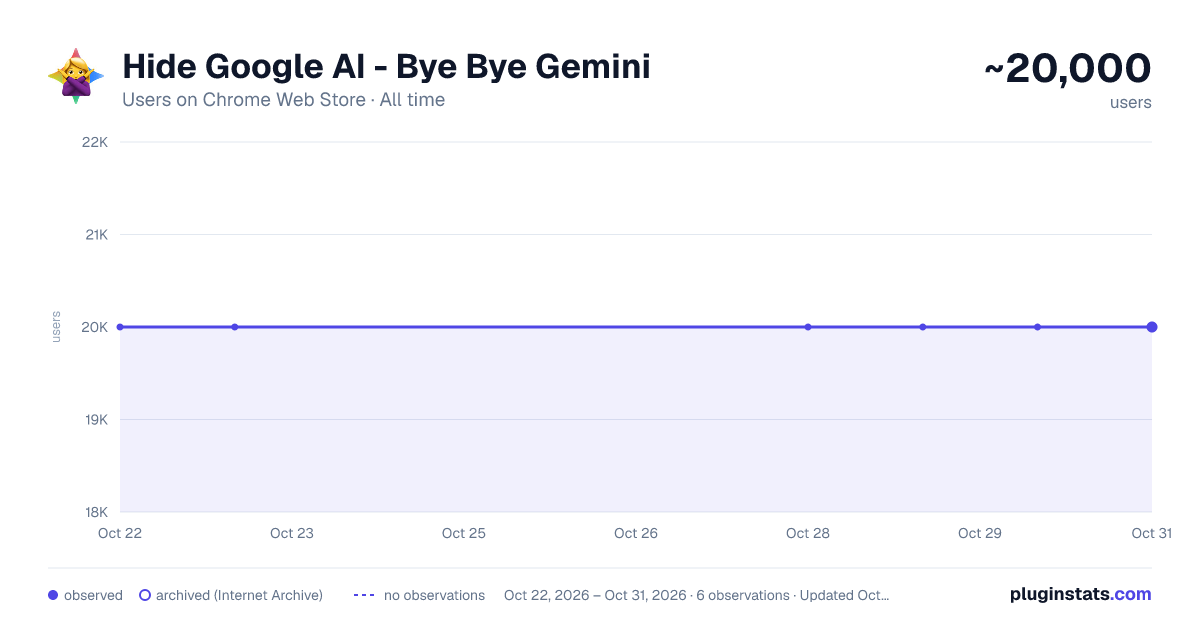
Hide Google AI - Bye Bye Gemini has approximately 20,000 recorded users on Chrome Web Store, ranking #316 of 3,853 tracked listings.
Rating: 3.80 / 5 from 68 ratings
About Hide Google AI - Bye Bye Gemini
Hide AI Overviews from Google Search. Remove Gemini from Docs, Gmail, Drive, YouTube. Block AI summaries automatically.
Bye Bye Gemini hides the AI features Google keeps adding to its websites, so you can search, write, and browse the way you used to.
On Google Search, AI Overviews and the AI Mode tab disappear, leaving the regular results at the top of the page. In Gmail, the "Help me write" button, AI email summaries, and suggested replies are hidden. In Google Docs and Sheets, the Gemini sidebar button and the AI prompt bar at the bottom of the page are removed, along with AI options in the menus. Google Drive stops showing automatic file summaries, "Ask Gemini" buttons, and audio overviews. On YouTube, the "Ask" button and AI video summaries go away. It also hides Gemini upgrade promotions and AI tools on a few other Google sites.
How it works: the extension uses plain CSS to hide these elements on the page. It doesn't read your data, track you, or make any network requests, and there's nothing to configure. Install it and the AI clutter is gone.
Note: it works on Google's websites, not on the Chrome browser itself. AI features in the address bar, the right-click menu, or the tab strip are part of Chrome, and no extension can hide them.
Something slipping through? Leave a review. Google changes its pages often, and I update the extension to keep up.
Description from the Chrome Web Store listing.
README badge
Show your rank in a README or on your website. The badge updates automatically.
Charts
Images: 30d · 1y · all time · 1600×900 dark
Adoption over time
7/30/90-day growth
Ranking history
Ratings over time
Listing placement
Listing placement
Filled points are observed values; hollow points come from Internet Archive snapshots of the listing page. Dashed segments span periods with no observations — values between points are not interpolated.
Each band is one page of 20. Users on a linear scale. Placement is projected from users, so it can differ from the marketplace's own sort order. Hover a dot to see the listing.
Recent observations
Full history (2)Similar Chrome Web Store Tools plugins
All 20 Hide Google AI - Bye Bye Gemini alternatives



Data source
Covers every Chrome Web Store extension with at least 100 users, found through the store's public sitemap. User counts are read from public listing pages. The 10% most-used extensions are refreshed daily, the next 40% weekly and the next 40% monthly; the least-used 10% are not refreshed. Google displays rounded user counts (and caps the display at 10,000,000+), so small changes may not be visible. Rating counts above 1,000 are rounded (e.g. 1.6K).
Listing: https://chromewebstore.google.com/detail/hide-google-ai-bye-bye-ge/gbeddlehlaadbddmbjbllnobooffbcfn. First seen Oct 22, 2026; last successful collection Oct 23, 2026. See the methodology.