 PluginStats
OmniScraper - The ultimate web scraper users statistics
Extract data instantly: text, images, emails & links with one click. Free no-code scraper with auto pagination & Excel/CSV export.
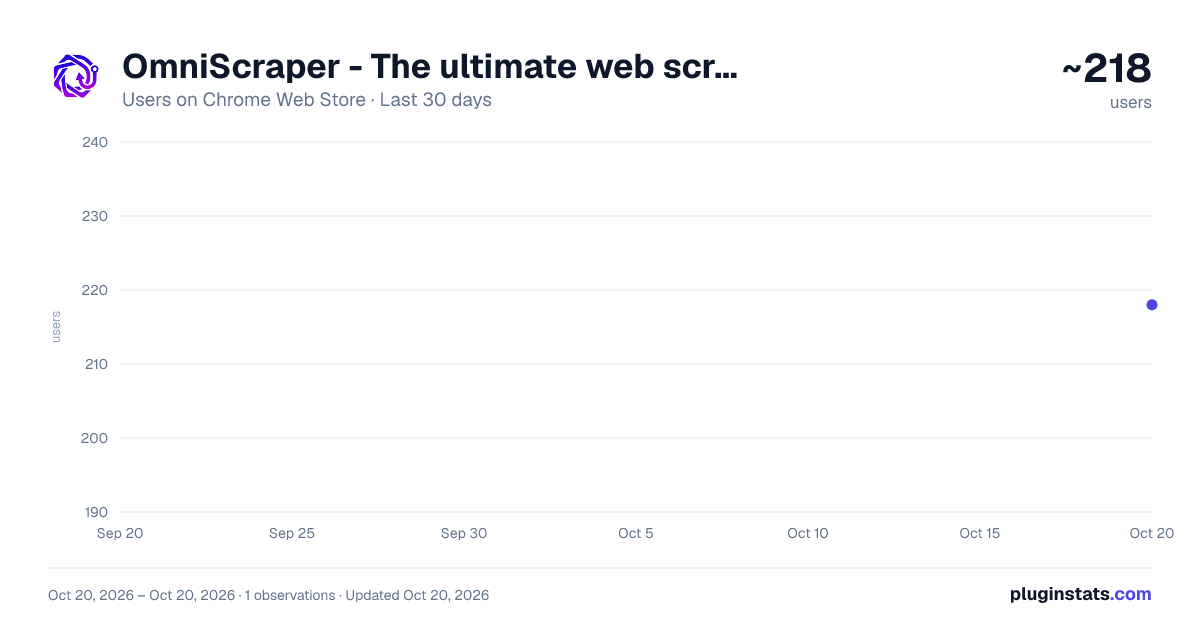
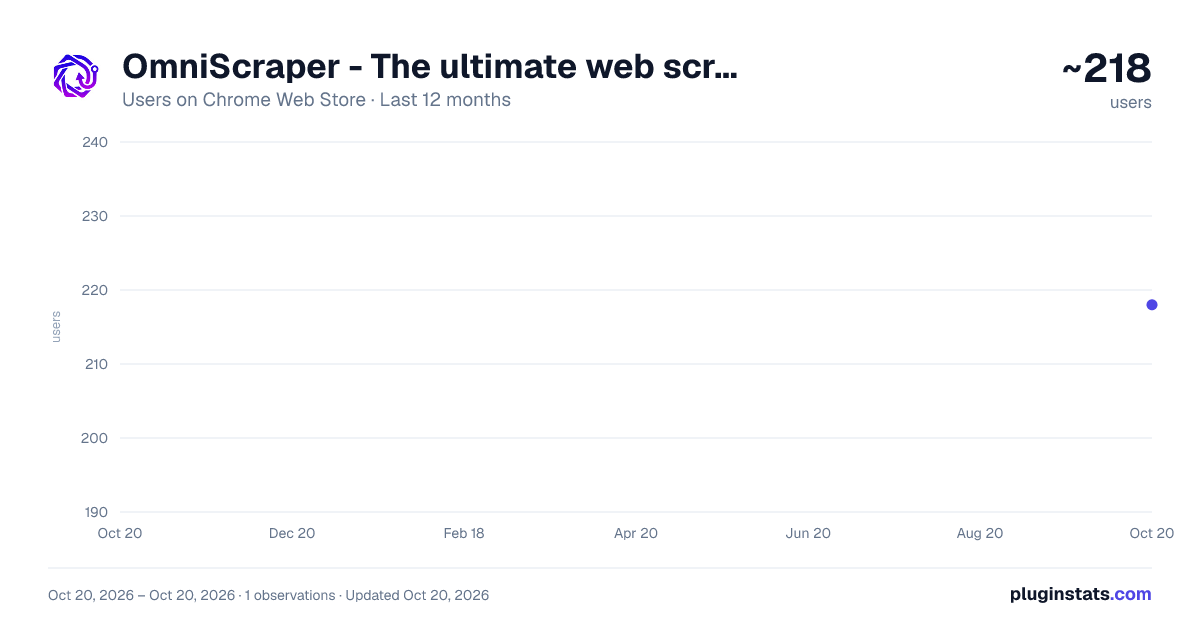
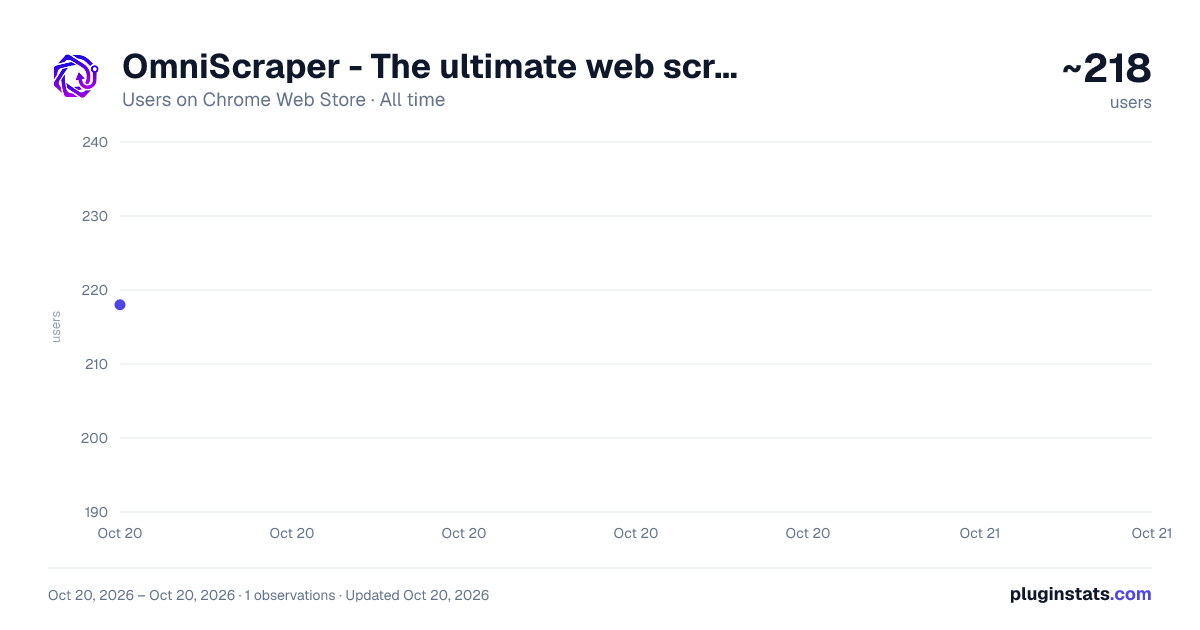
OmniScraper - The ultimate web scraper has approximately 218 recorded users on Chrome Web Store, ranking #1782 of 2,495 tracked listings.
About OmniScraper - The ultimate web scraper
Extract data instantly: text, images, emails & links with one click. Free no-code scraper with auto pagination & Excel/CSV export.
Transform any website into structured data with just a few clicks! OmniScraper is a powerful, visual web scraping extension that makes data extraction effortless—no coding required.
🗒️ Change log
v5.0.0
- fix list & grid selector.
- fix link columns issue.
v4.3.0
- add quick extract columns, 1-8 columns.
- add float panel. quick extract on the page.
- add quick extract export option: copy to pasteboard, download CSV and open dataview.
v4.0.0
- auto pagination detection.
- add settings for data clean & global config.
- beautiful dark mode redesign.
- add concurrency mode when running batch tasks.
v3.0.0
- add email extraction feature.
- add download all image feature.
- add batch extract web text and metadata feature.
v2.2.0
- add whole text block selector to auto-select text block.
- add Content Wait Settings (wait for viewport, wait for DOM stable / network idle and detect skeleton) to adapt to different scenarios.
- more stable for list extraction and pagination.
✨ Key Features
🎨 Visual Point-and-Click Scraping
- Click any element on a webpage to extract data instantly
- Intelligent selector generation with multiple fallback strategies
- Automatic field detection
📄 Smart List & Table Detection
- Automatically detects and extracts list structures
- Intelligent table recognition with header mapping
- Quick Extract mode for instant list extraction
🔄 Automatic Pagination
- Supports multiple pagination modes:
- Click-based navigation
- Infinite scroll detection
- Built-in loop prevention with page fingerprinting
- Configurable timeout and page limits
⚡ Batch URL Processing
- Upload CSV files with multiple URLs
- Automatic URL field detection
- Queue-based task scheduling
📧 Contact Extraction
- Extract emails, phone numbers, and social media links
- Process multiple URLs in batch
- Perfect for lead generation and contact discovery
🖼️ Image Download & Extraction
- Download all images from any webpage
- Support for lazy-loaded and background images
- Export images with organized folder structure
📝 Web Text Extraction
- Extract meta tags and text content for AI processing
- Optimized for machine learning and content analysis
- Clean text extraction with formatting preservation
💾 Local Data Storage
- All data stored locally in your browser
- No data sent to external servers
🚀 Perfect For
- Data Analysts: Extract product prices, reviews, and market data
- Researchers: Collect research data from multiple sources
- E-commerce: Monitor competitor prices and product listings
- Content Creators: Gather content ideas and inspiration
- Business Intelligence: Aggregate data from various websites
- Students: Collect data for projects and research
- Marketers: Extract contact information and leads
- Developers: Quick data extraction for testing and analysis
📋 How It Works
- Click to Select: Click any element on a webpage to start scraping
- Auto-Detect: OmniScraper automatically detects lists, tables, and pagination
- Configure: Set up pagination and field mappings in the side panel
- Extract: Let OmniScraper collect data automatically
- Export: View, filter, and export your data in CSV, Excel, or JSON format
🔒 Privacy & Security
- 100% local processing—your data never leaves your browser
- No account registration required
- No external API calls
- Full control over your scraped data
💡 Why Choose OmniScraper?
✅ No Coding Required - Visual interface makes scraping accessible to everyone ✅ Intelligent Automation - AI-powered detection reduces manual configuration ✅ Batch Processing - Handle hundreds of URLs efficiently ✅ Export Flexibility - Multiple formats for any use case ✅ Privacy First - All data stays on your device
🎓 Getting Started
- Install OmniScraper
- Click the extension icon to open the side panel
- Navigate to any website you want to scrape
- Click "Start Scraping" and select elements on the page
- Configure pagination and field mappings
- Let OmniScraper collect your data
- Export to your preferred format
📝 Use Cases
- E-commerce Price Monitoring: Track product prices across multiple stores
- Job Listings: Extract job postings from career websites
- Real Estate: Collect property listings and details
- News Aggregation: Gather articles from news websites
- Social Media: Extract posts and engagement metrics
- Research Data: Collect academic papers and citations
- Lead Generation: Extract contact information from websites
- Content Analysis: Extract text for AI and ML processing
Description from the Chrome Web Store listing.
README badge
Show your rank in a README or on your website. The badge updates automatically.
Charts
Images: 30d · 1y · all time · 1600×900 dark
Adoption over time
7/30/90-day growth
Ranking history
Ratings over time
Listing placement
Listing placement
Filled points are observed values; hollow points come from Internet Archive snapshots of the listing page. Dashed segments span periods with no observations — values between points are not interpolated.
Each band is one page of 20. Users on a linear scale. Placement is projected from users, so it can differ from the marketplace's own sort order. Hover a dot to see the listing.
Recent observations
Full history (1)Similar Chrome Web Store Tools plugins
All 20 OmniScraper - The ultimate web scraper alternatives



Data source
Covers every Chrome Web Store extension with at least 100 users, found through the store's public sitemap. User counts are read from public listing pages. The 10% most-used extensions are refreshed daily, the next 40% weekly and the next 40% monthly; the least-used 10% are not refreshed. Google displays rounded user counts (and caps the display at 10,000,000+), so small changes may not be visible. Rating counts above 1,000 are rounded (e.g. 1.6K).
Listing: https://chromewebstore.google.com/detail/omniscraper-the-ultimate/ljllpbmgcaiejhpcgjninnopjpipipog. First seen Oct 20, 2026; last successful collection Oct 20, 2026. See the methodology.