 PluginStats
Push Notifications Blocker users statistics
By wilkeareyna · Chrome Web Store · Tools
Block all push notifications.
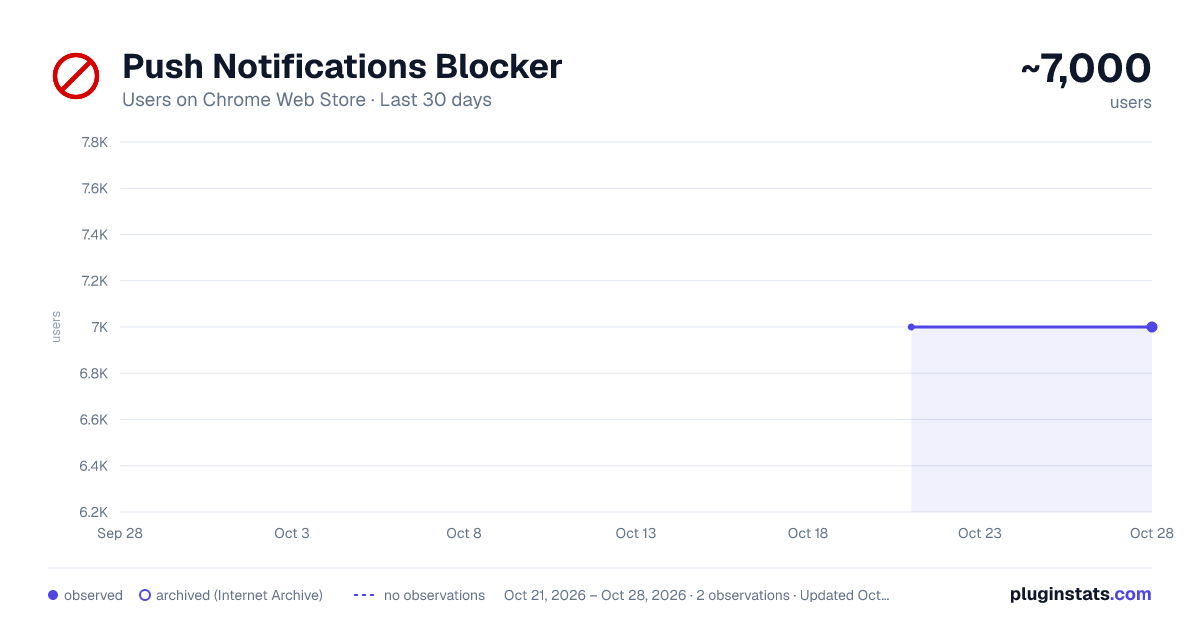
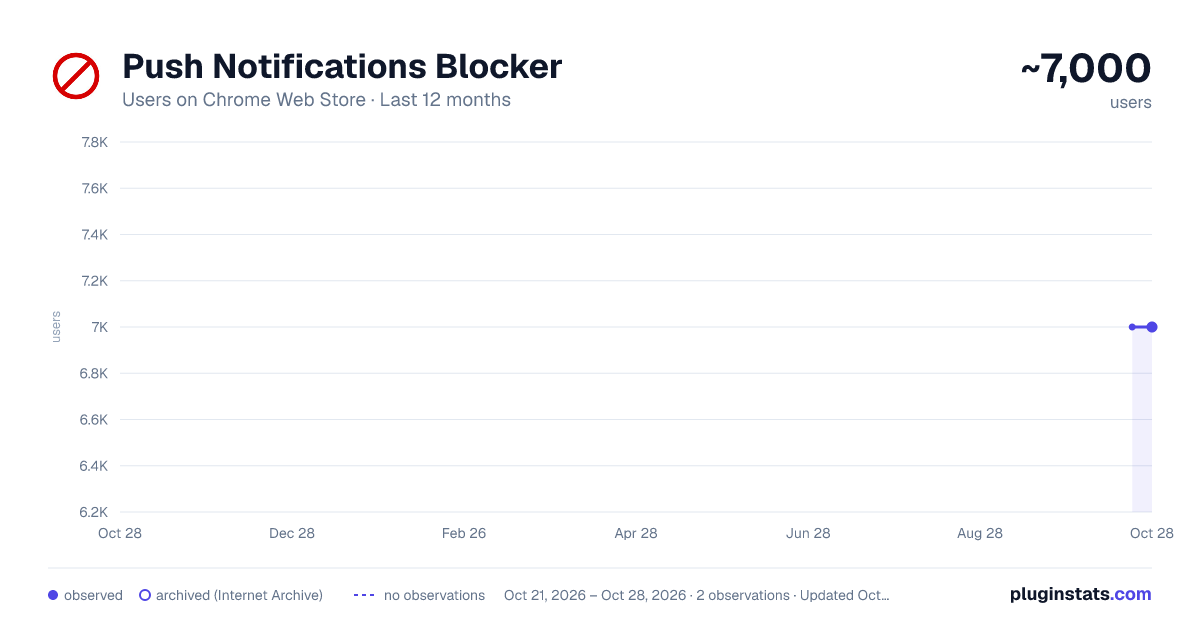
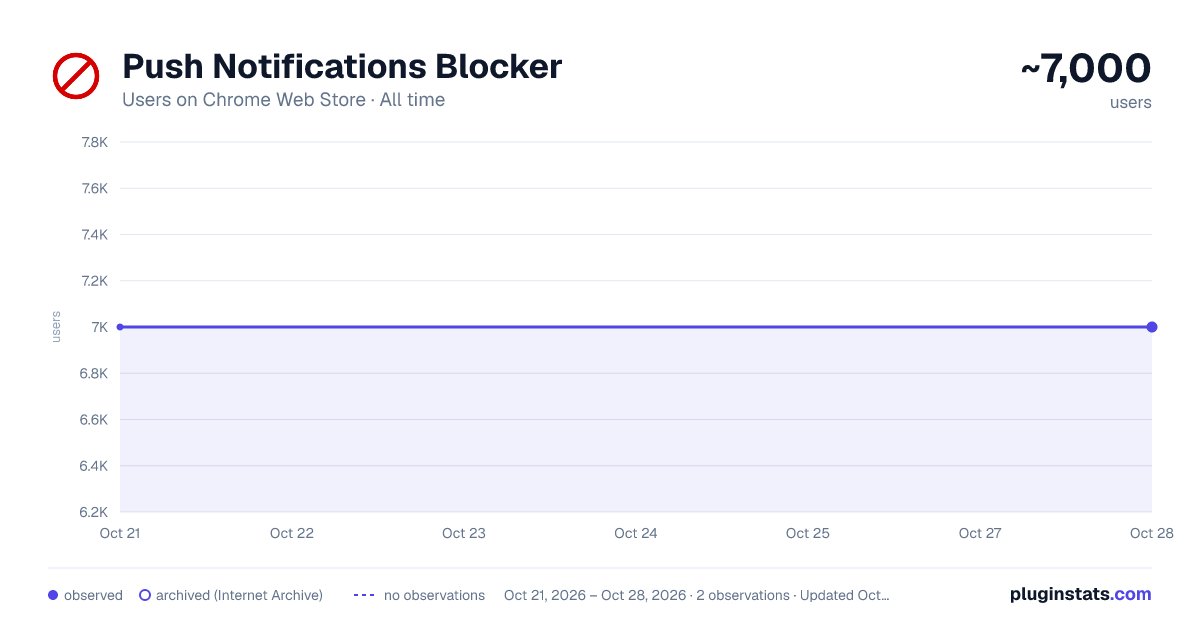
Push Notifications Blocker has approximately 7,000 recorded users on Chrome Web Store, ranking #442 of 2,952 tracked listings.
Rating: 3.20 / 5 from 6 ratings
About Push Notifications Blocker
Block all push notifications.
Upon installation, the extension automatically blocks notifications from all sites.
When user visits a site that uses service workers or requests notification permissions, a custom notification will appear, giving user the option to allow or block notifications. Popular sites are automatically whitelisted to ensure user receives important notifications without manual intervention. Using the extension’s interface to add or remove sites from users whitelist.
Automatically blocking or allowing push notifications based on users preferences. The extension detects when a site attempts to request notification permissions or uses service workers to send notifications, giving user the power to decide.
Popular websites such as Google, Facebook, and Bing are automatically allowed to send notifications, ensuring user can stay connected with the sites that matter most.
Easy manage of notification settings with an intuitive interface. Add or remove sites from whitelist with just a few clicks.
When a site attempts to send push notifications, a custom notification will appear, asking user to allow or block notifications. This ensures that user is always in control of what notifications he receives.
Ability to reduce unwanted interruptions and maintain focus by blocking notifications from distracting websites.
Why Install?
User can decide which sites can send him notifications and block those he finds unnecessary or intrusive. Also by blocking notifications from certain sites, user can maintain better focus on his tasks. User can easily update his preferences and manage his notification settings from a single, convenient interface. User can be ensured, that he will never miss important notifications from critical sites by whitelisting them.
Description from the Chrome Web Store listing.
README badge
Show your rank in a README or on your website. The badge updates automatically.
Charts
Images: 30d · 1y · all time · 1600×900 dark
Adoption over time
7/30/90-day growth
Ranking history
Ratings over time
Listing placement
Listing placement
Filled points are observed values; hollow points come from Internet Archive snapshots of the listing page. Dashed segments span periods with no observations — values between points are not interpolated.
Each band is one page of 20. Users on a linear scale. Placement is projected from users, so it can differ from the marketplace's own sort order. Hover a dot to see the listing.
Recent observations
Full history (1)Similar Chrome Web Store Tools plugins
All 20 Push Notifications Blocker alternatives



Data source
Covers every Chrome Web Store extension with at least 100 users, found through the store's public sitemap. User counts are read from public listing pages. The 10% most-used extensions are refreshed daily, the next 40% weekly and the next 40% monthly; the least-used 10% are not refreshed. Google displays rounded user counts (and caps the display at 10,000,000+), so small changes may not be visible. Rating counts above 1,000 are rounded (e.g. 1.6K).
Listing: https://chromewebstore.google.com/detail/push-notifications-blocke/gaophljmnnggiehnkkjnmpbbcfhelflh. First seen Oct 21, 2026; last successful collection Oct 21, 2026. See the methodology.