 PluginStats
Hopkin Tag Inspector users statistics
Chrome Web Store · Developer Tools
Observe, decode and audit the tracking behaviour of ad networks and analytics tools on any site.
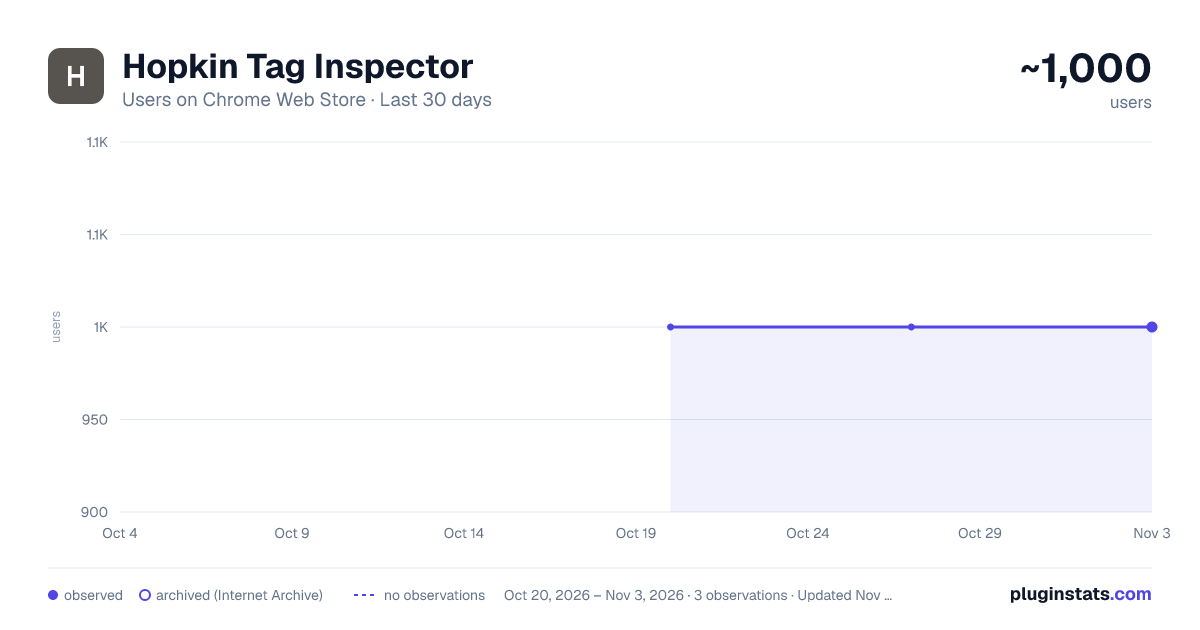
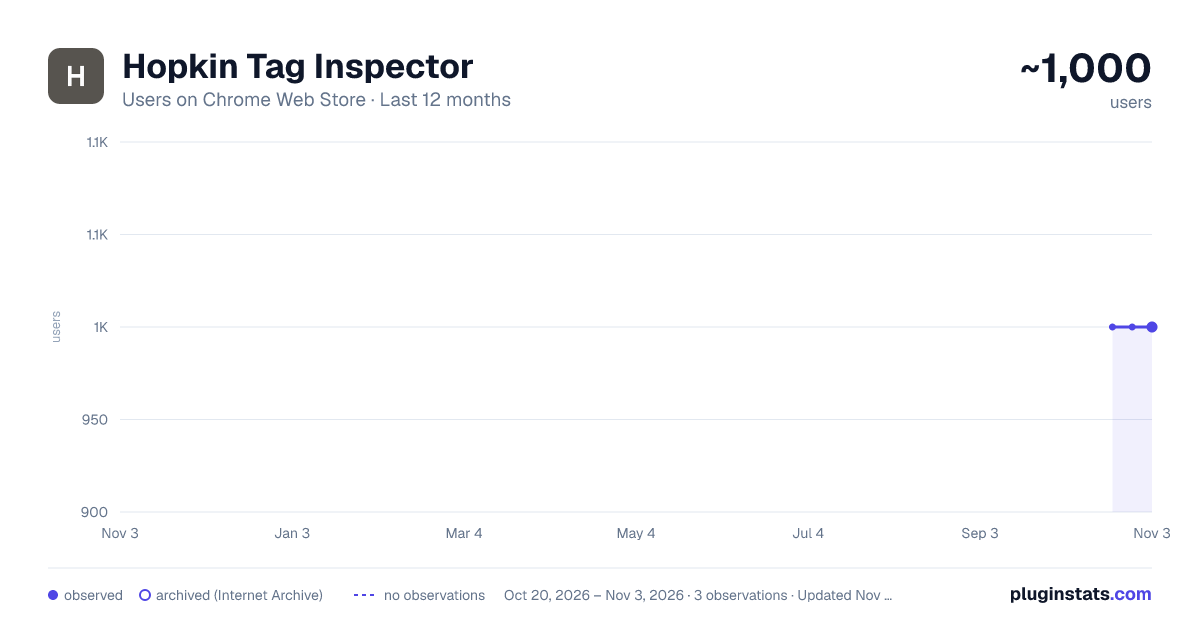
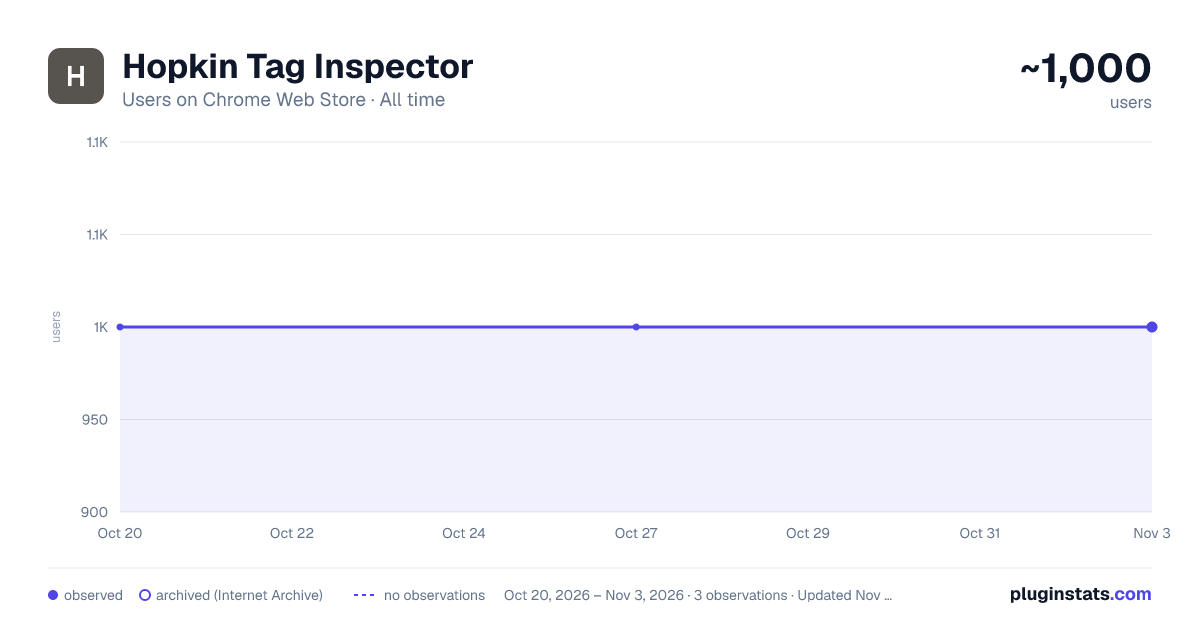
Hopkin Tag Inspector has approximately 1,000 recorded users on Chrome Web Store, ranking #1255 of 3,853 tracked listings.
Rating: 5.00 / 5 from 1 ratings
About Hopkin Tag Inspector
Observe, decode and audit the tracking behaviour of ad networks and analytics tools on any site.
Tracking audits are the kind of work nobody gets around to: someone has to click through the funnel, read a network tab, and know what each vendor's payload is supposed to look like. Hopkin Tag Inspector makes that job something an AI agent can do instead.
Built for AI agents
The whole recorded session is readable from the page itself as structured JSON — every event, every finding, and the conversions that were expected and never fired. Any agent that can drive a browser can read it directly, with no server, no API key and no export step:
const audit = await window.__hopkinTagInspector.getAudit()
Point an assistant at your checkout and get back a real audit — which pixel is missing its lead event, which conversion fired three times, which tool is receiving an unhashed email address — without a human ever opening DevTools. The agent can start a recording, drive the flow, and read the result, all from the page.
It works just as well by hand. Press record, use your site normally, and every beacon is captured from the first request, correlated back to the JavaScript call that made it, and judged against rules that know how each tool actually behaves.
What it covers
Seventeen advertising, analytics and customer-data platforms are decoded into real event names and parameters rather than raw request URLs — the pixels and tag managers behind most paid media, the product analytics tools behind most funnels, and the event pipelines that sit between them. Each one is decoded by rules written for that platform's own payload format, so a purchase event is reported as a purchase, with its value, currency and identifiers named.
See what did not fire
A conversion that never fired looks exactly like a page you forgot to test. Tag Inspector marks the events that should have been there and were not, anchored to the page where they were expected. This is the part no network tab can do for you.
Findings, not just traffic
It flags the problems that cost money or create risk: an email address sent as readable text, a conversion with no value or currency, the same conversion counted three times on one page, an event fired while consent was denied, a library loaded twice.
Both halves of every event
Most tools show you either the JavaScript call or the network request. This shows both, paired — so a call that was made but never reached the network is visible as exactly that, rather than as silence.
Consent-aware
Events are recorded together with the consent state at the moment they fired, so "fired before consent" and "fired while denied" are separate, provable facts.
Where your data goes
Nowhere. There is no server, no account and no network egress of any kind. Sessions are stored locally in your browser and can be exported by you, on purpose. Personal data in captured payloads is redacted by default; showing it is a deliberate, per-session choice you make in the panel.
Surfaces
A side panel for watching a session live, a DevTools panel for reading full payloads with findings annotated in place, and the page API above for everything driven by an agent.
Description from the Chrome Web Store listing.
README badge
Show your rank in a README or on your website. The badge updates automatically.
Charts
Images: 30d · 1y · all time · 1600×900 dark
Adoption over time
7/30/90-day growth
Ranking history
Ratings over time
Listing placement
Listing placement
Filled points are observed values; hollow points come from Internet Archive snapshots of the listing page. Dashed segments span periods with no observations — values between points are not interpolated.
Each band is one page of 20. Users on a linear scale. Placement is projected from users, so it can differ from the marketplace's own sort order. Hover a dot to see the listing.
Recent observations
Full history (1)Similar Chrome Web Store Developer Tools plugins
All 20 Hopkin Tag Inspector alternatives



Data source
Covers every Chrome Web Store extension with at least 100 users, found through the store's public sitemap. User counts are read from public listing pages. The 10% most-used extensions are refreshed daily, the next 40% weekly and the next 40% monthly; the least-used 10% are not refreshed. Google displays rounded user counts (and caps the display at 10,000,000+), so small changes may not be visible. Rating counts above 1,000 are rounded (e.g. 1.6K).
Listing: https://chromewebstore.google.com/detail/hopkin-tag-inspector/ahgjbbnglgnladgimapeecjmhlhmacgg. First seen Oct 20, 2026; last successful collection Oct 20, 2026. See the methodology.