 PluginStats
Human Auto Typer users statistics
By ApexLabs · Chrome Web Store · Tools
Type prepared text into page fields with adjustable speed and natural pauses.
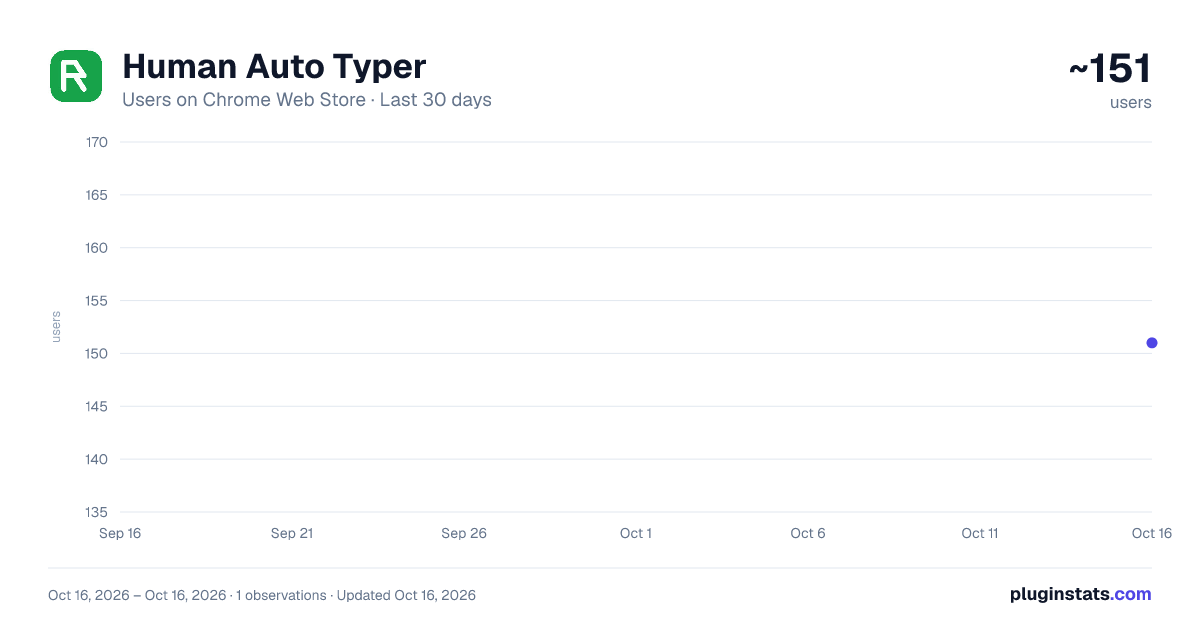
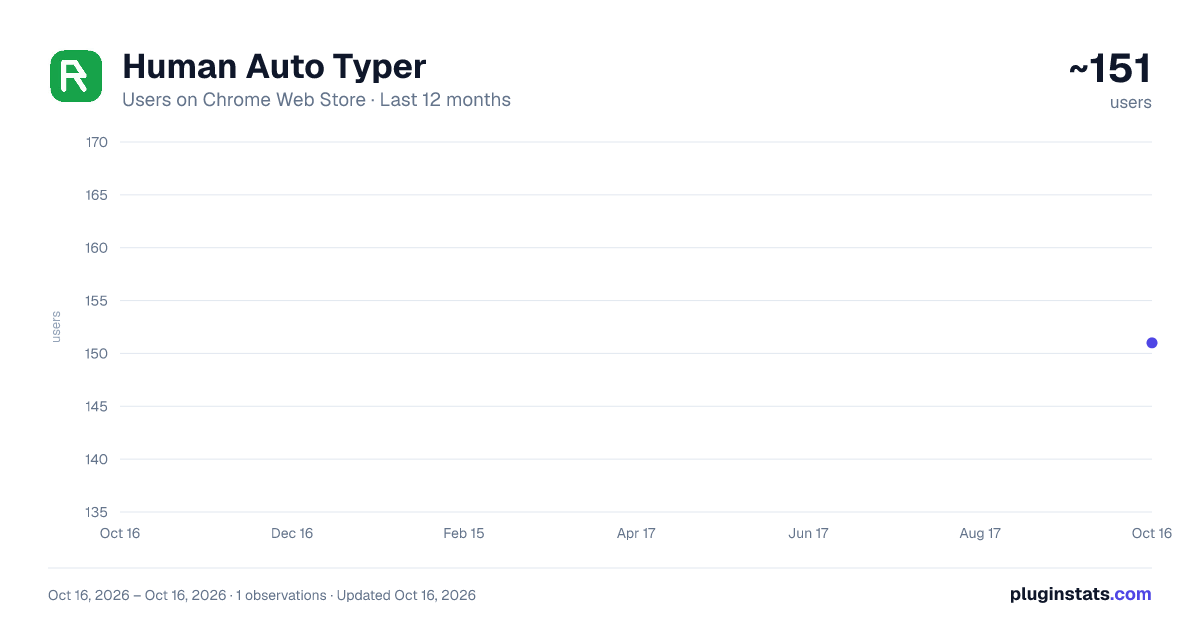
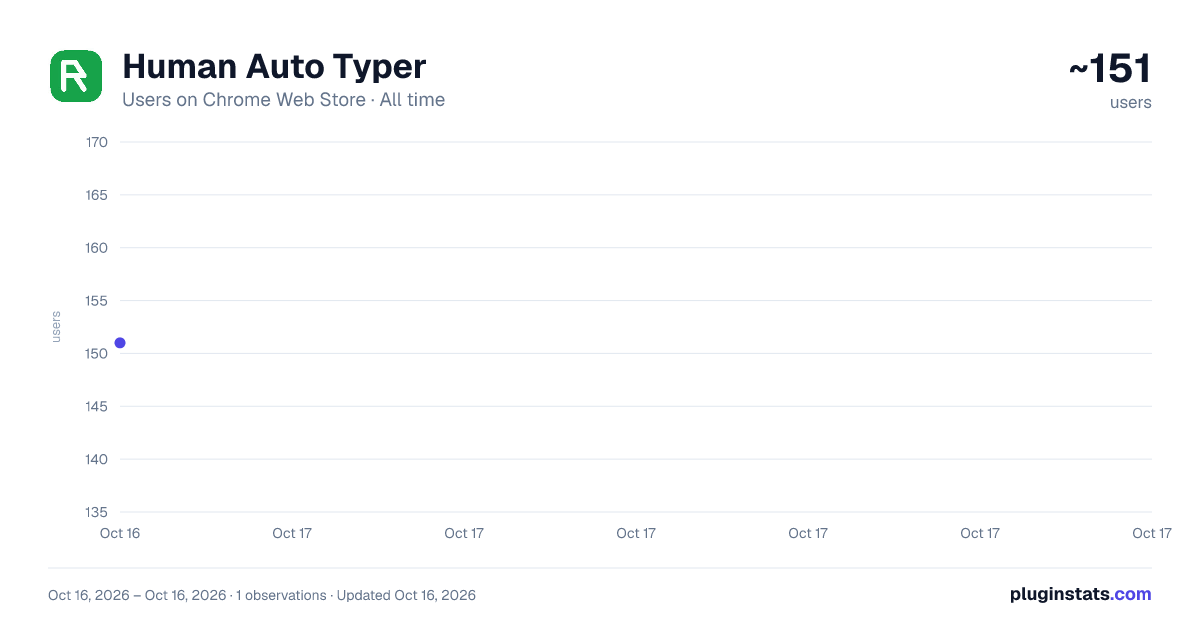
Human Auto Typer has approximately 151 recorded users on Chrome Web Store, ranking #2105 of 2,495 tracked listings.
About Human Auto Typer
Type prepared text into page fields with adjustable speed and natural pauses.
Type prepared text with control—not as one instant paste.
Human Auto Typer is a local-first Chrome extension that types your prepared text into compatible web fields at a speed you choose. Its persistent Side Panel keeps your text and controls available while you continue working on the page.
Paste or write your content, choose a target speed, select a web field, and press Start. Human Auto Typer shows live progress, actual typing speed, and estimated time remaining throughout the session.
IDEAL FOR
• Entering reusable replies and text snippets • Working with long prompts or prepared content • Completing repetitive web forms • Demonstrating how a form responds during typing • Assistive typing workflows • Testing input fields and rich-text editors
HOW IT WORKS
- Open Human Auto Typer from Chrome’s Side Panel.
- Paste or write the text you want to enter.
- Choose a typing speed between 20 and 240 WPM.
- Select a compatible field on the webpage.
- Press Start and monitor the session in real time.
You can stop at any time and continue from the exact position where you left off.
For compatible rich-text editors, Safe Standby waits until you return to the webpage and click the intended editor before typing begins. If an editor rejects the input or changes unexpectedly, the extension stops safely instead of rewriting the page.
FREE FEATURES
• Up to 8,000 characters per session • Adjustable speed from 20 to 240 WPM • Human Mode with natural pauses around words, punctuation, and line breaks • Live progress, actual WPM, ETA, and completion statistics • Start, stop, and exact-position resume • Support for standard input and textarea fields • Safe-standby support for compatible rich-text editors • Up to three reusable local templates • Automatic restoration of your latest text and settings • English and Simplified Chinese interface
UPGRADE TO PRO
Human Auto Typer Pro is available for a one-time payment of USD 4.90. There is no recurring subscription.
Pro includes:
• Up to 100,000 characters per session • Advanced rhythm controls with speed variation and contextual pauses • Optional correction patterns for more varied typing sessions • Up to 200 searchable templates • Template pinning and keyboard-style shortcuts • Smart date, time, clipboard, and fill-in variables • Local template import and export • Batch queues with up to 50 text blocks • Stay-in-field, new-line, and next-field queue actions • Per-site profiles for saved speed, rhythm, and queue settings • Purchase recovery after reinstall using your Creem receipt
LOCAL-FIRST PRIVACY
Your prepared text stays in your browser.
• Typed content is never uploaded to the billing service • Templates, queues, and site profiles remain stored locally • No remote AI service is used • No analytics, advertising, or affiliate scripts are included • The extension does not read browsing history, cookies, passwords, or account credentials • The page typing script remains idle until you start or stop a typing session
For checkout and Pro license verification, the extension sends only a random installation ID, extension ID, and locale to the Human Auto Typer billing service over HTTPS.
If you choose to restore a purchase, the Creem order ID and checkout email you enter are sent for verification. Payment card information is handled by Creem and is never collected or stored by the extension.
COMPATIBILITY
Human Auto Typer works on regular HTTP and HTTPS webpages with compatible editable fields.
Chrome internal pages, the Chrome Web Store, browser settings, and other protected pages are not supported. Some websites use custom editors that may reject extension-generated input. When this happens, Human Auto Typer stops safely and leaves the page unchanged.
RESPONSIBLE USE
Human Auto Typer never submits forms, publishes comments, sends messages, or clicks page buttons for you.
It is intended for legitimate productivity, assistive workflows, demonstrations, and software testing. Do not use it for spam, deceptive automation, account abuse, or activities that violate website rules.
Description from the Chrome Web Store listing.
README badge
Show your rank in a README or on your website. The badge updates automatically.
Charts
Images: 30d · 1y · all time · 1600×900 dark
Adoption over time
7/30/90-day growth
Ranking history
Ratings over time
Listing placement
Listing placement
Filled points are observed values; hollow points come from Internet Archive snapshots of the listing page. Dashed segments span periods with no observations — values between points are not interpolated.
Each band is one page of 20. Users on a linear scale. Placement is projected from users, so it can differ from the marketplace's own sort order. Hover a dot to see the listing.
Recent observations
Full history (1)Similar Chrome Web Store Tools plugins
All 20 Human Auto Typer alternatives



Data source
Covers every Chrome Web Store extension with at least 100 users, found through the store's public sitemap. User counts are read from public listing pages. The 10% most-used extensions are refreshed daily, the next 40% weekly and the next 40% monthly; the least-used 10% are not refreshed. Google displays rounded user counts (and caps the display at 10,000,000+), so small changes may not be visible. Rating counts above 1,000 are rounded (e.g. 1.6K).
Listing: https://chromewebstore.google.com/detail/human-auto-typer/jcnleckihbpjiplhcjbdpccooonfimcg. First seen Oct 16, 2026; last successful collection Oct 16, 2026. See the methodology.