 PluginStats
OpenWebUI Context Menu users statistics
By caleb.hume92 · Chrome Web Store · Tools
Ask OpenWebUI to explain selected text within its page context or perform deep research.
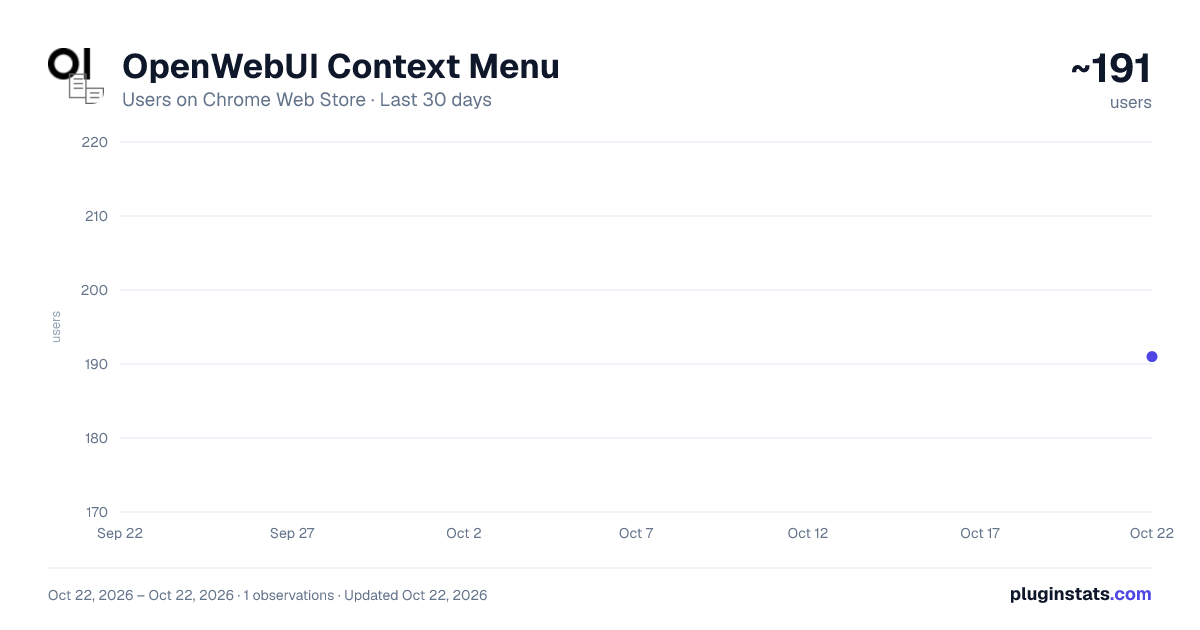
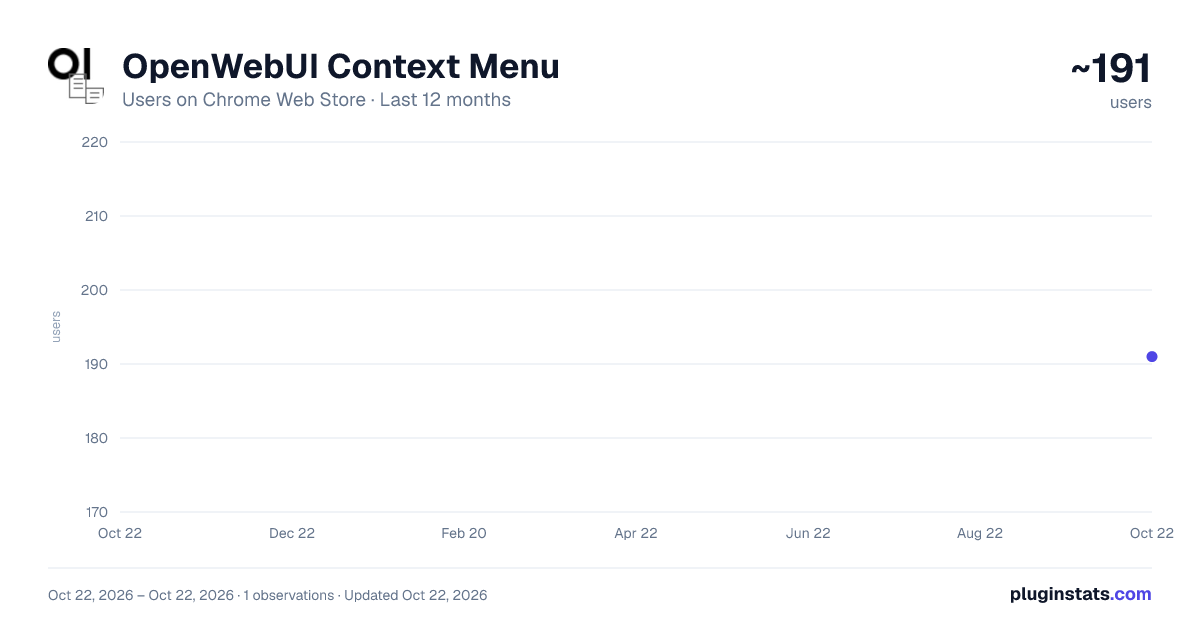
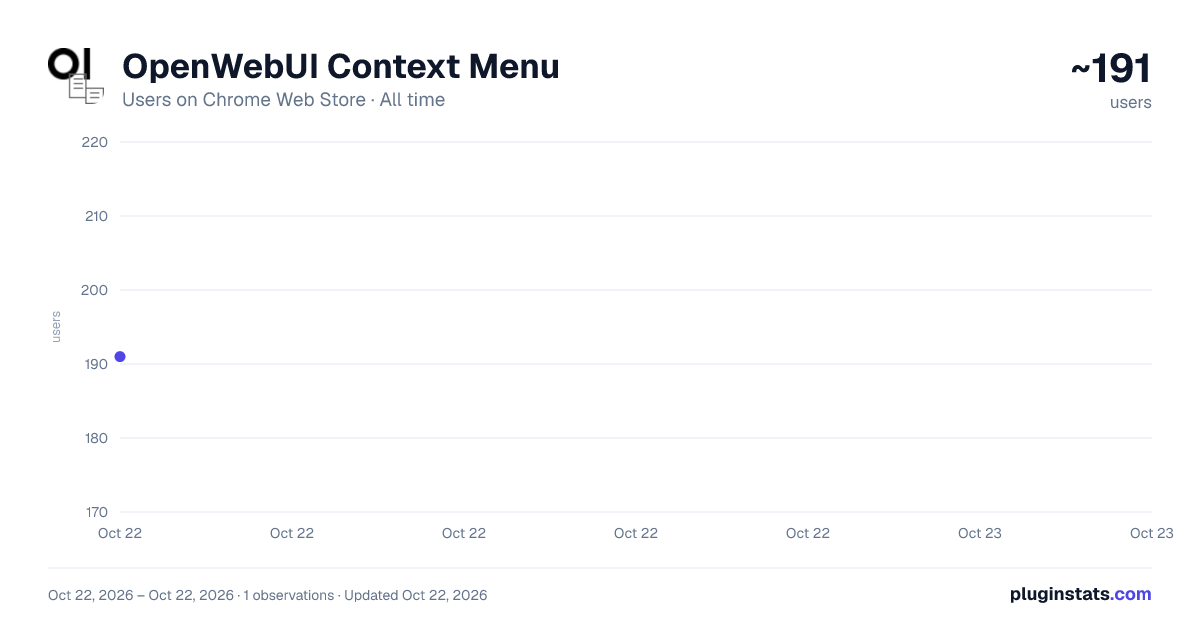
OpenWebUI Context Menu has approximately 191 recorded users on Chrome Web Store, ranking #2587 of 3,404 tracked listings.
Rating: 5.00 / 5 from 1 ratings
About OpenWebUI Context Menu
Ask OpenWebUI to explain selected text within its page context or perform deep research.
Create and use custom context menu items to query Open WebUI when browsing the web
OpenWebUI Context Menu – Version 2.5
Highlights
- Custom Context Menu Items as Defaults – The default "Explain" and "Research" context menu items have been removed and replaced with fully customizable custom context menu items. This provides users with complete control over these essential prompts.
- Migration of Existing Defaults – Existing users' "Explain" and "Research" prompts and their associated settings will be automatically migrated to new custom context menu items upon extension update or settings import, ensuring a seamless transition without loss of data.
- Increased Custom Menu Limit – The maximum number of custom context menu items has been increased to 10 to accommodate the new default custom items and provide more flexibility.
- Automatic Settings Saving – All settings, including custom context menu items, are now saved automatically as you make changes. The manual "Save Settings" button has been removed for a more seamless and intuitive user experience.
- Debounced Saving – To ensure optimal performance, a debouncing mechanism has been implemented. This means that changes are saved a moment after you stop typing, preventing excessive writes to the browser's storage.
- Improved User Experience – The new automatic saving feature eliminates the need to manually save changes, making the settings page more user-friendly and efficient.
- Enhanced URL Detection with Source Selection & Dynamic Tooltips – Fixed an issue where YouTube detection would incorrectly add
youtube.com/watch?v=trueto the query. Users can now explicitly choose the source for YouTube video ID and general URL detection (Selected Text Only, Page URL Only, or Prefer Selected Text) for all custom context menu items. Dynamic tooltips have been added next to each source selection dropdown, providing clear explanations that update based on the selected option. Only a single YouTube video ID or URL will be passed to Open WebUI, based on the selected preference. - Auto-Scrolling for New Menus – When a new custom context menu item is added, the page now automatically scrolls to display the newly created item.
Changes Made
Options UI (options.html + options.js)
- Removed Default Prompt UI – The dedicated UI sections for "Prompt 1" (Explain) and "Prompt 2" (Research) have been removed from
options.html. - Removed Manual Save Button – The "Save Settings" button has been removed from the options page.
- Implemented Automatic Saving – A new
saveSettingsfunction has been added to automatically save all settings to the browser's storage. - Added Debouncing – A
debouncefunction has been implemented to prevent excessive storage writes, ensuring a smooth and responsive user experience. - Event Listeners – Event listeners have been added to all input fields, text areas, and checkboxes to trigger the debounced save function when changes are made.
- Simplified Custom Menu Creation – The "Save Item" button for new custom context menu items has been removed, as they are now saved automatically.
- Auto-Scroll on New Menu Add – Implemented
Element.scrollIntoView()to automatically scroll to a newly added custom context menu item. - Migration Logic – Added logic in
options.jsto detect and convert old default "explain" and "research" prompts into new custom context menu items upon loading the options page or importing settings. - Increased Custom Menu Limit – The maximum number of custom context menu items allowed has been increased to 10.
Background Script (background.js)
- Removed Default Context Menu Creation – The code responsible for creating the hardcoded "openwebui-query" and "openwebui-research" context menu items has been removed.
- Updated Storage Loading – The
loadSettingsfunction no longer attempts to loadexplainPrompt,researchPrompt,explainPromptTitle,researchPromptTitle, orquerySettingsdirectly, as these are now handled via custom context menus. - Updated Storage Change Listener – The
onChangedlistener now only reacts to changes incustomContextMenus. - Refined Context Menu Click Handler – The
onClickedlistener now exclusively processes custom context menu items, removing the conditional logic for default prompts. - Refined YouTube/Load URL Parameter Handling – The
extractYouTubeVideoIdandextractLoadUrlfunctions inbackground.jshave been updated to extract a single YouTube video ID or general URL based on the user's source preference (Selected Text Only, Page URL Only, or Prefer Selected Text). This ensures compatibility with Open WebUI, which only accepts a singleyoutubeorload-urlparameter. The logic now prioritizes the selected source and prevents incorrectyoutube=trueorloadUrl=trueparameters from being appended. - Source Selection UI in Options – Added dropdowns in the options page for all custom context menu items, allowing users to select their preferred source for YouTube and Load URL detection.
- Dynamic Tooltips for Source Selection – Implemented hover-activated info icons next to each source selection dropdown. These tooltips dynamically display a description of the currently selected option, providing clear guidance without visual clutter.
User Experience…
Description from the Chrome Web Store listing.
README badge
Show your rank in a README or on your website. The badge updates automatically.
Charts
Images: 30d · 1y · all time · 1600×900 dark
Adoption over time
7/30/90-day growth
Ranking history
Ratings over time
Listing placement
Listing placement
Filled points are observed values; hollow points come from Internet Archive snapshots of the listing page. Dashed segments span periods with no observations — values between points are not interpolated.
Each band is one page of 20. Users on a linear scale. Placement is projected from users, so it can differ from the marketplace's own sort order. Hover a dot to see the listing.
Recent observations
Full history (1)Similar Chrome Web Store Tools plugins
All 20 OpenWebUI Context Menu alternatives



Data source
Covers every Chrome Web Store extension with at least 100 users, found through the store's public sitemap. User counts are read from public listing pages. The 10% most-used extensions are refreshed daily, the next 40% weekly and the next 40% monthly; the least-used 10% are not refreshed. Google displays rounded user counts (and caps the display at 10,000,000+), so small changes may not be visible. Rating counts above 1,000 are rounded (e.g. 1.6K).
Listing: https://chromewebstore.google.com/detail/openwebui-context-menu/gajjhdfmmlgfheccabafeinipgoonllm. First seen Oct 22, 2026; last successful collection Oct 22, 2026. See the methodology.