 PluginStats
Miyo Capture users statistics
By Brevilabs (2 listings) · Chrome Web Store · Tools
Auto-sync your ChatGPT and Claude chats to local markdown with the free Miyo Desktop app. Yours, never the cloud.
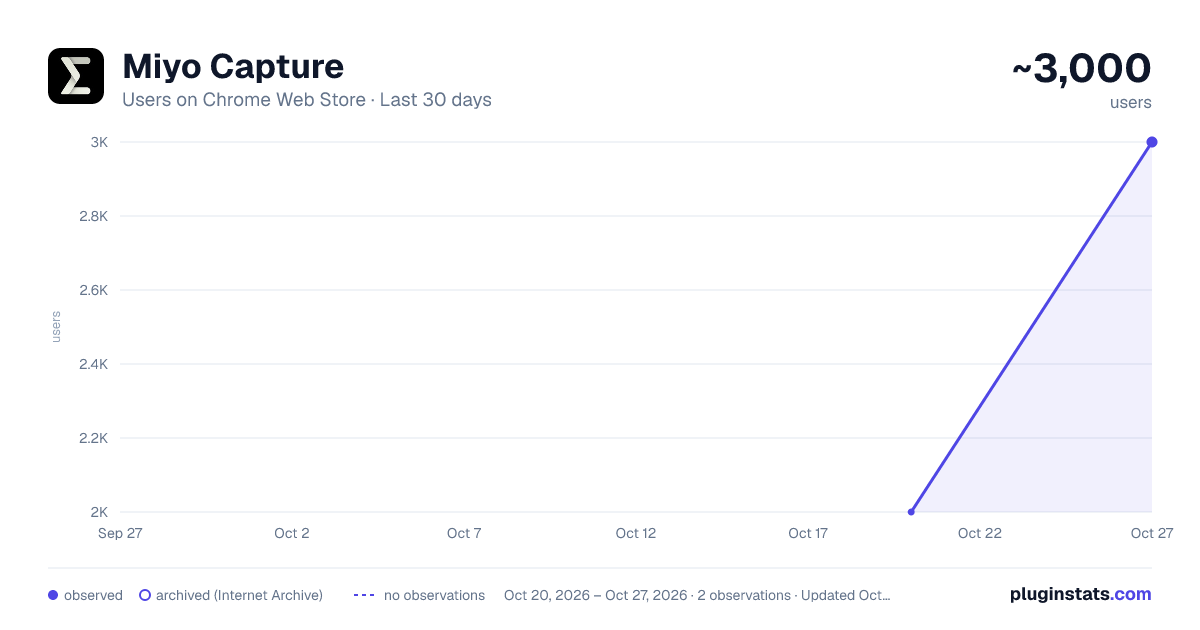
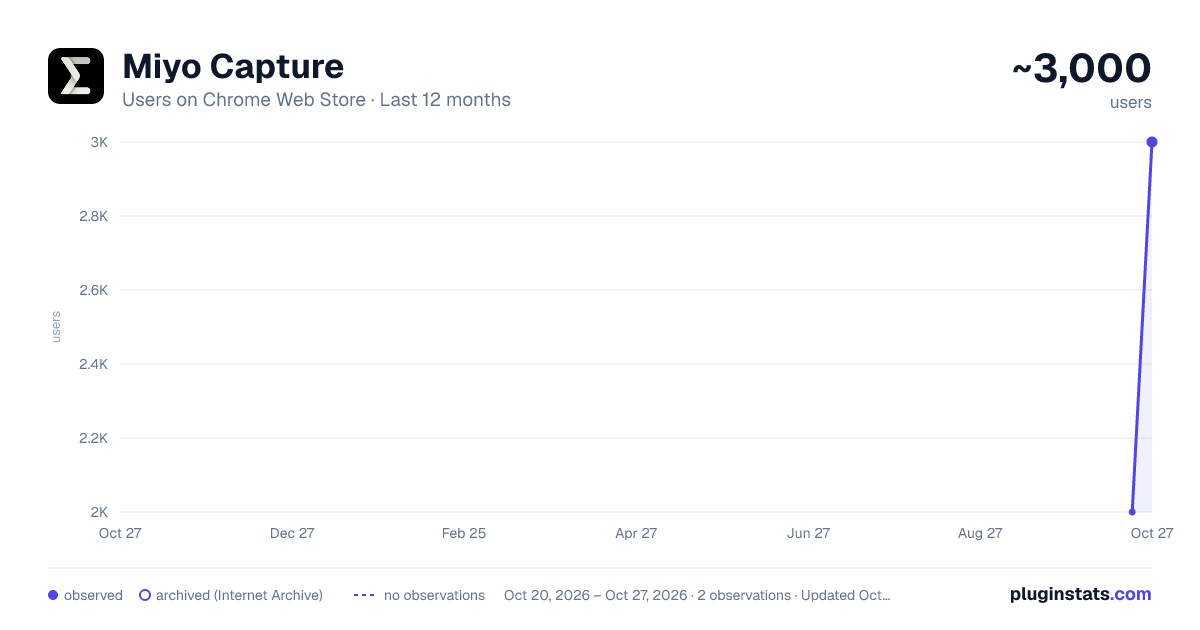
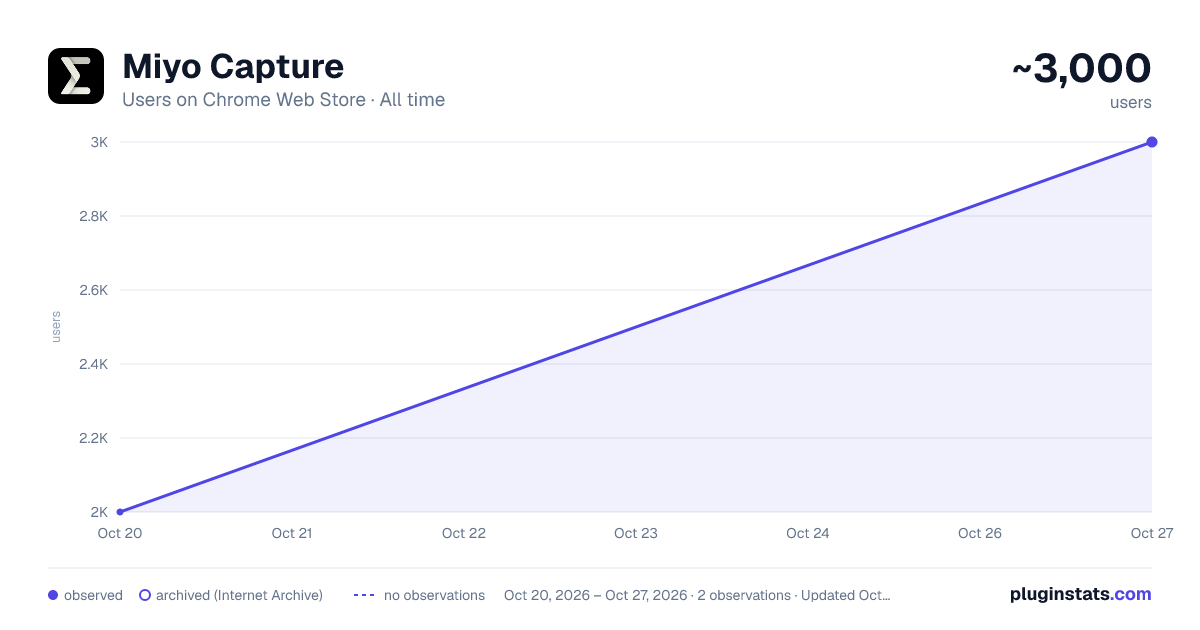
Miyo Capture has approximately 2,000 recorded users on Chrome Web Store, ranking #660 of 2,495 tracked listings.
Rating: 3.00 / 5 from 2 ratings
About Miyo Capture
Auto-sync your ChatGPT and Claude chats to local markdown with the free Miyo Desktop app. Yours, never the cloud.
Miyo Capture saves your ChatGPT and Claude conversations as clean markdown files on your own computer, so you can keep and search them with any tool you already use.
Most export tools make you click Download every time. Miyo Capture can do that too. But it can also do something most of them can't: paired with the free Miyo Desktop app, it syncs your conversations to plain files on your computer automatically, while you keep chatting. You don't have to re-export or remember to back anything up.
🔄 AUTOMATIC SYNC (THE DIFFERENCE) Turn on "Sync to Miyo Desktop" and that's it. New ChatGPT and Claude conversations save themselves into a folder on your computer and stay up to date in the background, with no clicking and nothing going to the cloud. Each chat becomes its own markdown file. It's one-way and read-only: Miyo only reads your conversations and saves them to your computer, and never changes anything on ChatGPT or Claude. (You'll need the free Miyo Desktop app, and the sync stays entirely on your machine.)
⬇️ OR JUST GRAB A ZIP (NO SETUP) Don't want to install anything? Pick a time range and click Download. The extension gathers the matching conversations and hands you a single ZIP of markdown files, one per conversation, straight to your Downloads folder. There's no account to create and nothing to set up.
- Open the popup. You'll see a card for each supported site (ChatGPT and Claude).
- Make sure you're signed in to the site in a tab.
- Choose a time range: last 24 hours, 7 days, 30 days, 90 days, everything available, or a custom date window.
- Click Download to get a ZIP of the matching conversations as markdown.
💬 WHAT'S CAPTURED • ChatGPT: your full conversation history, including titles, timestamps, and messages. • Claude (claude.ai): your full conversation history.
Each conversation becomes its own file with the full back and forth, organized turn by turn. The title, original link, and dates sit at the top.
🔒 PRIVATE BY DESIGN • Local only. Your conversations are read and saved on your own device, either exported to your Downloads or synced to a folder by the local Miyo Desktop app. Nothing is ever sent to us or to any remote server. • No tracking. The extension has no analytics, no telemetry, and no ads. • Opt-in sync. Automatic sync stays off until you turn it on. When it's on, it hands your session only to the Miyo Desktop app on the same computer. The extra permission it needs is requested when you enable it, and turning the toggle off stops the handoff. • Minimal permissions. It only touches ChatGPT and Claude, and only to work with your own conversations.
📄 NO LOCK-IN The output is plain markdown. Open it in Obsidian, Logseq, your text editor, or search it with grep. Any tool that reads files can read your archive.
🧠 FROM THE MAKERS OF MIYO Miyo Capture is made by Miyo, your personal context hub. The conversations you save here can become part of a local, searchable memory that any AI can use, so ChatGPT can pick up what you told Claude yesterday, and the other way around. Miyo Desktop keeps everything as plain files on your own computer (no cloud uploads) and connects to ChatGPT and Claude over MCP. It's a separate, free app you don't have to use. Find it at https://www.miyo.md
Privacy policy: https://www.miyo.md/extension/privacy
Description from the Chrome Web Store listing.
README badge
Show your rank in a README or on your website. The badge updates automatically.
Charts
Images: 30d · 1y · all time · 1600×900 dark
Adoption over time
7/30/90-day growth
Ranking history
Ratings over time
Listing placement
Listing placement
Filled points are observed values; hollow points come from Internet Archive snapshots of the listing page. Dashed segments span periods with no observations — values between points are not interpolated.
Each band is one page of 20. Users on a linear scale. Placement is projected from users, so it can differ from the marketplace's own sort order. Hover a dot to see the listing.
Recent observations
Full history (1)Similar Chrome Web Store Tools plugins
All 20 Miyo Capture alternatives



Data source
Covers every Chrome Web Store extension with at least 100 users, found through the store's public sitemap. User counts are read from public listing pages. The 10% most-used extensions are refreshed daily, the next 40% weekly and the next 40% monthly; the least-used 10% are not refreshed. Google displays rounded user counts (and caps the display at 10,000,000+), so small changes may not be visible. Rating counts above 1,000 are rounded (e.g. 1.6K).
Listing: https://chromewebstore.google.com/detail/miyo-capture/ahgkkpcooanimmhhncdkgeojacjhmaeg. First seen Oct 20, 2026; last successful collection Oct 20, 2026. See the methodology.