 PluginStats
Markdown Chrome users statistics
View, edit, and save local Markdown files with Mermaid preview.
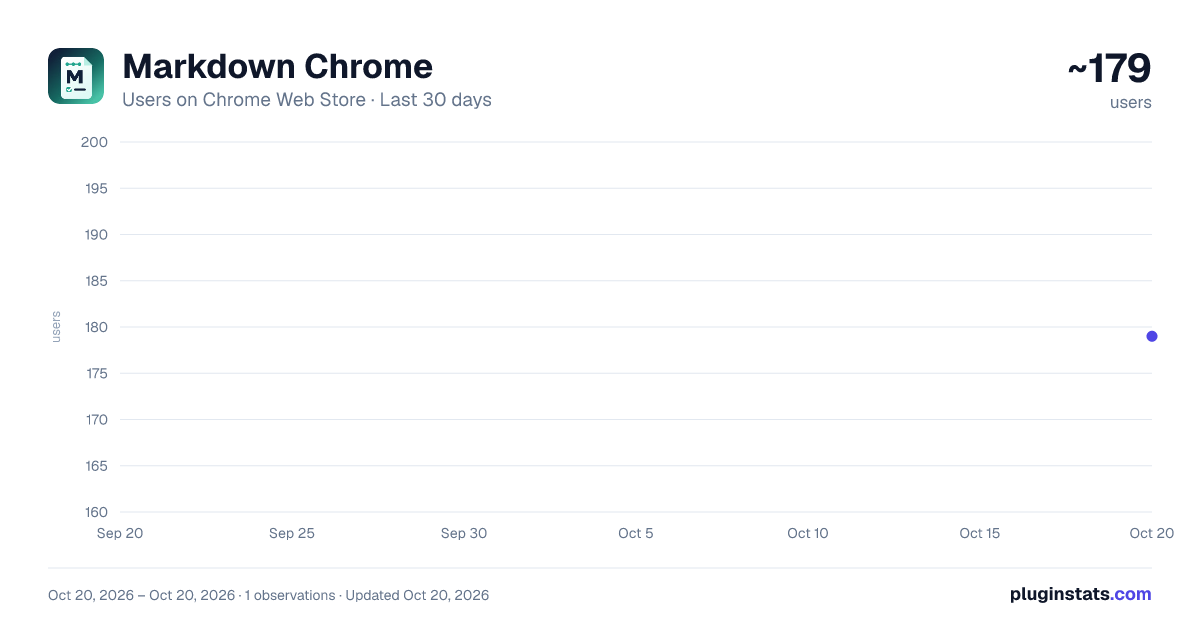
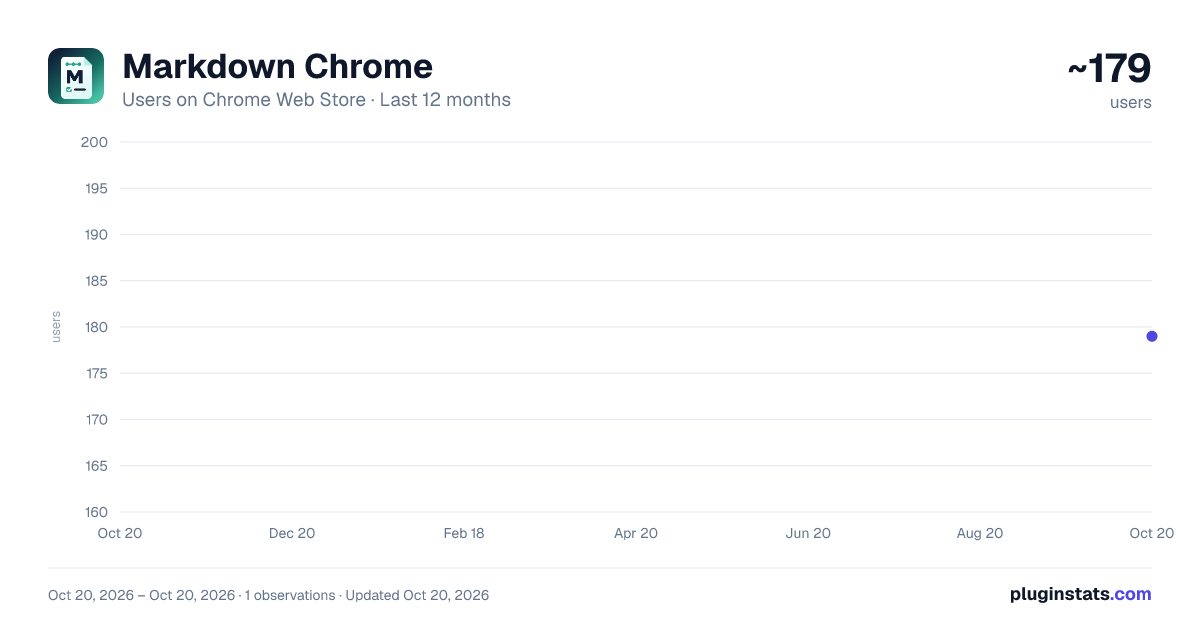
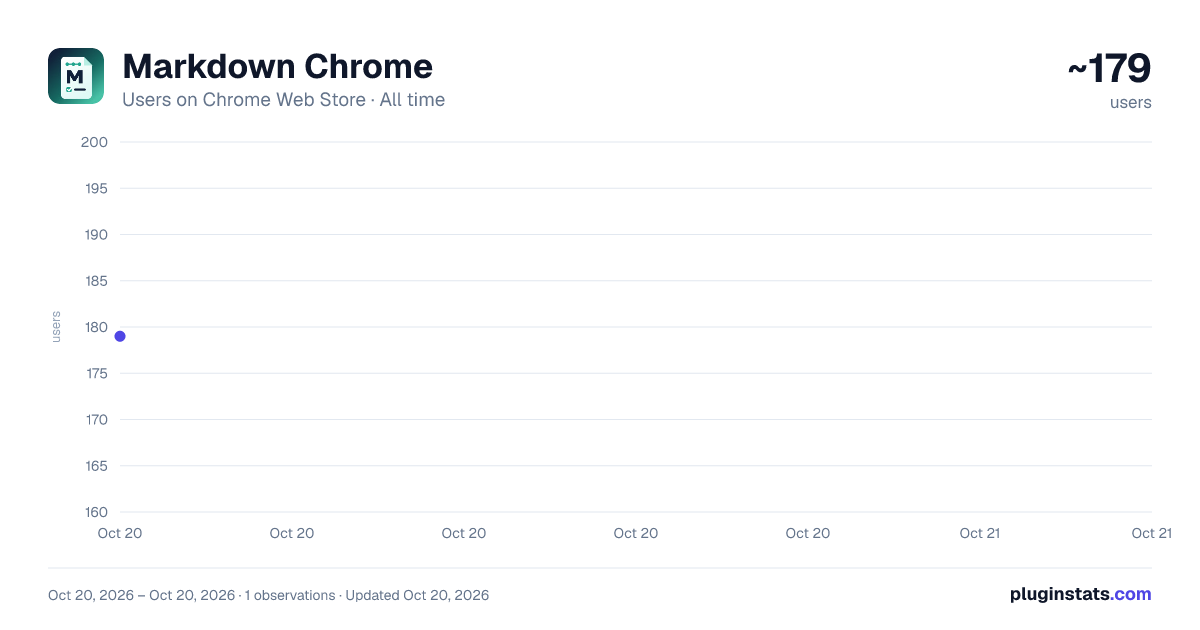
Markdown Chrome has approximately 179 recorded users on Chrome Web Store, ranking #1959 of 2,495 tracked listings.
Rating: 5.00 / 5 from 2 ratings
About Markdown Chrome
View, edit, and save local Markdown files with Mermaid preview.
Name: Markdown Chrome
Short description: Open, edit, preview, and export local Markdown files with Mermaid support.
Category: Productivity
Language: English
Support email: johnathonstarkwill@gmail.com
Detailed Description Markdown Chrome is a local-first Markdown viewer and editor for Chrome.
Open Markdown files from your computer, preview them in Chrome, edit them side by side, render Mermaid diagrams, check task-list items directly in the preview, and export the rendered document as HTML or PDF.
Key features:
Open .md and .markdown files with a native file picker. Open folders and browse Markdown files in a collapsible file tree. Use split view, fullscreen preview, or fullscreen editor mode. Insert common Markdown syntax with a beginner-friendly toolbar. Render GitHub Flavored Markdown, tables, task lists, and Mermaid diagrams. Click rendered task-list checkboxes to update the source Markdown. Save and auto-save after granting Chrome file write access. Export rendered Markdown as standalone HTML. Export to PDF through Chrome's print dialog. Switch between light and dark themes. Markdown Chrome does not upload files, does not include analytics, and does not track browsing behavior. File access is used only for the user-facing Markdown editing workflow.
Permission Justification Host permission: file:///*
Required so the extension can detect local Markdown files opened in Chrome and redirect them to the Markdown Chrome viewer. The extension uses this access only for local Markdown file viewing and editing. Users must enable Chrome's Allow access to file URLs setting for this behavior.
File System Access API
Used through Chrome's user-initiated file and directory pickers. The extension can save a file only after the user grants access to that file or folder.
Data Use Summary No remote file upload. No analytics. No advertising. No sale of user data. No account system. No external JavaScript loaded at runtime. Markdown content is processed locally in the browser. Screenshot Checklist Prepare screenshots that show real product functionality:
Split view with Markdown editor and rendered preview. Mermaid diagram rendered as SVG. Folder tree with Markdown files. Rendered task-list checkbox being used. Export controls for HTML and PDF. Dark theme view.
Description from the Chrome Web Store listing.
README badge
Show your rank in a README or on your website. The badge updates automatically.
Charts
Images: 30d · 1y · all time · 1600×900 dark
Adoption over time
7/30/90-day growth
Ranking history
Ratings over time
Listing placement
Listing placement
Filled points are observed values; hollow points come from Internet Archive snapshots of the listing page. Dashed segments span periods with no observations — values between points are not interpolated.
Each band is one page of 20. Users on a linear scale. Placement is projected from users, so it can differ from the marketplace's own sort order. Hover a dot to see the listing.
Recent observations
Full history (1)Similar Chrome Web Store Tools plugins
All 20 Markdown Chrome alternatives



Data source
Covers every Chrome Web Store extension with at least 100 users, found through the store's public sitemap. User counts are read from public listing pages. The 10% most-used extensions are refreshed daily, the next 40% weekly and the next 40% monthly; the least-used 10% are not refreshed. Google displays rounded user counts (and caps the display at 10,000,000+), so small changes may not be visible. Rating counts above 1,000 are rounded (e.g. 1.6K).
Listing: https://chromewebstore.google.com/detail/markdown-chrome/dkimnacnkjidlkihibckidekfnkdlgfj. First seen Oct 20, 2026; last successful collection Oct 20, 2026. See the methodology.