 PluginStats
BlockSite Block Websites & WebSilence users statistics
By BlockSite Block Websites & WebSilence · Chrome Web Store · Privacy & Security
Block distracting sites and keywords for focus, productivity, and parental controls.
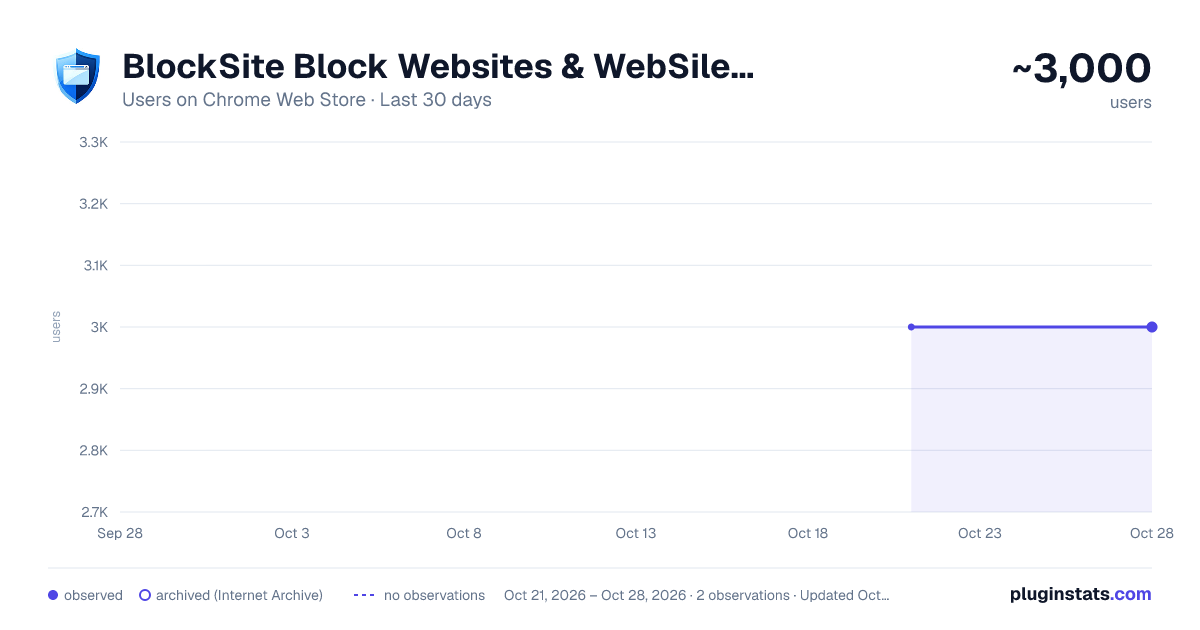
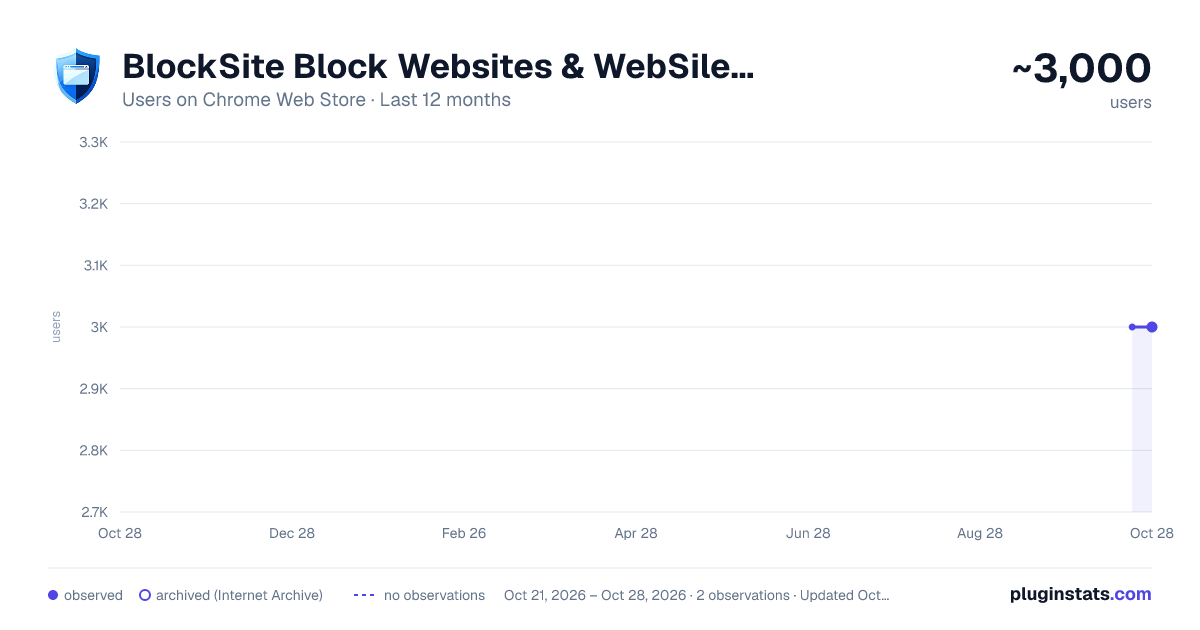
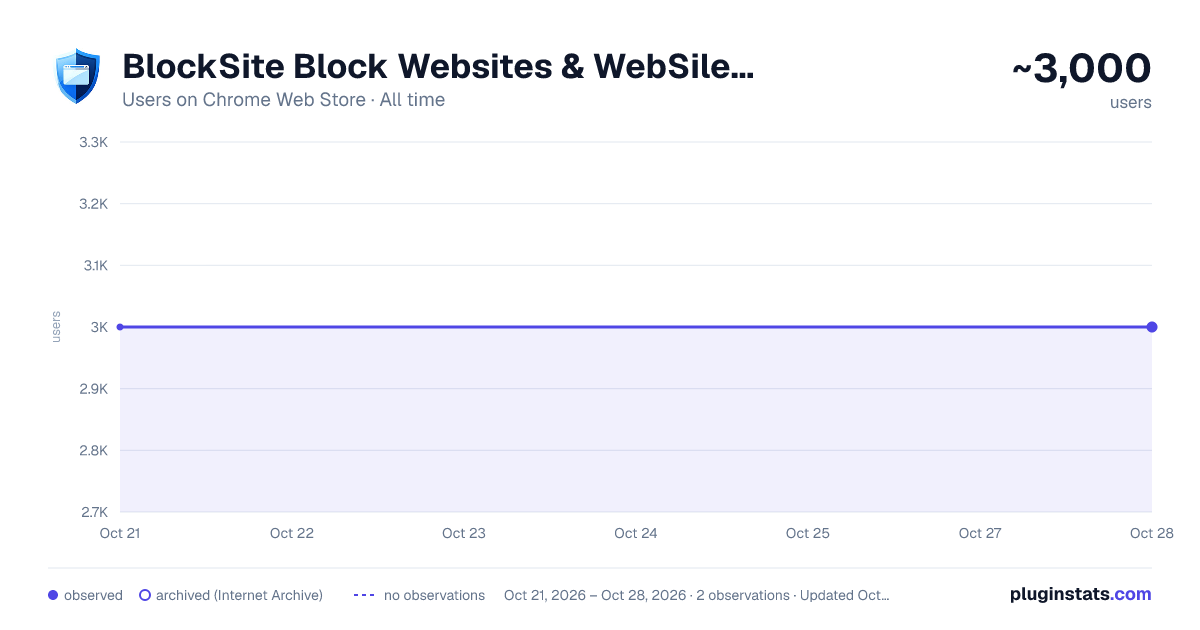
BlockSite Block Websites & WebSilence has approximately 3,000 recorded users on Chrome Web Store, ranking #656 of 2,952 tracked listings.
Rating: 4.50 / 5 from 8 ratings
About BlockSite Block Websites & WebSilence
Block distracting sites and keywords for focus, productivity, and parental controls.
WebSilence: Regain Your Focus and Ensure Security in the Digital World
WebSilence is a powerful and versatile Chrome extension designed for both professionals and students who want to increase their productivity by avoiding distracting websites, and for parents who want to ensure their children's safe online browsing. With its modern interface and flexible features, it gives you complete control of your internet experience.
The extension offers much more than a simple site blocker. Thanks to its cloud-based syncing feature, you can synchronize your settings across all your devices, ensuring consistent protection and focus wherever you are.
Key Features
-
Flexible and Powerful Blocking Options:
-
Domain Blocking: Block an entire site, such as youtube.com.
-
Page Path Blocking: Block specific site sections, such as facebook.com/gaming.
-
Keyword Blocking: Dynamically block and identify objectionable keywords (e.g., "violence," "gambling") not only in the URL but also within the content of the page.
-
Predefined Security Levels: Offers one-click blocking profiles specifically designed for different age groups:
-
Young Child (Ages 3-7): Blocks common distractions like game and video sites.
-
Pre-Teenager (Ages 8-12): Targets social media and platforms that may contain inappropriate content.
-
Teen (Ages 13-17): Restricts access to adult and potentially harmful sites.
-
Fully Customizable Lists: In addition to the predefined levels, you can create your own custom block and allow lists. This allows you to allow sites necessary for education or work, even when a security level is active.
-
Cloud Sync and Account Management: Save all your block lists and settings in the cloud by creating a free account. This allows you to easily apply the same rules across your home and work computers. (This feature is provided by a secure WordPress-based REST API infrastructure.)
-
Scheduled Access (Scheduled Unblocking): Plan your break times by granting access to specific sites only between specific hours.
For example, you can grant access to a social media site only between 6:00 PM and 7:00 PM.
-
Modern and User-Friendly Interface: It has a clean, intuitive, and modern interface developed with React and Material-UI. You can perform quick actions via the plugin's pop-up and easily access the detailed settings page.
-
Easy Adding from History: You can add new sites to your list with a single click by viewing your browser history.
Who is it Ideal For?
-
Students and Professionals: Those who want to avoid distracting sites while studying or working.
-
Parents: Those who want their children to be protected from age-inappropriate content online.
-
Digital Minimalists: Those who want to increase their digital well-being by consciously limiting their internet use.
Take control of your digital life with WebSilence, maximize your focus time, and create a safe online environment for your family.
Description from the Chrome Web Store listing.
README badge
Show your rank in a README or on your website. The badge updates automatically.
Charts
Images: 30d · 1y · all time · 1600×900 dark
Adoption over time
7/30/90-day growth
Ranking history
Ratings over time
Listing placement
Listing placement
Filled points are observed values; hollow points come from Internet Archive snapshots of the listing page. Dashed segments span periods with no observations — values between points are not interpolated.
Each band is one page of 20. Users on a linear scale. Placement is projected from users, so it can differ from the marketplace's own sort order. Hover a dot to see the listing.
Recent observations
Full history (1)Similar Chrome Web Store Privacy & Security plugins
All 20 BlockSite Block Websites & WebSilence alternatives



Data source
Covers every Chrome Web Store extension with at least 100 users, found through the store's public sitemap. User counts are read from public listing pages. The 10% most-used extensions are refreshed daily, the next 40% weekly and the next 40% monthly; the least-used 10% are not refreshed. Google displays rounded user counts (and caps the display at 10,000,000+), so small changes may not be visible. Rating counts above 1,000 are rounded (e.g. 1.6K).
Listing: https://chromewebstore.google.com/detail/blocksite-block-websites/gapmocmoommgabdpknjkelccgkeekgom. First seen Oct 21, 2026; last successful collection Oct 21, 2026. See the methodology.