 PluginStats
Superdense users statistics
By Superdense Development · Chrome Web Store · Workflow & Planning
Manage your bookmarks with ease. Linked to your Superdense account.
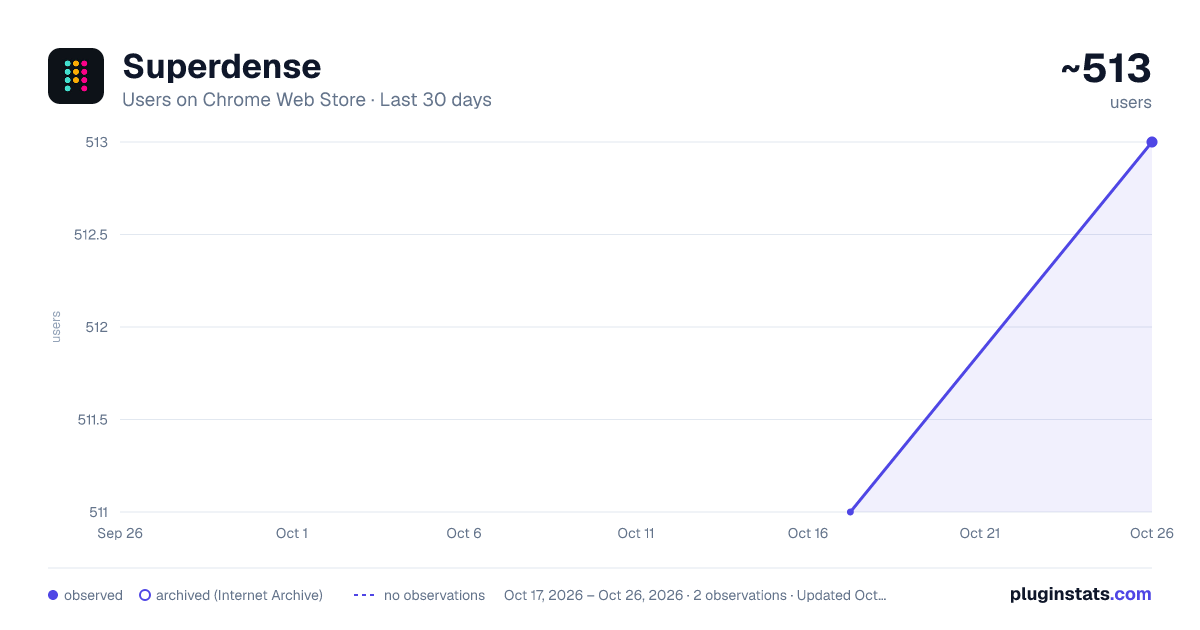
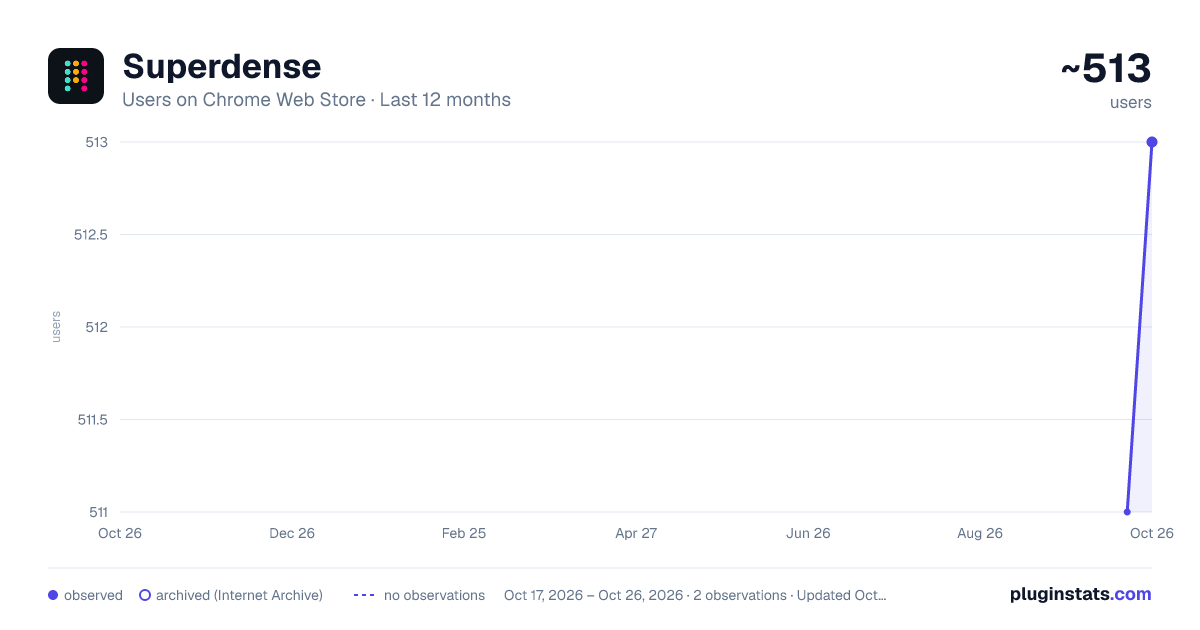
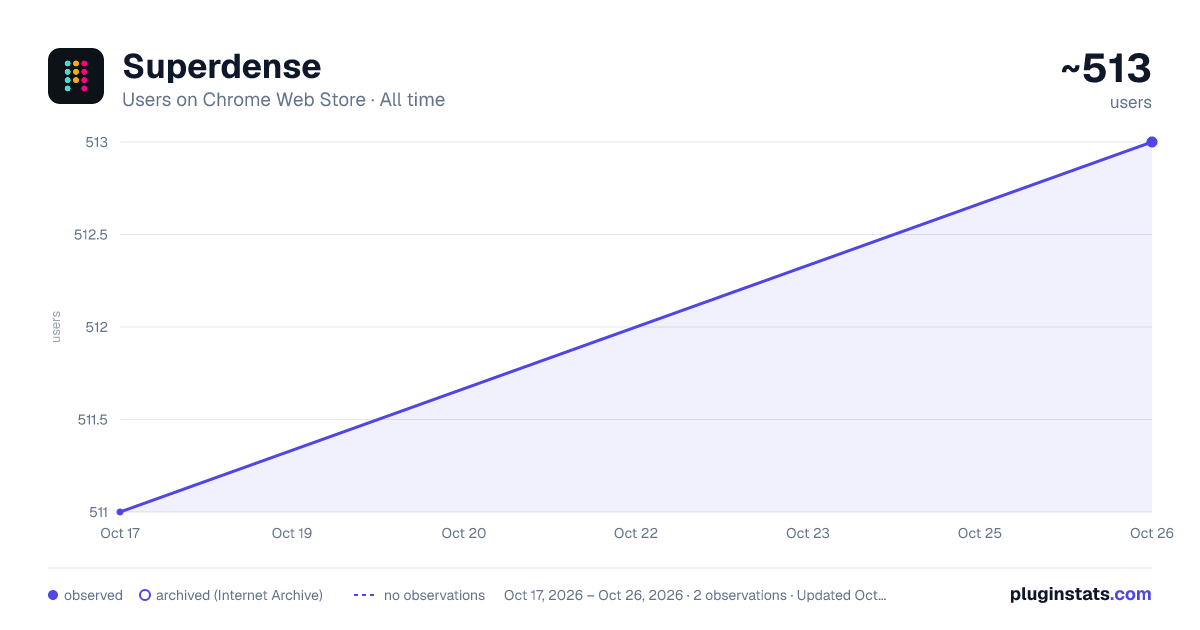
Superdense has approximately 511 recorded users on Chrome Web Store.
It ranks #1004 of 2,033 tracked Chrome Web Store listings by users.
It is rated 5.0 out of 5 from 6 ratings.
PluginStats has 1 daily observations since Oct 17, 2026; the latest is from Oct 17, 2026.
Rating: 5.00 / 5 from 6 ratings
About Superdense
Manage your bookmarks with ease. Linked to your Superdense account.
Overview
No text, just icons. The most compact bookmark manager for all your browsers and devices. All your favorite sites are just 1 click away.
Superdense means "of extremely great density and highly compact." That's precisely what we had in mind when building this tool to manage your web favorites.
Superdense is no bookmark manager in the oldskool kind of way, as there are 99 tools available to store your long list of web URLs. Superdense is different, as it's optimized to display as many bookmarks as possible in the least amount of space by focussing on one key element: ✨ favicons ✨ If you're a bit like me, you probably have 20+ tabs open before you finished your first coffee in the morning. And how do you know what browser tab to click? That's right, the favicon.
We created Superdense to bypass the limitations of the bookmarks bar with its single row of links. With Superdense, you can create multiple categories, add unlimited bookmarks, drag and drop to have the icons in your preferred order and be ready to make it another wonderful day with all your favs at the click of a button. No problem to store like 200 bookmarks and have them all above the fold. Don't mind a little scrolling: just keep adding categories and bookmarks, as many as you want.
⭐ What you can do with Superdense:
✅ Add unlimited bookmarks and categories 💻 Access your favorites in all your browsers on all devices ↔️ Drag and drop to organize bookmarks and categories 📣 Public profile: promote your portfolio sites and endorse the tools you use most often 🔐 Privacy settings: Mark categories as public or private to show or hide on your public page 👉 Upload custom icons ℹ️ Public Page bio & link 🎟 Invite team members (team plan or higher) 🎨 Themes for custom styling 🪧 Remove branding (company plan) 🌐 Custom domain (company plan)
⭐ Chrome Extension
How to use the Chrome Extension to add bookmarks to your Superdense account:
1. Make sure you have your Superdense created and verified at app.superdense.com 2. Install the extension. 3. Simply pin the superdense extension and click on the icon on any page you wish to bookmark. 4. Select or create a new suitable category for your bookmark and save 5. Refresh your Superdense app page and voila! 6. With the extension installed, you can now open an entire category in a new tab group
⭐ Useful links
🧠 Support docs: https://help.superdense.com/ 💁♂️ FAQ: https://help.superdense.com/article/2/faq 🚀 roadmap: https://roadmap.superdense.com/
Happy bookmarking!
Description from the Chrome Web Store listing.
Where Superdense sits in the listing
Each band is one page of 20. Users on a log scale. Placement is projected from users, so it can differ from the marketplace's own sort order. Hover a dot to see the listing.
Charts
Images: 30d · 1y · all time · 1600×900 dark
Adoption over time
7/30/90-day growth
Filled points are observed values; hollow points come from Internet Archive snapshots of the listing page. Dashed segments span periods with no observations — values between points are not interpolated.
Recent observations
Full history (1)Similar Chrome Web Store Workflow & Planning plugins




Data source
User counts are read from public Chrome Web Store listing pages. Google displays rounded user counts (and caps the display at 10,000,000+), so small changes may not be visible. Rating counts above 1,000 are rounded (e.g. 1.6K).
Listing: https://chromewebstore.google.com/detail/superdense/ahbpbcpfaojinpeibbhnnjcoglmplkfj. First seen Oct 17, 2026; last successful collection Oct 17, 2026. See the methodology.