 PluginStats
Keyboard & Mouse Rule! users statistics
By Georges · Chrome Web Store · Games
Simulates a gamepad using keyboard & mouse inputs
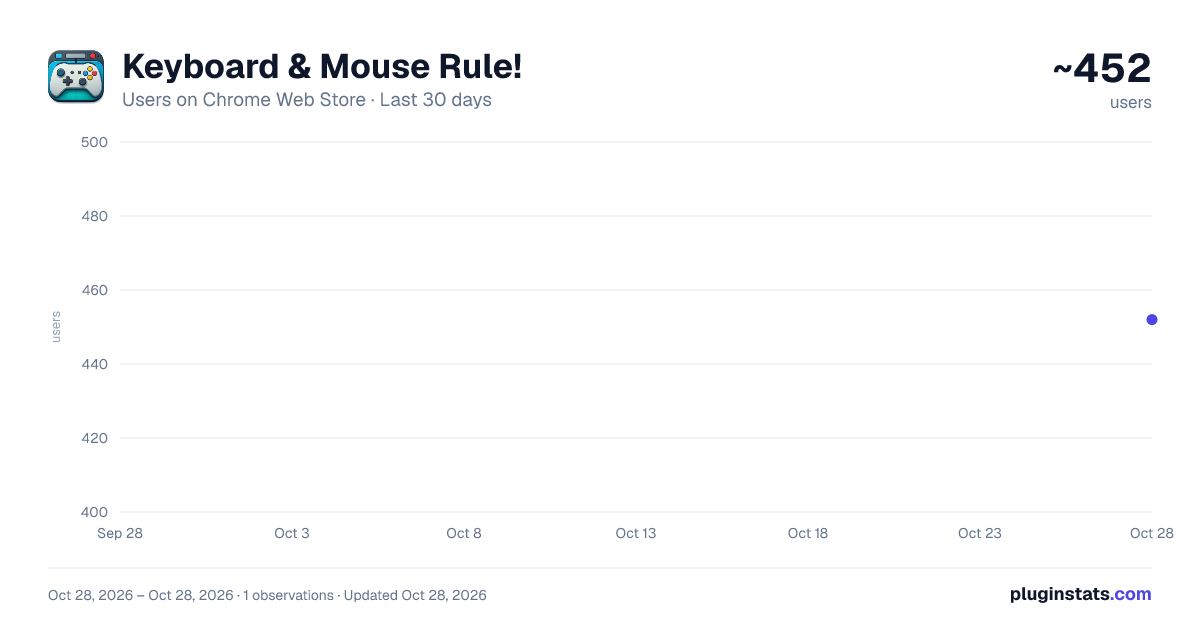
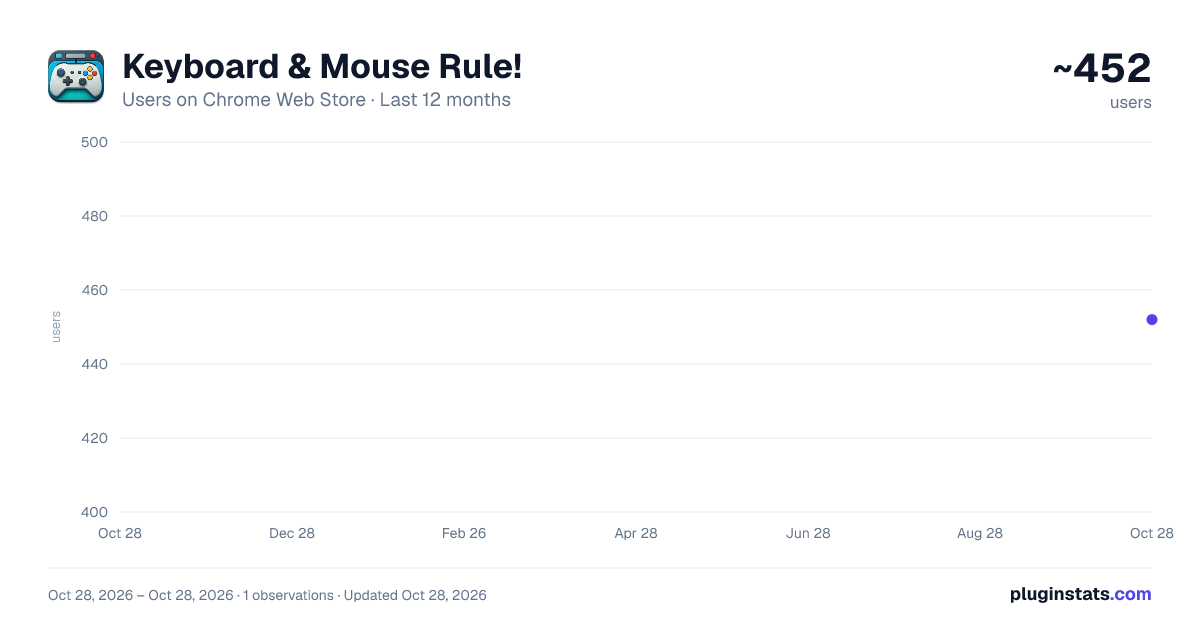
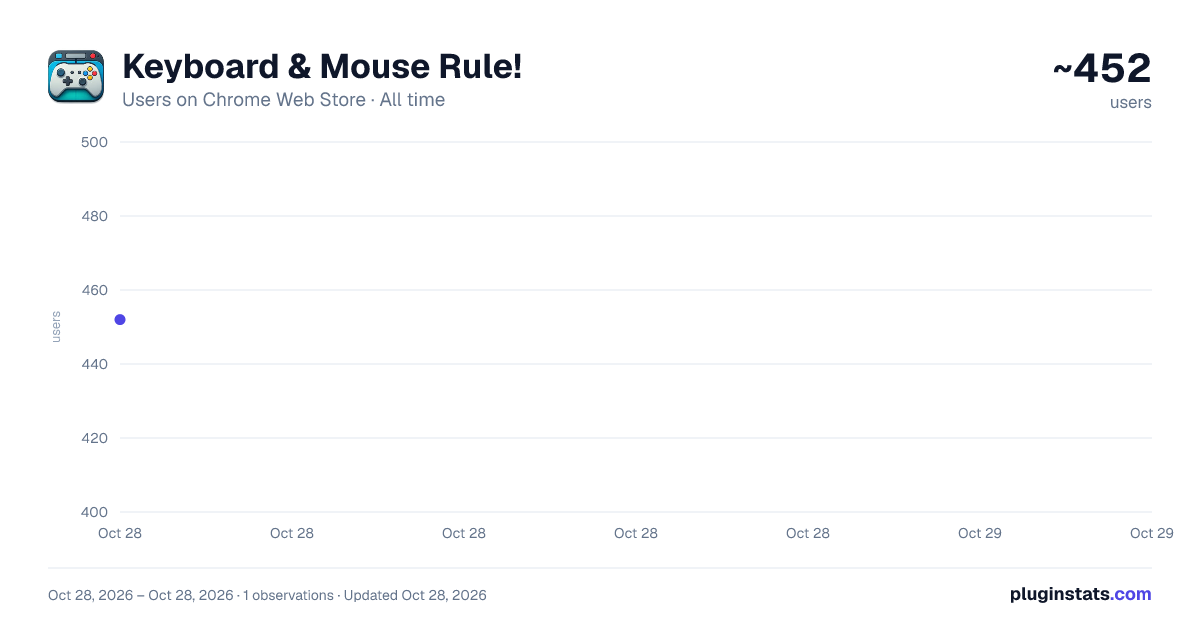
Keyboard & Mouse Rule! has approximately 452 recorded users on Chrome Web Store, ranking #2565 of 4,880 tracked listings.
Rating: 5.00 / 5 from 2 ratings
About Keyboard & Mouse Rule!
Simulates a gamepad using keyboard & mouse inputs
A simple extension that provides Gamepad virtual simulation using keyboard and mouse on xbox.com when playing games over the cloud from the browser.
Supports multiple layouts & setting layout per game! Can now assign button combos (push 2 gamepad buttons at the same time using one key) Also button chaining (hold down a modified gamepad button then click another all using one key)
Tips:
- Ctrl+Click or Alt+Click on page to capture mouse and allows simulation of right stick using the mouse movement
- If playing a game with radial selection, usually LB (Q), you can create a custom combo of LB+Green Left stick and assign that to Q instead, this should give better control of mouse in radial selection!
v1.1:
- Fixed bug in extracting Game title from xbox.com site
v1.2:
- Added button combos: you can now assign 1 keyboard key to press 2 gamepad buttons simultaneously!
- Mouse can be assign to left or right stick now!
- Allow mouse wheel scroll up/down/left/right binding!
- Virtual Gamepad only active when a game is detected!
v1.3:
- fix: bug when starting up with no games yet in list!
- fix: pressing alt by mistake while mouse is captured seems to loose capture..
- fix: pressing WASD buttons too fast somtimes unpressed after a press and made the stick loose the pressed button
v1.4:
- fix: pressing WASD locked mouse movement!
v1.5:
- fix: wheel up/down was bugging out some games...
- fix: script was disabled by default unless manually toggled off/on
v1.6:
- added: key chains, allows chaining 2 keys by pressing 1 key first, then the other while holding the 1st key, then releasing both...
- added: F1 (configurable) now displays an overlay with button mappings
- added: F2 (configurable) now toggles the gamepad state off/on in case it somehow got stuck...
v1.7:
- added: modifiers to soft press LT/RT and Axes bound to keys
v1.8:
- modified how intensity button works, buttons mapped to axes now are increase/decrease the intensity on each push, while intensity up/down buttons control LT/RT intensity...
v1.9:
- modified how mouse controls axes, should allow for smoother & more precise movements now
- modified sensitivity/decay conf params to be 1-100 now...
- added half press button for axes/mouse movement while held down
v2.0:
- better handling of enabled/disabled state
- toggle xbox stats shortcut added F3 (only if enabled from xbox cloud settings)
- added a clock... F2 toggles on/off
- F4 toggles setting max video between 1440p, 1080p and 720p
- duplicate layout button added
- F5 is now default for gamepad toggle on/off (now displays an icon to show controller as offline)
- allow combo of up to 3 buttons
- allow chaining 2 buttons after the modifier
- update defaults a bit
- allow toggling mouse to OFF, before it only switch between right/left sticks
- allow mapping Escape key to a function, though when this is done, game is forced into fullscreen when mouse is captured
- split mappings into tabbed categories: Main/Extra/Custom/Mouse
Description from the Chrome Web Store listing.
README badge
Show your rank in a README or on your website. The badge updates automatically.
Charts
Images: 30d · 1y · all time · 1600×900 dark
Adoption over time
7/30/90-day growth
Ranking history
Ratings over time
Listing placement
Listing placement
Filled points are observed values; hollow points come from Internet Archive snapshots of the listing page. Dashed segments span periods with no observations — values between points are not interpolated.
Each band is one page of 20. Users on a linear scale. Placement is projected from users, so it can differ from the marketplace's own sort order. Hover a dot to see the listing.
Recent observations
Full history (1)Similar Chrome Web Store Games plugins
All 20 Keyboard & Mouse Rule! alternatives



Data source
Covers every Chrome Web Store extension with at least 100 users, found through the store's public sitemap. User counts are read from public listing pages. The 10% most-used extensions are refreshed daily, the next 40% weekly and the next 40% monthly; the least-used 10% are not refreshed. Google displays rounded user counts (and caps the display at 10,000,000+), so small changes may not be visible. Rating counts above 1,000 are rounded (e.g. 1.6K).
Listing: https://chromewebstore.google.com/detail/keyboard-mouse-rule/nmkfcghflibdedlkoomlkiicjnhhoamj. First seen Oct 28, 2026; last successful collection Oct 28, 2026. See the methodology.