 PluginStats
MarkLayer — Webpage Annotator & Visual Feedback Tool users statistics
By Rusin Vadym · Chrome Web Store · Tools
Free open-source webpage annotator. Mark up any page, share a link, no account needed. Hand feedback to AI agents via MCP.
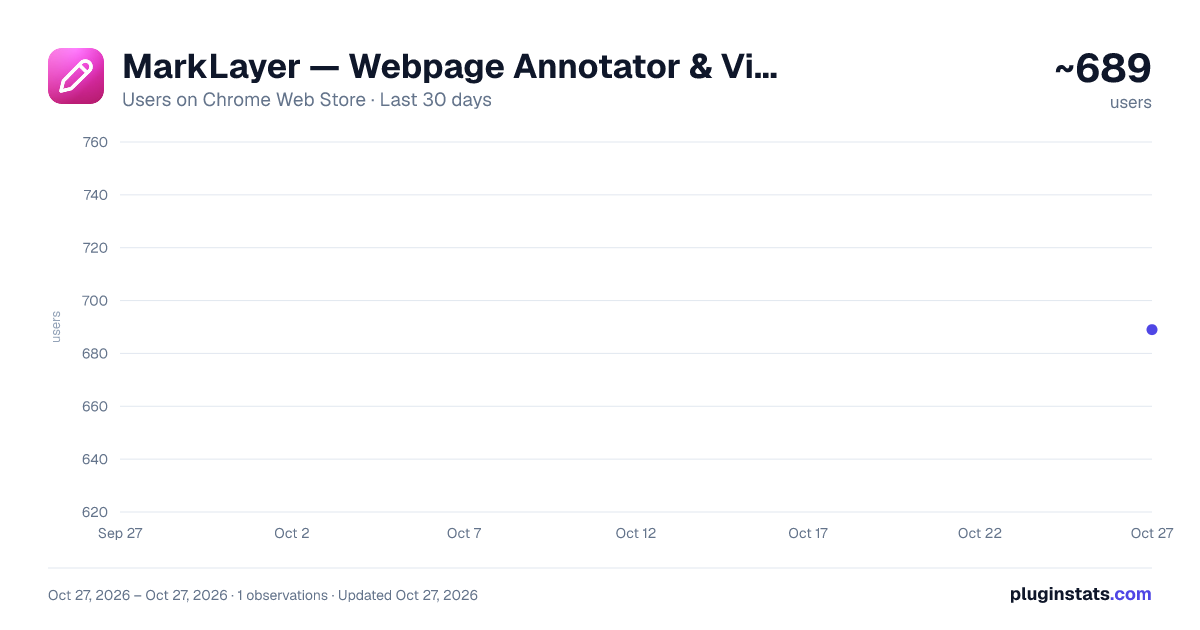
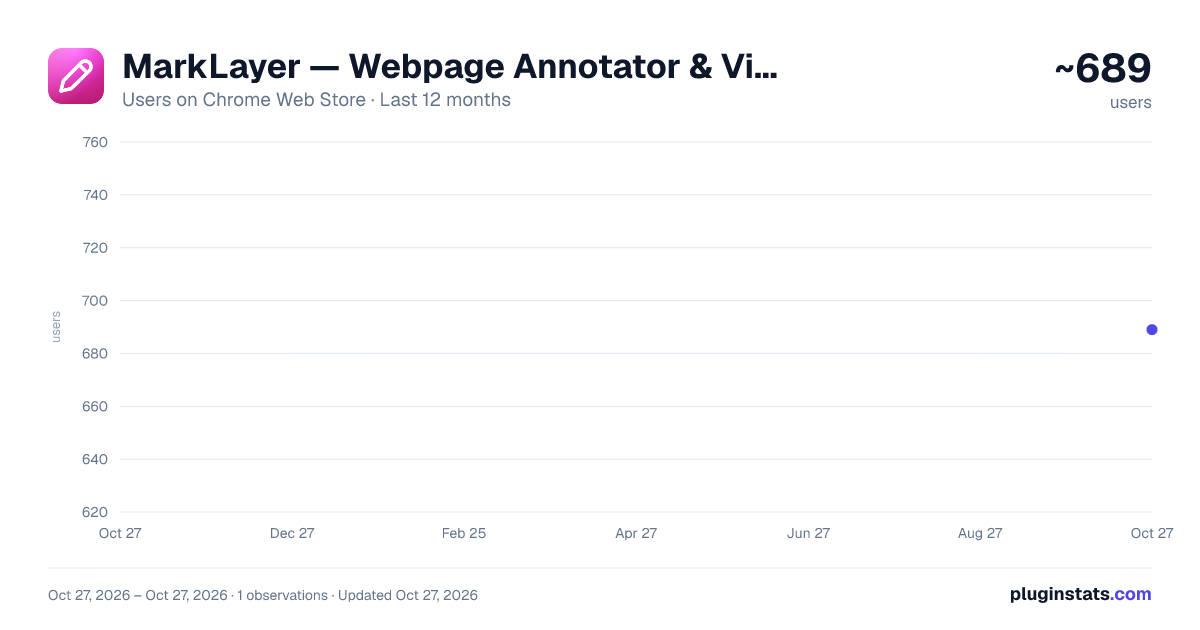
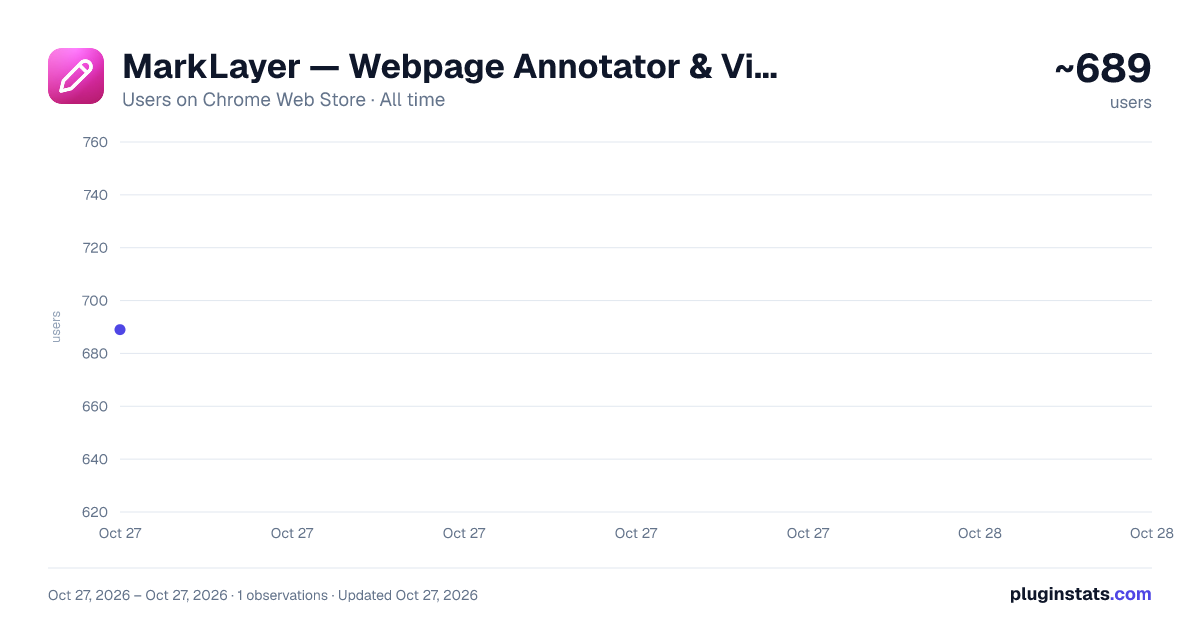
MarkLayer — Webpage Annotator & Visual Feedback Tool has approximately 689 recorded users on Chrome Web Store, ranking #1981 of 4,553 tracked listings.
Rating: 4.60 / 5 from 9 ratings
About MarkLayer — Webpage Annotator & Visual Feedback Tool
Free open-source webpage annotator. Mark up any page, share a link, no account needed. Hand feedback to AI agents via MCP.
MarkLayer turns any webpage into a shared whiteboard. Draw, comment, and hand off feedback in seconds — no screenshots, no account, no paywall.
Open a page, mark it up, share the link. That's the whole workflow.
Why people switch to MarkLayer: 🆓 100% free, forever — not a trial, not a limited "free tier." No upgrade prompts, ever. 🔗 One link, live collaboration — teammates see your cursor and comments in real time. No extension needed on their end. 🤖 Built for the AI-coding era — pick any element to grab its selector, computed styles, and framework component (React, Vue, Svelte), then paste straight into Cursor or Claude. 📐 Measure anything — pixel-perfect gaps and dimensions without opening DevTools. 🔓 Fully open source — audit it, self-host it, or just trust it.
Use it for: 🎨 Feedback on designs, landing pages, or live sites 🐛 Bug reports with visual context instead of a screenshot thread in Slack 👥 Real-time collaboration with teammates on any webpage 🤝 Design-to-code handoff — selector, styles, parent layout, and component name in one paste 📏 Measuring spacing on a live page (or a Figma export) without DevTools 📚 Marking up articles, docs, or research for yourself or others
Features: 🖊️ Freehand drawing, shapes, arrows, lines, and text 🖍️ Highlighter and eraser tools 💬 Comments pinned to any spot on the page 👀 Real-time cursors, comments, and voice/video collaboration 🎯 Element inspector — selector, computed styles, framework component (React/Vue/Svelte) 📏 Measure tool — dimensions and edge-to-edge gaps between elements 🧰 Customizable toolbar — drag tools to reorder, layout persists 📸 Export annotations as PNG 🌐 Works on any webpage 🔓 No account required — just install and go
Description from the Chrome Web Store listing.
README badge
Show your rank in a README or on your website. The badge updates automatically.
Charts
Images: 30d · 1y · all time · 1600×900 dark
Adoption over time
7/30/90-day growth
Ranking history
Ratings over time
Listing placement
Listing placement
Filled points are observed values; hollow points come from Internet Archive snapshots of the listing page. Dashed segments span periods with no observations — values between points are not interpolated.
Each band is one page of 20. Users on a linear scale. Placement is projected from users, so it can differ from the marketplace's own sort order. Hover a dot to see the listing.
Recent observations
Full history (1)Similar Chrome Web Store Tools plugins
All 20 MarkLayer — Webpage Annotator & Visual Feedback Tool alternatives



Data source
Covers every Chrome Web Store extension with at least 100 users, found through the store's public sitemap. User counts are read from public listing pages. The 10% most-used extensions are refreshed daily, the next 40% weekly and the next 40% monthly; the least-used 10% are not refreshed. Google displays rounded user counts (and caps the display at 10,000,000+), so small changes may not be visible. Rating counts above 1,000 are rounded (e.g. 1.6K).
Listing: https://chromewebstore.google.com/detail/marklayer-—-webpage-annot/fnfobegjifomgobgilaemihpcpidjamc. First seen Oct 27, 2026; last successful collection Oct 27, 2026. See the methodology.