 PluginStats
Mouse Jiggler — Stay Online & Active users statistics
Keep your screen awake and your browser session active. One toggle, no account, auto-off timer built in.
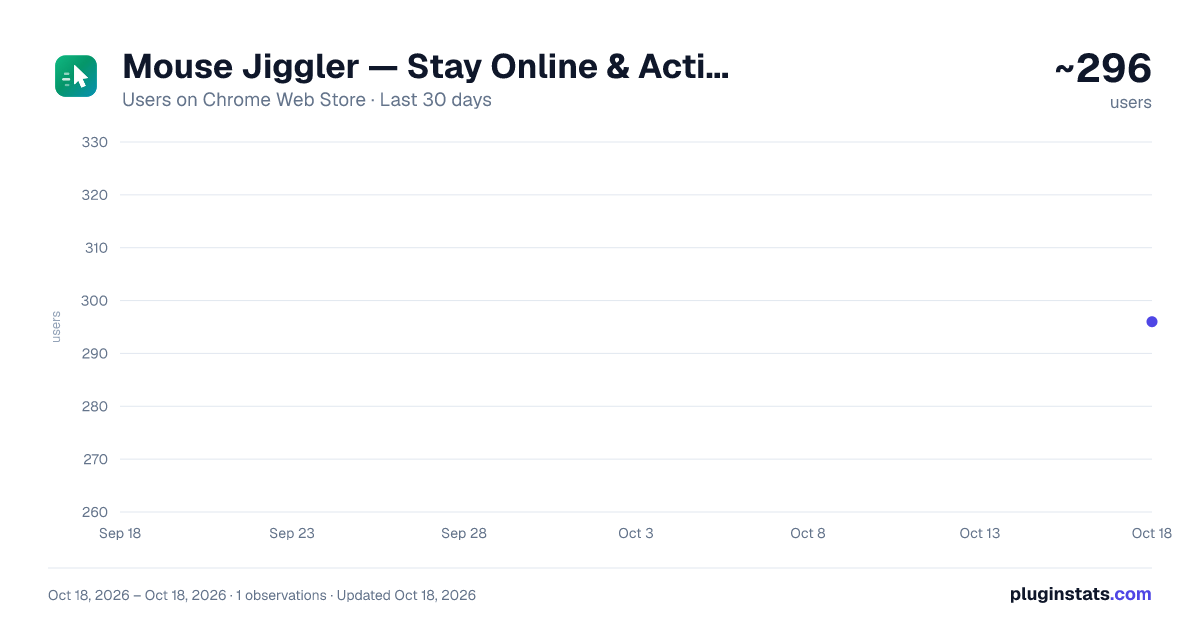
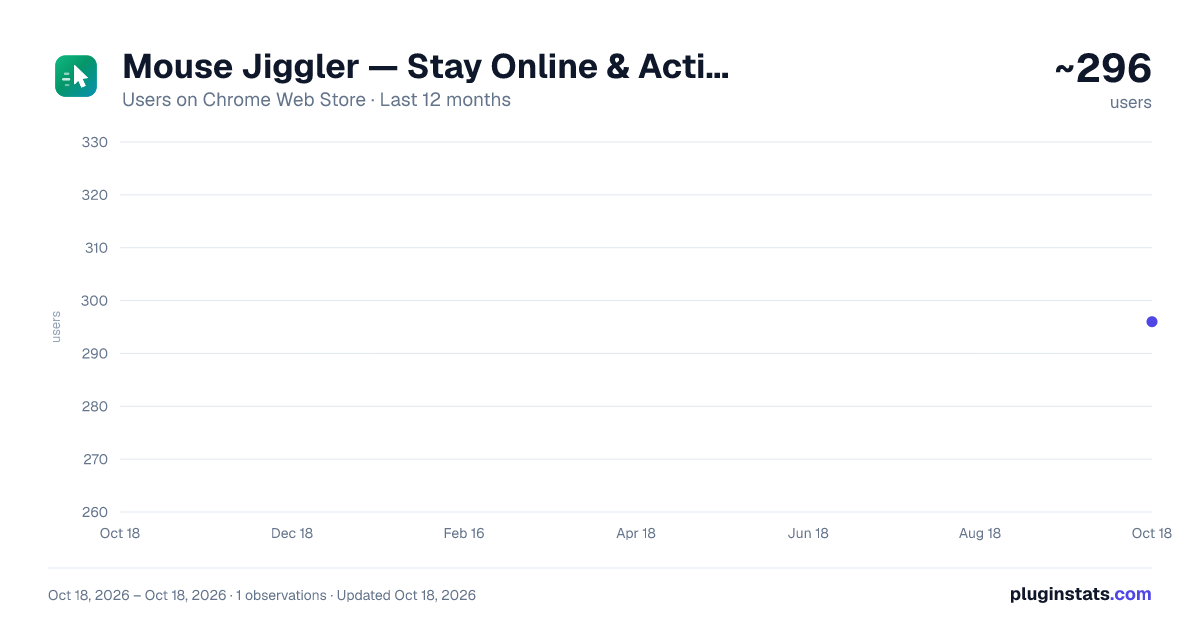
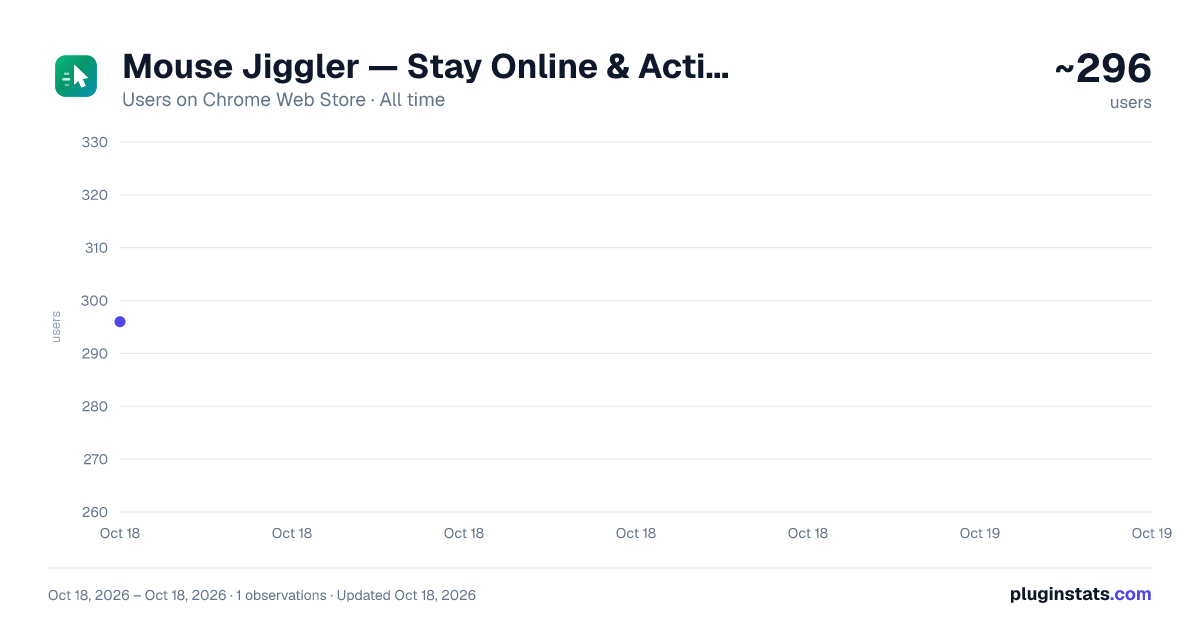
Mouse Jiggler — Stay Online & Active has approximately 296 recorded users on Chrome Web Store.
It ranks #997 of 1,556 tracked Chrome Web Store listings by users.
It is rated 5.0 out of 5 from 1 ratings.
PluginStats has 1 daily observations since Oct 18, 2026; the latest is from Oct 18, 2026.
Rating: 5.00 / 5 from 1 ratings
About Mouse Jiggler — Stay Online & Active
Keep your screen awake and your browser session active. One toggle, no account, auto-off timer built in.
Mouse Jiggler keeps your screen awake and your browser session looking active, from a single toggle in your Chrome toolbar. Click once and it holds the display on and quietly sends activity into the tab you are working in, so the screen saver never appears and web apps do not decide you have wandered off.
Built for the long stretches where you are at your desk but not touching the keyboard: reading a long document, watching a build finish, presenting to a room, keeping an eye on a dashboard.
🖱️ Read this first — what a browser extension can and cannot do Being straight with you matters more than a bigger feature list. A Chrome extension runs inside the browser and cannot move your operating system's mouse pointer, and no extension that claims otherwise can either. Here is exactly what this one does: ✅ Keeps your display awake, so the screen never sleeps and the lock screen stays away ✅ Sends movement activity into the tabs you switch it on for, so their own idle timers keep resetting ✅ Works on any site you choose, with no permissions requested at install time ❌ Does not move the physical mouse cursor on your desktop ❌ Does not touch applications outside Chrome If you need the real pointer to move across your whole desktop, you need a hardware jiggler or a desktop app — not a browser extension.
⚡ What This Mouse Jiggler Does ➡️ One big toggle — on or off, no configuration needed to get going ➡️ Keep-awake holds the display on using Chrome's power API, so no screen saver and no lock screen ➡️ Activity simulation sends a movement event into your tab on a schedule you choose ➡️ Pick the interval: every 15 seconds, 30 seconds, 1 minute or 2 minutes ➡️ Auto-off timer stops everything after 30 minutes, 1, 2, 4 or 8 hours so it never runs all night ➡️ Live session timer shows how long it has been running ➡️ ON badge on the toolbar icon, so you always know its state at a glance ➡️ Optional per-site memory: allow a site once and it resumes there by itself after a reload ➡️ Dark mode and light mode, remembered between sessions
🔐 Why the Permissions Are So Small Most extensions in this category ask to read and change your data on every website you visit, the moment you install them. This one does not. ➡️ Nothing is requested at install beyond storage and the ability to act on the tab you are looking at ➡️ When you switch it on, it acts only on the tab in front of you, because you clicked ➡️ If you want it to survive reloads on a particular site, you grant that one site yourself from the popup, and you can revoke it any time in Chrome's settings ➡️ It never asks for access to all your sites, and it cannot read the pages you visit
👥 Who Finds This Useful 1️⃣ Anyone reading a long report or watching a video who is tired of the screen dimming every two minutes 2️⃣ People presenting or screen-sharing who cannot risk the lock screen appearing mid-demo 3️⃣ Developers watching a long build, deploy or test suite finish 4️⃣ Anyone monitoring a live dashboard, log stream or status board on a second screen 5️⃣ Support and ops staff who need a web tool to stay logged in during a quiet shift 6️⃣ People on a call in a browser-based meeting tool who are listening rather than typing 7️⃣ Anyone whose web app logs them out or marks them away after a few idle minutes 8️⃣ Anyone who keeps nudging the mouse every couple of minutes out of habit
✨ Why People Like It 🔹 One click to start — no setup, no account, no sign-in 🔹 Keep-awake and activity in a single switch, instead of two separate extensions 🔹 Honest about what it does, so nothing behaves unexpectedly 🔹 The auto-off timer means you can turn it on and forget about it safely 🔹 A clean, quiet interface with a clear Active or Inactive state 🔹 Deliberately minimal permissions, so installing it is a small decision 🔹 Completely offline — no servers, no analytics, no tracking 🔹 Light and dark themes
⚙️ Features In Detail ⭐ Master toggle with a live status ring and a session timer ⭐ Keep screen awake, which also stops the system idling into sleep ⭐ Configurable activity interval, so you can match your app's idle timeout ⭐ Auto-off after a set time, with the countdown handled reliably by Chrome's alarms ⭐ Per-tab status card that tells you whether activity is running on the page in front of you ⭐ One-click permanent access for a site you use every day, entirely optional ⭐ Toolbar badge showing ON while a session is running ⭐ Clear explanation in the popup of what is and is not possible
🔧 Behind-the-Scenes Tech (Explained Simply) 🎯 Keep-awake uses chrome.power, the API Chrome provides for exactly this purpose 🎯 Activity simulation dispatches pointer movement events into the page, and nothing else — no clicks and no key presses, so it can never trigger a shortcut or type into a form by accident 🎯 Auto-off uses chrome.alarms rather than a timer, so it still fires reliably after Chrome idles the extension 🎯 Settings are stored with chrome.storage.local and never leave your device 🎯 Manifest V3 — the current Chrome extension standard, secure and up to date
💡 Helpful Tips ✅ Pin the extension so the toggle and its ON badge are always visible ✅ Leave keep-awake on: it is the part that works everywhere, including Chrome's own pages ✅ Shorten the interval to 15 seconds if an app still marks you away ✅ Set an auto-off time that matches your working block, so it never runs overnight ✅ Use it on the tab that matters — switching it on acts on the tab you are looking at ✅ For a site you use every day, use the always-keep-active button once and stop re-arming it ✅ Reloading a page clears the activity loop unless you granted that site; the popup will tell you and offer one click to restore it…
Description from the Chrome Web Store listing.
Where Mouse Jiggler — Stay Online & Active sits in the listing
Each band is one page of 20. Users on a log scale. Placement is projected from users, so it can differ from the marketplace's own sort order. Hover a dot to see the listing.
Charts
Images: 30d · 1y · all time · 1600×900 dark
Adoption over time
7/30/90-day growth
Ranking history
Filled points are observed values; hollow points come from Internet Archive snapshots of the listing page. Dashed segments span periods with no observations — values between points are not interpolated.
Recent observations
Full history (1)Similar Chrome Web Store Tools plugins




Data source
User counts are read from public Chrome Web Store listing pages. Google displays rounded user counts (and caps the display at 10,000,000+), so small changes may not be visible. Rating counts above 1,000 are rounded (e.g. 1.6K).
Listing: https://chromewebstore.google.com/detail/mouse-jiggler-—-stay-onli/nacenbmjjmbnekhokmeadckbfdjlieic. First seen Oct 18, 2026; last successful collection Oct 18, 2026. See the methodology.