 PluginStats
Save Image as Type users statistics
Convert images instantly to PNG, JPG, or WebP. Right-click, paste URLs, or drag & drop. HD extraction, 100% private, works offline.
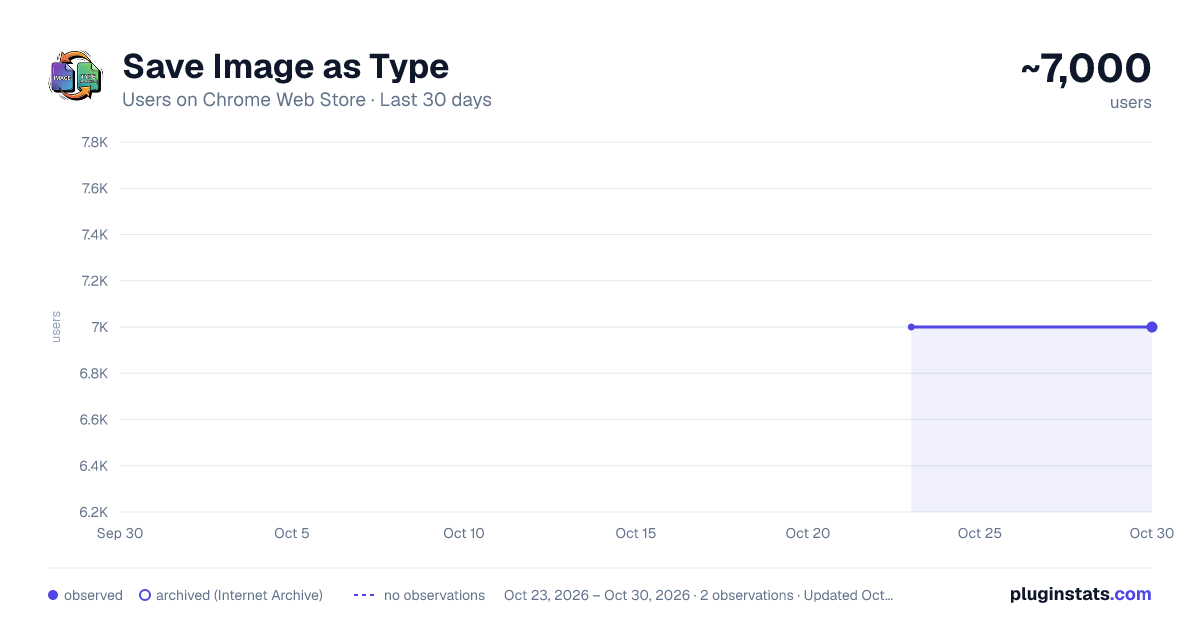
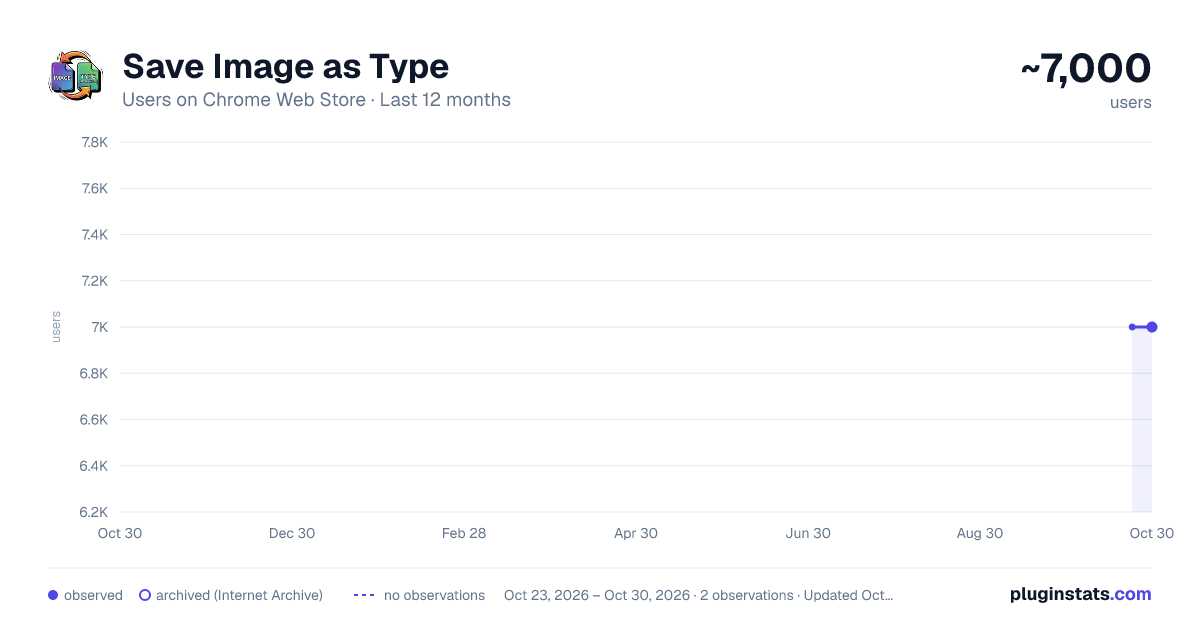
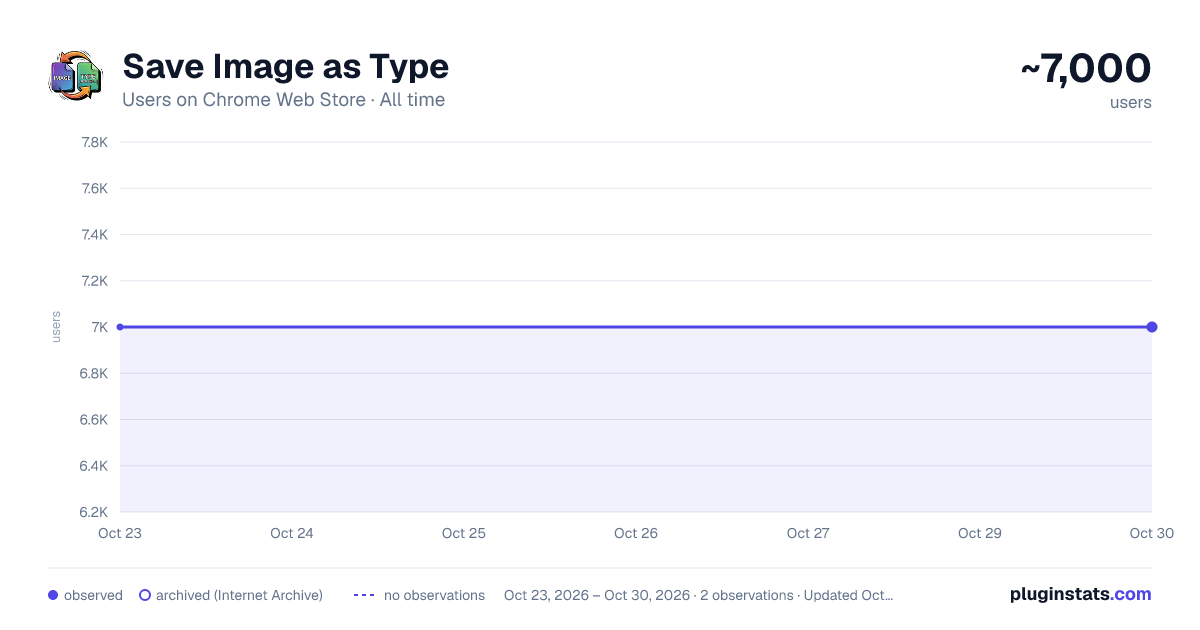
Save Image as Type has approximately 7,000 recorded users on Chrome Web Store, ranking #590 of 3,853 tracked listings.
Rating: 4.20 / 5 from 4 ratings
About Save Image as Type
Convert images instantly to PNG, JPG, or WebP. Right-click, paste URLs, or drag & drop. HD extraction, 100% private, works offline.
🚀 ELIMINATE FORMAT BARRIERS WITH SAVE IMAGE AS TYPE Stop struggling with incompatible image formats. Save Image as Type is the definitive workflow companion for designers, developers, and content creators who demand speed, quality, and privacy. Our extension seamlessly integrates into your browser to convert any image on the web—especially the pesky WebP format—into production-ready PNG, JPG, or WebP files instantly. ━━━━━━━━━━━━━━━━━━━━━━━━━━━━━━━━━━━━━━━━ 💎 THE PROFESSIONAL ADVANTAGE While other extensions just "save" images, Save Image as Type provides a suite of advanced tools designed for power users:
- 🔍 Smart HD Extraction: Don't settle for thumbnails. Our advanced algorithm scans page metadata and Google Image internal data to find and download the highest resolution version available automatically.
- ⚡ Multi-Input Workflow:
- Context Menu: Right-click any image to convert and save.
- URL Hub: Paste any image link and process it instantly.
- Drag & Drop: Use the popup as a local converter for files already on your computer.
- 🎨 Precision Control: Adjust compression levels and quality (10-100%) to strike the perfect balance between file size and visual fidelity.
- 🌍 Global Reach: Professionally localized in 10 languages for a truly native experience. ━━━━━━━━━━━━━━━━━━━━━━━━━━━━━━━━━━━━━━━━ 🛡️ ENTERPRISE-GRADE PRIVACY & SECURITY In an era of data harvesting, we stand for absolute user privacy. ✓ 100% Local Execution: All conversions happen inside your browser. Your images are NEVER uploaded to a server. ✓ Zero Tracking: We don't use cookies, analytics, or trackers. Your browsing stay yours. ✓ Manifest V3 Compliant: Built on Google’s latest and most secure extension architecture. ✓ No Accounts, No Ads, No Bloat: A clean, lightweight tool that respects your system resources. ━━━━━━━━━━━━━━━━━━━━━━━━━━━━━━━━━━━━━━━━ 🛠️ PERFECT FOR
- UI/UX & Graphic Designers: Get clean assets for Figma, Photoshop, or Canva without format headaches.
- Social Media Managers: Capture high-quality content ready for any platform.
- Developers: Quickly swap between WebP, PNG, and JPG for web optimization.
- Students & Researchers: Organize visual information with standardized file types. ━━━━━━━━━━━━━━━━━━━━━━━━━━━━━━━━━━━━━━━━ ✨ HOW IT WORKS
- RIGHT-CLICK: The fastest way. Choose your format and save.
- POPUP DASHBOARD: Paste a URL or Drag & Drop local files for batch-like speed.
- CONFIGURE: Switch formats or adjust quality on the fly from the settings panel. ━━━━━━━━━━━━━━━━━━━━━━━━━━━━━━━━━━━━━━━━ Experience the standard in image conversion. Simple. Fast. Private. Developed with ❤️ for the creative community.
Description from the Chrome Web Store listing.
README badge
Show your rank in a README or on your website. The badge updates automatically.
Charts
Images: 30d · 1y · all time · 1600×900 dark
Adoption over time
7/30/90-day growth
Ranking history
Ratings over time
Listing placement
Listing placement
Filled points are observed values; hollow points come from Internet Archive snapshots of the listing page. Dashed segments span periods with no observations — values between points are not interpolated.
Each band is one page of 20. Users on a linear scale. Placement is projected from users, so it can differ from the marketplace's own sort order. Hover a dot to see the listing.
Recent observations
Full history (1)Similar Chrome Web Store Tools plugins
All 20 Save Image as Type alternatives



Data source
Covers every Chrome Web Store extension with at least 100 users, found through the store's public sitemap. User counts are read from public listing pages. The 10% most-used extensions are refreshed daily, the next 40% weekly and the next 40% monthly; the least-used 10% are not refreshed. Google displays rounded user counts (and caps the display at 10,000,000+), so small changes may not be visible. Rating counts above 1,000 are rounded (e.g. 1.6K).
Listing: https://chromewebstore.google.com/detail/save-image-as-type/colickimcbfeaepeamklmejlgeddepkf. First seen Oct 23, 2026; last successful collection Oct 23, 2026. See the methodology.