 PluginStats
AdLupa — Post ID for your ads users statistics
By AdLupa · Chrome Web Store · Workflow & Planning
Shows the Post ID of each of your ads inline in Meta Ads Manager, ready to copy. Free, no account, no servers.
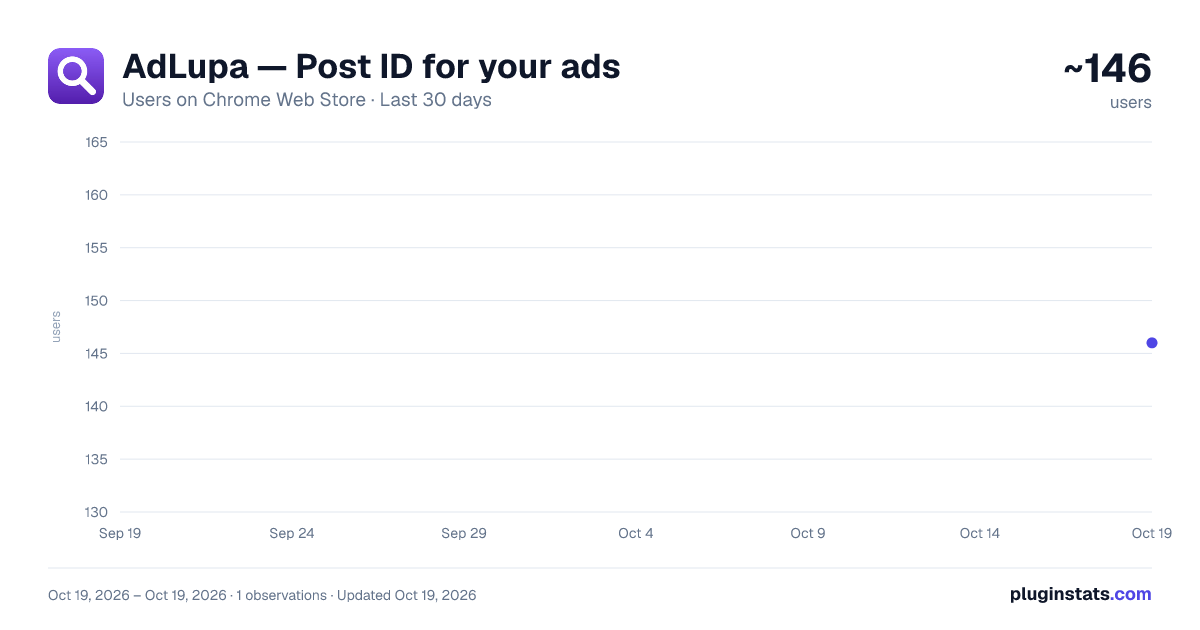
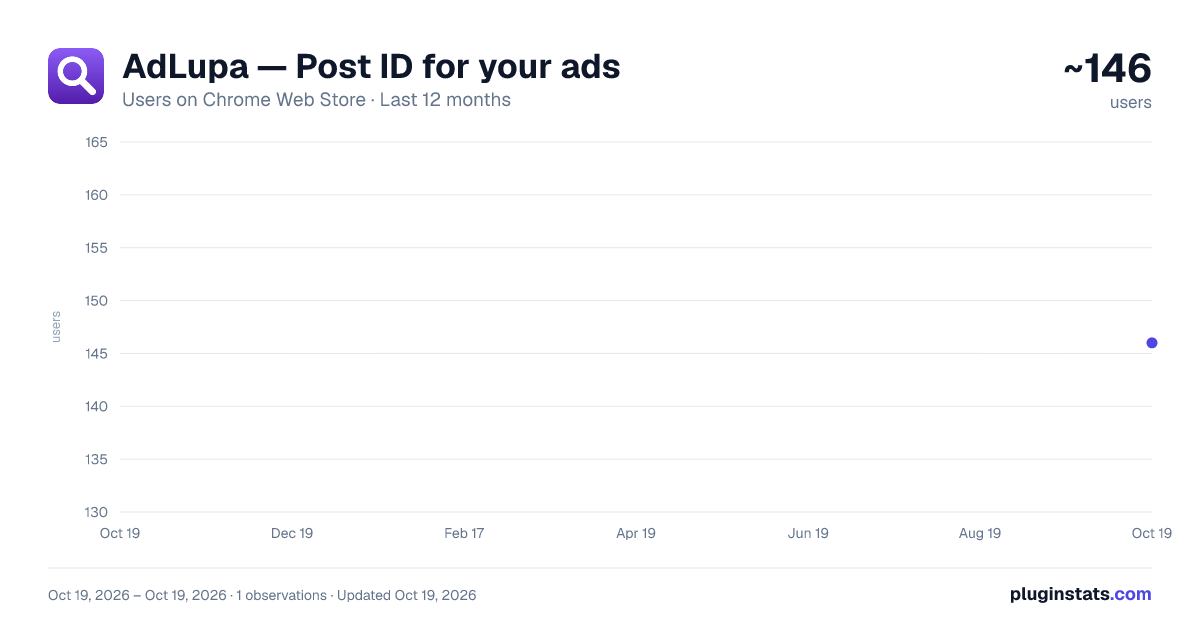
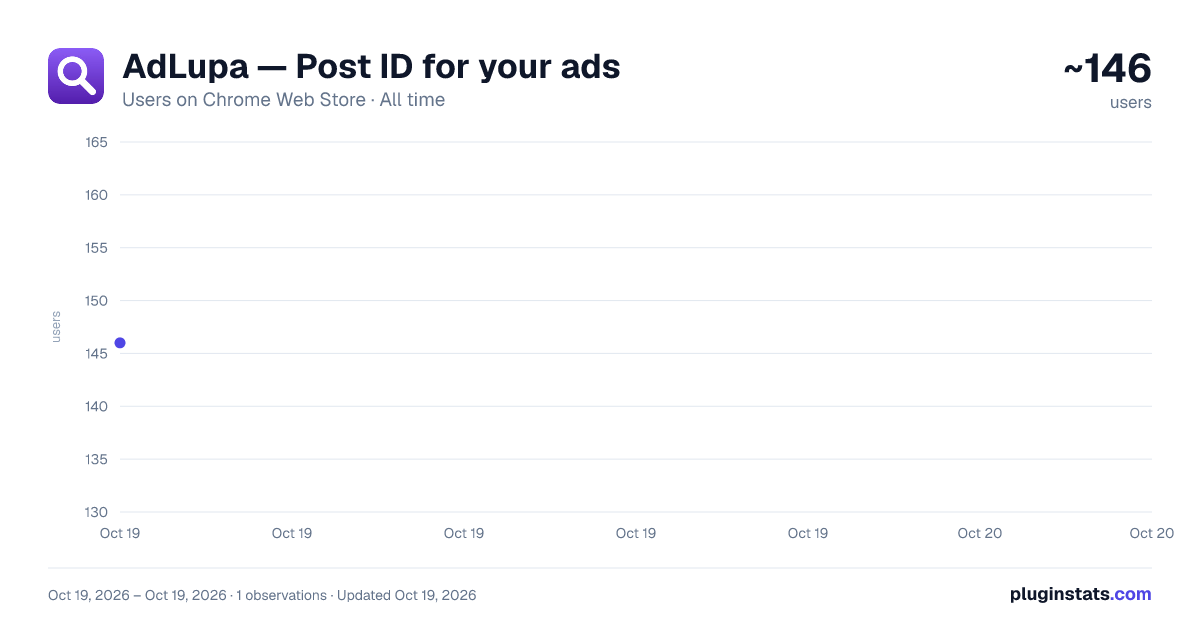
AdLupa — Post ID for your ads has approximately 146 recorded users on Chrome Web Store, ranking #3285 of 3,853 tracked listings.
Rating: 5.00 / 5 from 2 ratings
About AdLupa — Post ID for your ads
Shows the Post ID of each of your ads inline in Meta Ads Manager, ready to copy. Free, no account, no servers.
Meta Ads Manager already loads the Post ID of your ads and never shows it in the table. To read one today you open the ad, switch to edit mode, open the creative as a Facebook post, and copy the ID out of the URL. Four steps, one ad at a time.
That ID is what the "Use existing post" field asks for. When you duplicate an ad and point it at the existing post, the comments, likes and shares keep stacking on one single publication instead of restarting at zero on every copy. Meta supports that flow natively. It just doesn't show you the ID anywhere.
AdLupa puts it in the table.
HOW TO USE IT
- Install it and open the Ads tab of Ads Manager.
- Scroll the table. A badge with the Post ID appears next to each ad name as the page loads its data.
- Click the badge to copy. Ctrl+Click (Cmd+Click on Mac) adds ads to a selection so you can copy many at once.
- Click the toolbar icon for the popup, which is where the rest lives: the on/off switch at the top (the word beside it reads "Active" or "Off"), "Show panel", "Export CSV", "Copy all" and "Clear data".
WHAT ELSE IS IN THERE
- Right-click a badge for the rest: copy "name + Post ID", select or deselect the ad for a bulk copy, or open the post on facebook.com.
- While ads are selected, a bar appears on the page with the count ("N selected"), a "Copy selected" button that copies every selected Post ID, one per line, and a "Clear selection" button that deselects them all.
- A floating panel lists the Post IDs stored for the current ad account, with a search box and buttons to copy them all, export them, or clear the list. It is opened from the "Show panel" button in the popup, and it closes either from that same button or from its own "Close" button in the panel header.
- Export to CSV: ad ID, ad name, Post ID, full ID and post URL.
- The toolbar icon shows how many Post IDs are stored for the ad account open in that tab.
- An on/off switch at the top of the popup. The word beside it reads "Active" or "Off"; screen readers announce it by its accessible name, "Extension on". What it governs is what gets drawn on the page: off means no badges, no panel, no counter — handy when you are sharing your screen with a client. It keeps reading and storing in the background, so the IDs are there the moment you switch it back on.
- "Export CSV", "Copy all" and "Clear data" keep working while the switch is off, because they act on what is already stored and draw nothing on the page. "Show panel" is the one that does not: the panel is on-screen UI, and that is what the switch turns off.
- The badges follow the light or dark theme of Ads Manager itself, measured from the actual background colour behind the badge rather than guessed from the page's markup. Only when that background is transparent all the way up does it fall back to the colour scheme the page declares, and to your system setting when that scheme leaves the choice to the system.
- A hidden diagnostics block: five clicks on the version number at the foot of the popup reveal a "Debug logs" toggle and a "Copy diagnostics" button. The report goes to the clipboard and nothing is sent anywhere. It exists for support, not as a feature.
- The cache is kept separately per ad account, so two accounts never mix.
- Interface in English, Spanish, Portuguese and French. It follows your browser language by default, and its own selector lets you pin any of the four.
About the format: Meta stores the ID as pageId_postId. The badge shows and copies the part after the underscore, which is what "Use existing post" expects. The CSV and the Facebook link carry the full ID, because that is the form that resolves on facebook.com.
WHAT MAKES IT DIFFERENT
- Free. No account, no sign-up, no login, no payment, no license key, no usage limits.
- No backend. There is no server for this project, so there is nothing to sign up to and nothing to shut down.
- No analytics, no telemetry, no crash reporting, no "anonymous usage statistics".
- One permission: storage. No host permissions — the only site access it has comes from its content scripts, and they are limited to the /adsmanager/ path of three domains. That is the access Chrome lists when you install it, and Chrome's install prompt names the whole domains, because it drops the path from the pattern; the scripts still only run under /adsmanager/.
- The published code is neither minified nor obfuscated, so anyone can read exactly what it does.
DATA: WHAT IT READS AND WHERE IT KEEPS IT
While you have an Ads Manager tab open, and only there, this extension reads content from that page. Specifically:…
Description from the Chrome Web Store listing.
README badge
Show your rank in a README or on your website. The badge updates automatically.
Charts
Images: 30d · 1y · all time · 1600×900 dark
Adoption over time
7/30/90-day growth
Ranking history
Ratings over time
Listing placement
Listing placement
Filled points are observed values; hollow points come from Internet Archive snapshots of the listing page. Dashed segments span periods with no observations — values between points are not interpolated.
Each band is one page of 20. Users on a linear scale. Placement is projected from users, so it can differ from the marketplace's own sort order. Hover a dot to see the listing.
Recent observations
Full history (1)Similar Chrome Web Store Workflow & Planning plugins
All 20 AdLupa — Post ID for your ads alternatives



Data source
Covers every Chrome Web Store extension with at least 100 users, found through the store's public sitemap. User counts are read from public listing pages. The 10% most-used extensions are refreshed daily, the next 40% weekly and the next 40% monthly; the least-used 10% are not refreshed. Google displays rounded user counts (and caps the display at 10,000,000+), so small changes may not be visible. Rating counts above 1,000 are rounded (e.g. 1.6K).
Listing: https://chromewebstore.google.com/detail/adlupa-—-post-id-for-your/fadpmdpnjlbcjihiiodamipbhobifpab. First seen Oct 19, 2026; last successful collection Oct 19, 2026. See the methodology.